Template details
Solva
Project management dashboard for multiple small project sites (solar PV system installation)
About this template
Solva is a project management dashboard template built with Next.js for tracking solar photovoltaic (PV) installations across many small, geographically separated sites, inspired by Singapore's SolarNova HDB program.
What is Solva?
Solva is a role-based project management dashboard for programs that span many small work sites — in this implementation, solar PV installations on HDB blocks identified by postal code. It takes project milestones, block status updates, and uploaded documents as inputs, and produces progress graphs, a prioritization view for project managers, and a controlled document repository for auditors. The dashboard runs on Next.js with MongoDB as its database, is deployed at solva.vercel.app, and was built by a project engineer who worked on the SolarNova project in Singapore.
Key Features
- Role-based access — Three built-in roles (Admin, Project Manager, Auditor) with a defined permission matrix: admins add and delete users, project managers create and update blocks and delete auditor users, and auditors only view turned-on blocks and download test reports.
- Milestone lifecycle tracking — Each project site (HDB block represented by a postal code) moves through four stages: Pending, Under construction, Ready for testing and commissioning, and System turn on.
- Overall progress graph — A Chart.js graph shows project completion over a one-year rolling span, with the displayed months depending on the current viewing date.
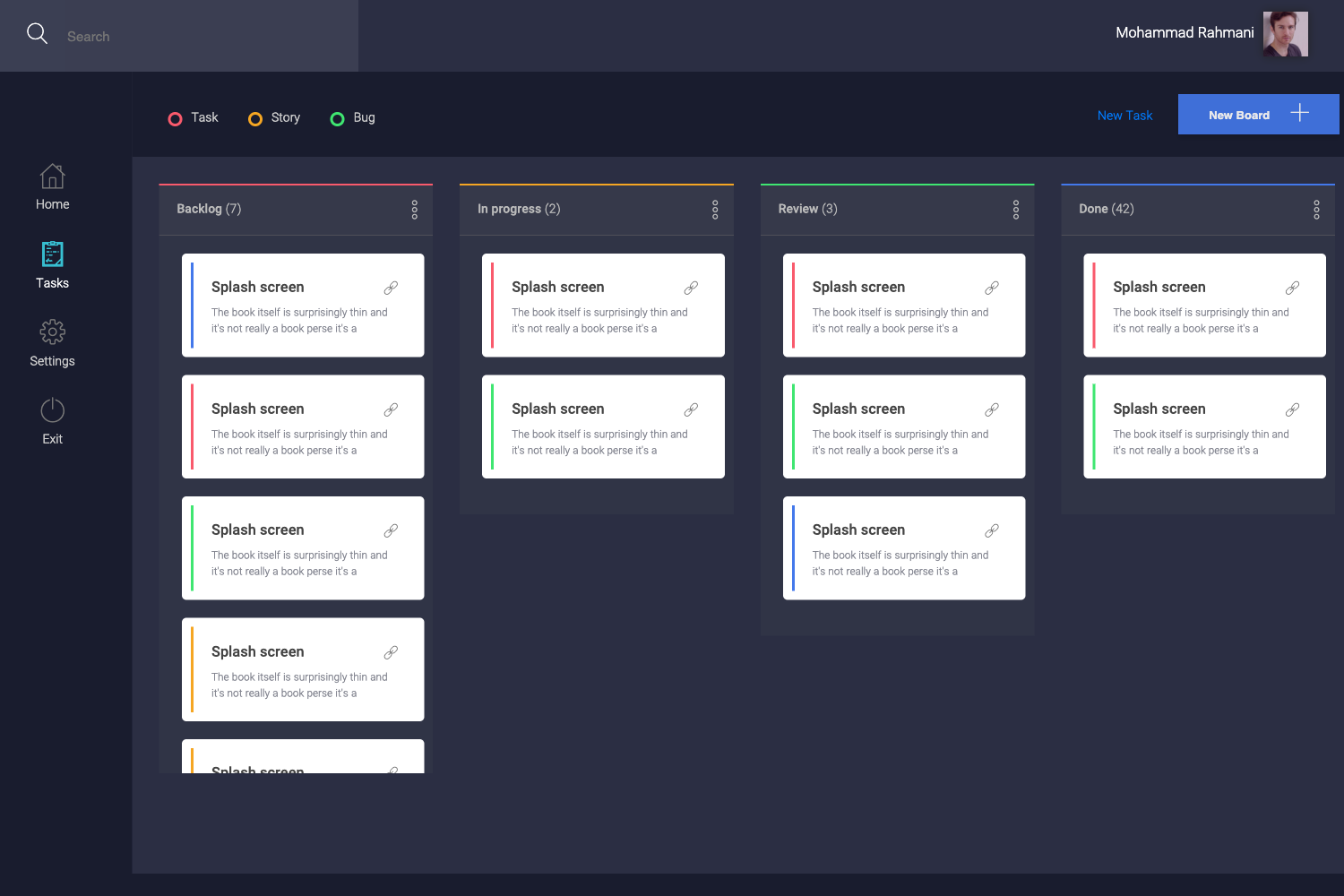
- Personalized priority queue — The home dashboard lists only the blocks owned by the logged-in project manager, making it clear which sites to prioritize; admins and auditors do not see this view.
- Document management — Users can upload and download documents, with IPFS used for storage; auditors are restricted to downloading test reports and as-built drawings for completed sites.
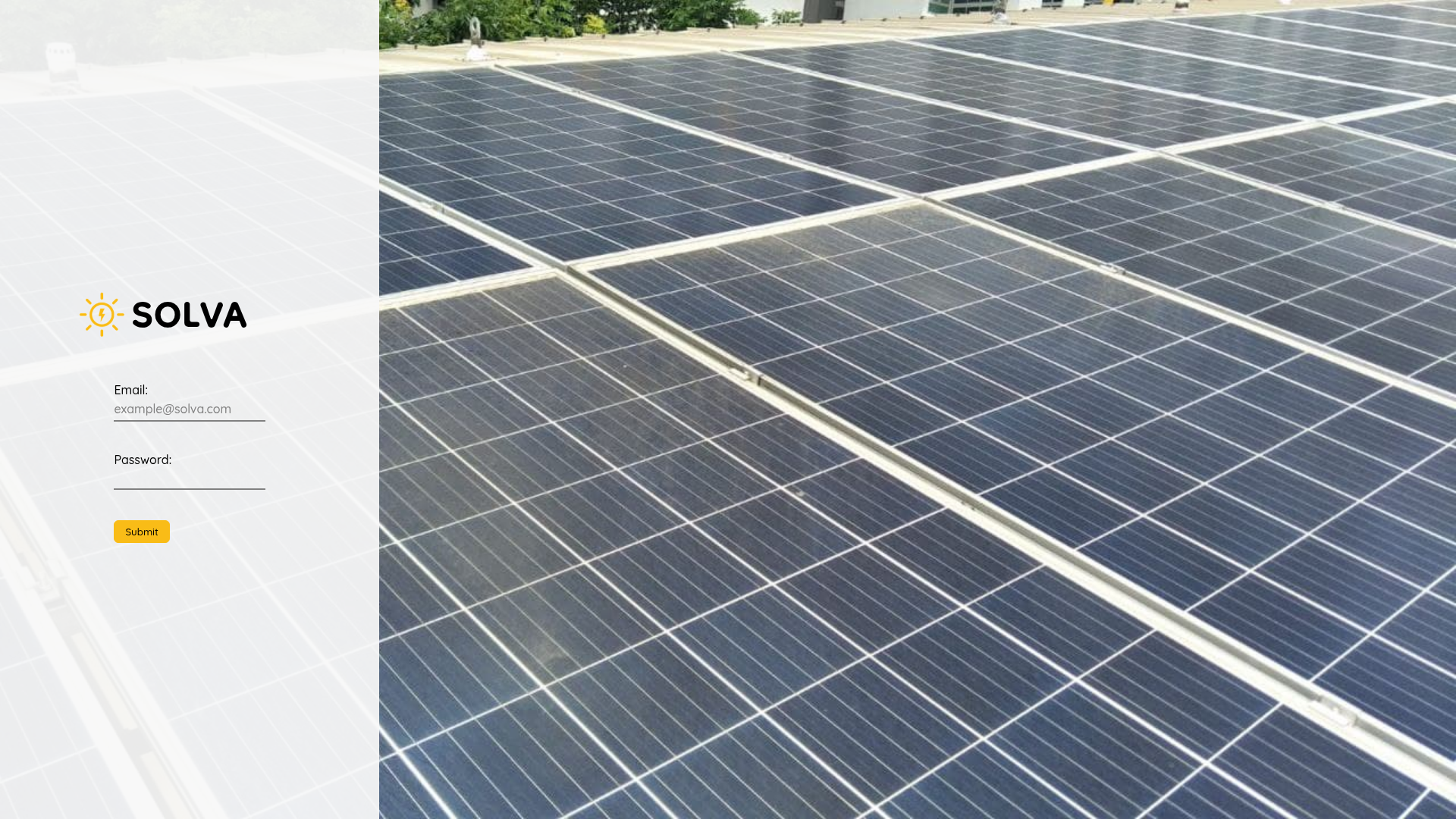
- Existing session detection — The login page checks whether the user is already logged in and redirects them directly to the dashboard, or to the Turn On page if the user is an auditor.
- User management — Admins and project managers manage dashboard users from a dedicated page, covering creation and deletion of both project manager and auditor accounts.
- Technology stack — Built with Next.js, MongoDB, CSS, axios, Chart.js, IPFS, and the OneMap API.
Who should use Solva?
This dashboard suits program teams that manage a high volume of small construction or installation sites and need to track progress, documents, and users in one place.
- Project managers — Track the status of each HDB block, update progress through the lifecycle stages, see which sites need attention first, and upload project documents.
- Auditors — Review testing and commissioning test reports and as-built drawings for completed solar PV sites, with a view limited to turned-on blocks.
- Program admins — Manage the user roster by adding or deleting Project Manager and Auditor accounts.
What can you do with Solva?
- Solar installation programs — Monitor multiple rooftop PV sites by postal code, using the completion graph and milestone dates to track the entire pipeline.
- Multi-site construction rollouts — Adapt the block-card and update flow to any set of small sites, moving each from pending to system turn-on.
- Compliance documentation — Let auditors download only the test reports and as-built drawings they need for commissioning sign-off.
How does Solva work?
After logging in, Solva checks whether you already have an active session and routes you to the appropriate view. Project managers see their assigned blocks and can update progress through the lifecycle stages; auditors land on the Turn On page, which lists completed blocks and offers download-only access to documents; admins manage users from a central user-management page.
FAQ
What technology does Solva use?
Solva is built with Next.js and MongoDB, with Chart.js for the progress graph, axios for API calls, IPFS for document storage, and the OneMap API for mapping block postal codes. It is deployed at solva.vercel.app.
Who made Solva?
Solva was built by a project engineer who worked on the SolarNova project in Singapore. The public GitHub repository includes the full README and screenshots of each view.
Can I deploy Solva for my own project?
Yes, the code is available in a public GitHub repository and a live demo runs at solva.vercel.app. Deployment would require configuring MongoDB and IPFS for data and document storage, though the README does not include step-by-step setup instructions.
What are the user roles in Solva?
Solva has three roles: Admin, Project Manager, and Auditor. Admins manage users, project managers create and update blocks and can delete auditor users, and auditors only view and download documents for turned-on blocks.