Template details
Stacked
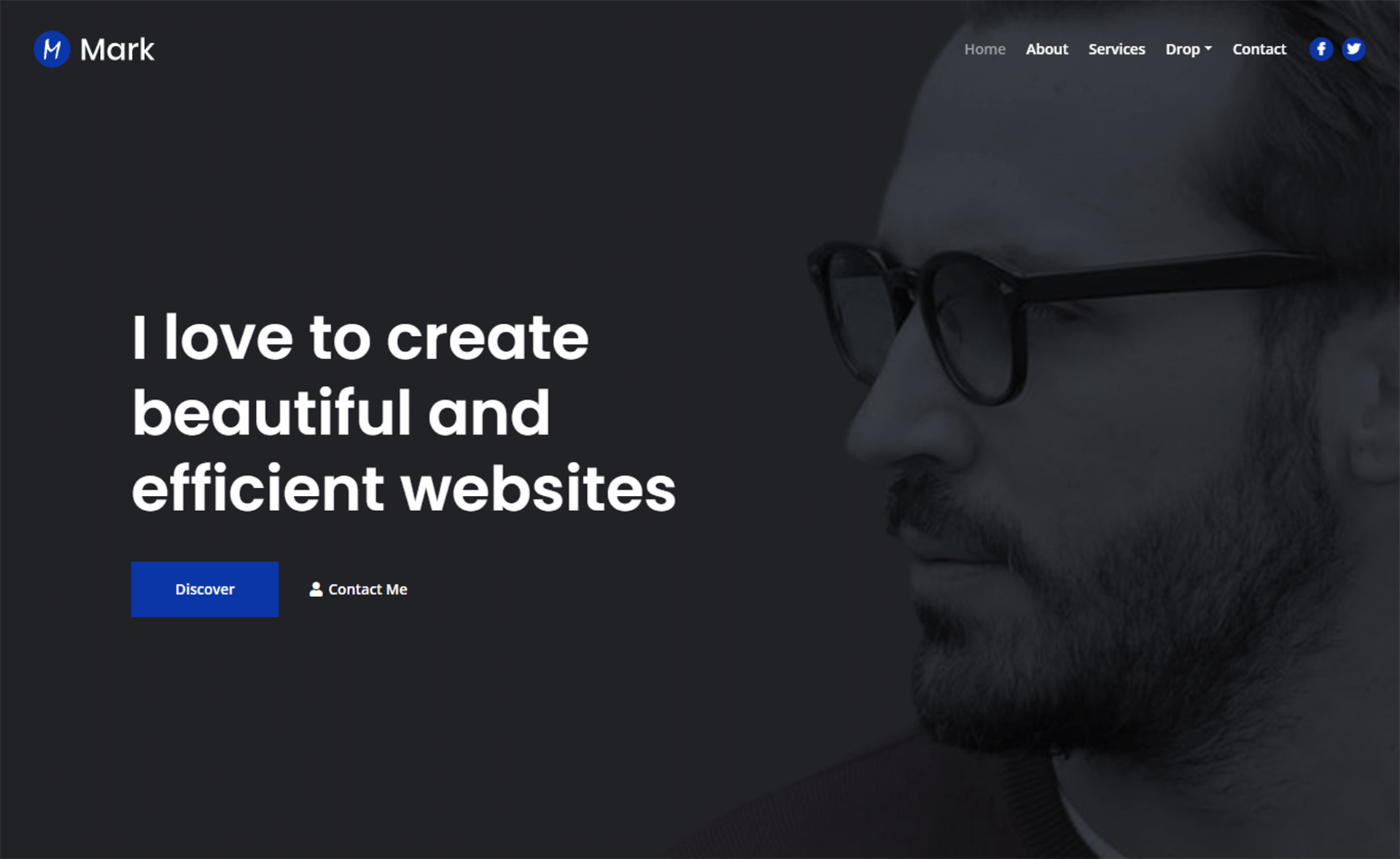
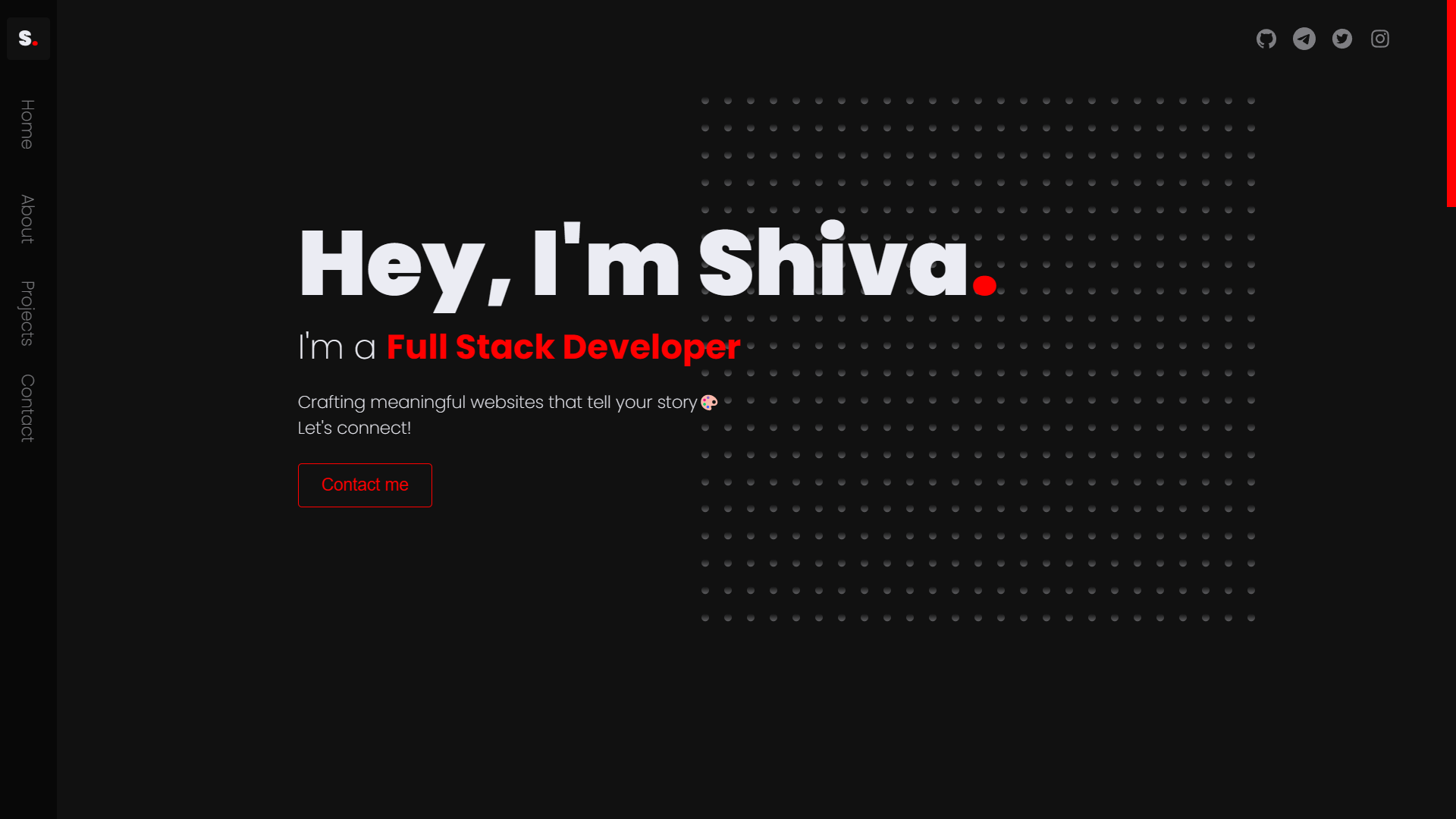
Stacked is a free darkblue one-page Bootstrap template with 3D flip content effects and a left-side show/hide menu.
About this template
Stacked is a free one-page HTML CSS template from Templatemo that uses a Bootstrap grid and a 3D flip effect to present portfolio content against darkblue background imagery.
What is Stacked Template?
Stacked Template is a static website template distributed by Templatemo (template 505) as a downloadable ZIP file. It takes plain HTML and CSS content — text, images, and links — and renders them as a single responsive one-page portfolio layout with a darkblue background and a left-side menu that can be shown or hidden. The template runs entirely in the browser, requiring no server-side processing, and is built on the Bootstrap framework for responsive layout.
Key Features
- 3D flip content effect — content panels animate with a 3D flip when activated, giving the page a dynamic presentation style.
- Show/hide left-side menu — menu icons at the left edge can be toggled to reveal or hide navigation, keeping the page clean.
- Darkblue background imagery — the design uses darkblue background images as the main visual theme across all sections.
- One-page layout — all content is organized on a single scrolling page, suited for portfolio or personal introductions.
- Responsive design — the template is tagged as responsive by Templatemo, so it adapts to different screen sizes.
- Bootstrap-based — built on the Bootstrap HTML/CSS framework, giving you standard grid and utility classes.
- Free commercial use — the download is free and can be edited and used for commercial or non-commercial websites.
Who is it for?
Stacked Template suits designers, photographers, and other creative professionals who need a quick one-page portfolio showing their work in a dark, dramatic style. It also fits developers who want a free Bootstrap starting point they can customize with their own content, and small businesses that want a minimal single-page presence with a distinct look.
What can you do with Stacked Template?
- Creative professionals: showcase a personal portfolio with a dark background and animated content sections to draw attention to work samples.
- Freelancers: set up a one-page landing site that lists services, a short bio, and contact links without building a multi-page site.
- Students and hobbyists: practice editing HTML/CSS by replacing the sample content with their own text and images and publishing the result on any static host.
How does Stacked Template work?
Download the ZIP from the Templatemo page, extract it, and edit the HTML and CSS files directly in a code editor. Because it is a static template, you can then upload the files to any web server or hosting service to make the site live — no database or build step is required.
Pricing
Stacked Template is 100% free to download and use, with no paid tier mentioned on the page.
Alternatives
Tooplate is another free HTML template provider and is linked from the Templatemo page as a source of additional HTML templates. Other Templatemo templates such as Power and Victory offer different visual styles and feature sets if the darkblue one-page approach does not fit.
FAQ
Is Stacked Template free?
Yes, Stacked Template is completely free to download from Templatemo. The page states that you are allowed to download, edit, and use it for both commercial and non-commercial websites without charge.
Can I customize Stacked Template?
You can edit the HTML and CSS source files however you like. Since it is a static template, you can change text, colors, images, and layout classes directly in the code and then re-upload the files.
Does Stacked Template use Bootstrap?
Yes, the template is tagged with the bootstrap keyword on Templatemo, indicating it relies on the Bootstrap framework for its responsive grid and styling components.
Is Stacked Template responsive?
The template is listed as responsive, which means it adjusts its layout to fit different screen widths, including mobile phones and tablets, through the Bootstrap grid.
How do I make the site go live?
After editing the downloaded files, upload the entire folder to any web hosting account or static hosting service. Since there is no backend or database, the site will run as soon as the HTML and related assets are served.