Template details
Storeplate
Free Astro.js + Shopify boilerplate with Tailwind CSS v4, TypeScript, Storefront API, and 10+ pre-designed pages.
About this template
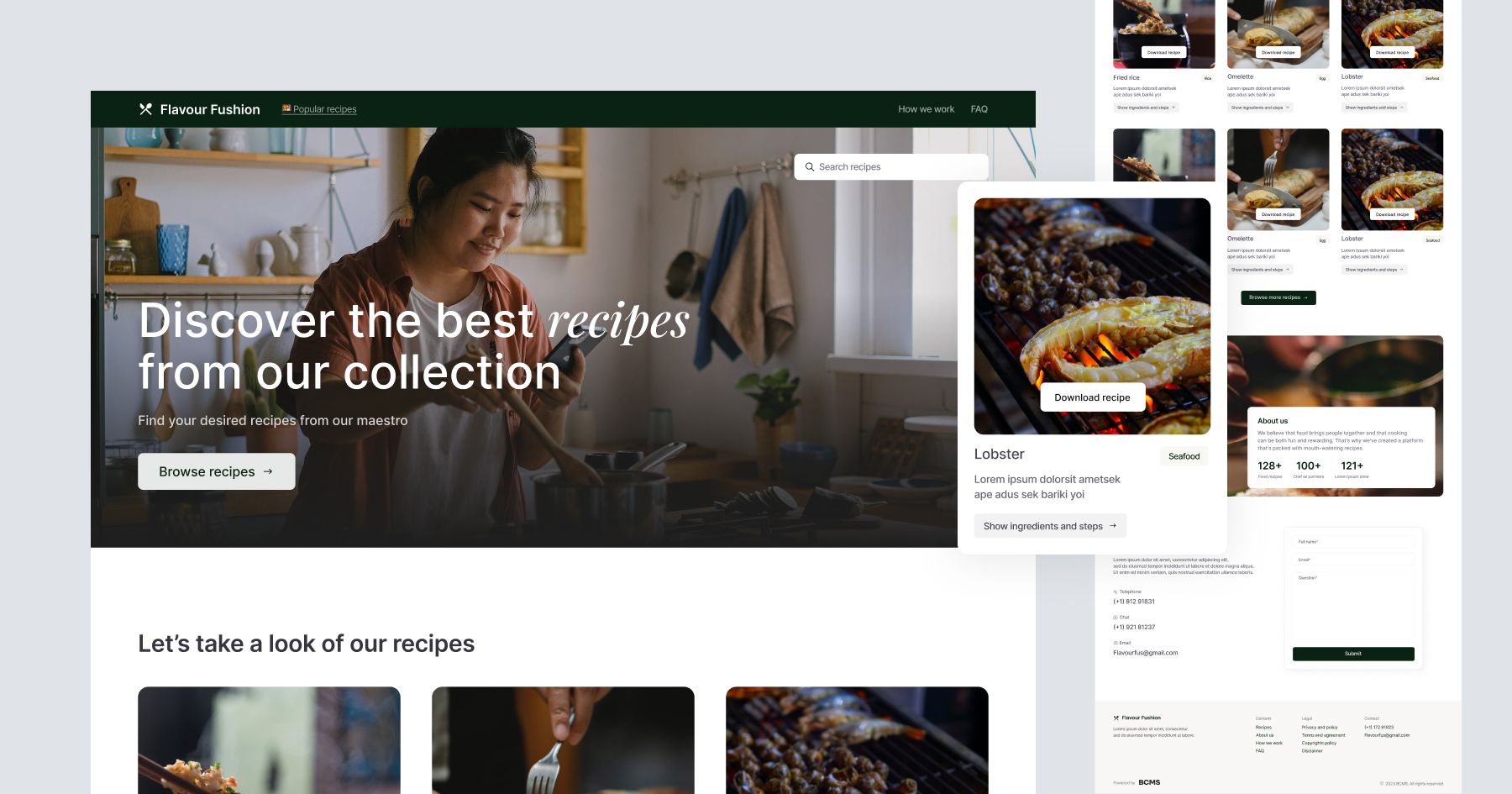
Storeplate is a free, open-source Astro.js starter and boilerplate for building production-ready Shopify storefronts, created by Zeon Studio. It connects a Shopify store's Storefront API to an Astro frontend styled with Tailwind CSS v4 and TypeScript, delivering a full shopping experience out of the box.
What is Storeplate?
Storeplate is a free, open-source Astro.js starter and boilerplate for building production-ready Shopify storefronts, created by Zeon Studio. It takes a Shopify store configured with Headless Sales Channel access tokens and produces a complete product catalog, cart, and checkout experience on the Astro framework. The template uses the Shopify Storefront API through GraphQL, Tailwind CSS v4, TypeScript, and Nanostores for state management.
Key Features
- Dynamic Shopify products — Products, collections, vendors, price ranges, and variants are fetched from the Shopify Storefront API.
- Checkout and payments — Shopify's checkout and payment flows are integrated, so orders are processed by Shopify.
- Cart management — Cart items can be edited, with infinite product load on scrolling for long catalogs.
- Search and filtering — Search, sort, multiple view modes, tags, categories, vendors, price range, and product variant filtering are built in.
- User authentication — Login and register pages are included, with server actions for mutations.
- Product display — Single product pages feature image zoom, hover effects, an image slider, and product description on multiple tabs.
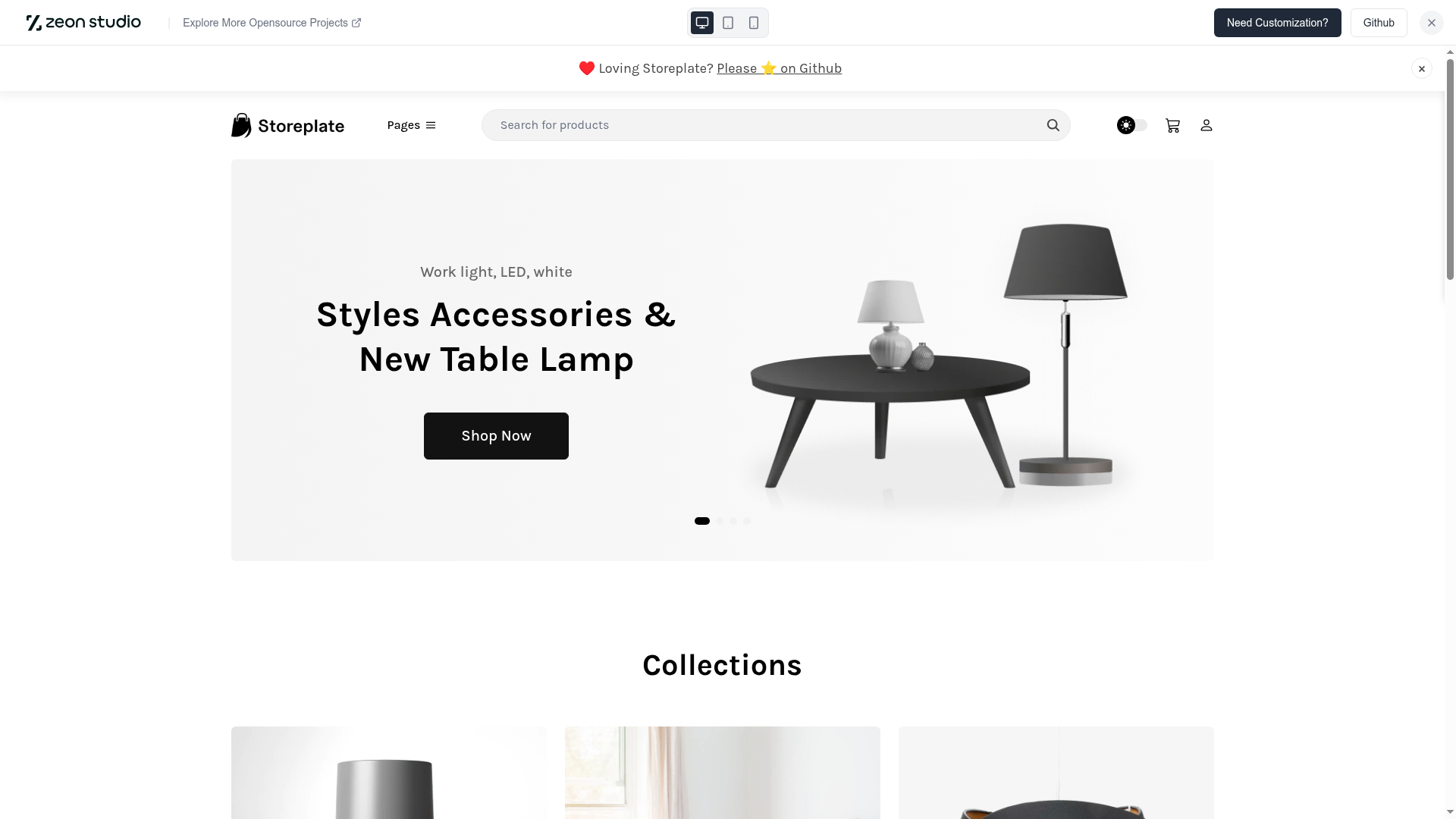
- Hero slider and content — A dynamic homepage banner slider is driven by a Shopify collection, and content is written and updated in Markdown or MDX.
- Design and performance — Automatic light/dark mode, fully responsive layout, pre-configured Netlify settings, and a reported PageSpeed score of 99% on the live demo.
Who is it for?
- Shopify merchants who want a headless storefront without building the shop functionality from scratch.
- Astro developers looking for a production-ready reference implementation of the Shopify Storefront API with Tailwind CSS.
- Agencies that need a white-label starter to customize and ship Shopify stores quickly.
What can you do with Storeplate?
- Launch a headless Shopify store: connect your Shopify store via the new Headless Sales Channel tokens and get a full storefront with product listings, product detail pages, and checkout.
- Customize the storefront: write content in Markdown/MDX, adjust the hero slider collection in the config file, and style with Tailwind CSS v4.
- Extend functionality: use server actions for mutations, add user authentication, and deploy to Netlify with pre-configured settings.
How does Storeplate work?
Set up requires three steps. First, create a Shopify development store and install the official "Headless" sales channel app to obtain Private and Public Access tokens. Second, copy the .env.example file to .env and fill in the store domain and tokens. Third, run npm install and then npm run dev for development or npm run build for production.
Pricing
Storeplate is free and open source under the MIT license. The demo images are for demonstration only and carry their own licenses; the code is free to use.
Alternatives
- Shopify Hydrogen, Shopify's official headless storefront framework.
- Next.js Commerce, an open-source storefront that pairs Next.js with Shopify.
FAQ
Is Storeplate free?
Yes, Storeplate is released under the MIT license, so it is free to use and modify for personal and commercial projects.
What dependencies does Storeplate require?
Storeplate requires Astro 7.0.0, Tailwind CSS v4.1+, Node.js v22.20+, and npm v10.2+. It also needs a Shopify store with Storefront API access tokens.
Do I need to use the new Headless Sales Channel tokens?
Shopify has deprecated the old Private Apps system, so new stores should use Public/Private Access Tokens from the Headless Sales Channel. Existing values for the older token names continue to work, but the new format is recommended.
Can I change the products shown in the hero slider?
Yes. Edit the hero_slider collection name in the config file and create a matching collection in your Shopify dashboard, then add the products you want to display in the homepage carousel.