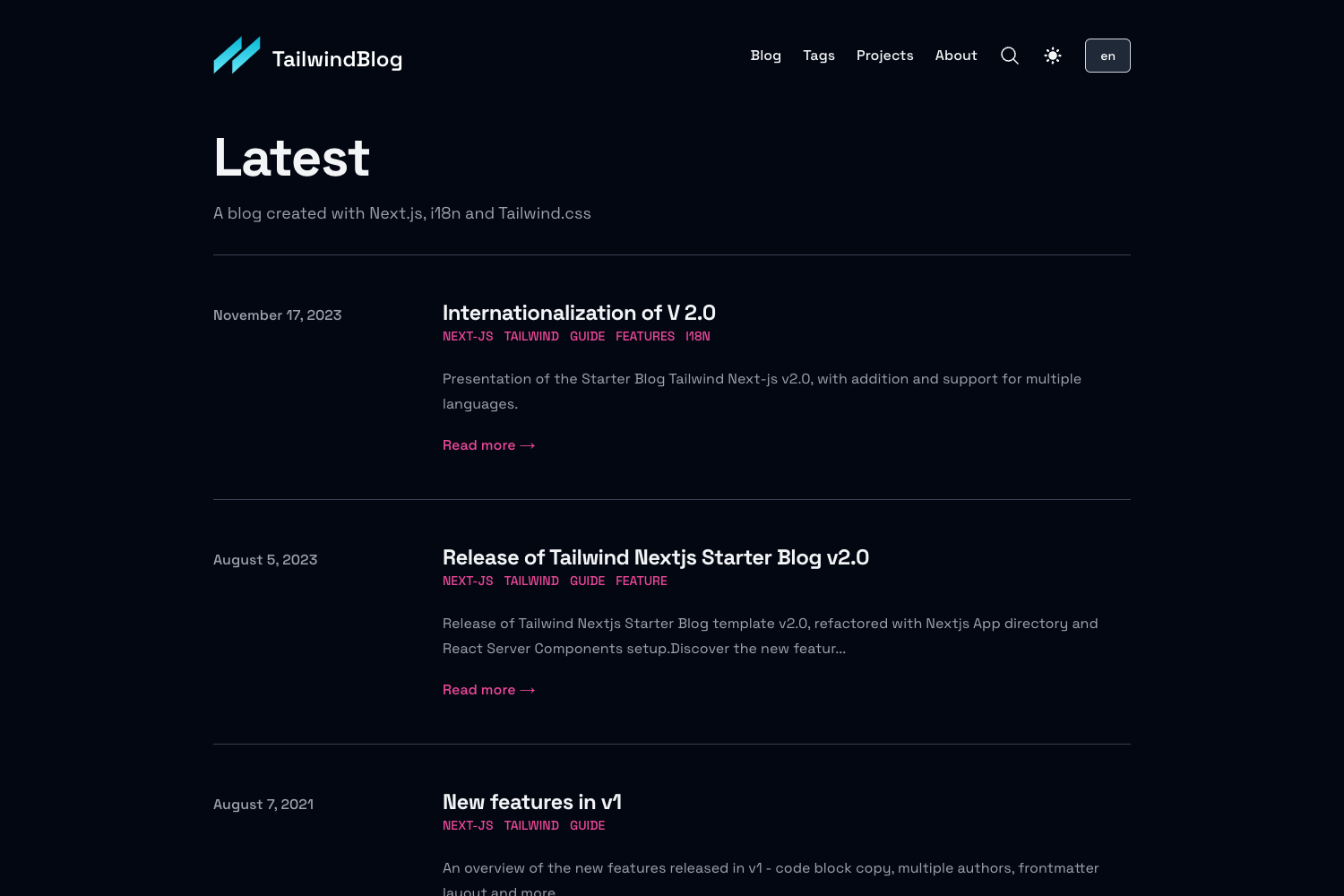
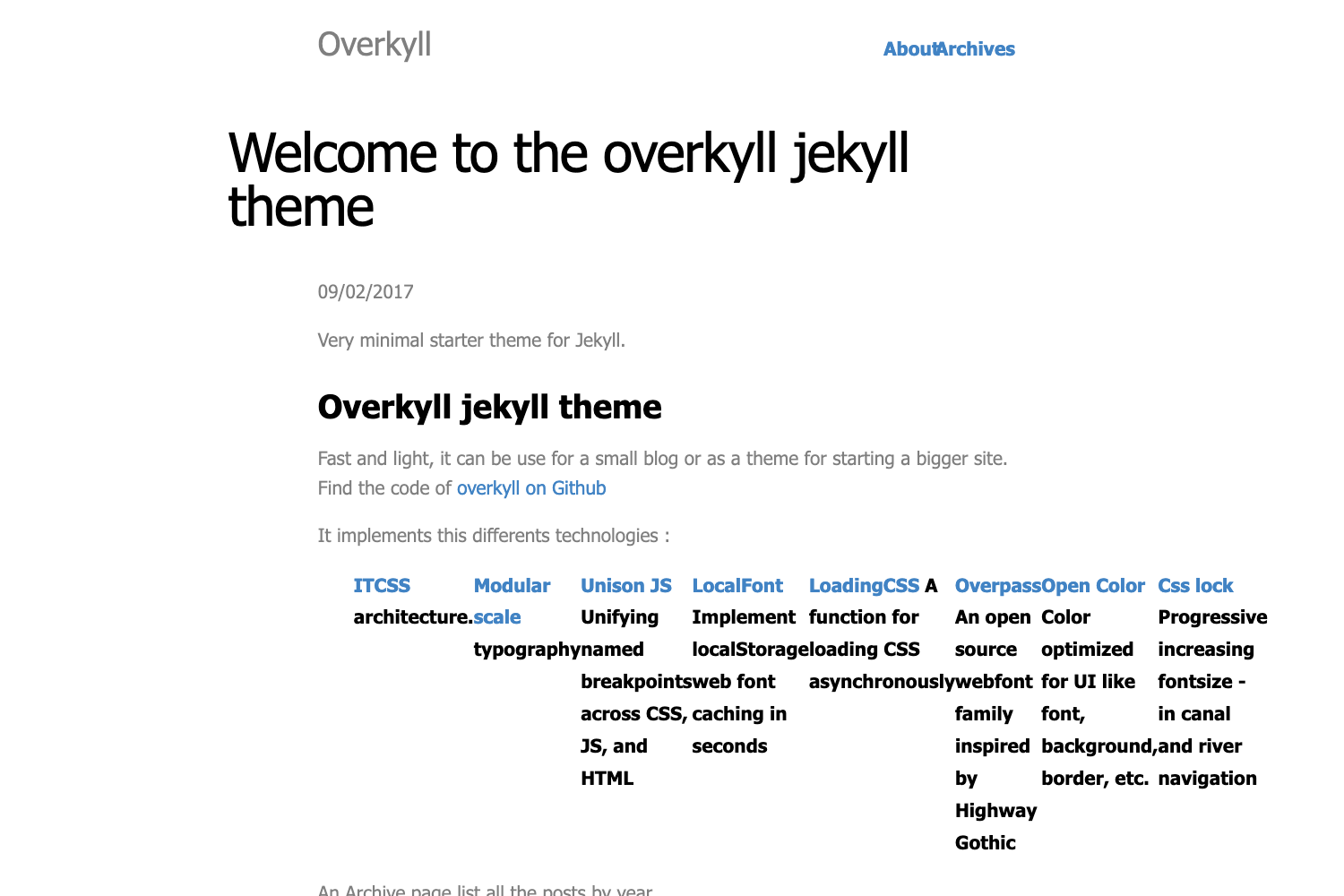
Template details
Next.js WordPress Starter
Bring WordPress to the static world with Next.js
About this template
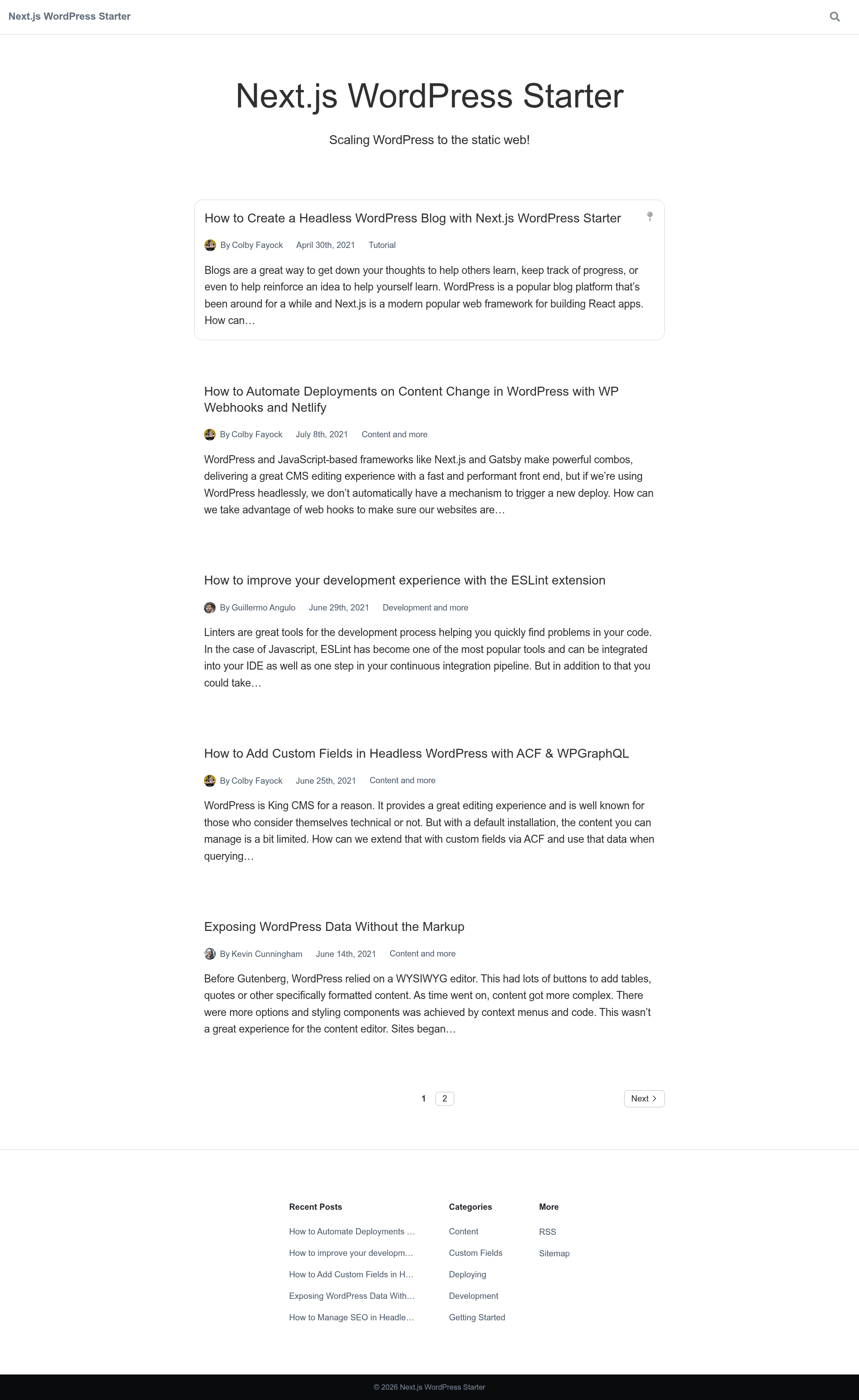
Next.js WordPress Starter is an open-source boilerplate that turns a WordPress site with the WPGraphQL plugin into a static Next.js website, including blog, pages, categories, authors, search, RSS, and sitemap support.
What is Next.js WordPress Starter?
Next.js WordPress Starter is a GitHub project created by Colby Fayock that combines WordPress as a headless CMS with the Next.js React framework. It takes a WordPress installation with the WPGraphQL plugin as its input and produces a statically generated Next.js site as output, using the GraphQL endpoint configured through the WORDPRESS_GRAPHQL_ENDPOINT environment variable. The project is built to run without any third-party services, meaning the output can be deployed anywhere static hosting is available. It has 19 contributors and is maintained in the repository colbyfayock/next-wordpress-starter.
Key Features
- Headless WordPress with WPGraphQL — The entire site is powered by GraphQL queries against a WordPress backend; you only need to set the WORDPRESS_GRAPHQL_ENDPOINT environment variable to your host's /graphql URL.
- Static site generation — Next.js compiles the project into static HTML and assets, allowing deployment through
next exportor the Netlify Essential Next.js Plugin; a one-click Deploy to Netlify button and Deploy with Vercel button are included. - Built-in blog and content routes — The starter ships with routes for a blog index, individual posts, regular pages, post categories, author archives, client-side search (via /search/?q=), an RSS feed at /feed.xml, and a sitemap at /sitemap.xml.
- SEO features out of the box — Unique page titles, unique meta descriptions, and Open Graph tags are generated automatically; setting the WORDPRESS_PLUGIN_SEO environment variable to true adds partial Yoast SEO plugin support when the WPGraphQL SEO plugin is installed.
- WordPress site settings integration — The site language is applied to the html lang attribute, the Site Title is used in the homepage header and page metadata, and the Tagline appears as the homepage subtitle.
- Configurable navigation — The WORDPRESS_MENU_LOCATION_NAVIGATION environment variable (default PRIMARY) selects which WordPress menu location powers the header navigation, with a note that some themes do not have PRIMARY.
- Quick scaffolding — The starter is installable with
yarn create next-app -e https://github.com/colbyfayock/next-wordpress-starteror the equivalent npx command, and it includes an ESLint + Prettier setup with a recommended Visual Studio Code workspace configuration.
Who is it for?
- Developers building headless WordPress sites — They can use the starter to skip wiring WPGraphQL and instead immediately get prebuilt routes for content, categories, authors, and search.
- Agencies and freelancers delivering static sites — They can deploy client WordPress content to Netlify or Vercel without maintaining a Node server, using either static export or the Essential Next.js Plugin.
- SEO-conscious content publishers — They benefit from the built-in metadata and Open Graph tags, plus optional Yoast SEO integration, while keeping the WordPress admin for editing.
- Teams migrating from traditional WordPress themes — The template preserves familiar WordPress concepts like menus and site settings while moving the front end to a static Next.js output.
What can you do with Next.js WordPress Starter?
- Developers: Scaffold a new project with create-next-app and point WORDPRESS_GRAPHQL_ENDPOINT at any WPGraphQL-enabled WordPress site to get a working blog and page structure within minutes.
- Agencies: Deploy white-label client sites on Netlify using the one-click button, then configure environment variables in Site Settings > Build & Deploy > Environment.
- Content teams: Publish posts and pages in WordPress as usual; the static site rebuilds with new content and automatically updates the RSS feed and sitemap.
- SEO teams: Enable Yoast SEO support and customize metadata per post through the WordPress dashboard, with WPGraphQL SEO as the required bridge.
How does Next.js WordPress Starter work?
Start with a WordPress site that has the WPGraphQL plugin active. Create a local .env.local file containing WORDPRESS_GRAPHQL_ENDPOINT set to the WordPress GraphQL endpoint (usually yourhost.com/graphql, or yourhost.com/index.php?graphql in some setups). Run yarn dev to develop at http://localhost:3000, or use yarn build and yarn start for production. Deploy by importing the repository to Vercel or Netlify, setting the same environment variable during import.
Pros and cons
- Pro: Produces a static site with no third-party hosting dependencies; deployable on any static host.
- Pro: Includes SEO metadata, RSS, sitemap, and search without extra plugins.
- Con: No image-processing pipeline is built in; images are served directly from WordPress unless you enable Jetpack Image Accelerator CDN.
- Con: The WPGraphQL endpoint might not match the default in some hosts, and you may need to use
index.php?graphqlinstead. - Con: Some WordPress themes do not define the PRIMARY menu location, so header navigation may need a custom WORDPRESS_MENU_LOCATION_NAVIGATION value.
Pricing
The starter is free and open source, published under the colbyfayock/next-wordpress-starter GitHub repository. WordPress hosting for the public-facing demo is sponsored by WP Engine.
Alternatives
- next-wpgraphql-basic-starter — A more minimal MVP starter by the same author, focused only on connecting Next.js to WPGraphQL without the full set of blog, SEO, and search features.
FAQ
Is Next.js WordPress Starter free?
Yes. The project is an open-source GitHub repository, so there is no license fee to use or modify it. You only need to provide your own WordPress installation and hosting for the static site.
What are the requirements to use it?
You need a WordPress site with the WPGraphQL plugin installed and a GraphQL endpoint that is reachable. You also need the Next.js environment variable WORDPRESS_GRAPHQL_ENDPOINT set, either in a local .env.local file or in your hosting provider's environment settings.
Does this starter support Yoast SEO?
It supports the major Yoast SEO features, including metadata and open graph customization, but you must enable it by setting WORDPRESS_PLUGIN_SEO to true and installing both the Yoast SEO plugin and the WPGraphQL SEO plugin on your WordPress site.
How do I deploy it to Netlify or Vercel?
Both platforms have one-click deploy buttons at the top of the repository. For Netlify, you can also use the Essential Next.js Plugin or run next build && next export in the build command. For Vercel, simply import the repository from GitHub. In both cases, set WORDPRESS_GRAPHQL_ENDPOINT as an environment variable before the first build.
Does the starter handle images from WordPress?
No. By default, images are linked directly from your WordPress media library. To serve images statically, you can enable Jetpack Image Accelerator, which serves and caches images through the wp.com CDN as part of Jetpack's free features.