Template details
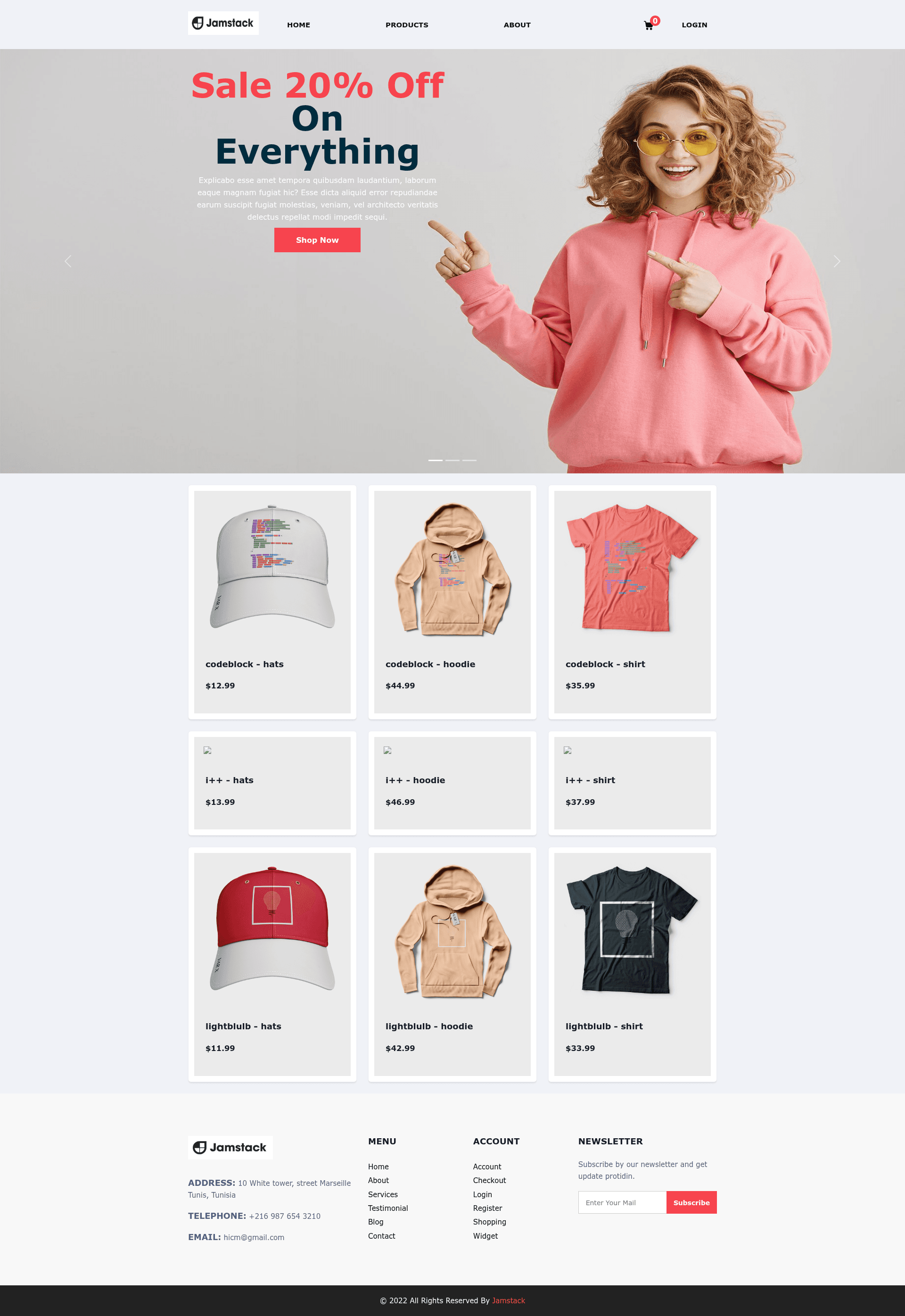
Jamstack Shop
Jamstack ecommerce starter built with Next.js, Auth0, SCSS, and serverless API routes for deploy-ready online stores.
About this template
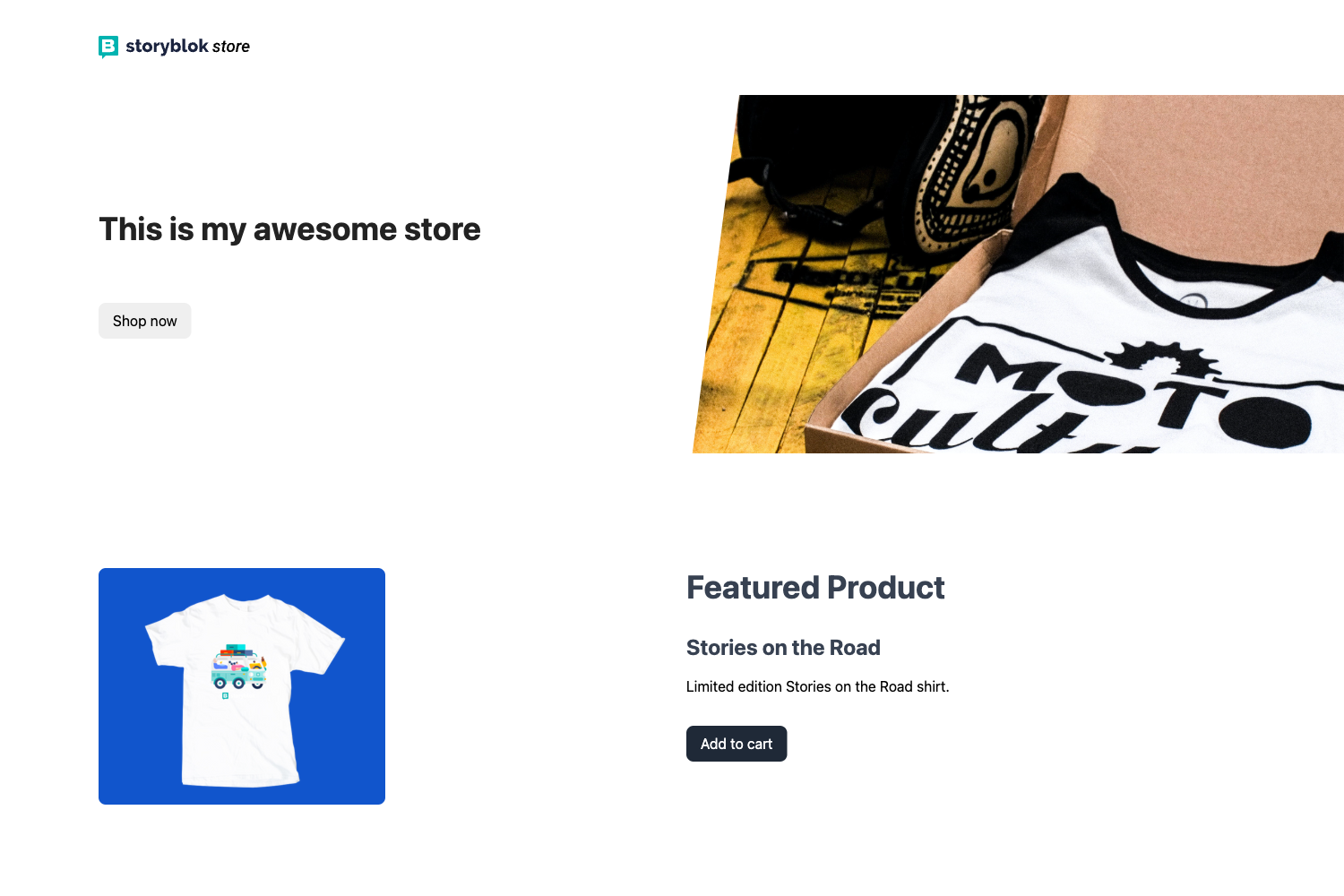
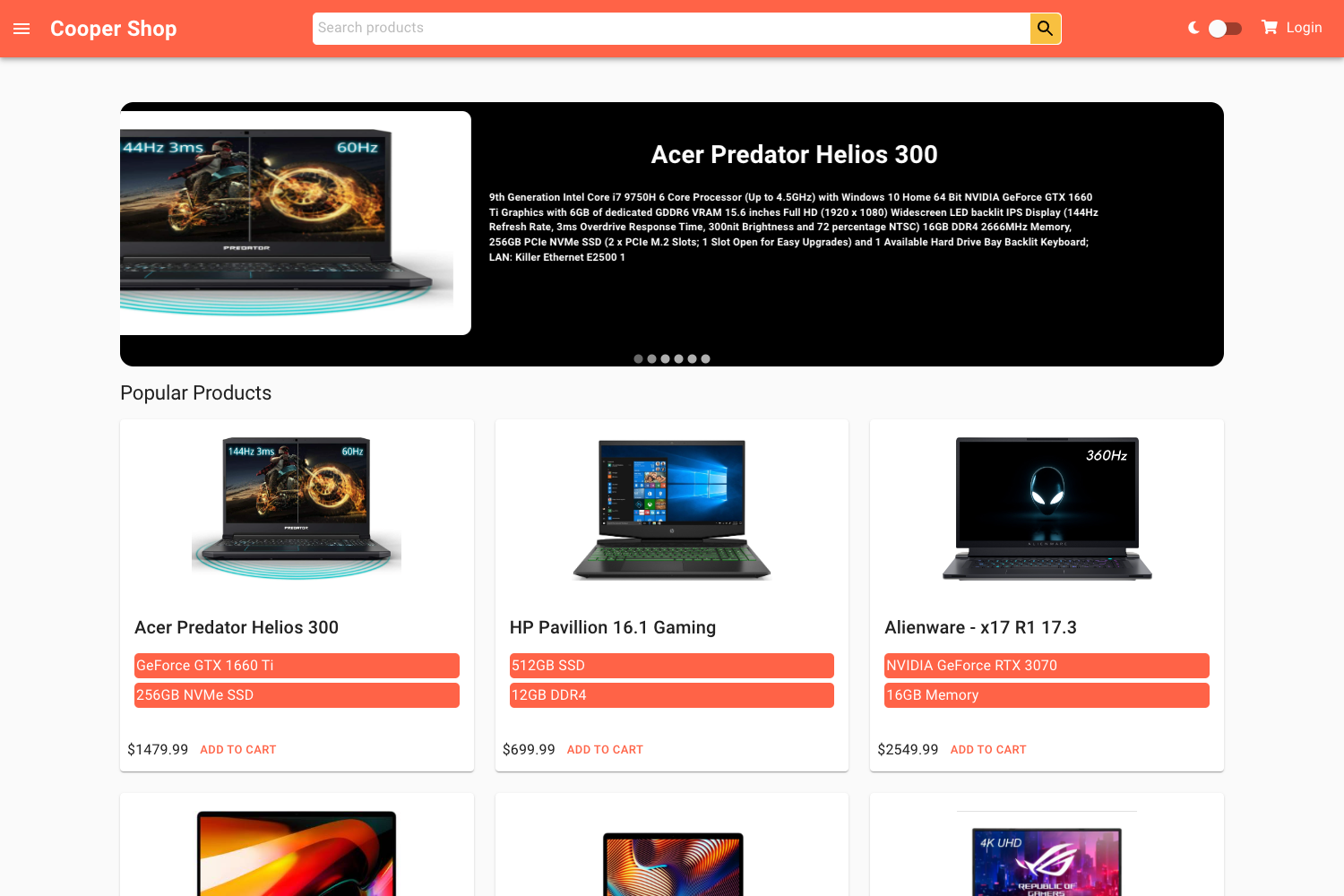
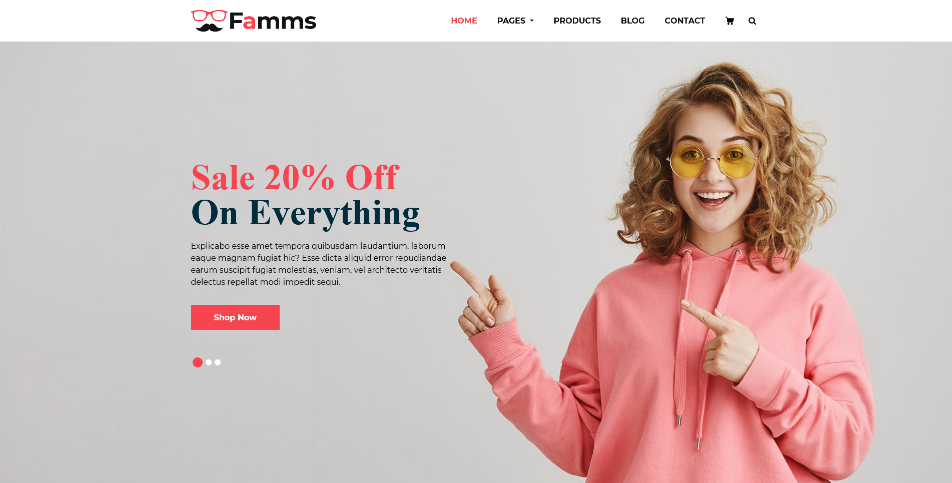
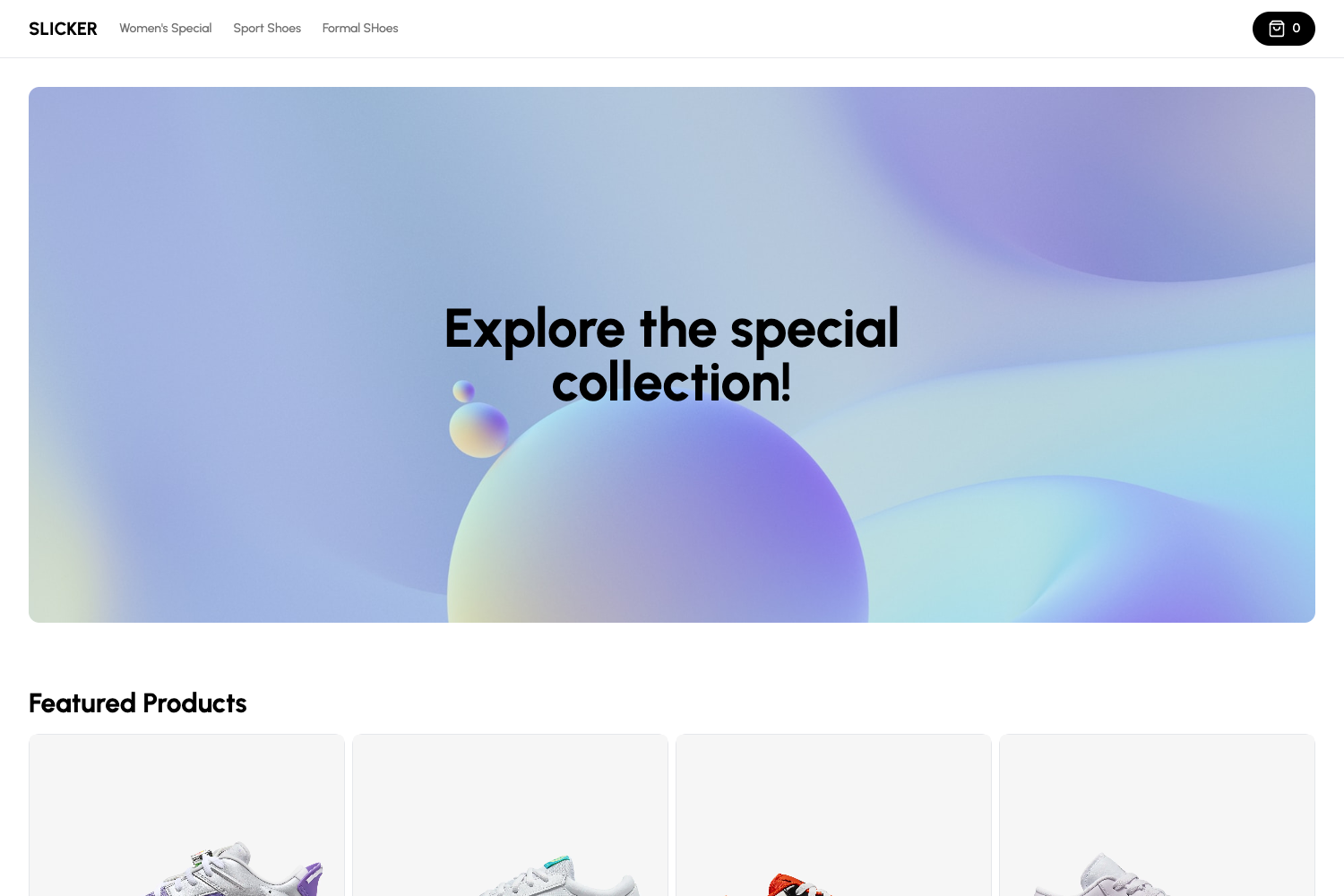
Jamstack Shop is a Next.js ecommerce starter template that pairs the Jamstack architecture with Auth0 authentication and serverless API routes to deliver a deploy-ready online storefront.
What is Jamstack Shop?
Jamstack Shop is an open-source ecommerce application built on Next.js and bootstrapped with create-next-app. It takes product and order data as input and produces a server-rendered storefront, with the pages directory handling routes and the pages/api directory mapping to serverless functions. The repository metadata identifies it as a jamstack ecommerce app, with Auth0 and nextjs-serverless as key topics, meaning customer authentication and backend logic are handled through external services and serverless functions rather than a traditional server.
Key Features
- Next.js framework — React-based framework with a pages directory, enabling static generation, server-side rendering, and automatic code splitting.
- Auth0 integration — Auth0 is listed as a repository topic, indicating the template wires in Auth0 for customer login and account management.
- Serverless API routes — Files under pages/api become endpoints under /api/*, allowing ecommerce operations to run as serverless functions.
- Jamstack architecture — Follows the Jamstack model (JavaScript, APIs, Markup) by serving pre-built markup from a CDN and using APIs for dynamic features.
- SCSS styling — The source tags list SCSS, so styles are written with variables, mixins, and nesting for easier theme customization.
- Vercel deployment — The README's "Deploy on Vercel" section points directly to the Vercel Platform, the official deployment target for Next.js apps.
Who is it for?
Developers who want a head start on an ecommerce project without building the frontend from scratch can use Jamstack Shop as a base. Ecommerce agencies can use it as a starting template for client stores. JAMstack developers who want a practical example of combining Next.js, Auth0, and serverless functions will find it useful for learning or as a reference implementation.
What can you do with it?
- Launch a storefront: Run the development server with npm run dev and start building an online store with Auth0 already integrated.
- Extend the API: Add custom endpoints in the pages/api directory to handle payments, inventory, order history, or product lookups.
- Customize the look: Edit SCSS files to rebrand the shop and modify pages under the pages directory to add or remove sections.