Newsletter
Join the Community
Subscribe to our newsletter for the latest news and updates

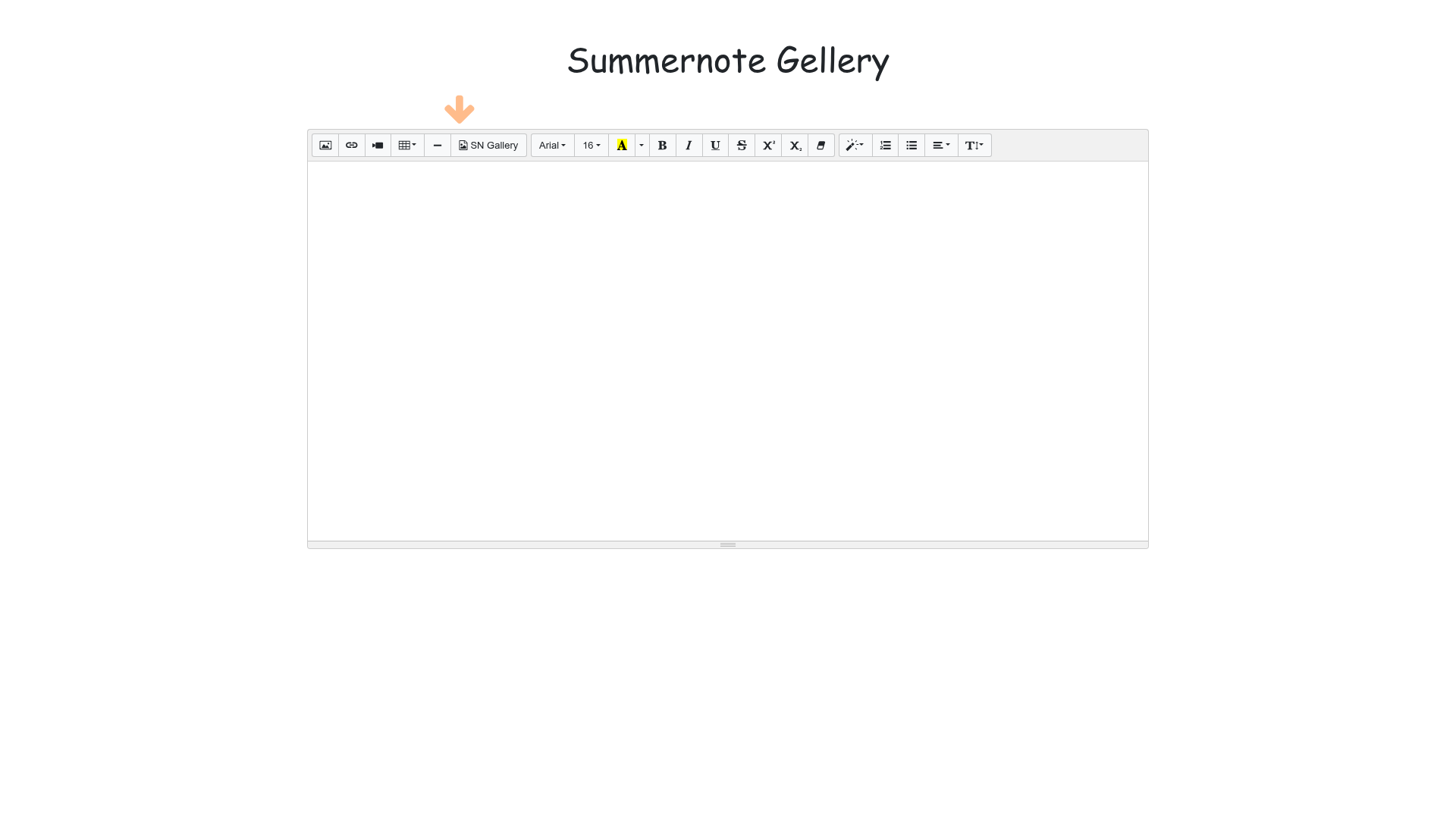
Standalone Summernote plugin that opens a Bootstrap modal gallery to select server-hosted images and insert their URLs into the editor.

Pure-Go, no-cgo HTML-to-PDF and HTML-to-image engine with a wkhtmltopdf-style CLI, Go library, and Python bindings.
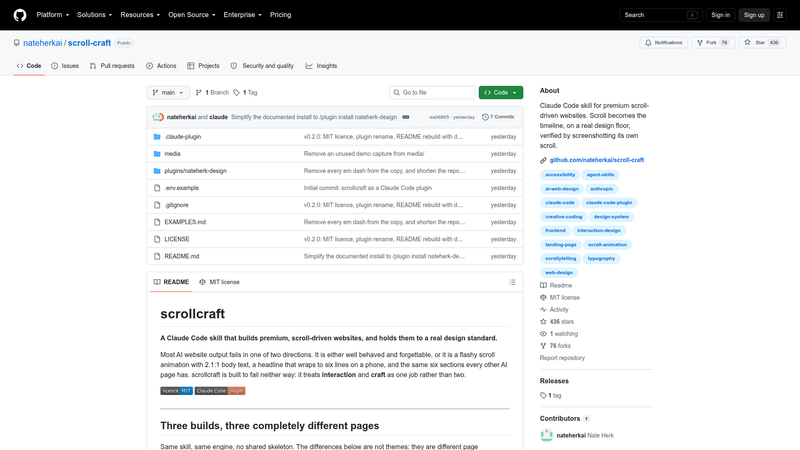
Claude Code skill for premium scroll-driven websites. Scroll becomes the timeline, on a real design floor, verified by screenshotting its own scroll.
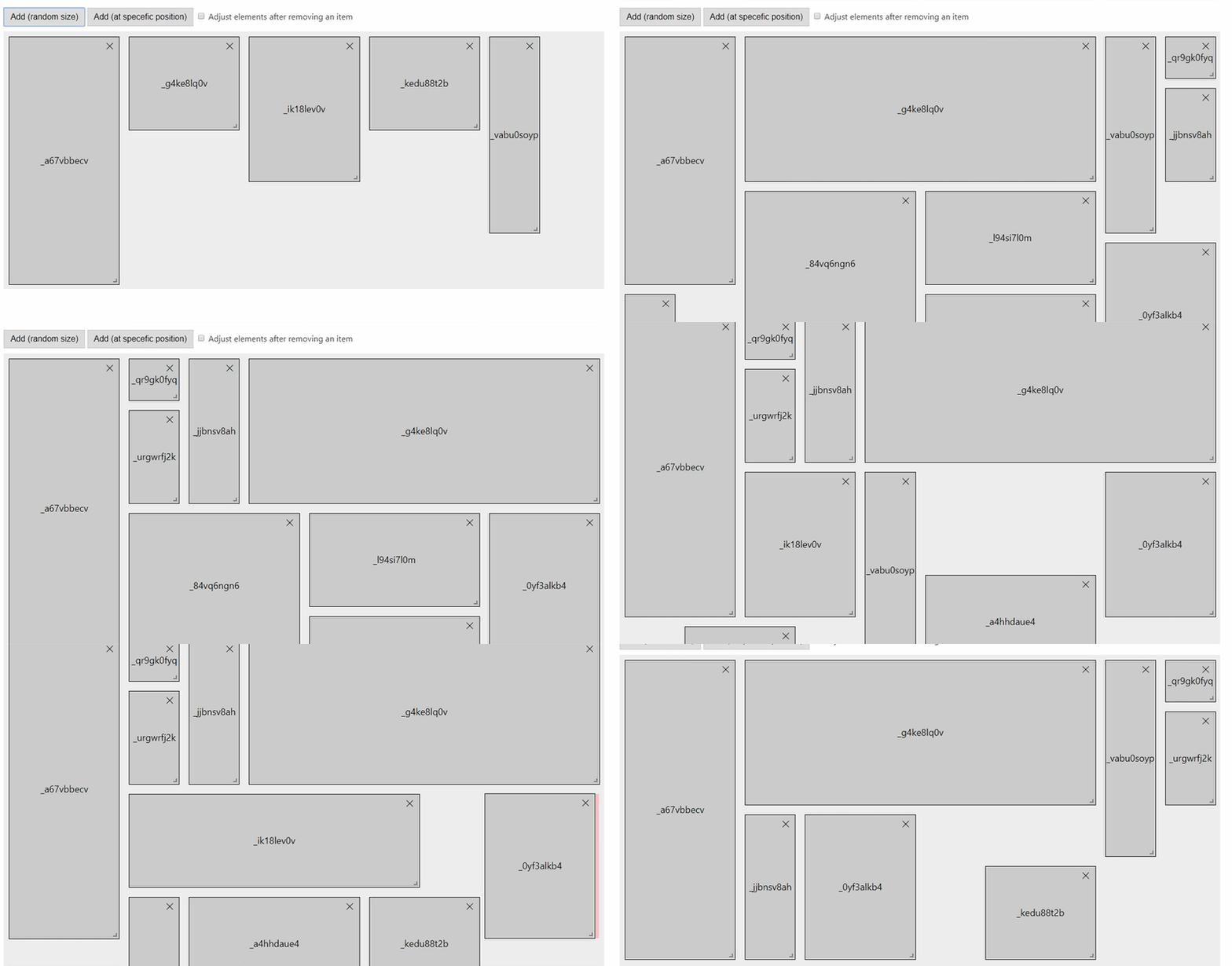
A responsive, draggable and resizable grid layout, for Svelte. [NOT MAINTAINED]
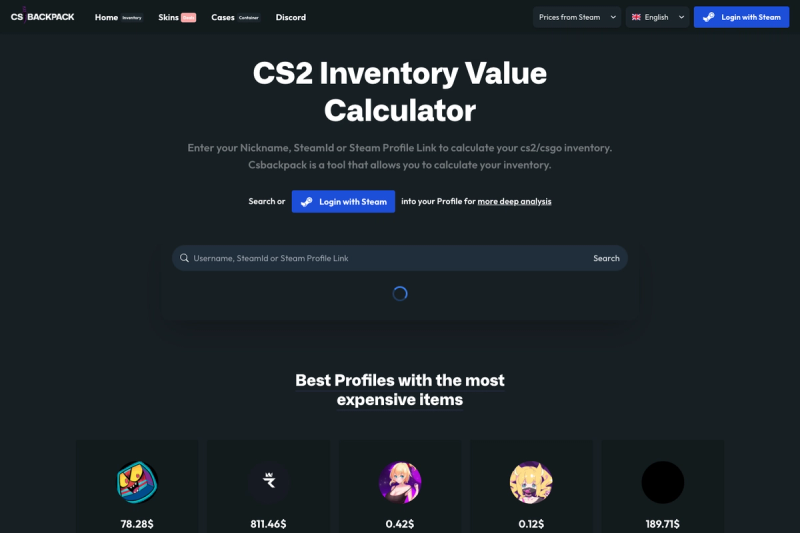
Steam Inventory Lister and Inventory Worth Calculator with Next.js (React) + Tailwind + DaisyUI and ChakraUI
Summernote Gallery is a standalone Summernote plugin that opens a Bootstrap modal gallery for selecting one or more server-hosted images and inserting their real URLs into the editor instead of embedding base64 data.
Summernote Gallery is a plugin for the Summernote WYSIWYG editor, tested against Summernote 0.8.18 with Bootstrap 3 in its maintained demo. It provides a gallery dialog that browses image records loaded from a remote API or from a local array, and when the user selects images it inserts the server URLs directly into the editable area. The project lives under the eissasoubhi GitHub namespace and is one of the official plugin candidates for the Summernote Bricks composition system, though Gallery works standalone and does not require Summernote Bricks to function.
The plugin combines a configurable data source, pagination, and a Bootstrap modal into a compact Summernote extension.
url values instead of base64 payloads, keeping the editor content compact and avoiding database bloat.source.responseDataKey and source.nextPageKey let you point to the image array and the next-page link in any JSON response using dot notation, such as data and links.next.modal.loadOnScroll to true to automatically fetch the next page when the user scrolls near the bottom; the next-page URL is taken from the configured nextPageKey.source.formater function normalizes an existing API response into the expected id, url, title record shape without changing the server output.dist/module/index.js and a minified browser bundle at dist/snb-gallery-brick.min.js.The plugin targets developers who run Summernote and need to source images from their own servers.
summernoteGallery toolbar button, and let content editors pick images from their own media endpoint without publishing base64 blobs.responseDataKey, nextPageKey, and formater are configurable, the plugin adapts to APIs that use field names like uuid, publicUrl, and name instead of the default id, url, and title.These are the concrete workflows the plugin supports out of the box.
toolbar with ['extensions', ['summernoteGallery']] and set summernoteGallery.source.url to an endpoint that returns a JSON array of image records.source.formater to map /api/media items that use uuid and publicUrl into the id and url the Gallery expects, without asking the backend team to change the response shape.source.nextPageKey to the response path containing the next-page URL and modal.loadOnScroll to true, and the modal will keep loading additional pages as the user scrolls.Clicking the Gallery toolbar button opens a Bootstrap 3 modal that reads either the inline source.data array or fetches from source.url. The response is parsed with responseDataKey to extract the image records and nextPageKey to locate the next page URL. When the user selects one or more images and clicks the Add button, the plugin inserts the url values into the Summernote editable area. If modal.loadOnScroll is enabled, the next batch is requested as the modal scroll position approaches the bottom.
The main trade-offs are visible from the documented integration defaults and roadmap.
formater.Outside of this plugin, Summernote's built-in image dialog is the closest default option.
Yes. The repository is released under the MIT license, and the npm package can be installed with npm install summernote-gallery.
Not yet. The project explicitly states that Bootstrap 5 must not be advertised as supported until the shared SNB modal runtime no longer relies exclusively on Bootstrap's jQuery modal API. The maintained demo uses Bootstrap 3.4.1 and Summernote 0.8.18.
Run npm install summernote-gallery, then load jQuery, Bootstrap, Summernote, and the dist/snb-gallery-brick.min.js bundle in order. The plugin can also be imported as a module from dist/module/index.js in a bundler-based setup.
Yes. Use source.responseDataKey and source.nextPageKey with dot notation to point to the image records and the next-page URL, or provide a source.formater function to convert the API response into id, url, title records.
No. The plugin's core purpose is to keep server-hosted URLs instead of base64 payloads, so the editor output remains compact and the images reference your server or CDN.