Template details
Writy
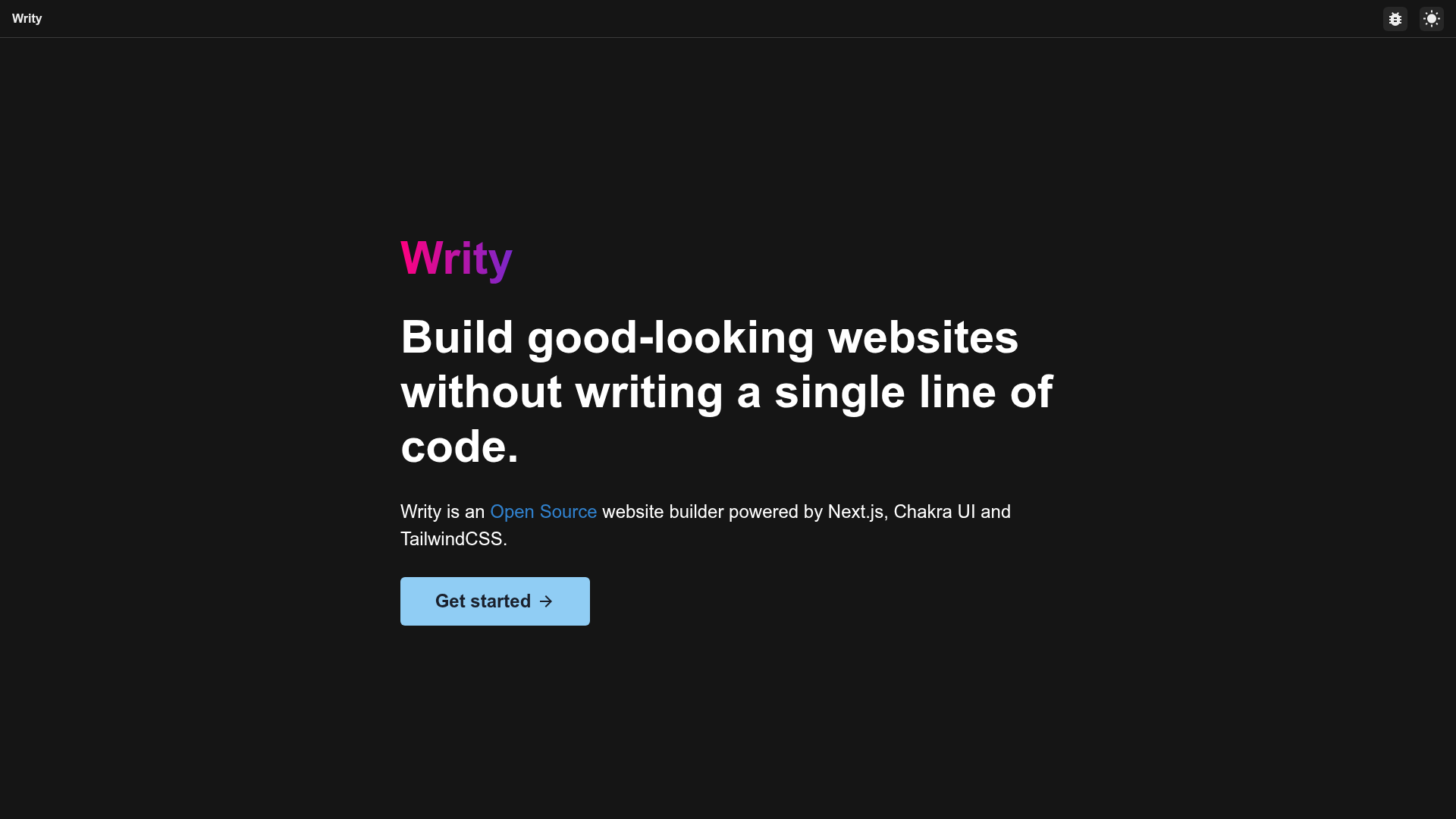
Generate beautiful HTML files without writing any code. Still in beta!
About this template
Writy is a no-code HTML page builder tool built on Next.js, TailwindCSS, and Chakra UI that lets you generate HTML files without writing code. This open-source project is still in beta and is organized as a monorepo containing two packages: a builder application and a sections library.
What is Writy?
Writy is an application for building HTML pages using Next.js, TailwindCSS, and Chakra UI, licensed under the MIT License. It takes visual building actions as input and produces static HTML files as output, running locally on Node.js with npm or yarn. The project is maintained by Nirmalya Ghosh, who also shares related boilerplates for Hasura and Strapi Next.js starters.
Key Features
- Monorepo layout — The repository splits into two package folders: builder, a Next.js application built with Chakra UI, and sections, a set of TailwindCSS components built with React.js.
- Chakra UI builder — The main interface is a Next.js app styled with Chakra UI and Emotion, running on http://localhost:3000 after startup.
- TailwindCSS sections — Reusable HTML section components are styled with TailwindCSS and React, allowing mix-and-match page building.
- TypeScript support — The codebase uses TypeScript for type-safe development across both packages.
- One-command startup — Running yarn dev from the root directory starts both the builder and sections packages simultaneously.
- Vercel deployment — The builder package can be deployed to Vercel with a single click using the provided deploy button and a free Vercel account.
- Beta status — The project is explicitly marked as "Still in beta!", so features may change.
- Related boilerplates — The author links to other repositories including a Hasura Next.js Boilerplate, a Strapi Next.js Boilerplate, and a React Search Box.
Who is it for?
Writy is aimed at developers and non-developers who want to produce static HTML pages quickly. Web designers can assemble page sections visually without hand-writing markup, and frontend developers can extend the React-based section components with their own Tailwind styling. Teams evaluating no-code site generators can use this beta project as a reference implementation built on popular React tooling.
What can you do with Writy?
- Non-technical users: Generate HTML files for landing pages or microsites without writing code, using the builder interface.
- Frontend developers: Reuse the TailwindCSS section components and customize them to fit their design system.
- No-code enthusiasts: Study a working example of a no-code site generator built with Next.js, Chakra UI, and TailwindCSS.
How does Writy work?
To run Writy locally, clone the repository, change into the writy directory, install dependencies with yarn install, and then run yarn dev from the root. That command starts both the builder frontend application and the sections components, with the builder available at http://localhost:3000/.
Pros and cons
- Pros: MIT license allows free use and modification; monorepo keeps builder and sections in one place; deployment to Vercel is direct from the README.
- Cons: The project is still in beta, so the feature set is not final; no detailed documentation beyond the README is provided.
FAQ
Is Writy free?
Writy is open source under the MIT License, so it is free to use, modify, and distribute. You only need a local Node.js environment to run it.
What does Writy do?
Writy is an application for building HTML pages using Next.js, TailwindCSS, and Chakra UI. It was created to let users generate HTML files without writing any code, though the repository itself is code that can be run and extended.
Which technologies does Writy use?
The project lists Chakra UI, Emotion, Next.js, TailwindCSS, and TypeScript as its core technologies. The builder package uses Chakra UI, while the sections package uses TailwindCSS with React.
How do I deploy Writy?
The README includes a one-click Deploy with Vercel button for the builder package. You sign up for a free Vercel account, then the deployment flow connects to the GitHub repository and sets up the project.