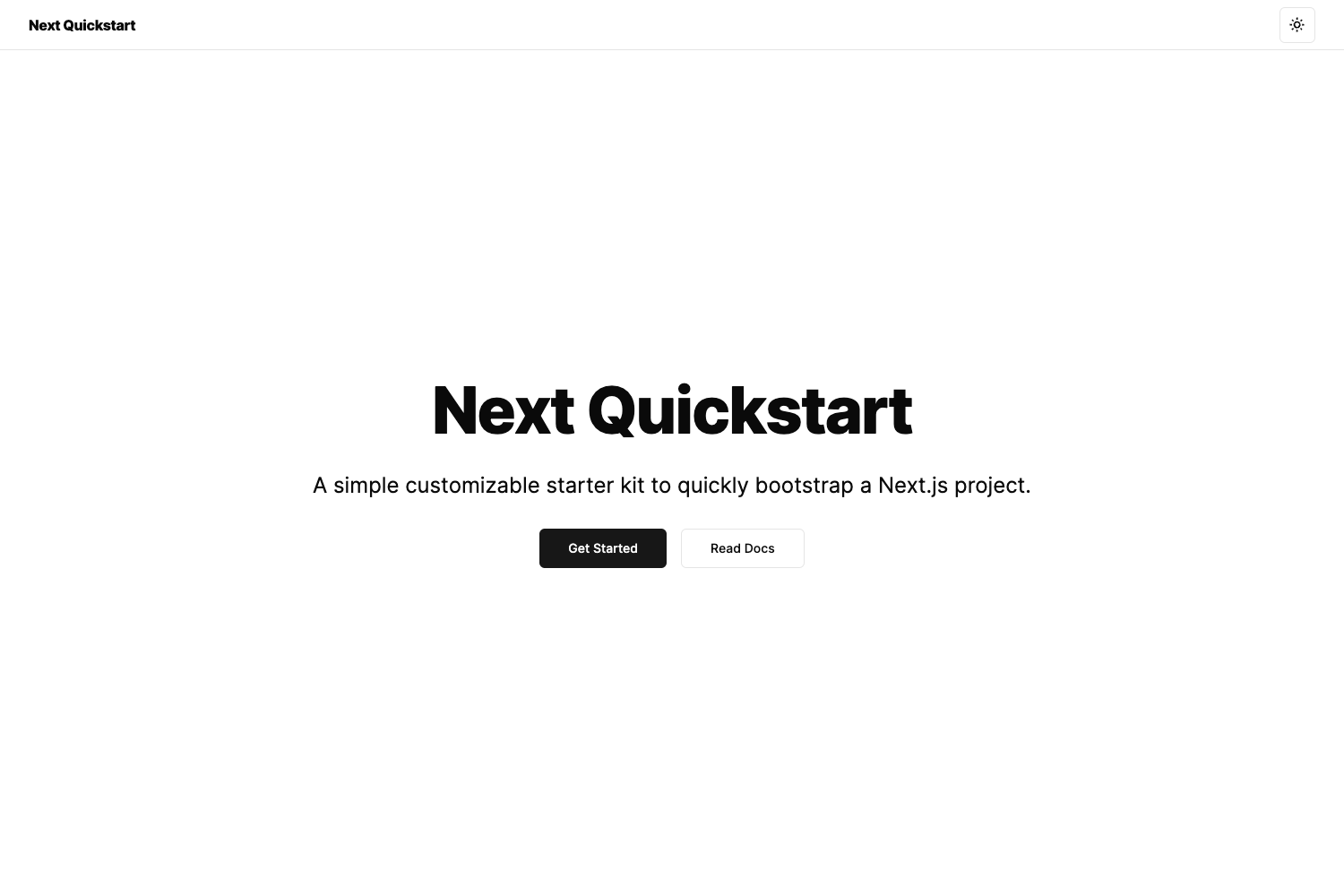
Template details
Swampy
Open source Next.js boilerplate with authentication, Prisma/Supabase database, MUI theming, and modular app structure to skip project setup.
About this template
Swampy is an open source Next.js web app boilerplate that bundles authentication, a PostgreSQL database via Supabase and Prisma, MUI theming, analytics, and transactional email so you can skip project setup and start building your own features.
What is Swampy?
Swampy is an open source boilerplate for building web applications with Next.js and TypeScript. It provides a ready-to-use scaffold with authentication, database schema, API routes, and a modular folder structure, letting you focus on your app's unique functionality rather than plumbing.
Swampy uses Supabase for authentication and the PostgreSQL database, with Prisma as the ORM. The repository is organized into a top-level directory for configuration, a public folder, a scripts folder containing database trigger scripts, a prisma folder for migrations, and a src folder that holds pages, API routes, common utilities, and feature modules. The setup guide claims you can have a running application in under one hour, and deployments are intended for Vercel.
Key Features
Swampy ships with a set of reusable features organized into modules, each following a consistent layout of components, constants, utils, API calls, and a store.
- Authentication — Ready-to-use email/password login plus social providers (Google, Apple, Facebook, Discord, Spotify) configured through Supabase, with hCaptcha protection on authentication forms.
- Database and ORM — Prisma schema and migrations manage a PostgreSQL database connected via Supabase; separate scripts set up important database triggers.
- MUI theming — Material-UI with a centralized getDesignTokens.ts file for design tokens; you can modify this file to support custom theming and consult MUI's theming documentation.
- Modular app structure — Source code is split into modules for analytics, auth, content, messaging, networking, notifications, pages, and profile, making it easy to add new features without disorganization.
- Next.js API routes — API endpoints are organized into grouped modules, including a hello-world function used as an example for a cron job; every endpoint becomes a serverless function when deployed on Vercel.
- Plausible analytics — Integration with Plausible Analytics includes a proxy script on Vercel to avoid tracking blockers; you create a site per domain and add tracked event names like 404, 500, Signed Up, and Toggled Color Mode.
- Transactional email — Sendgrid integration supports welcome and contact-us emails with dynamic templates that embed the site URL and an unsubscribe URL.
- Markdown content — A content module stores markdown files and React mappings, useful for documentation or blog content.
Who is it for?
Swampy is for developers who want a head start on a production-oriented web application without reimplementing authentication, database, and email integrations. It is especially suited to teams and projects that plan to deploy on Vercel with a Postgres backend.
- Individual developers — Clone the repo, follow the step-by-step guide, and get a working app with login and a database in about an hour.
- Full-stack teams — The modular folder pattern gives every member a predictable place for components, constants, utils, and API calls, reducing confusion as the codebase grows.
- Startup founders — Launch an MVP with authentication, analytics, and email sending already wired, letting you test ideas quickly.
- Agencies — Use Swampy as a base for client projects, customize the MUI theme to match the brand, and deploy via Vercel with custom domains.
What can you do with Swampy?
With Swampy you get a working web application featuring sign-up/login, a database, analytics, and email delivery from the start, then you extend it with your own modules.
- Launch a SaaS product — Set up Supabase, enable social logins, and use the modular API scaffolding to add plan subscriptions and user-specific data.
- Create a content site — Store markdown in the content module and render it using the provided React mappings, then add pages through the Next.js pages directory.
- Implement user profiles — Leverage the profile module for avatars, email preferences, and account deletion, with related events tracked in Plausible.
- Build a messaging app — Start from the messaging module, which already includes Sendgrid integration and can be expanded to support other providers.
How does Swampy work?
The setup is documented step by step and assumes Node.js 16+, VS Code, and a GitHub account. You clone the repository, replace the remote with your own, create a Supabase project, copy environment variables, run Prisma migrations and database triggers, and then run the app locally at http://localhost.internal:3000.
Production setup repeats the same steps for a separate Supabase project. You also configure Plausible per domain and Sendgrid for transactional email, then deploy to Vercel by importing the repo, setting environment variables, and attaching custom domains. Updates from the Swampy repository are pulled via a git remote and merged into your branch.