Template details
T3 App Template
Admin dashboard template built on the T3 Stack and shadcn-ui, with responsive sidebar, CRUD tables, and GitHub auth.
About this template
T3 App Template is an open-source admin dashboard template built on the T3 Stack and shadcn-ui, giving developers a production-ready starting point for internal tools and management interfaces. The template runs on Next.js with TypeScript, Tailwind CSS for styling, and shadcn-ui components, and it includes a live demo deployed at https://t3-app-template.vercel.app/.
What is T3 App Template?
T3 App Template is a GitHub repository by user gaofubin that packages the T3 Stack — Next.js, TypeScript, Tailwind CSS, tRPC, Prisma, and NextAuth — together with shadcn-ui into an admin interface shell. As input, it provides source code you clone and edit; as output, it produces a responsive dashboard with a collapsible sidebar, light/dark themes, authenticated pages, and data tables. The template is designed for developers who want to skip repetitive layout and auth setup and focus on building features.
Key Features
The template ships with a concrete set of admin features implemented as source-code examples.
- Theme switching — Toggle between light and dark interface themes from a control in the header; the dashboard is shown in both modes in the repository screenshots.
- Responsive sidebar — A flexible navigation sidebar that adapts to desktop and mobile widths and can be shrunk or expanded to free screen space.
- Multi-level menu — The sidebar supports secondary and nested menu items so you can organize many admin routes.
- Mobile sidebar — A dedicated mobile layout ensures the sidebar works on small screens without breaking the UX.
- Tanstack Table CRUD — A CRUD example using Tanstack Table (headless table library) with sorting, filtering, and pagination patterns.
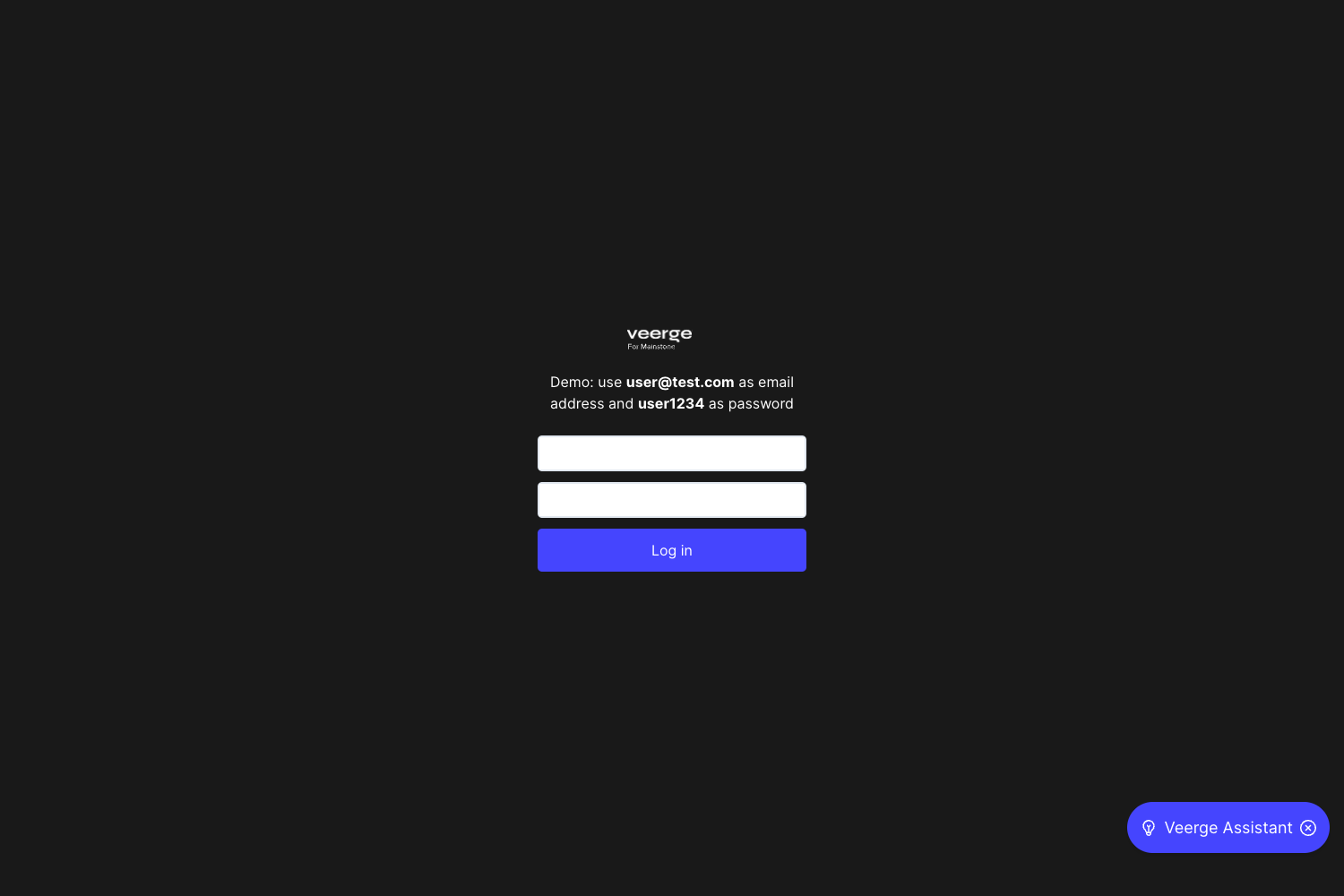
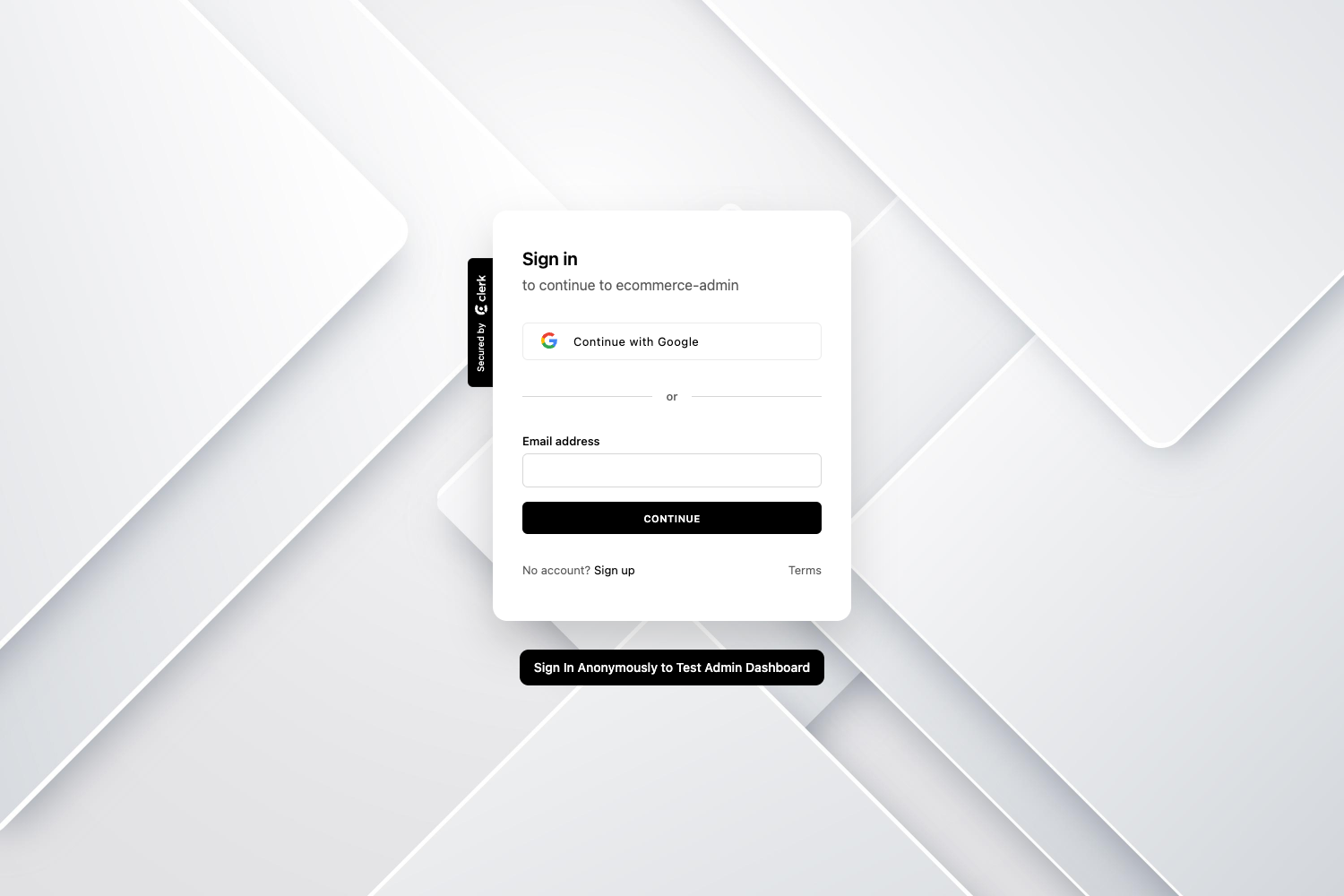
- NextAuth GitHub login — Pre-configured authentication with GitHub OAuth through NextAuth, so you can gate pages behind login.
- Global header, loading, and modal — Shared UI primitives including a top header, page loading states, and a modal component included as examples.
- Form and select examples — A multi-select input demo and a step-form (wizard) example built with react-hook-form, react-hot-toast, and date-fns utilities.
Who should use T3 App Template?
This template is aimed at developers and teams building data-heavy interfaces on the T3 Stack.
- Next.js developers who want a pre-built admin shell with T3 Stack conventions instead of starting from an empty
create-t3-appproject. - Teams building internal dashboards can use the responsive sidebar, theme switching, and CRUD table examples as the base for their own metrics and management pages.
- Learners of the T3 Stack can study real-world usage of Tanstack Query, Tanstack Table, and NextAuth wired together with shadcn-ui components.
What can you do with T3 App Template?
With the cloneable source, you can adapt the built-in examples to several practical tasks.
- Kickstart an admin dashboard: clone the repo, run
npm install, and start adding your own business logic to the existing layout and auth. - Prototype authenticated areas: use the GitHub login example to restrict routes and test OAuth flows quickly.
- Model list-and-edit pages: adapt the Tanstack Table CRUD example with your own data source using Tanstack Query.
How does T3 App Template work?
The template is set up as a standard Next.js project. After cloning https://github.com/gaofubin/t3-app-template.git, you install dependencies with npm install and start the development server with npm run dev. The codebase is organized around layout components (header, sidebar, mobile navigation), a global theme provider, and example pages that demonstrate table CRUD, multi-select inputs, and step forms.
FAQ
Is T3 App Template free to use?
The source code is publicly available on GitHub, so you can clone, modify, and deploy it yourself. No pricing or license information is stated on the repository page, so check the repo for any license file before commercial use.
What tech stack does it use?
It uses the T3 Stack: Next.js, TypeScript, Tailwind CSS, tRPC, Prisma, and NextAuth, plus shadcn-ui for UI components. The repository topics also list Tanstack Query, Tanstack Table, date-fns, react-hook-form, react-hot-toast, react-icons, and lucide-icons.
Does it include authentication?
Yes, NextAuth is pre-configured with a GitHub login example, so you can gate pages behind OAuth immediately. You will need to provide your own GitHub OAuth app credentials in the environment configuration.
Can I see a live demo?
A demo is hosted at https://t3-app-template.vercel.app/. The repository README also includes light and dark mode screenshots showing the dashboard and an example table page.