Template details
Veerage Dashboard
A responsive Proptech dashboard built with Nextjs, Tailwind, and Typescript
About this template
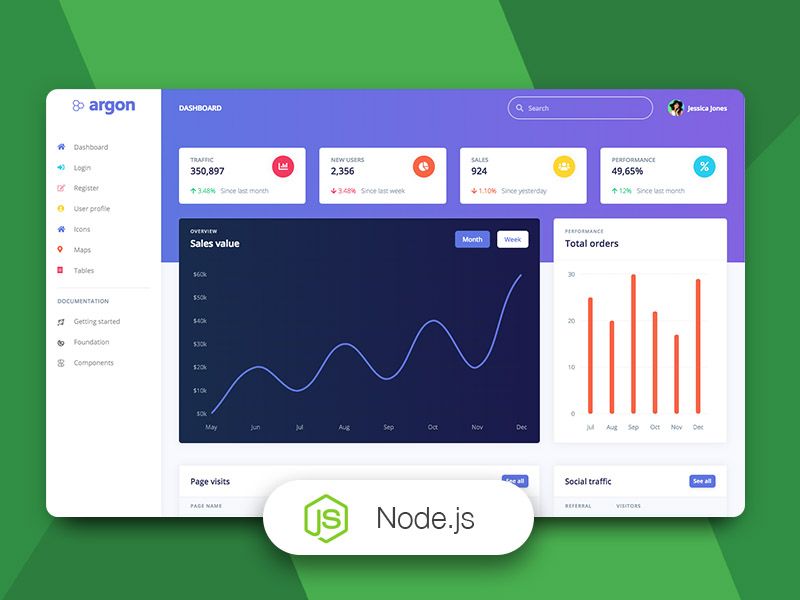
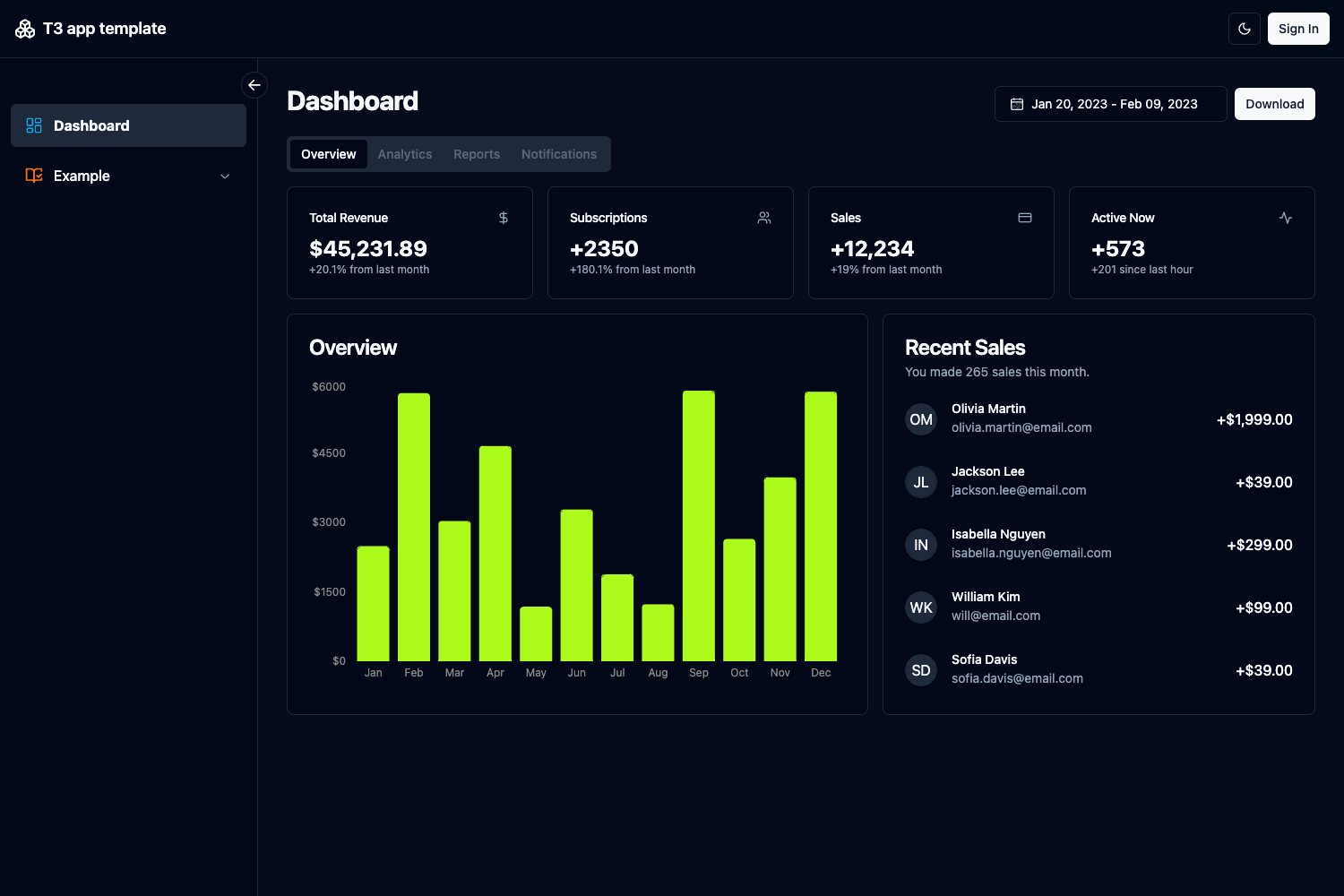
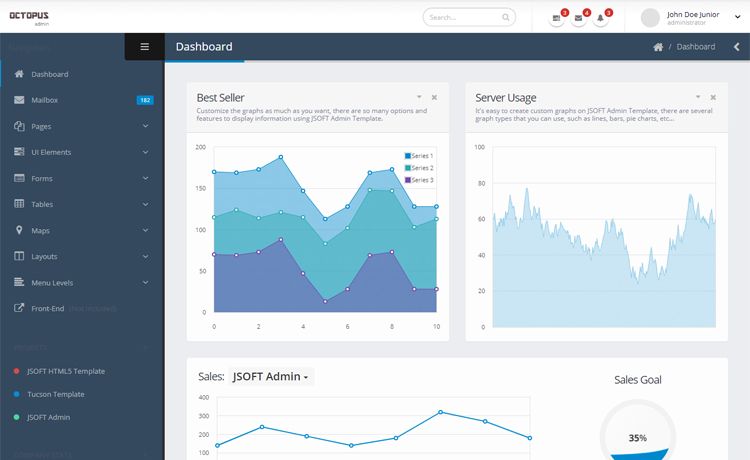
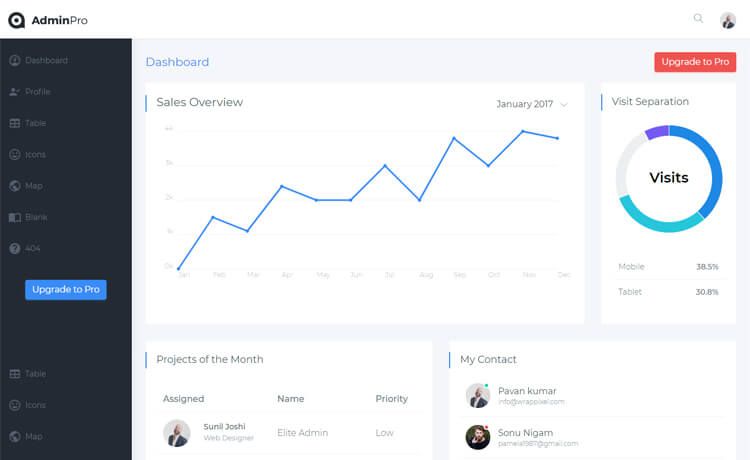
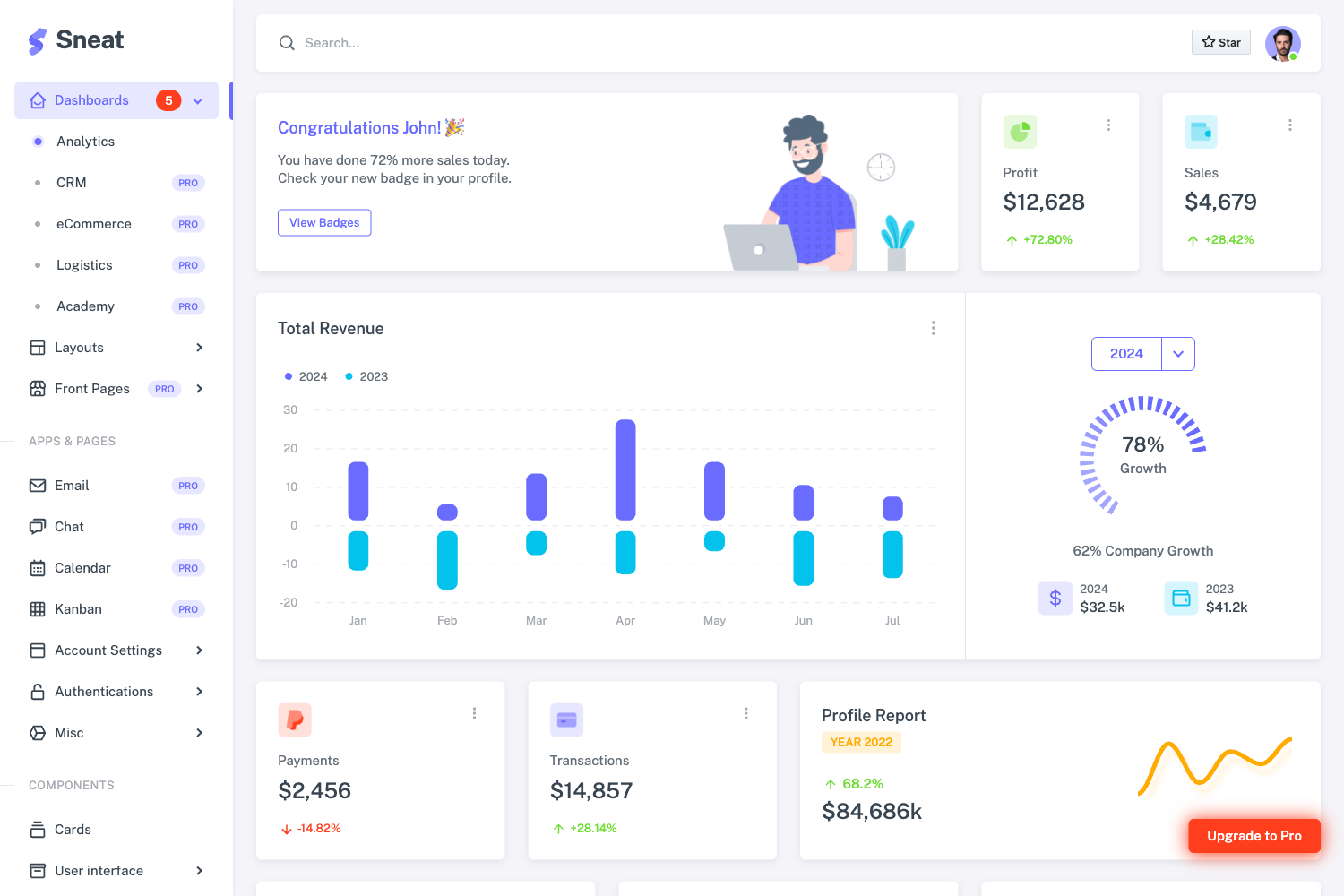
Veerage Dashboard is a responsive proptech dashboard template built with Next.js, Tailwind CSS, and TypeScript, providing developers with a pre-configured starting point for property-management analytics interfaces.
What is Veerage Dashboard?
Veerage Dashboard is a Next.js application bootstrapped with create-next-app and extended into a responsive dashboard for property technology (proptech) use cases. It takes a developer's code in app/page.tsx and renders a dashboard page; the repository metadata lists ApexCharts for charting and react-day-picker for date selection. The project runs on a Node.js development server and is designed for deployment on Vercel.
Key Features
- Next.js App Router — Built on the Next.js framework with the
app/page.tsxentry point; the page auto-updates as you edit the file during development. - Tailwind CSS styling — The repository is described as built with Tailwind, giving utility-first classes for styling a responsive layout.
- TypeScript support — The template uses TypeScript for type-safe dashboard code, as indicated in the repository description.
- ApexCharts integration — Repository topics include apex-charts, so the template is set up to render interactive charts for property data.
- react-day-picker — The topics also include react-day-picker, providing a date-picker component typical for filtering dashboard metrics by date range.
- Optimized fonts — Uses
next/fontto automatically optimize and load the Inter Google Font, as described in the README. - Multiple package managers — Development server can be started with
npm run dev,yarn dev,pnpm dev, orbun dev. - Vercel deployment — The README points to the Vercel platform as the easiest way to deploy the app.
Who is it for?
- Proptech developers — Developers building property-management or real-estate analytics dashboards can use this template as a starting point with charting and date-picker components already wired.
- Startups needing a quick dashboard — Teams that want a responsive, TypeScript-based dashboard UI without starting from scratch can clone the repo and customize
app/page.tsx. - Real estate data analysts — Those who need a visual interface for property metrics can rely on the included ApexCharts to display trends and KPIs.
What can you do with it?
- Property managers: Display occupancy, rent roll, and maintenance metrics in a responsive dashboard layout.
- Investors: Track portfolio performance with interactive charts and filter data by date using react-day-picker.
- Developers: Extend the dashboard by adding new components and pages to the Next.js app, then deploy to Vercel with a single link.
How does it work?
The template follows the standard create-next-app workflow. After cloning the repository, run npm run dev (or your preferred package manager) to start the local server at http://localhost:3000, then edit app/page.tsx to change the dashboard content. The page hot-reloads as you edit, and deployment is handled by connecting the repository to Vercel.