Template details
T3 Cloudflare
T3 Stack template for Cloudflare Workers using OpenNext, tRPC, Drizzle, and D1.
About this template
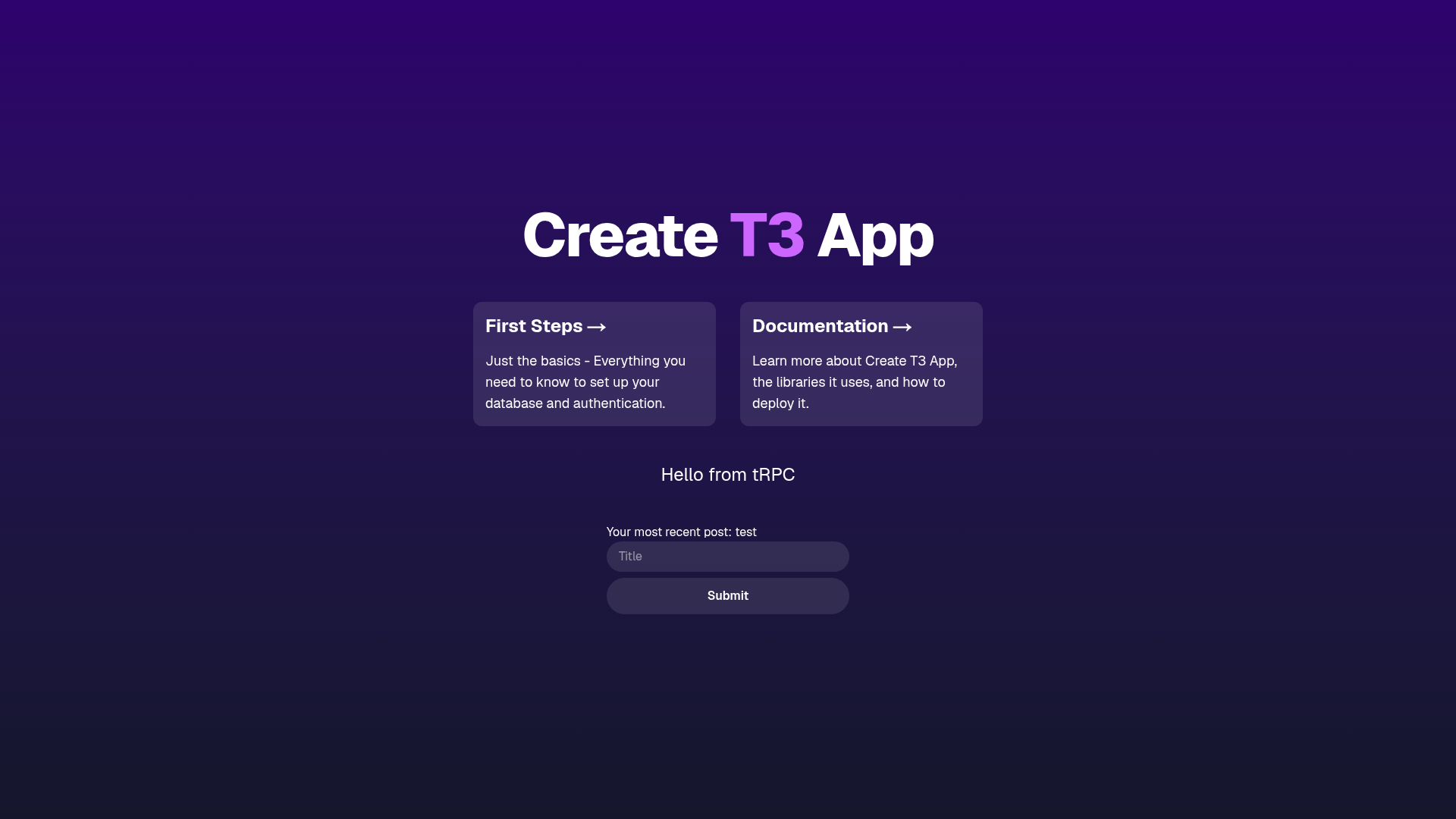
T3 Cloudflare is an open-source boilerplate that scaffolds a T3 Stack application — Next.js App Router, tRPC, Drizzle ORM, and Tailwind CSS — and configures it to run on Cloudflare Workers through OpenNext with Cloudflare D1 as the SQLite database.
What is T3 Cloudflare?
T3 Cloudflare is a starter template for building full-stack TypeScript applications that deploy to Cloudflare's edge network. It takes a standard T3 Stack project and wires it for Cloudflare Workers via OpenNext, including a D1 binding named DB. The template is distributed as a GitHub template repository and can be scaffolded with the Cloudflare C3 CLI using the command pnpm create cloudflare@latest --template=exectx/t3-cloudflare. It uses pnpm as the package manager and requires wrangler for D1 and deployment tasks.
Key Features
- C3 CLI quickstart — scaffold the entire project with one command:
pnpm create cloudflare@latest --template=exectx/t3-cloudflare. - T3 Stack integration — combines tRPC for end-to-end typed APIs, Drizzle ORM for database access, Tailwind CSS for styling, and Next.js App Router for the frontend.
- Cloudflare Workers deployment — uses OpenNext to adapt Next.js for Workers, with
pnpm build,pnpm preview, andpnpm deployscripts for the full build-test-deploy cycle. - D1 database binding — expects a Cloudflare D1 binding named
DB; you create the database withpnpm wrangler d1 createand copy the returneddatabase_idintowrangler.jsonc. - Drizzle Kit migrations — includes scripts
pnpm db:generateandpnpm db:migratefor local SQLite, pluspnpm db:migrate:prodfor applying migrations to remote D1 after configuring.dev.vars. - Local development with .dev.vars — a
.dev.vars.examplefile is provided so you can set up local environment variables for running Drizzle commands against remote D1. - pnpm-based workflow — all commands are designed for pnpm, including local dev (
pnpm dev) and preview of the production build.
Who is T3 Cloudflare for?
T3 Cloudflare suits developers who want to build on Cloudflare Workers with the conventions of the T3 Stack without manually wiring together OpenNext, D1, and Drizzle. Next.js developers moving to the edge can use this template as a reference configuration for App Router, tRPC, and D1. Teams that need a TypeScript, SQLite-backed REST or RPC API on Cloudflare get a pre-configured migration and deployment pipeline out of the box.
What can you do with T3 Cloudflare?
- Scaffold a new edge app: run the C3 quickstart command to create a project with tRPC, Drizzle, and Tailwind pre-wired for Cloudflare Workers and D1.
- Manage schema changes with Drizzle Kit: generate and apply migrations locally with
pnpm db:generateandpnpm db:migrate, then apply the same migrations to the production D1 database withpnpm db:migrate:prodafter configuring.dev.vars. - Deploy to the edge: build and preview the worker locally with
pnpm buildandpnpm preview, then ship it to Cloudflare withpnpm deploy.
How does T3 Cloudflare work?
The template uses OpenNext to build the Next.js app into a Cloudflare Worker, serving static assets alongside the server functions. Setting up a project follows the README steps: install dependencies with pnpm install, create a D1 database with pnpm wrangler d1 create, paste the resulting database_id into wrangler.jsonc, optionally copy .dev.vars.example to .dev.vars, then run pnpm dev for local development. Migrations are managed through Drizzle Kit, and deployment is a single pnpm deploy command.
FAQ
What does T3 Cloudflare include?
It includes a full T3 Stack setup: Next.js with the App Router, tRPC for typed APIs, Drizzle ORM, Tailwind CSS, and Cloudflare-specific configuration for OpenNext, D1, and wrangler.
What database does T3 Cloudflare use?
The template uses Cloudflare D1, a SQLite-based database at the edge. A D1 binding named DB is expected in the Worker configuration, and you create the database with pnpm wrangler d1 create.
How do I run database migrations?
Local D1 migrations use pnpm db:generate and pnpm db:migrate. For remote D1, ensure .dev.vars is configured, then run pnpm db:migrate:prod.
How do I deploy my T3 Cloudflare app?
Run pnpm build to create the production build, pnpm preview to test it locally, and pnpm deploy to publish to Cloudflare Workers.