Template details
TailAdmin Laravel
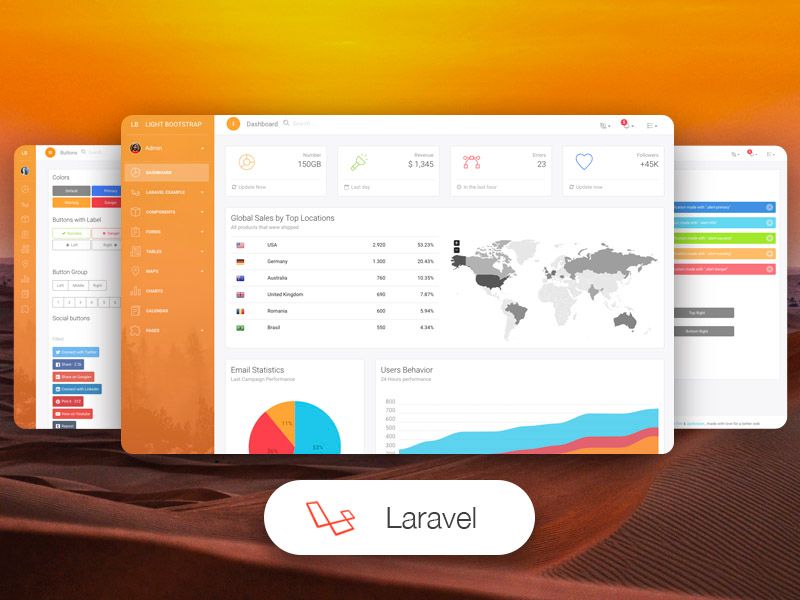
Free open-source Laravel admin dashboard template built with Laravel 12, Tailwind CSS v4, and Alpine.js.
About this template
TailAdmin Laravel is a free, open-source admin dashboard template for Laravel that combines Laravel 12, Tailwind CSS v4, and Alpine.js into a production-ready dashboard starter.
What is TailAdmin Laravel?
TailAdmin Laravel is a free and open-source admin dashboard template distributed by TailAdmin, the same team that publishes Tailwind dashboard versions for Next.js, React, Vue, and Angular. It takes a standard Laravel application and adds a responsive admin UI with prebuilt pages, advanced components, and Vite-based build tooling. The template runs on PHP 8.2+, Composer, Node.js 18+, and a SQLite, MySQL, or PostgreSQL database, and it includes migrations, seeders, and a Pest test suite.
Key Features
- Laravel 12 Core — Built on Laravel 12 with Blade templating, routing, and security; the repository includes app, config, database, resources, routes, storage, and tests directories.
- Tailwind CSS v4 — Utility-first styling configured through
tailwind.config.js; used for all components and page layouts. - Alpine.js Interactivity — Adds lightweight JavaScript reactivity for modals, dropdowns, toggles, and other UI behaviors without a heavier framework.
- Vite Build System — Uses Vite (
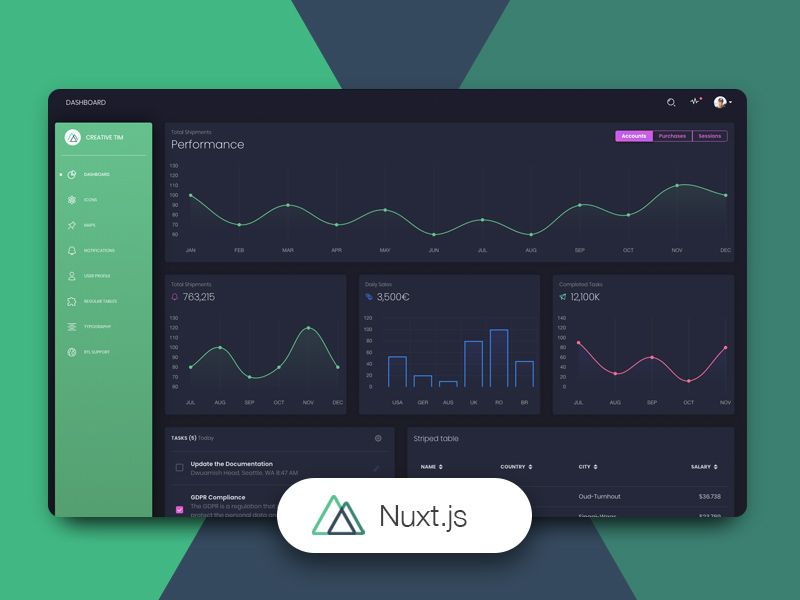
vite.config.js) with a dev server featuring hot module replacement, and production builds vianpm run build. - Advanced UI Components — Includes charts (Bar, Pie, Radar, Radial Progress), data tables, forms, calendars, modals, and reusable blocks; recent updates added MapLibre/Leaflet maps, AmCharts 5 vector maps, and an AI Settings page.
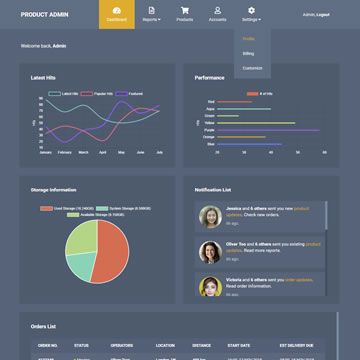
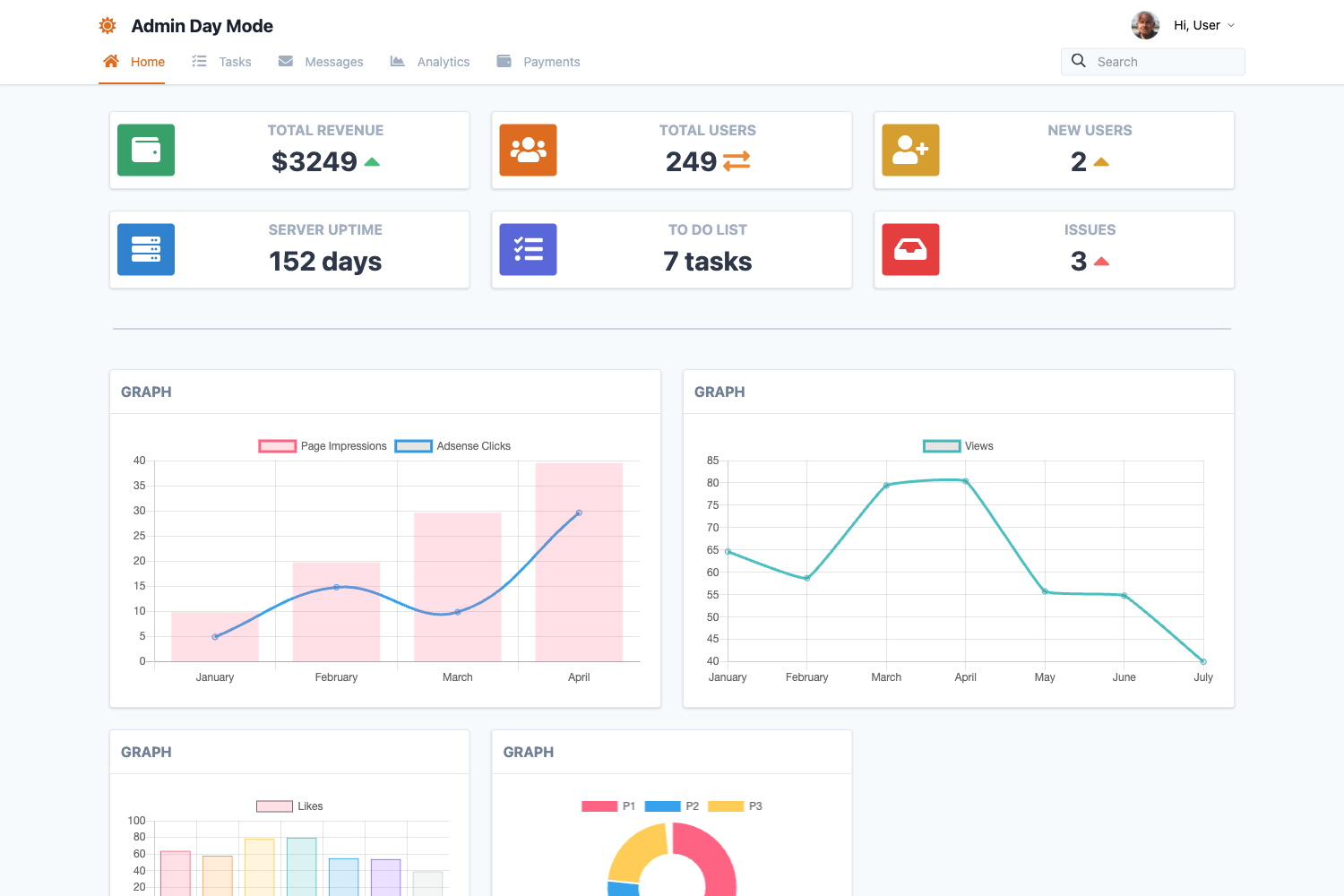
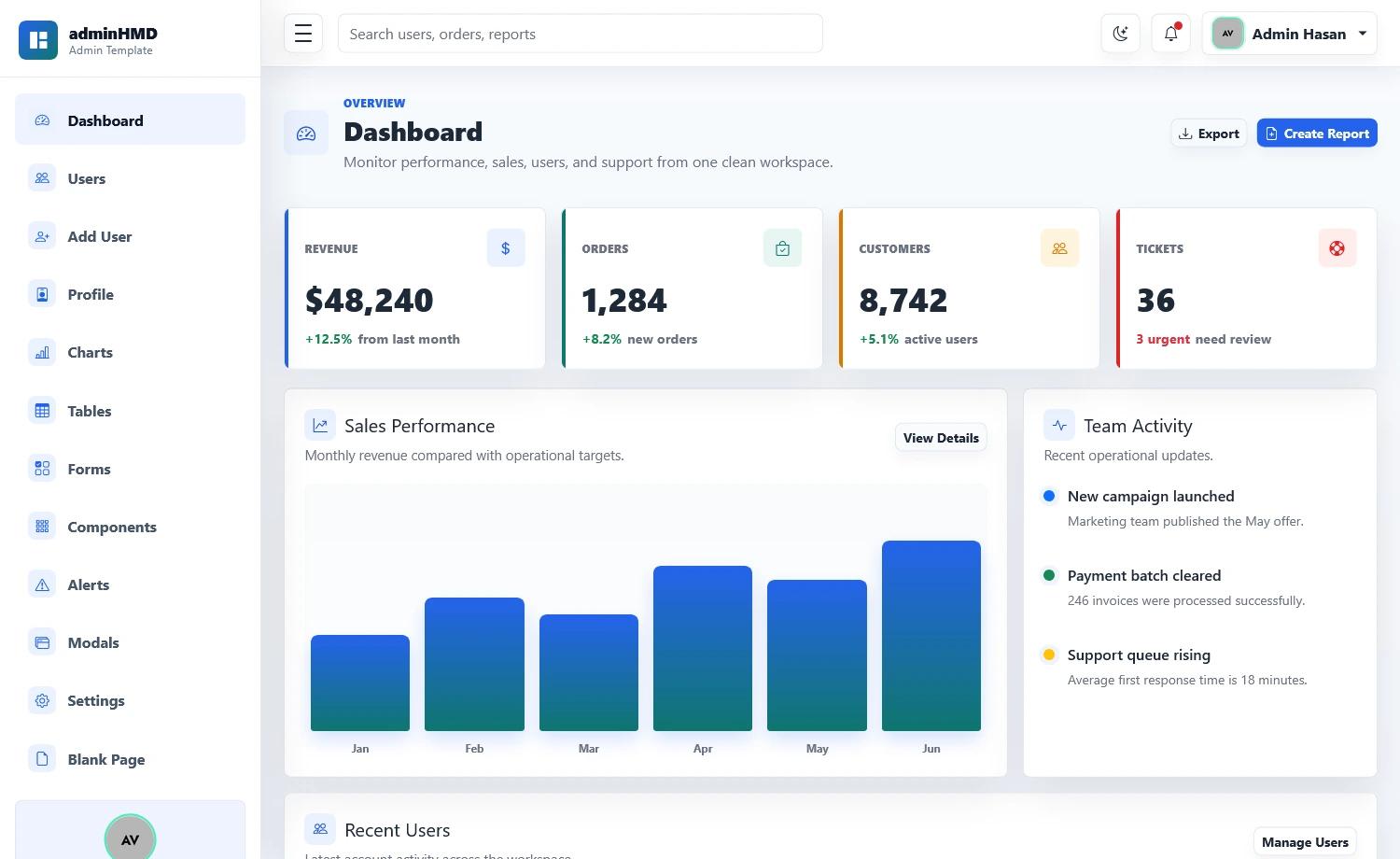
- Multiple Dashboard Layouts — Ships with AI Dashboard, Sales Dashboard, Finance Dashboard, and 6 layout variations, plus dark mode support.
- Responsive Mobile-First Design — Layouts adapt across screen sizes, and the built-in dark theme is enabled by default.
Who is it for?
TailAdmin Laravel is for PHP developers and teams building admin panels, CRMs, SaaS backends, and internal tools. A Laravel developer can clone the repo, run composer install and npm install, then start the dev environment with composer run dev. Agencies can use it as a base for client projects, and product teams can adapt the prebuilt dashboards for metrics, user management, or financial reporting.
What can you do with TailAdmin Laravel?
- PHP developers — scaffold a new admin dashboard with prebuilt authentication, charts, tables, forms, and settings pages; the template's structure lets you add models and controllers via
php artisan make:modelorphp artisan make:controller. - SaaS teams — use the Sales, Finance, and AI dashboards to display retention, multi-channel analytics, cashflow, token usage, and revenue.
- Agencies — customize Blade templates, Tailwind configuration, and Alpine.js components to deliver bespoke admin UIs for clients.
How does TailAdmin Laravel work?
TailAdmin Laravel follows the standard Laravel installation flow. After cloning, you run composer install and npm install, copy .env.example to .env, generate an app key with php artisan key:generate, and set your database connection (SQLite works out of the box). Then php artisan migrate creates the schema, and composer run dev starts the Laravel server at localhost:8000 with the Vite dev server, queue worker, and log monitor.
FAQ
Is TailAdmin Laravel free?
Yes, TailAdmin Laravel is free and open-source, hosted on GitHub under the TailAdmin organization. It is one of several free versions (Next.js, React, Vue, Angular) and requires a commercial license for production use outside the open-source terms.
What are the requirements to run TailAdmin Laravel?
You need PHP 8.2 or higher, Composer, Node.js 18 or higher with npm (yarn and pnpm also work), and a database. SQLite is the default and requires no separate server; MySQL and PostgreSQL are also supported.
How do I start the development server?
Run composer run dev from the project directory. This starts the Laravel development server at http://localhost:8000, the Vite dev server with hot module replacement, a queue worker, and log monitoring. Alternatively, run php artisan serve and npm run dev in two terminals.
Does TailAdmin Laravel include sample data?
Yes, running php artisan db:seed populates the database with sample records, which is useful for testing the prebuilt charts, tables, and dashboard pages.
Can I use TailAdmin Laravel in production?
Yes, the template is production-ready. Build assets with npm run build, then run php artisan optimize to cache configuration, routes, and views. Set APP_ENV=production and APP_DEBUG=false in your .env file.