Template details
Nuxt Tailwind Admin
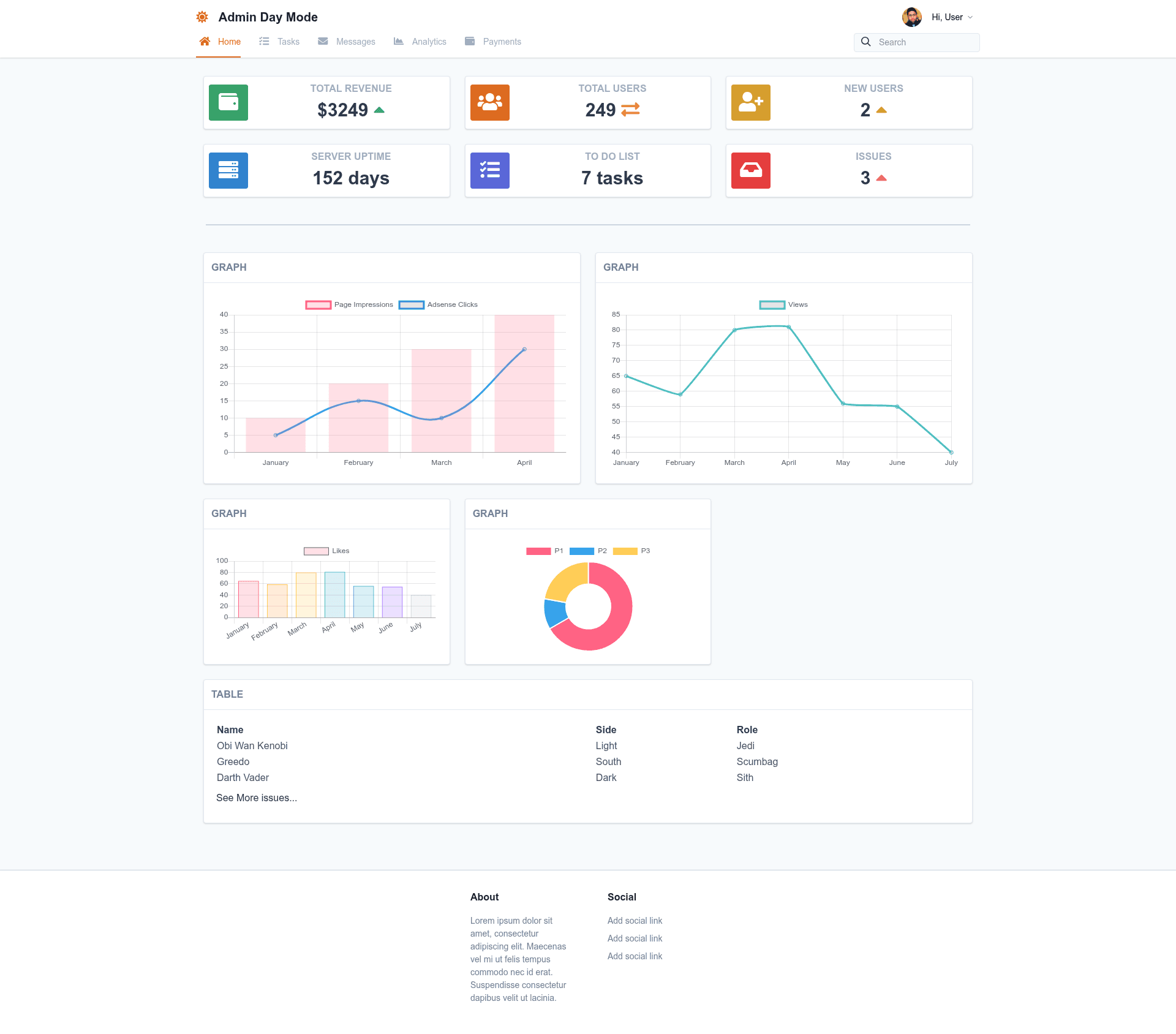
Nuxt.js + Tailwind CSS admin dashboard starter based on Admin Template Day.
About this template
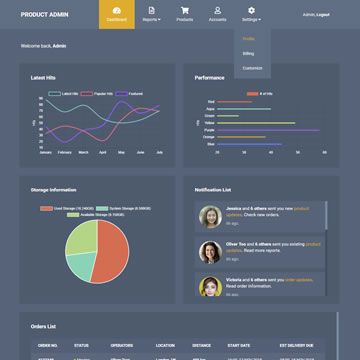
Nuxt Tailwind Admin is a Nuxt.js starter template for building admin dashboards with Tailwind CSS, based on the Admin Template Day design from Tailwind Toolbox.
What is Nuxt Tailwind Admin?
Nuxt Tailwind Admin is a starter project that pairs the Nuxt.js Vue framework with the Tailwind CSS utility-first styling system. It takes the Admin Template Day layout from Tailwind Toolbox and turns it into a runnable Nuxt application. The project outputs a standard Nuxt app that supports development with hot reload on localhost:3000, production builds with npm run build and npm start, and full static site generation via npm run generate.
Key Features
- Nuxt.js framework — The entire project runs on Nuxt.js, giving you file-based routing, server-side rendering, and a Vue single-page application architecture out of the box.
- Tailwind CSS styling — Styling is done entirely with Tailwind CSS utility classes, using the Admin Template Day design from Tailwind Toolbox as the visual base.
- Development hot reload — npm run dev starts a development server at localhost:3000 with hot module replacement so changes appear instantly.
- Production server build — npm run build compiles the application and npm start launches it as a Node.js server for deployment.
- Static generation — npm run generate produces a fully static version of the admin dashboard that can be hosted on any static file server or CDN.
- Simple installation — Only npm install is required to pull down all dependencies and start working.
Who is it for?
- Vue.js and Nuxt developers — who want a pre-built admin layout to start from instead of setting up a new project from scratch.
- Developers building back-office tools — who need a clean dashboard interface for managing data, users, or internal operations.
- Indie hackers prototyping admin panels — who want to quickly spin up a Tailwind-styled admin UI without writing the layout boilerplate themselves.
What can you do with it?
- Build a custom admin dashboard — extend the starter with your own Vue components, pages, and API calls to manage your application's data.
- Prototype an internal tool — use the Tailwind utility classes to rapidly restyle the default admin template to match your brand.
- Deploy a static admin panel — run npm run generate to output static files and host them on GitHub Pages, Netlify, or any static host.
How does Nuxt Tailwind Admin work?
The workflow follows the standard Nuxt.js commands. After cloning the repository, run npm install to install dependencies. Use npm run dev for development with hot reload, npm run build and npm start for a production server, or npm run generate to create a static export of the admin dashboard.
FAQ
How do I run Nuxt Tailwind Admin locally?
Run npm install to install dependencies, then npm run dev to start the development server at localhost:3000 with hot reload. For a production server, use npm run build followed by npm start.
What admin template is this based on?
Nuxt Tailwind Admin uses the Admin Template Day design from Tailwind Toolbox. The Tailwind CSS classes and layout structure come directly from that free template, integrated into Nuxt.js.
Can I generate a static version of the admin dashboard?
Yes, running npm run generate produces a static export of the project. This output can be hosted on any static server or CDN without needing a Node.js backend.
Does the starter include authentication or backend integration?
The readme only documents Nuxt.js build commands and describes the project as a starter for the Admin Template Day layout. It does not mention authentication or backend code, so you should plan to add those yourself.