Template details
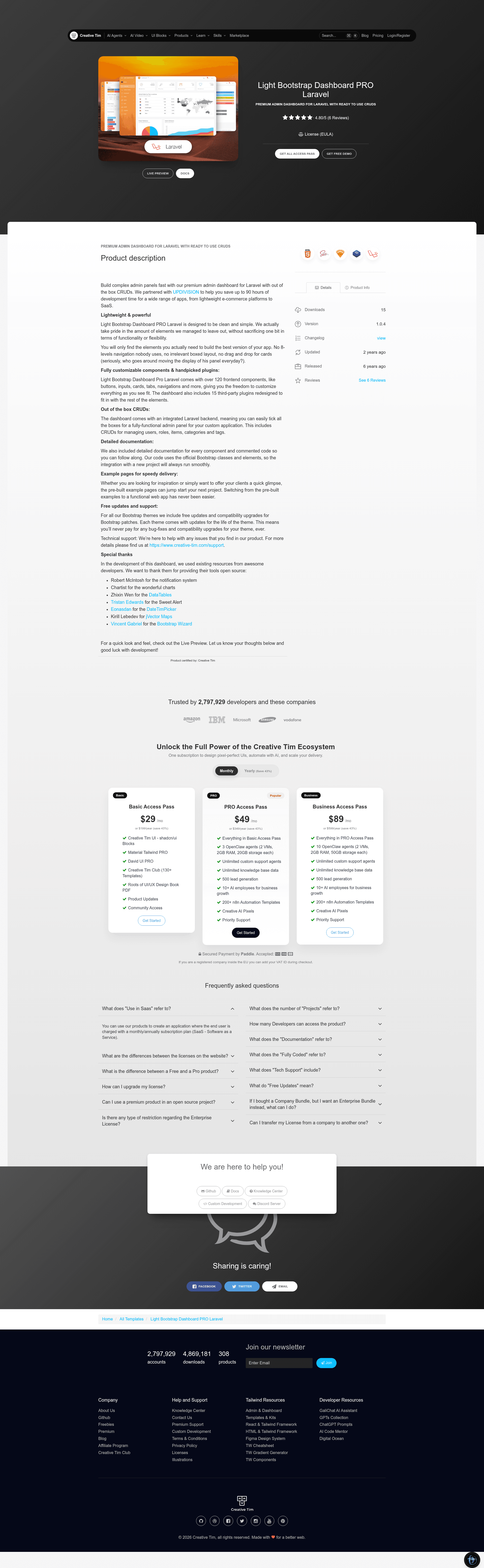
Light Bootstrap Dashboard Pro Laravel
Bootstrap 4 admin dashboard template for Laravel with role, user, tag, category, and item management examples.
About this template
Light Bootstrap Dashboard Pro Laravel is a premium Bootstrap 4 admin dashboard template built for Laravel 9.x and up, pairing the Light Bootstrap Dashboard Pro v2.0.1 frontend with working Laravel authentication and CRUD examples.
What is Light Bootstrap Dashboard Pro Laravel?
It is a full Laravel starter project that gives developers a ready-made admin panel with a sidebar, navigation, dashboard page, and prebuilt pages for forms, tables, maps, calendar, and components. It takes a fresh Laravel installation and adds controllers, requests, policies, observers, migrations, seeders, and Blade views for managing roles, users, tags, categories, and items. The template is developed by Creative Tim in collaboration with UPDIVISION, and its frontend version is Light Bootstrap Dashboard v2.0.1.
Key Features
- Role-based access control — Ships with Admin, Creator, and Member roles, each with different permissions, enforced through Laravel policies in
App\Policies. - User management — Admins can add, edit, and delete users, assign roles, and upload profile pictures; validation rules live in
App\Http\Requests\UserRequest. - Tag, category, and item management — Full CRUD examples where items have a picture, a category, and multiple tags; a
Tagbelongs to manyItemrecords through an item_tag pivot table. - Profile editing — Logged-in users can update their name, email, profile photo, and password, with custom validation including a
CurrentPasswordCheckRule. - Observer pattern —
ItemObserverdeletes the stored picture file from disk and detaches tags when an item is deleted or its photo is replaced. - Built-in authentication — Login, register, and password reset views are included, with default seeded users for admin, creator, and member roles.
- Blade-based pages — All views are Blade templates, including layouts for sidebar, navbar, and footer, plus pages for extended forms, wizards, datatables, charts, and vector maps.
- Preinstalled frontend assets — Bootstrap 4, jQuery 3.2.1, and plugins like Chartist, FullCalendar, SweetAlert2, Bootstrap Table, and nouislider are packaged under
public/jsandpublic/css.
Who should use Light Bootstrap Dashboard Pro Laravel?
Laravel developers who need a functional admin panel starter can use it as the foundation for client projects, saving time on authentication and CRUD setup. Agencies building custom dashboards can extend the role and item management examples to fit their own data models. Developers learning Laravel best practices can study the included policies, form requests, observers, and seeders as reference implementations.
What can you do with it?
- Admin panel for a blog or shop: Use the category, tag, and item management examples to manage posts or products, including image uploads and tagging.
- Internal staff dashboard: Use the role and user management pages to give different team members permission to view or edit data, with three privilege levels predefined.
- Custom SaaS admin: Extend the Blade views and controllers to replace the sample models with your own, keeping the Bootstrap 4 theme and layout intact.
How does the template work?
After unzipping the archive, you copy the project folder, run composer install, configure the .env file (mainly the database), generate an app key with php artisan key:generate, then run php artisan migrate --seed to create tables and seed default users. Start the dev server and log in as admin@lightbp.com with password secret to see all features, or register a new user to test the member experience.