Template details
Tailkit Starter Kit - Next.js
Next.js Starter Kit for using Tailkit UI components out of the box in your project.
About this template
The Tailkit Starter Kit for Next.js is a pre-configured Next.js project that bundles the Tailkit UI component library so you can build interfaces with Tailwind CSS components right away.
What is the Tailkit Next.js Starter Kit?
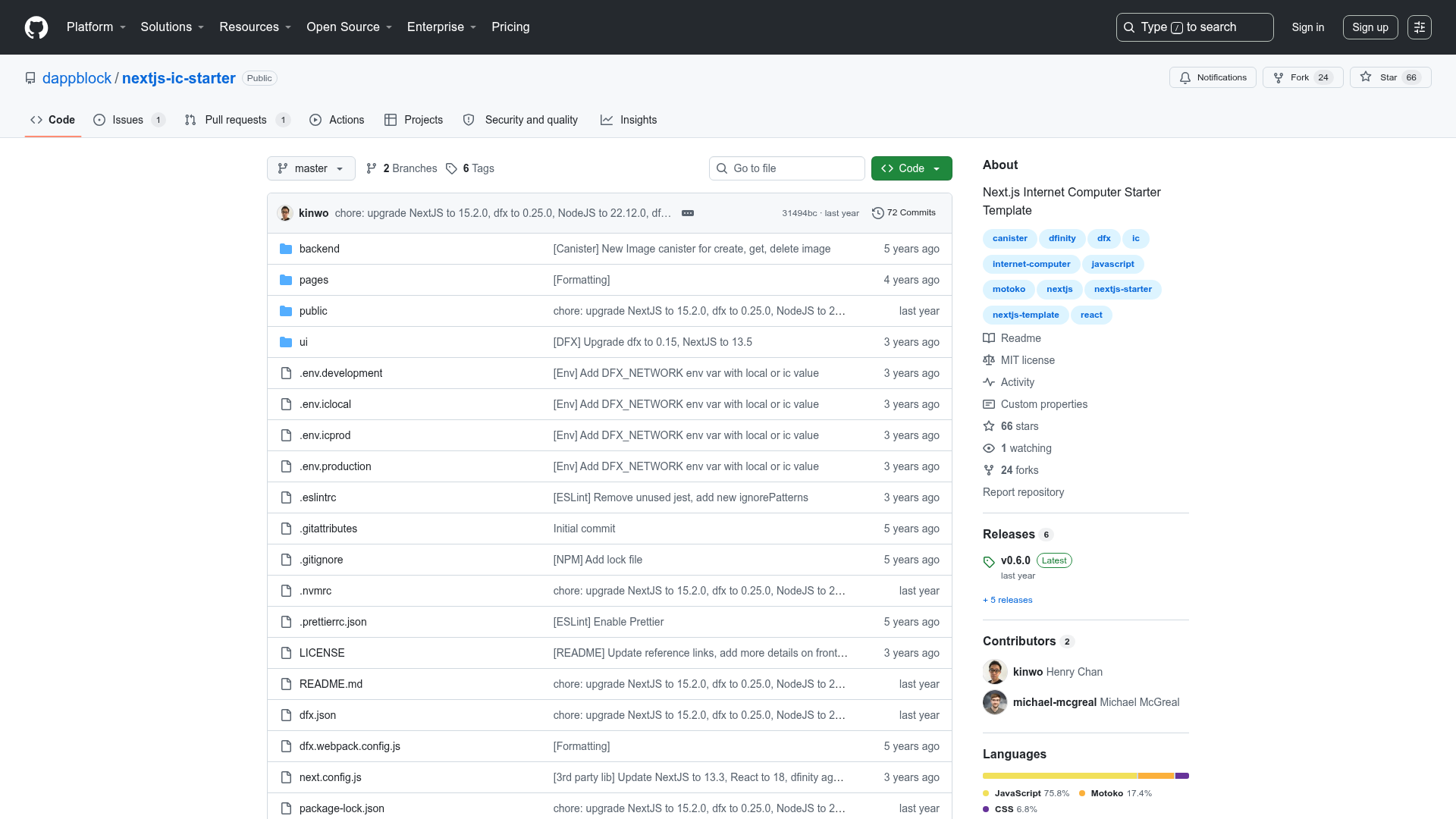
The Tailkit Next.js Starter Kit is a GitHub repository that gives you a Next.js application with Tailkit UI components available out of the box. It takes a fresh Node.js environment and produces a running Next.js app via the standard npm commands (install, dev, build). The project was bootstrapped with create-next-app, so it uses the Next.js App Router and the app/page.tsx file, and it automatically loads the Geist font family through next/font. The repository is published by Tailkit (tailkit.com) and currently has 11 stars on GitHub.
Key Features
- Tailkit UI components included — Lets you use Tailkit's Tailwind CSS-based UI components directly in a Next.js project without manual integration.
- Next.js App Router — The starter uses the modern app/ directory structure, with the homepage defined in app/page.tsx.
- Tailwind CSS foundation — The project is set up for Tailwind CSS, matching Tailkit's styling approach (as reflected in the repository topics).
- next/font with Geist — Fonts are automatically optimized and loaded via next/font, pulling the Geist font family from Vercel.
- Standard development workflow — Commands include npm install, npm run dev for a local server at localhost:3000, and npm run build for production builds.
- Vercel deployment ready — The README points to the Vercel platform as the easiest way to deploy the app, with deployment documentation included.
Who is it for?
- Next.js developers who want to start a project with Tailkit UI components already wired up, avoiding the setup work themselves.
- Tailkit users who want a canonical Next.js integration to base their own site or app on, with the standard create-next-app structure.
- Prototype builders who need a quick local environment (npm run dev) to experiment with Tailkit components in a real Next.js project.
What can you do with it?
- Build a new site: Use the included setup to assemble pages from Tailkit UI components within the Next.js App Router.
- Customize the home page: Edit app/page.tsx to replace the default starter content with your own components and layouts.
- Deploy quickly: Push the project to Vercel or use the provided deployment docs to go live.
How does it work?
After installing dependencies with npm install, run npm run dev and open http://localhost:3000 to see the default page. Edit app/page.tsx to change the app; the page auto-updates as you save. Running npm run build creates a production-ready bundle.
Alternatives
- shadcn/ui — a component library that lets you copy-paste Tailwind-based React components into your own project rather than starting from a pre-built kit.
- Tailwind UI — the official set of Tailwind CSS components from the Tailwind team, which offers a different catalog than Tailkit.
FAQ
How do I install the Tailkit Next.js Starter Kit?
Install it like any npm project: run npm install to install dependencies, then npm run dev to start the development server at http://localhost:3000.
Does this starter kit use the App Router?
Yes, the project is bootstrapped with create-next-app and contains an app/page.tsx file, which means it uses the Next.js App Router rather than the older pages directory.
What is Tailkit?
Tailkit is a library of Tailwind CSS UI components, and this starter kit is designed to make those components available in a Next.js project with minimal setup.
How do I create a production build?
Run npm run build from the project root. The README also notes that Vercel is the easiest way to deploy, and links to Next.js deployment documentation.
Does the project include TypeScript?
Yes, the starter kit's main file is named page.tsx, indicating that TypeScript is the language used in the template.