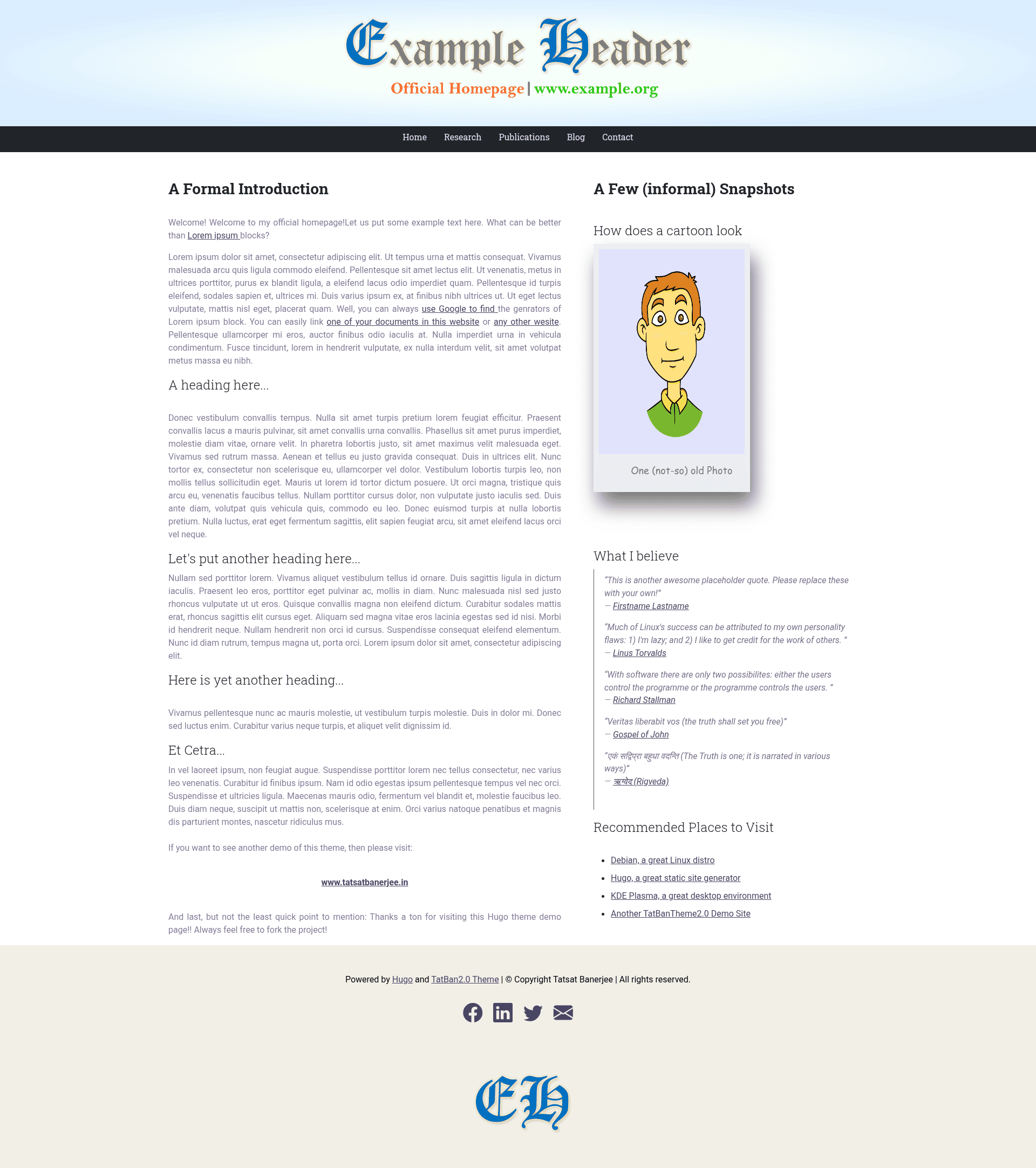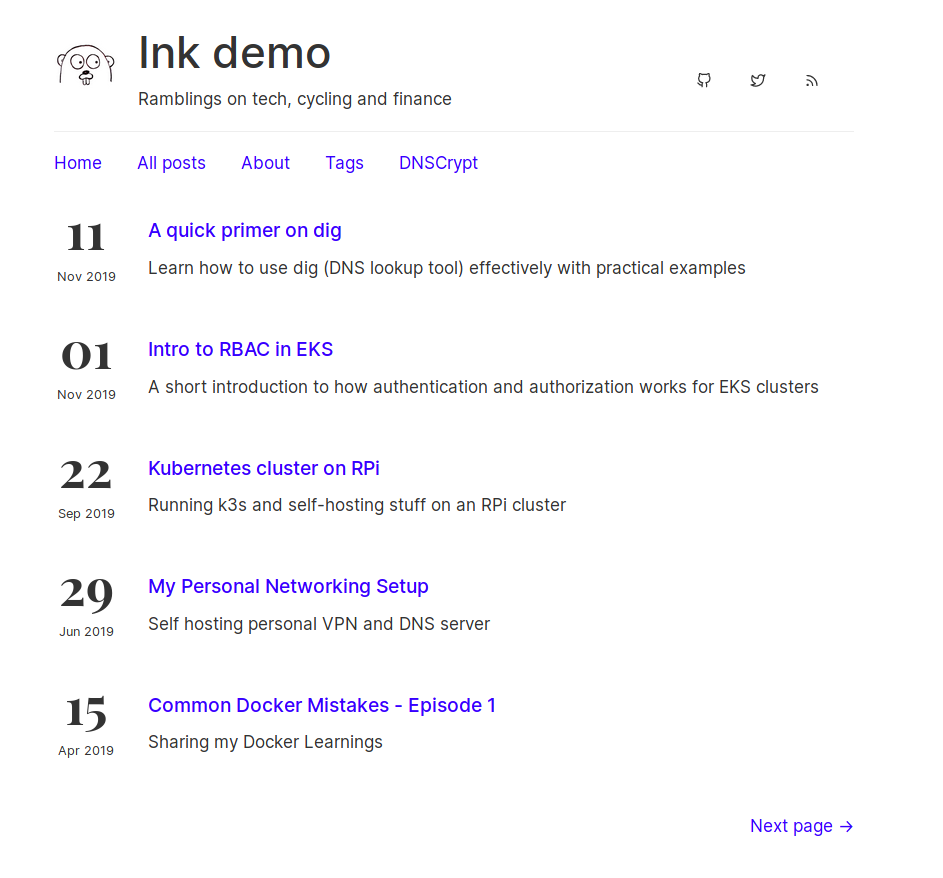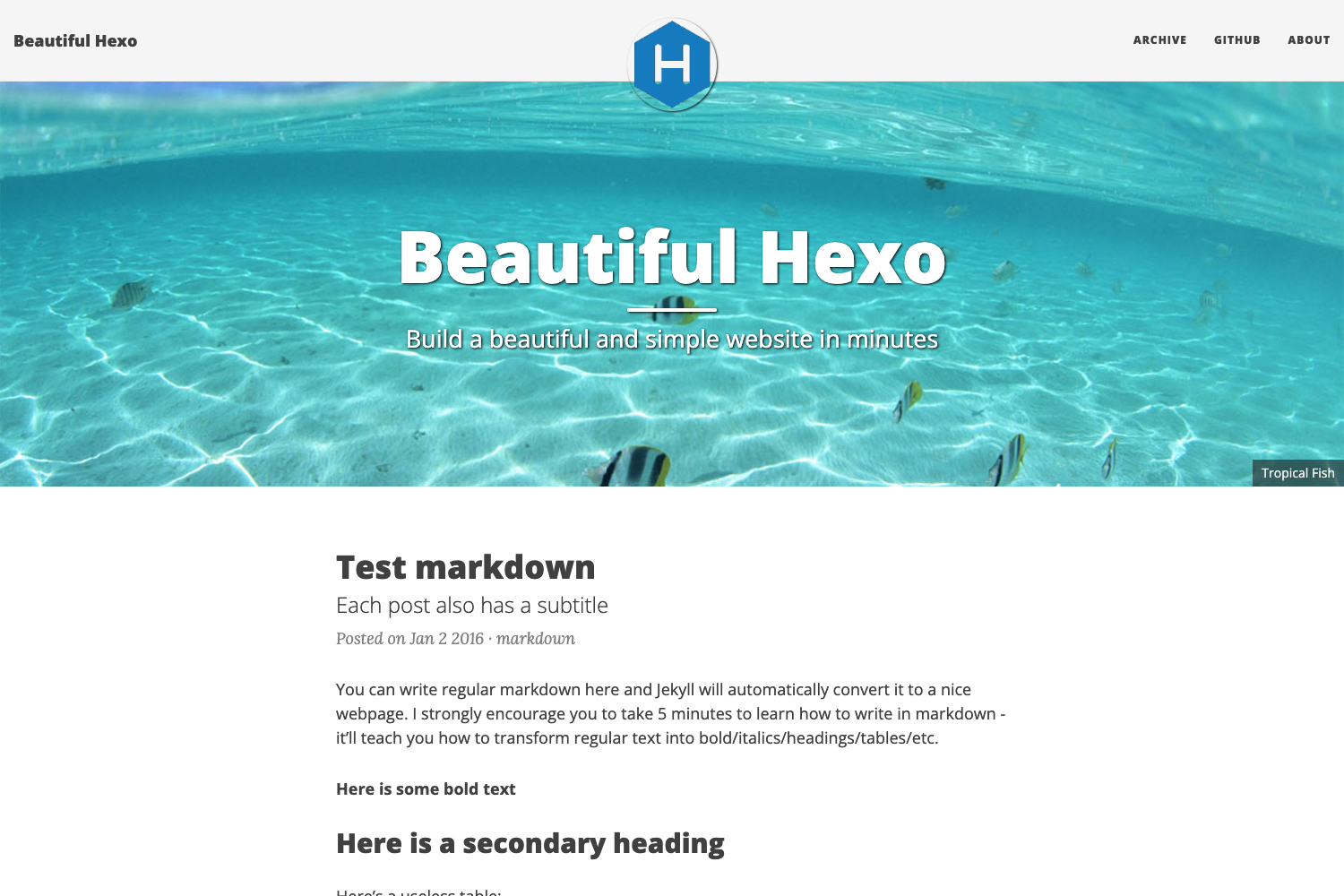
Template details
TatBanTheme2.0
Minimal Hugo blog theme built with Bootstrap 5, featuring LaTeX support, Disqus comments, and SEO-friendly templates.
About this template
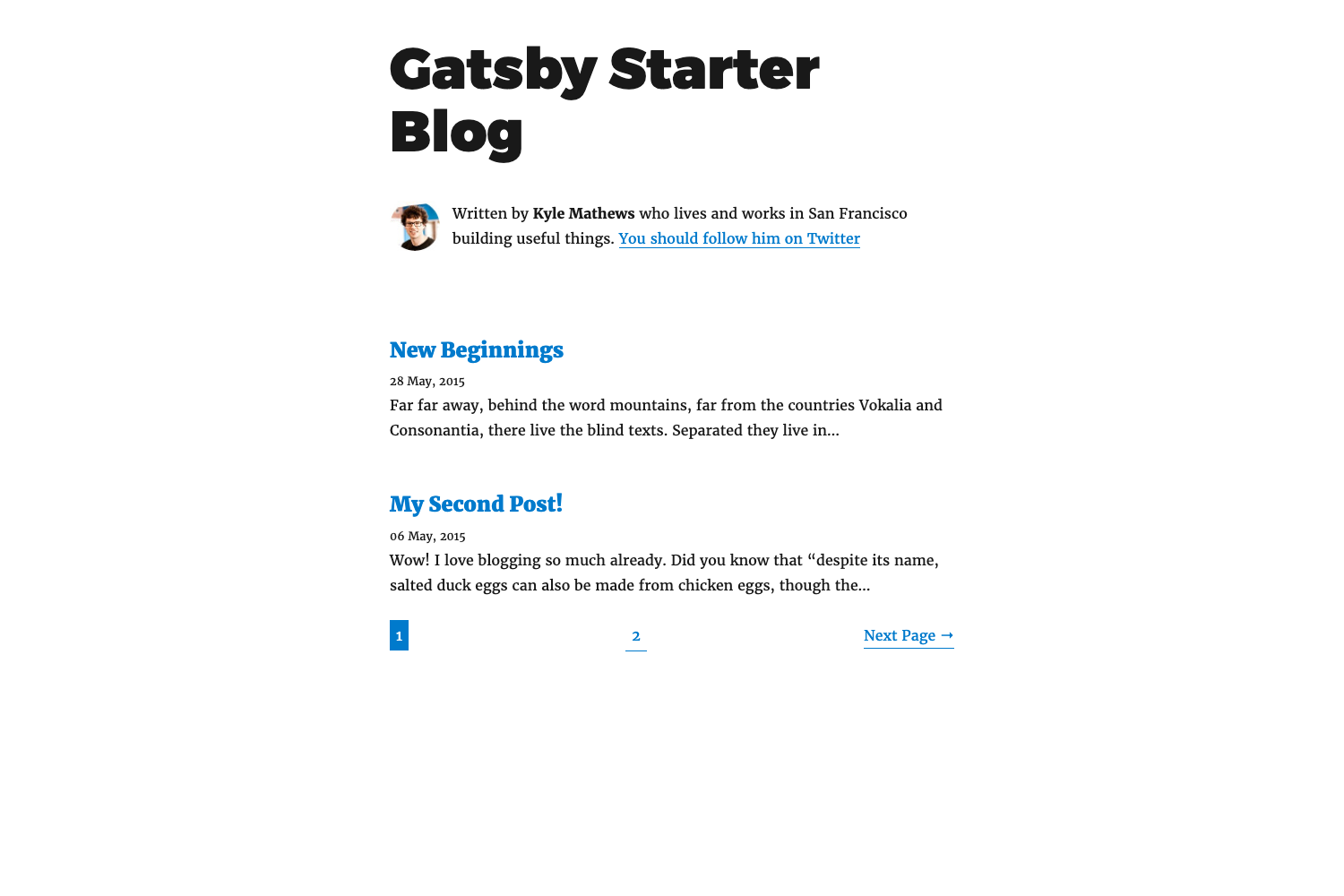
TatBanTheme2.0 is a minimal Hugo theme for building an elegant website and a working blog, built from scratch on the responsive Bootstrap 5 framework.
What is TatBanTheme2.0?
TatBanTheme2.0 is a free and open-source Hugo theme created by Tatsat Banerjee. It takes a Hugo site's Markdown content as input and produces a fully responsive, blog-aware website with tags, categories, comments, and LaTeX rendering as output. The theme runs on Hugo's static site generator and is released under the GNU General Public License v3. Despite its name, the project is still a work in progress, with additional CSS and JavaScript elements planned for future releases.
Key Features
- Mobile-first responsive design — Built on Bootstrap 5, so all pages render cleanly across mobile and desktop screens without extra configuration.
- Original from-scratch layout — The design and CSS are built from scratch, not forked from any other Hugo, Jekyll, or HTML5 theme.
- Blog-aware structure — Generates tags and categories pages by default and uses separate templates for the homepage, list pages, and single posts so they do not look identical.
- Disqus comments — Disqus is configured and enabled by default; setting a
disqusShortnamein the site's config.toml activates comments on single-page posts. - LaTeX with KaTeX — Set the front-matter
mathparameter totrueto enable KaTeX rendering; use double dollar signs for display math and single dollar signs for inline math. - Custom HTML support — The Goldmark renderer is configured with
unsafe = trueby default, allowing raw HTML inside Markdown files; you can remove this block to disable it site-wide. - SEO-friendly meta tags — Each page supports a custom description meta-tag, making it possible to control how pages appear in search results.
- Flexible installation — Install by cloning the repository, adding it as a git submodule, or downloading the ZIP and copying the folder into your Hugo site's
themesdirectory.
Who is it for?
- New Hugo users — Learn how Hugo layouts and partials work by copying files like
footer.htmlorindex.htmlto the site root and modifying them there, following Hugo's lookup order. - Bloggers who want comments and categories — Get a working blog with tag and category archives and Disqus comments without building front-end features from scratch.
- Technical and academic writers — Write math equations in posts by enabling the
mathfront-matter flag and using KaTeX's LaTeX rendering. - Developers who like to customize — The theme is intentionally not a plug-and-play framework; it encourages you to edit partials and add your own CSS, and pull requests are welcome.
What can you do with TatBanTheme2.0?
- Personal bloggers: stand up a new Hugo blog with posts, tags, categories, and Disqus comments in a few steps.
- Technical writers: publish articles that include LaTeX equations without using a separate math engine.
- Hugo learners: examine the theme's layout files and example site to understand Hugo's file lookup order and template customization.
- Landing page owners: replace the default homepage with a simpler markdown-driven page using the
singlepagelayout from the theme's_defaultfolder.
How does it work?
Install Hugo, create a new site, and install the theme via clone, submodule, or ZIP. Then replace the default config.toml with the example from the theme's examplesite folder, update the baseURL, and copy the example content into your site's content folder. Finally, run hugo server -D in the site root to see the working website.
FAQ
Is TatBanTheme2.0 free?
Yes, TatBanTheme2.0 is free and open-source software licensed under the GNU General Public License v3. You can use, modify, and redistribute it, but derivative works must also be GPL-licensed.
How do I enable LaTeX support in a post?
In the front matter of a Markdown file, set the math parameter to true. Then use double dollar signs ($$) around display equations and single dollar signs for inline math. KaTeX renders the output.
How do I change the social media links?
Copy footer.html from the theme's layouts/partials/ folder to your site's layouts/partials/ folder, then edit the links for Facebook, Twitter, LinkedIn, and Email in that file. Your site's copy takes precedence over the theme's file.
How do I add custom CSS?
Add your CSS files to your site's static/css/ folder and update the header.html partial in your site's layouts/partials/ folder to link them. The custom stylesheets load after the main theme CSS (banerstyle.css).
Does the theme support comments?
Yes, Disqus is pre-configured and enabled. Set your Disqus disqusShortname in config.toml and use the single layout (front-matter layout field) so the comment thread appears at the bottom of the page.