Template details
Texture
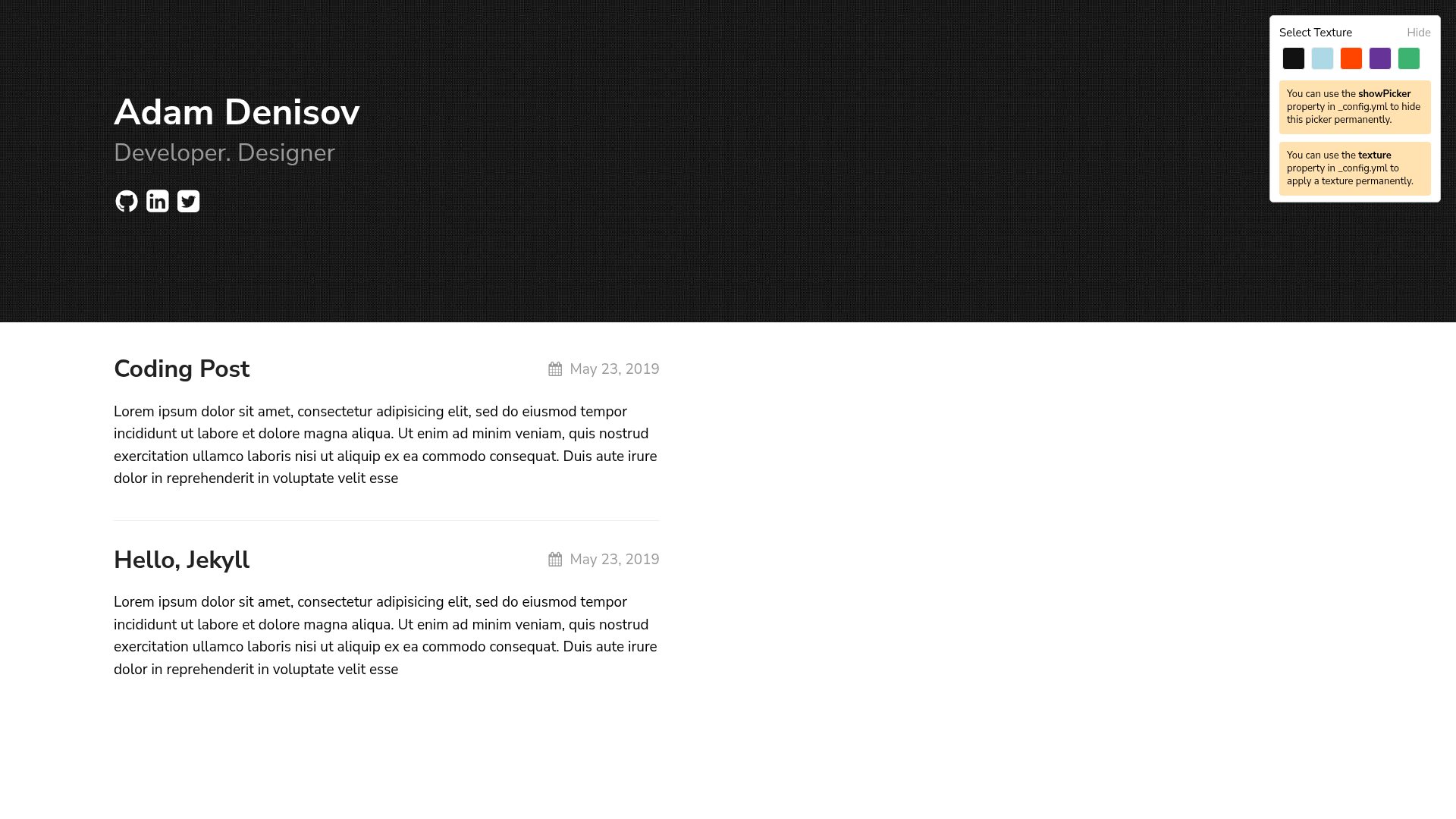
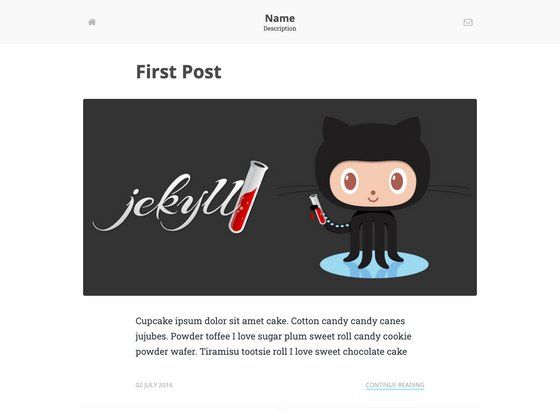
A configurable Jekyll theme for simply beautiful blogs, with multiple color styles and GitHub Pages support.
About this template
Texture is a configurable Jekyll theme for simply beautiful blogs, built by Samarsault and available under the MIT license.
What is Texture?
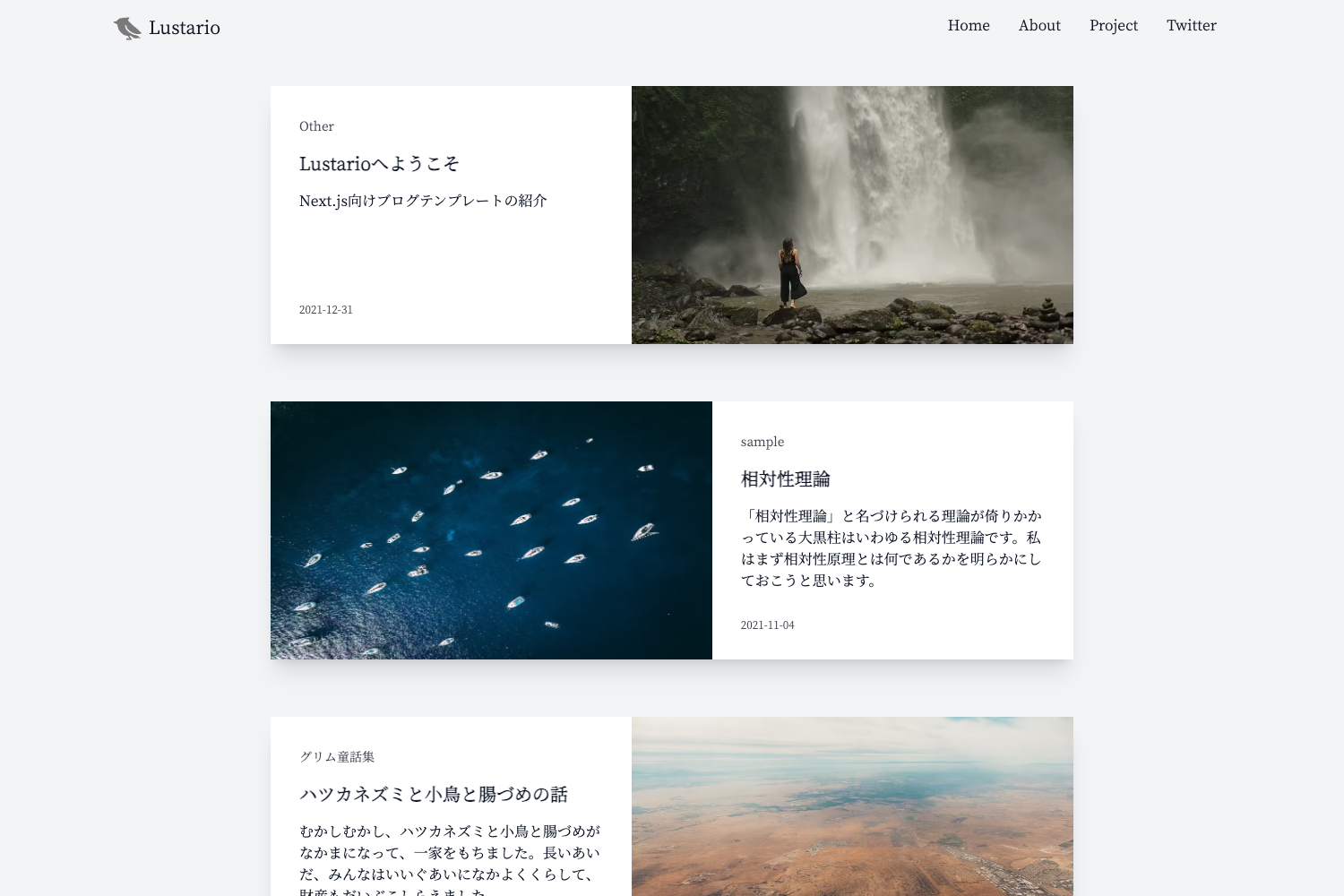
Texture is a Jekyll theme designed for blogs, distributed both as a remote theme for GitHub Pages and as a Ruby gem. It takes site configuration from the _config.yml file — including title, tagline, date format, social links, and color style — and produces a static blog site with Home, Page, and Post layouts. The theme is maintained by Samarsault (GitHub user thelehhman) and is open source under the MIT License.
Key Features
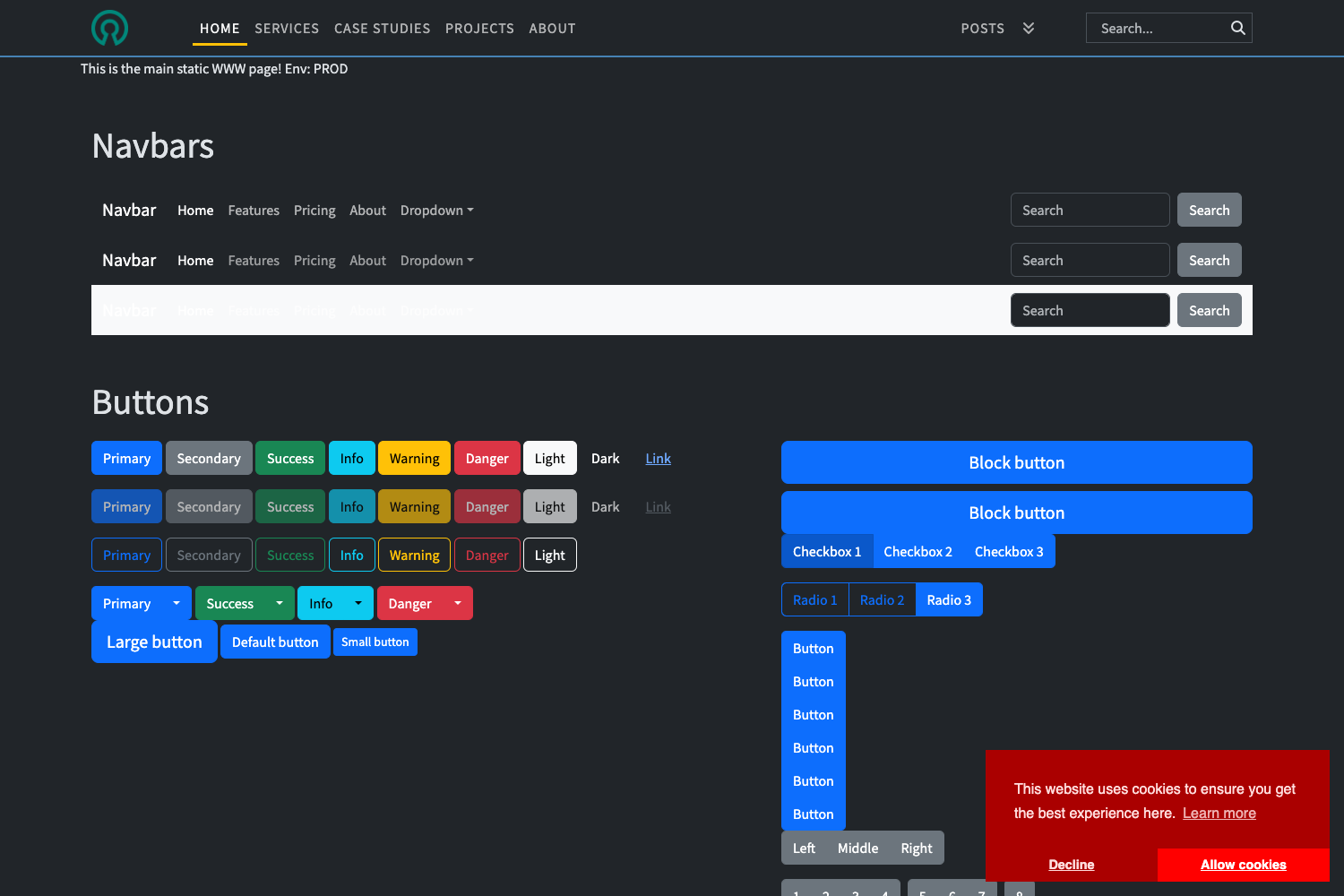
- Configurable styling — Six built-in color styles (yellow, red, black, blue, green, purple) are selected with a style property under the texture key.
- Social links — Built-in support for Twitter, GitHub, and LinkedIn URLs via the social_links config.
- Texture Picker — A showPicker flag toggles an on-screen texture selector for experimenting with styles during development; set to false in production.
- Disqus comments — Comments on posts are enabled by setting a disqus_shortname in the theme config.
- Google Analytics — An analytics_id field inserts Google Analytics tracking.
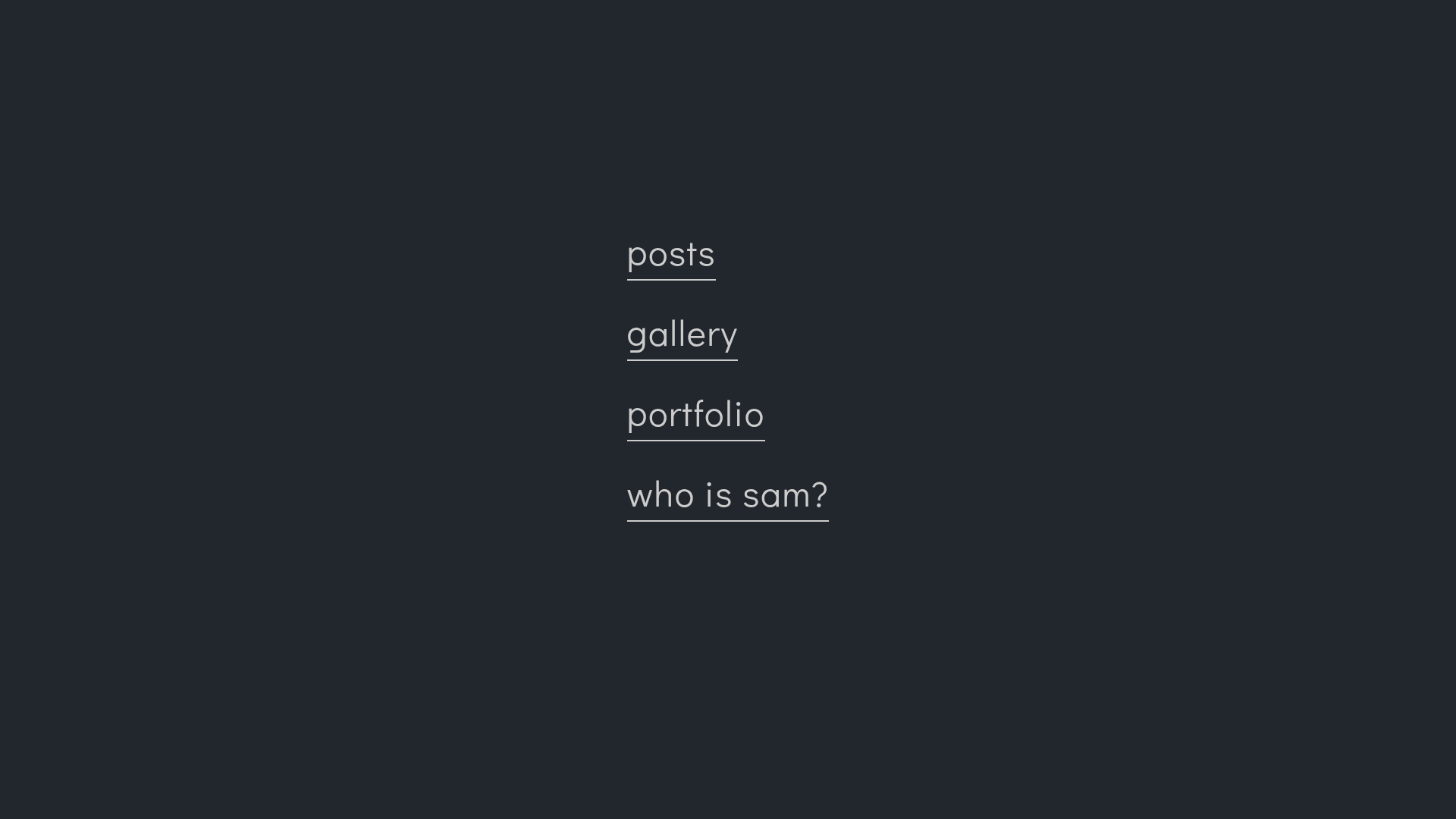
- Excerpts and navigation — show_excerpts: true displays post excerpts, while showNav plus a navigation list builds a custom navbar with titles and URLs.
- GitHub Pages ready — Install by adding remote_theme: samarsault/texture to _config.yml, no gem build required.
Who is it for?
- Bloggers — Write posts in Markdown and get a clean, minimal blog with customizable colors and social links.
- Developers — Use it as a starting point for a personal site or portfolio, with Home, Page, and Post layouts and full control via _config.yml.
- GitHub Pages users — Deploy quickly by pointing remote_theme at the repository; no local Jekyll setup needed.
- Theme developers — Fork the repository and run bundle exec jekyll serve to develop and test customizations.
What can you do with Texture?
- Personal blogs — Set a title, tagline, and date format, then publish posts; enable excerpts for a magazine-style listing.
- Portfolio pages — Use the Page layout to create a static About or My Work page and link it in the navbar via the navigation config.
- Client or project sites — Add Disqus for comments and Google Analytics for traffic measurement without writing custom code.