Template details
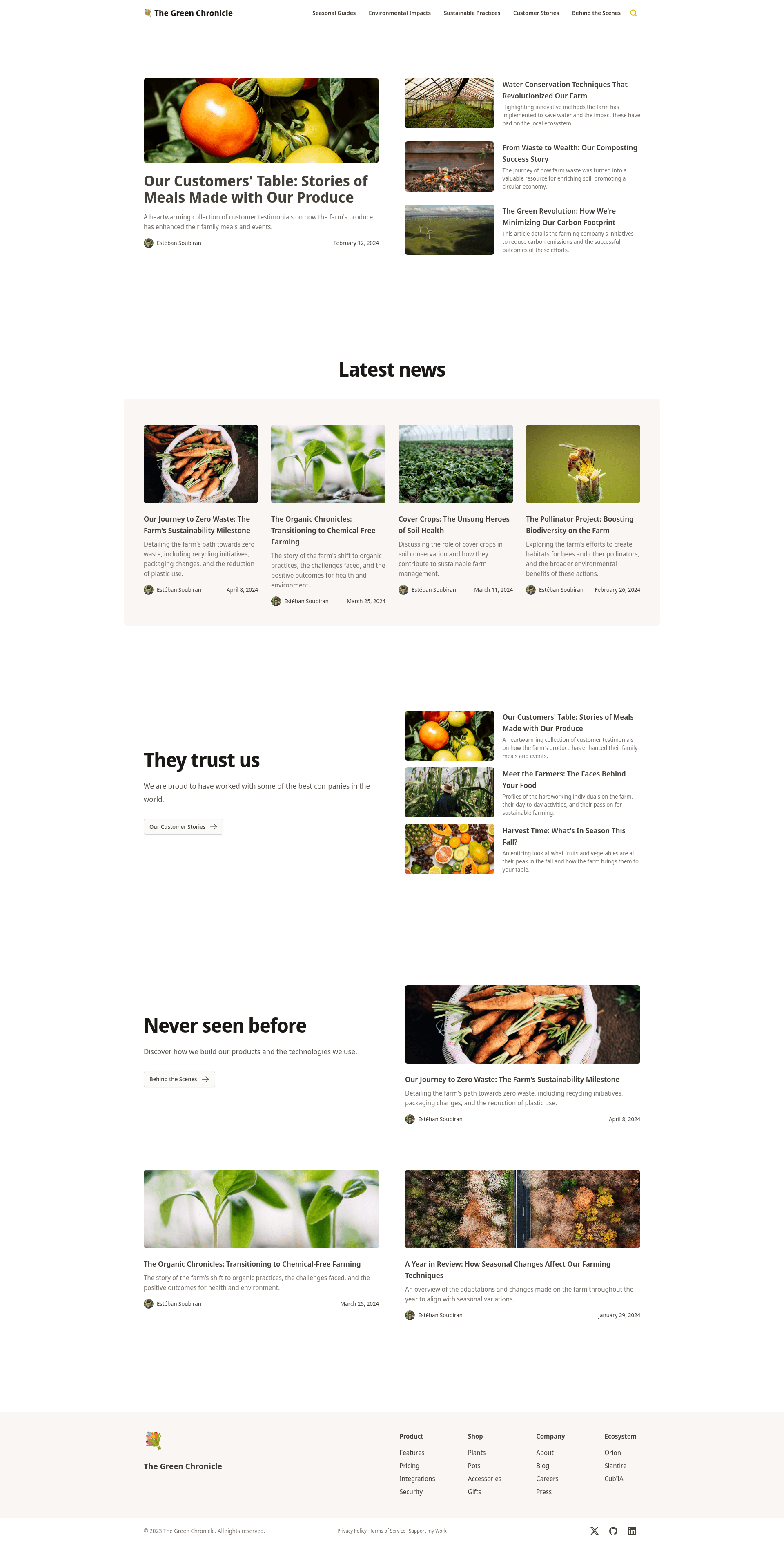
The Green Chronicle
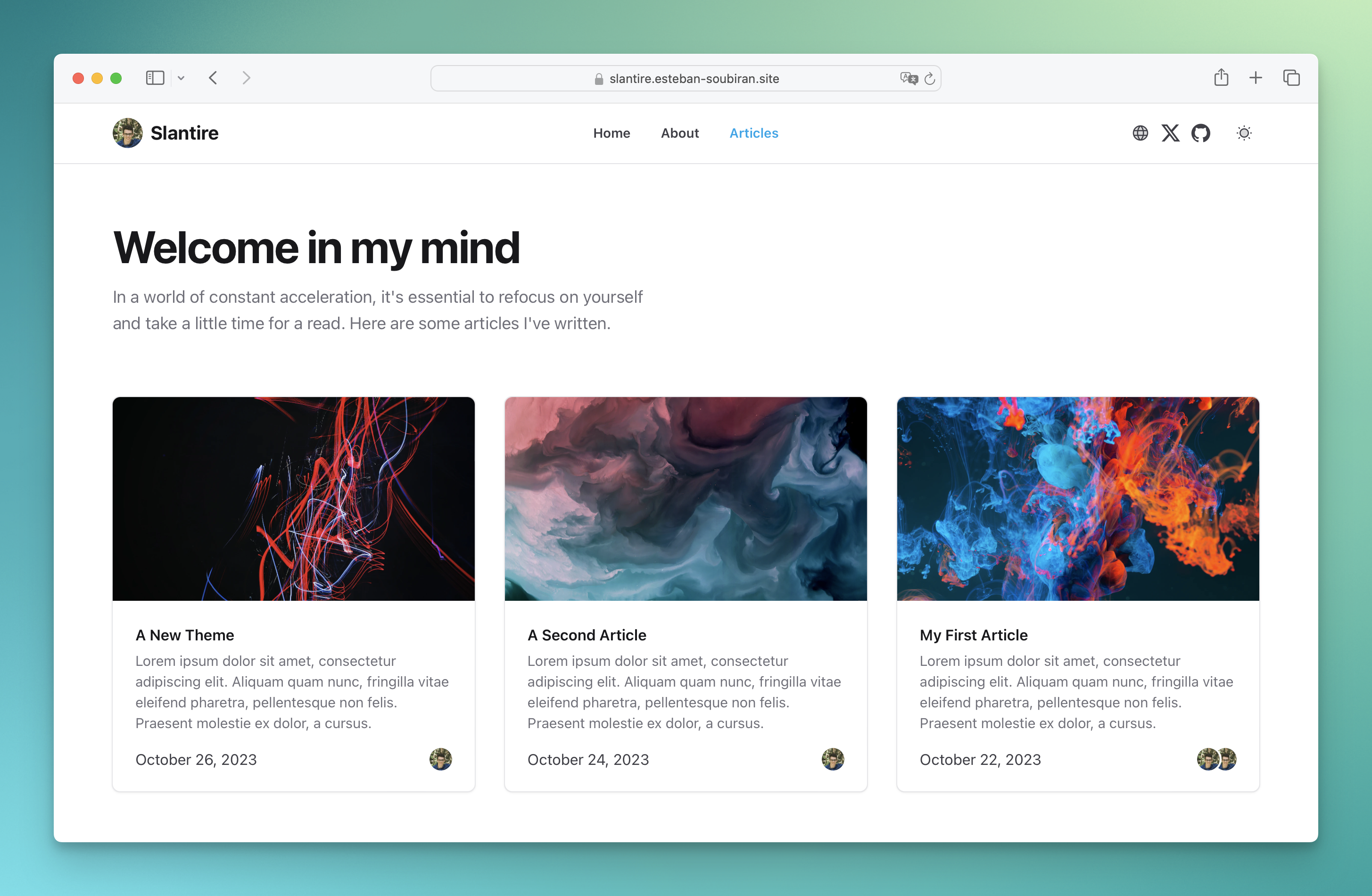
A company blog theme for Nuxt Studio powered by Nuxt Content and Nuxt UI Pro.
About this template
The Green Chronicle is a Nuxt blog theme for companies that ships ready for Nuxt Studio, using Nuxt Content to turn Markdown files into a styled blog and Nuxt UI Pro for the interface. It is maintained on GitHub by Barbapapazes and is one of the Nuxt Studio themes available for building content-focused websites.
What is The Green Chronicle?
The Green Chronicle is a company blog theme that runs on the Nuxt framework and can be edited visually in Nuxt Studio. It accepts Markdown content via Nuxt Content and outputs a static blog site with Nuxt UI Pro components. The project is hosted on GitHub under the Barbapapazes account and is distributed as a Nuxt template.
Key Features
- Nuxt Content integration — Write posts as Markdown files in the content directory; Nuxt Content handles parsing, routing, and rendering them as pages.
- Nuxt UI Pro components — The theme's interface is built with Nuxt UI Pro, giving access to styled components maintained by the Nuxt team.
- Nuxt Studio ready — The theme is designed to be opened in Nuxt Studio, the visual editor for Nuxt, so non-technical editors can modify the blog.
- Company-focused layout — The blog layout is tailored for company announcements, product updates, and long-form articles.
- Fast local development — Install dependencies with pnpm install and start a development server at http://localhost:3000 with pnpm run dev.
- Static site generation — Build a production-ready static version with npm run generate, which outputs the blog for hosting anywhere.
Who is it for?
The Green Chronicle is intended for companies and brands that want a blog with a native Nuxt stack, and for developers who build content-driven sites with Nuxt. Content teams can manage posts through Nuxt Studio, while developers can customize the theme by editing Nuxt components and configuration. Nuxt developers can also study the template as an example of combining Nuxt Content with Nuxt UI Pro.
What can you do with The Green Chronicle?
- Company marketing teams: publish posts and announcements in a theme that matches a corporate tone, using the pre-built Nuxt UI Pro components.
- Nuxt developers: use the template as a starting point for a client blog, and extend it with Nuxt's module system or Nuxt Studio.
- Agency content editors: edit the blog visually in Nuxt Studio without writing code, then generate a static site for production.
How does The Green Chronicle work?
The workflow follows a standard Nuxt Content project. First, install dependencies with pnpm install. Then start the development server with pnpm run dev to preview the blog at localhost:3000. Add posts as Markdown files and Nuxt Content renders them. For production, run npm run generate, which requires a Nuxt UI Pro license and the NUXT_UI_PRO_LICENSE variable set in the .env file.
FAQ
What is The Green Chronicle?
The Green Chronicle is a company blog theme for Nuxt, powered by Nuxt Content and Nuxt UI Pro. It is ready for Nuxt Studio and lets you turn Markdown content into a styled blog. It is maintained on GitHub by Barbapapazes.
Do I need a Nuxt UI Pro license?
A Nuxt UI Pro license is required to build the application for production using npm run generate. You must set the NUXT_UI_PRO_LICENSE variable in the .env file. For development and contribution to the Nuxt website or documentation, a license is not required.
How do I run the development server?
Install dependencies with pnpm install, then run pnpm run dev. The development server will start at http://localhost:3000, so you can preview the blog and edit content locally.
Can I use The Green Chronicle without Nuxt Studio?
Yes, the theme is a regular Nuxt project that works locally with pnpm commands. Nuxt Studio is optional; it provides a visual editing layer on top of the same Nuxt project, but you can write Markdown files and configure the theme directly in code.