Template details
Gatsby Blog Template
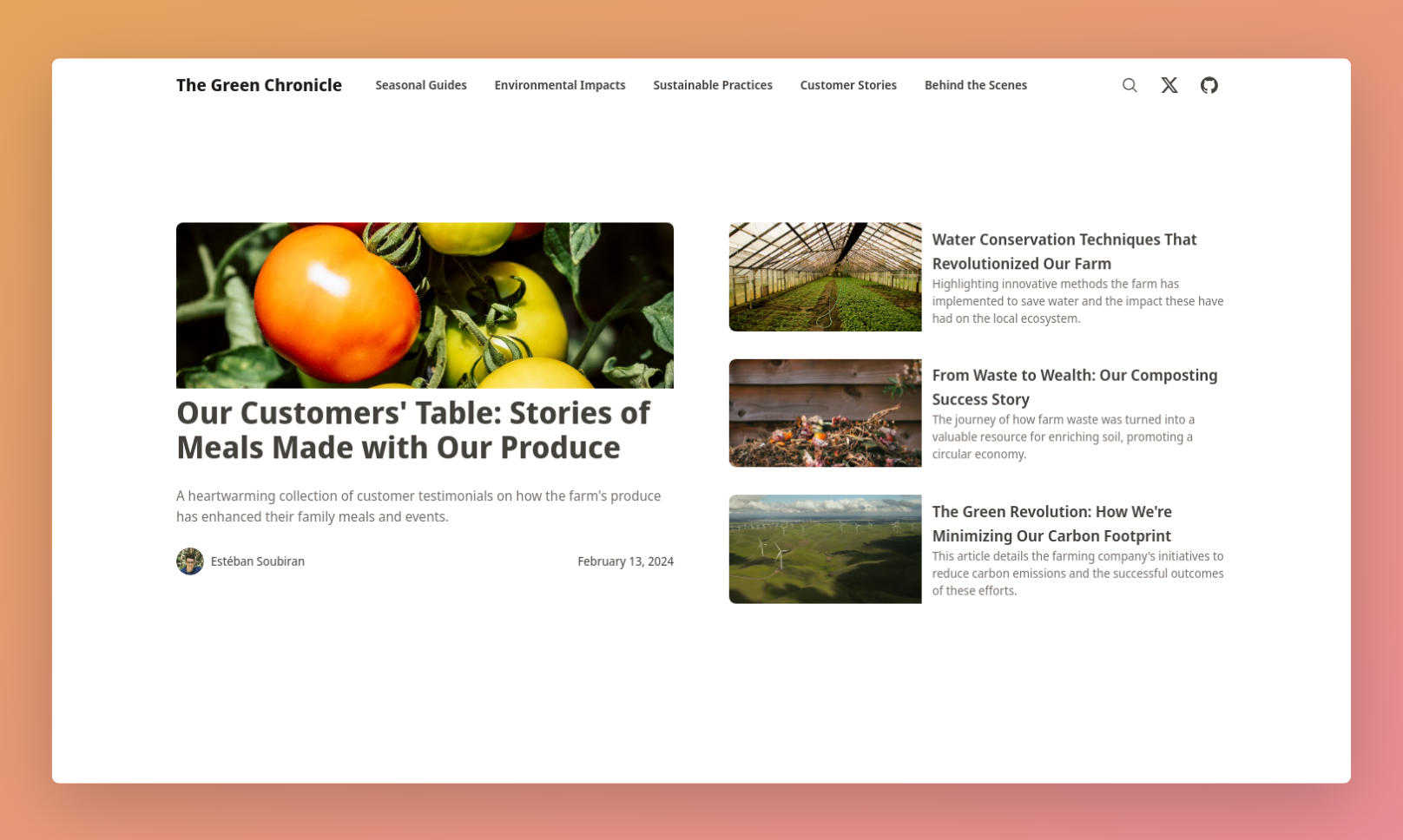
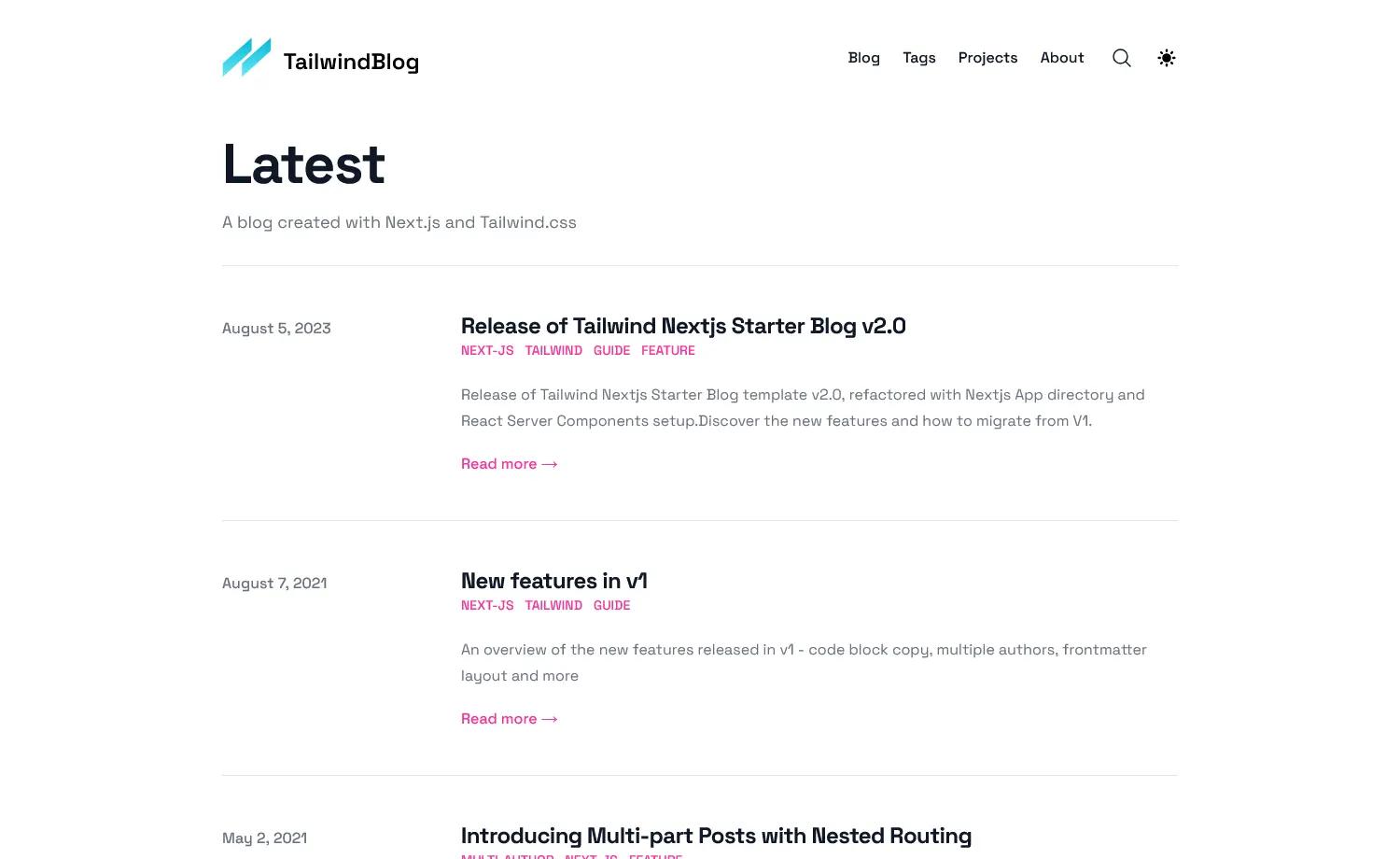
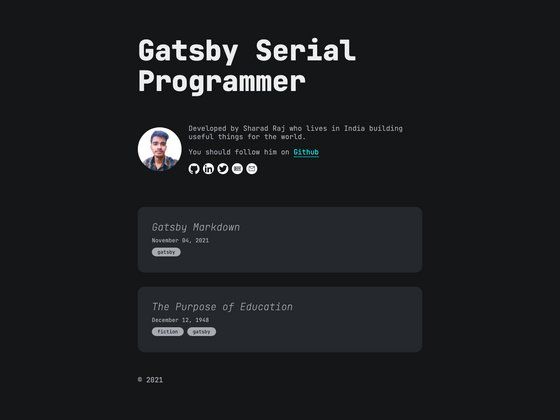
A fast, responsive Gatsby blog template with Markdown posts, tags, infinite scroll, and a contact form.
About this template
The Blog Starter by Baobab is a Gatsby-based blog template that compiles static HTML, CSS, and JS so posts can be hosted for free on CDNs like Netlify.
What is the Gatsby Blog Template?
The Gatsby Blog Template is a static site generator starter built on Gatsby. It takes Markdown files as content input and outputs a static blog with autogenerated tracedSVG image placeholders, tag organization, and a contact form. It is a fork of Greg Lobinski's hero-blog-starter with fixes for draft posts, RSS feed, 404 page, and more.
Key Features
- Static output — Gatsby compiles the blog into HTML+CSS+JS, so hosting costs nothing on CDNs like Netlify. Initial load is about 20KB of data over one round trip.
- tracedSVG placeholders — Autogenerated stylized image placeholders create a smooth transition as images load without page jumping.
- Markdown content — Blog posts are written as Markdown files, easy to format and not tied to any platform.
- React in Markdown — You can embed custom React components directly inside Markdown files.
- Tags — Posts are organized by tags, with multiple tags supported per post.
- Teasers and infinite scroll — The front page shows post teasers with infinite scroll that falls back to pagination.
- Contact form — Includes a Contact page using Google Scripts for form handling, independent of hosting.
- Subscribe page — A hidden Subscribe page for RSS and email newsletter signups, with the link configurable via an environment variable.
Who is it for?
- Developers who want a fast, self-hostable blog with a modern React-based workflow.
- Bloggers who want to write in Markdown and publish cheaply to static hosts.
- Developers forking existing starters who need fixed draft handling, RSS feed, and 404 behavior.
What can you do with it?
- Personal bloggers: publish Markdown posts organized by tags and get automatic teasers with infinite scroll on the homepage.
- Developers building custom sites: embed custom React components in Markdown and extend the template with environment variables for analytics and newsletters.
- Self-hosters: deploy to any CDN and use Netlify, configure caching via static/_headers and redirects via static/_redirects.
How does it work?
The template is set up like a typical Gatsby project. After installing dependencies, run gatsby develop for development or gatsby build && gatsby serve for production. Content lives in Markdown files in the mock_posts and posts folders; setting the POSTS_FOLDER environment variable switches between them. Posts with a date-prefixed folder name get published, while others are drafts.
FAQ
Is the template free?
Yes, it's an open-source Gatsby starter on GitHub, and hosting the generated static files is free on CDNs like Netlify.
How do I customize the blog?
Edit everything in content/meta/config.js, content/pages, and content/parts, then replace the author's name across the repository and swap the social share image at static/preview.jpg.
How do I handle the contact form?
The Contact page sends submissions to a POST address defined by the CONTACT_POST_ADDRESS environment variable. The author uses a Google Script to process submissions, with instructions linked in the README.
Does the template support analytics?
Yes, set the PLAUSIBLE_DOMAIN environment variable to your domain to use Plausible Analytics, though the README notes that Plausible script loading was removed and needs to be added back.
How do I avoid publishing draft posts?
By default, only mock posts are used. To use real posts, set POSTS_FOLDER=posts, but be careful not to commit draft posts if deploying via Netlify from GitHub.