Template details
Yellowblue
A free, responsive Jekyll blog theme with 451 SVG icons, Prism highlighting, Disqus comments, and GitHub Pages support.
About this template
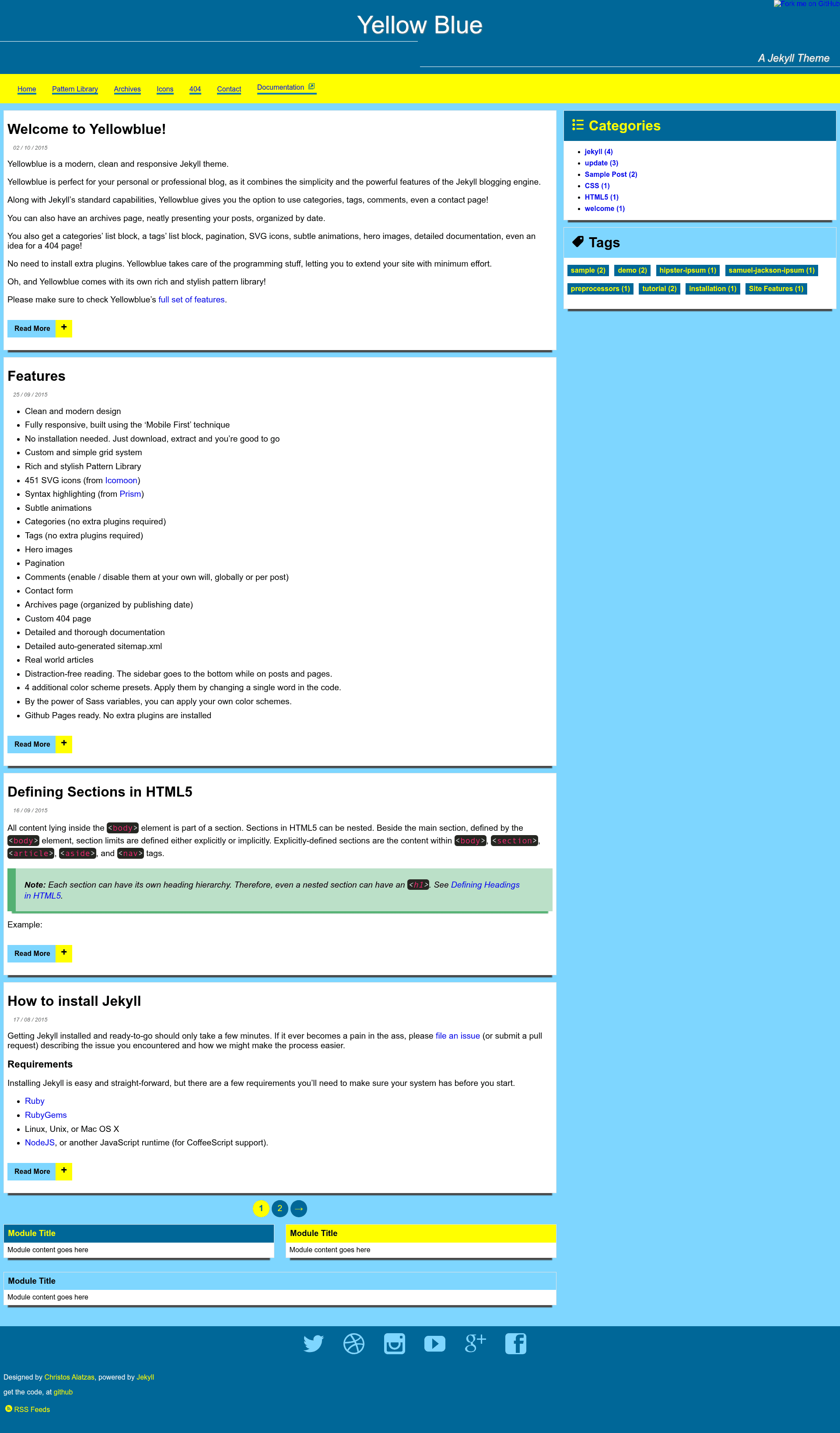
Yellowblue is a free, responsive Jekyll blog theme built by Christos Alatzas, designed for static site generation with no plugin dependencies.
What is Yellowblue?
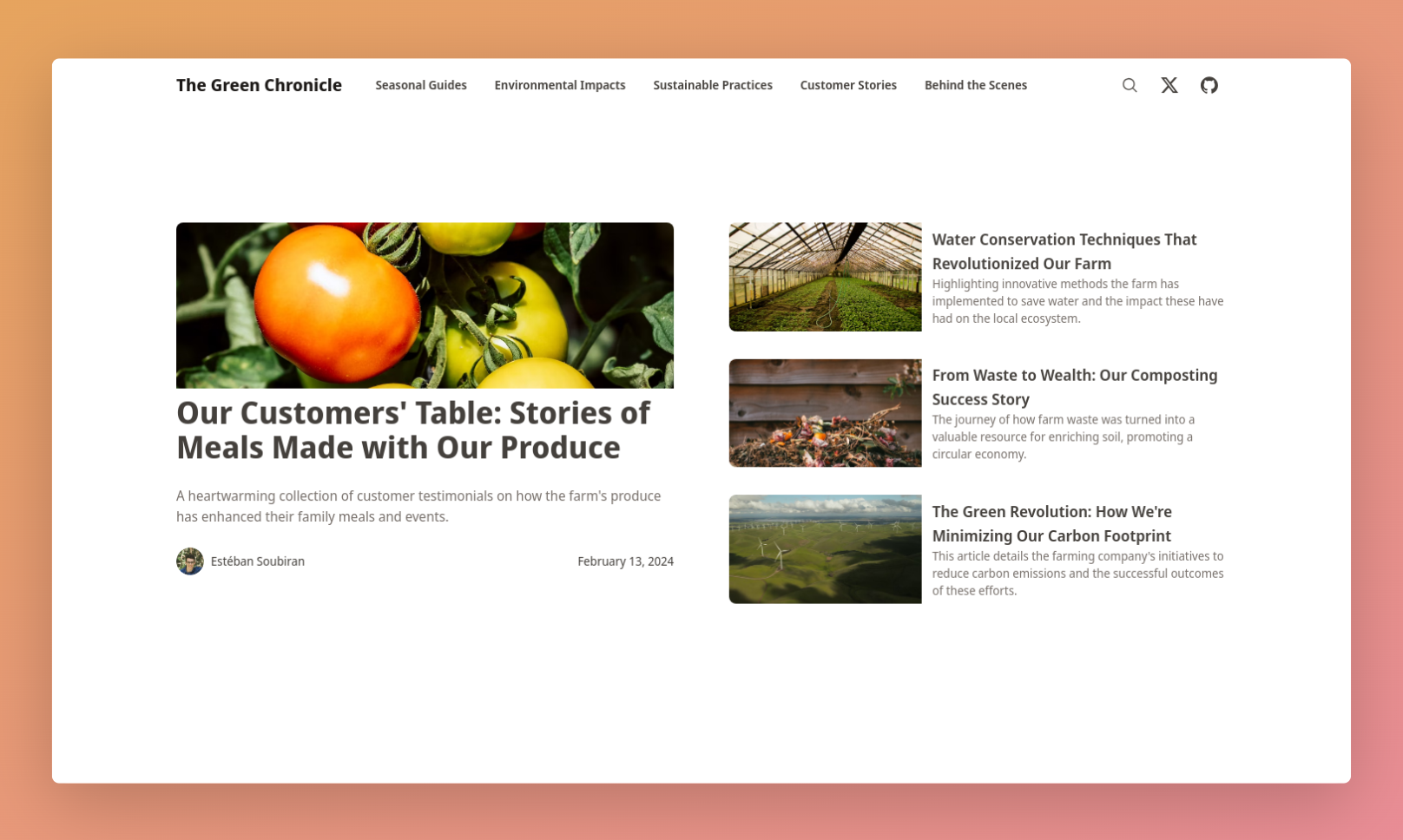
Yellowblue is a free, responsive Jekyll blog theme that produces a clean, modern blog with a custom grid system. You give it standard Jekyll content (posts, pages, configuration in _config.yml), and it outputs a static site with hero images, syntax highlighting, categories, tags, pagination, and an archives page. It runs on Jekyll, the popular static site generator, and is ready for GitHub Pages because it requires no extra plugins. The theme is maintained by Christos Alatzas, who publishes a live demo and separate documentation site.
Key Features
- No installation required — You download the theme, extract it, and start writing Markdown posts; configuration happens in one file.
- Responsive design — Built with the Mobile First technique, so the layout adapts from small screens up to desktop widths.
- 451 SVG icons — The icon set comes from Icomoon and is bundled directly in the theme.
- Syntax highlighting — Code blocks are highlighted using Prism, with support for common languages.
- Categories and tags — Both taxonomies work without any extra Jekyll plugins, just standard front matter.
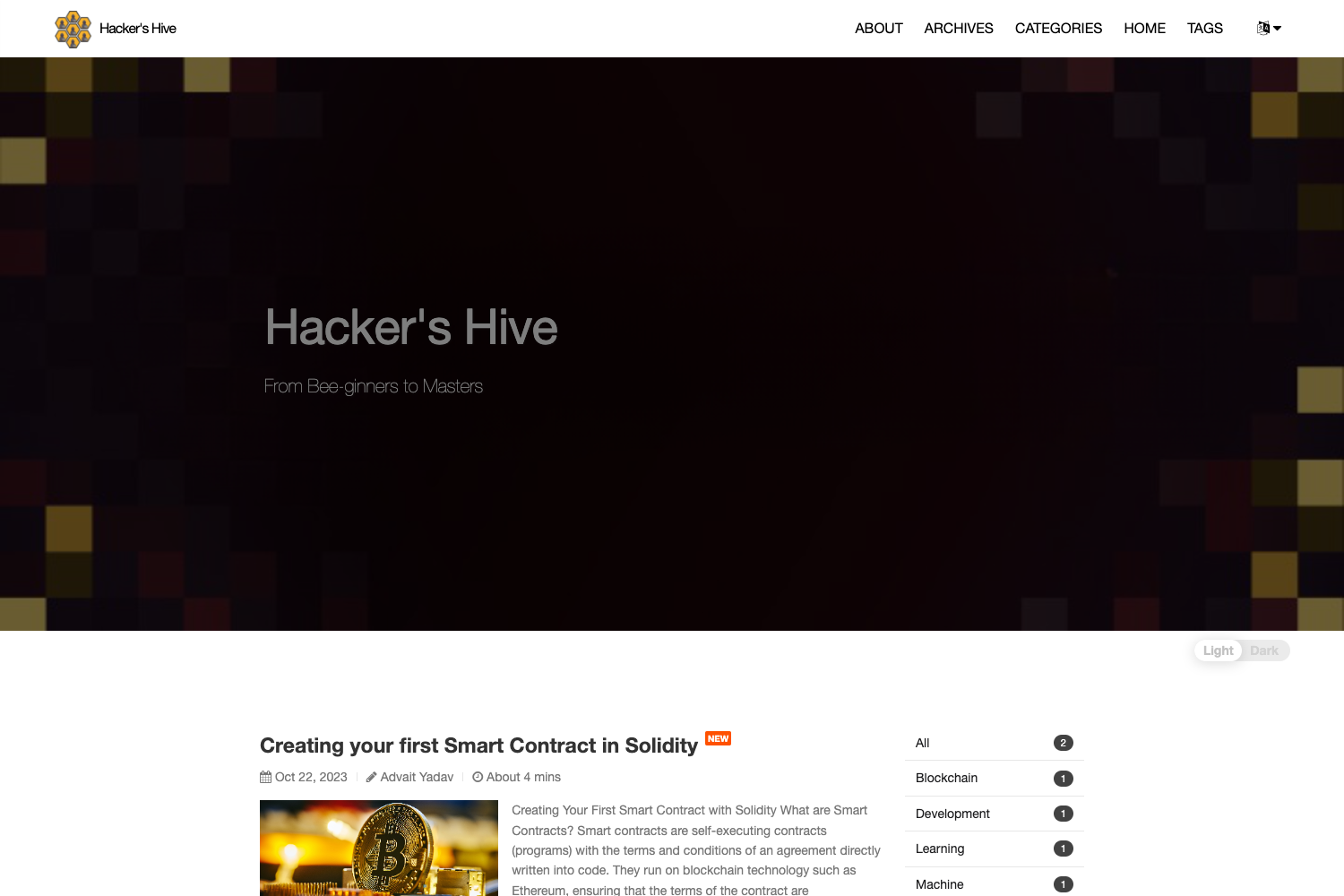
- Hero images — Posts can display a full-width hero image at the top of the page.
- Comments — Disqus integration can be toggled globally in the config or per post.
- Contact form — A prebuilt form works with Formspree, which forwards submissions without a backend server.
- Color presets — Four additional color schemes are included, and you can create your own by editing Sass variables.
- Extra pages — Includes an archives page organized by date, a custom 404 page, and an auto-generated sitemap.xml.
Who is it for?
- Jekyll bloggers — Anyone who wants a polished, modern blog without building a layout from scratch; the theme handles the design, navigation, and taxonomy.
- GitHub Pages users — Developers publishing to GitHub Pages get a theme that works out of the box since no custom plugins are required.
- Design-conscious writers — Writers who want clean typography, subtle animations, and distraction-free reading, because the sidebar moves to the bottom on posts and pages.
What can you do with Yellowblue?
- Start a personal blog — Download the theme, edit _config.yml, and publish Markdown posts with categories, tags, and hero images.
- Add project documentation — Use the included documentation style and sitemap.xml to create a simple docs site alongside blog content.
- Collect feedback — Enable the Formspree contact form to receive messages from readers without building a backend.
How does Yellowblue work?
Yellowblue follows standard Jekyll conventions: you place posts in the _posts folder, configure site settings in _config.yml, and run Jekyll to generate a static site. The theme's layout files pull in Prism for code highlighting, jQuery and scrollReveal.js for animations, and Fluidbox for zooming images. When you're ready to publish, you can push the generated site to GitHub Pages.
Pricing
Yellowblue is free. The theme is released as an open-source project, and you can download it from the repository or GitHub page.
FAQ
Is Yellowblue free?
Yes, Yellowblue is a free Jekyll theme. You can download, modify, and use it for personal or commercial projects without paying a license fee.
Does Yellowblue require Jekyll plugins?
No. The theme works with standard Jekyll features and is GitHub Pages ready, meaning you don't need to install extra plugins to get categories, tags, or pagination working.
What syntax highlighter does Yellowblue use?
Yellowblue uses Prism for syntax highlighting. The theme bundles Prism.js and its styles, so code blocks are highlighted based on language classes you add to your Markdown.
Can I customize the colors?
Yes. Yellowblue includes four additional color scheme presets, applied by changing a single word in the code. More advanced changes use Sass variables, letting you define your own palette.
How do I enable comments and the contact form?
Comments come from Disqus; you can enable them globally in _config.yml or per post. The contact form works with Formspree, so you just point the form's action to your Formspree endpoint.