Template details
TIM-2020
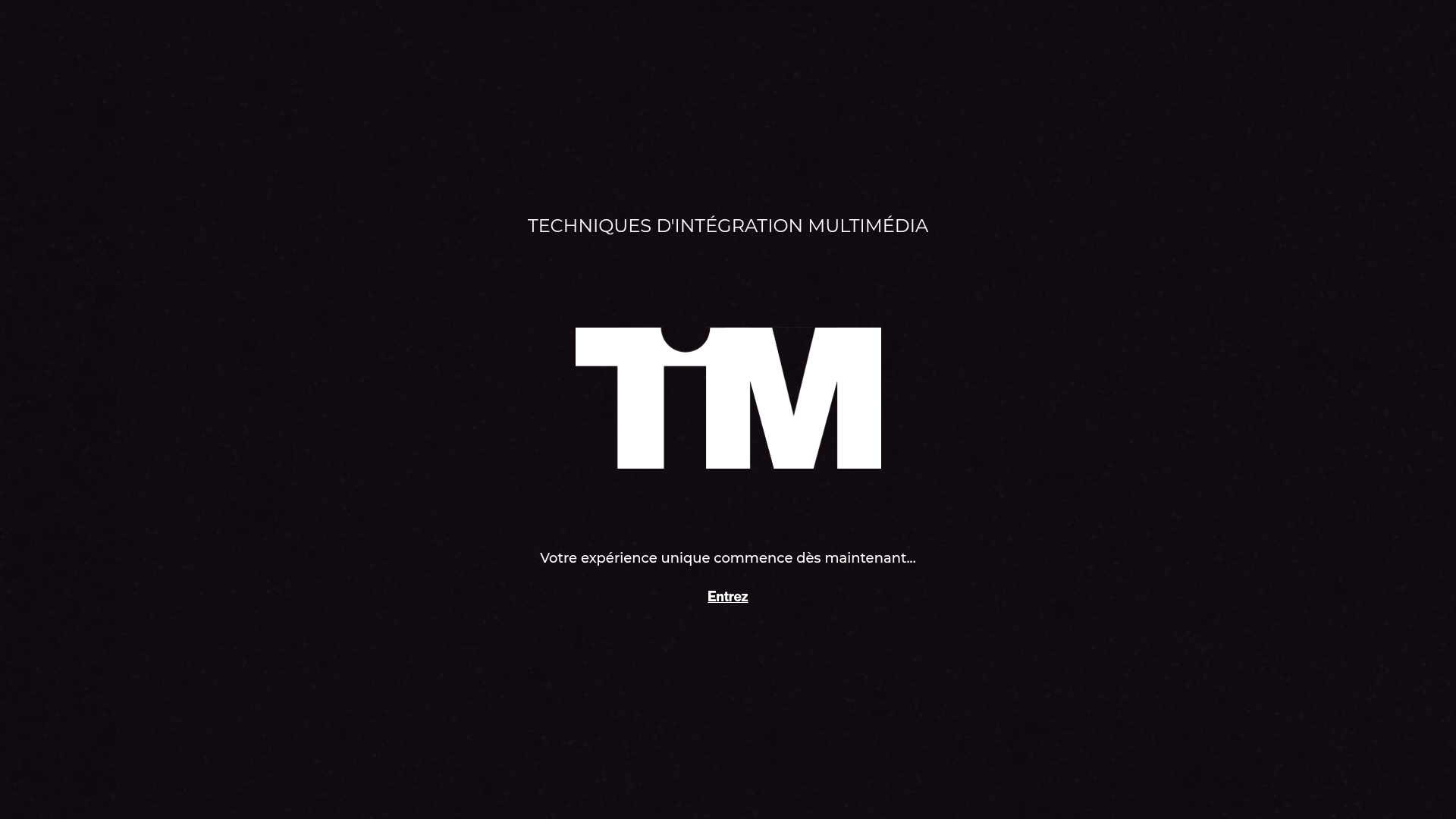
Next.js starter site for the Collège Maisonneuve Multimedia Integration department, built with Contentful, SCSS, and Three.js.
About this template
TIM-2020 is a Next.js starter template for the department website of the Techniques d'Intégration Multimédia at Collège Maisonneuve, built for collaborative team development with a React-based stack.
What is TIM-2020?
TIM-2020 is a starter project bootstrapped with create-next-app that serves as the foundation for the Collège Maisonneuve Multimedia Integration department's public website. It runs on the Next.js framework and uses React components, SCSS for styling, Contentful as the headless content management system, and GraphQL to query content. The repository provides setup instructions in French for cloning, installing dependencies, and running the development server.
Key Features
- Next.js framework — Built with file-based routing, server-side rendering, and static generation; the dev server runs at http://localhost:3000.
- SCSS styling — Styles are written in Sass, offering variables, nesting, and mixins for modular CSS.
- Contentful integration — Content is managed through Contentful and retrieved via GraphQL queries, enabling non-developers to update site content.
- Framer Motion animations — Includes the Framer Motion library for animated transitions and micro-interactions.
- Three.js and React Three Fiber — Supports 3D scenes and WebGL graphics with the Three.js ecosystem.
- Team workflow documentation — The README details a Git collaboration process: pull from origin/master before working, create feature branches, push as upstream, and merge into master.
- French guidance — All setup and collaboration instructions are written in French, matching the department's team language.
Who is it for?
- TIM department students and faculty: Build and maintain the program's official website, gaining hands-on experience with a production Next.js codebase.
- Web development teams: Use it as a template for a Contentful-powered React site with integrated 3D visuals and animations.
- College staff: Edit website content through the Contentful CMS without touching code.
What can you do with TIM-2020?
- Department administrators: Publish updates to program details and news by modifying content in Contentful.
- Student developers: Practice Git workflows — branching, pulling, and pushing upstream — while contributing features to a real site.
- Interactive media designers: Showcase student projects and department events using Three.js scenes and Framer Motion animations.
How does TIM-2020 work?
The project follows a standard Next.js workflow: after cloning, run npm install to fetch dependencies, then npm run dev to launch the development server at localhost:3000. To get the latest team changes, use the source control panel to pull from origin/master; if that fails, run npm install again to update dependencies. Contributors create branches and push them as upstream for review before merging into master.
FAQ
Is TIM-2020 free to use?
The repository is publicly available with no stated license restrictions. It originates from create-next-app, so it inherits the open-source MIT license typically used by Next.js starters unless the team specifies otherwise.
What tech stack does TIM-2020 use?
It uses Next.js and React for the frontend, SCSS for styling, Contentful for content management, GraphQL for data queries, Framer Motion for animations, and Three.js/React Three Fiber for 3D graphics.
How do I install and run TIM-2020?
Clone the repository, open the folder, and run npm install to install dependencies. Then execute npm run dev and open http://localhost:3000 to see live changes.
How do I get the latest changes?
Use the source control button at the top left, click the ellipsis menu, choose "pull from" then "origin/master". If you encounter errors, run npm install to install missing dependencies.
How do I share my modifications?
Create a branch for your changes and push it as an upstream branch. The maintainer will merge it into master, making your changes live on the site.