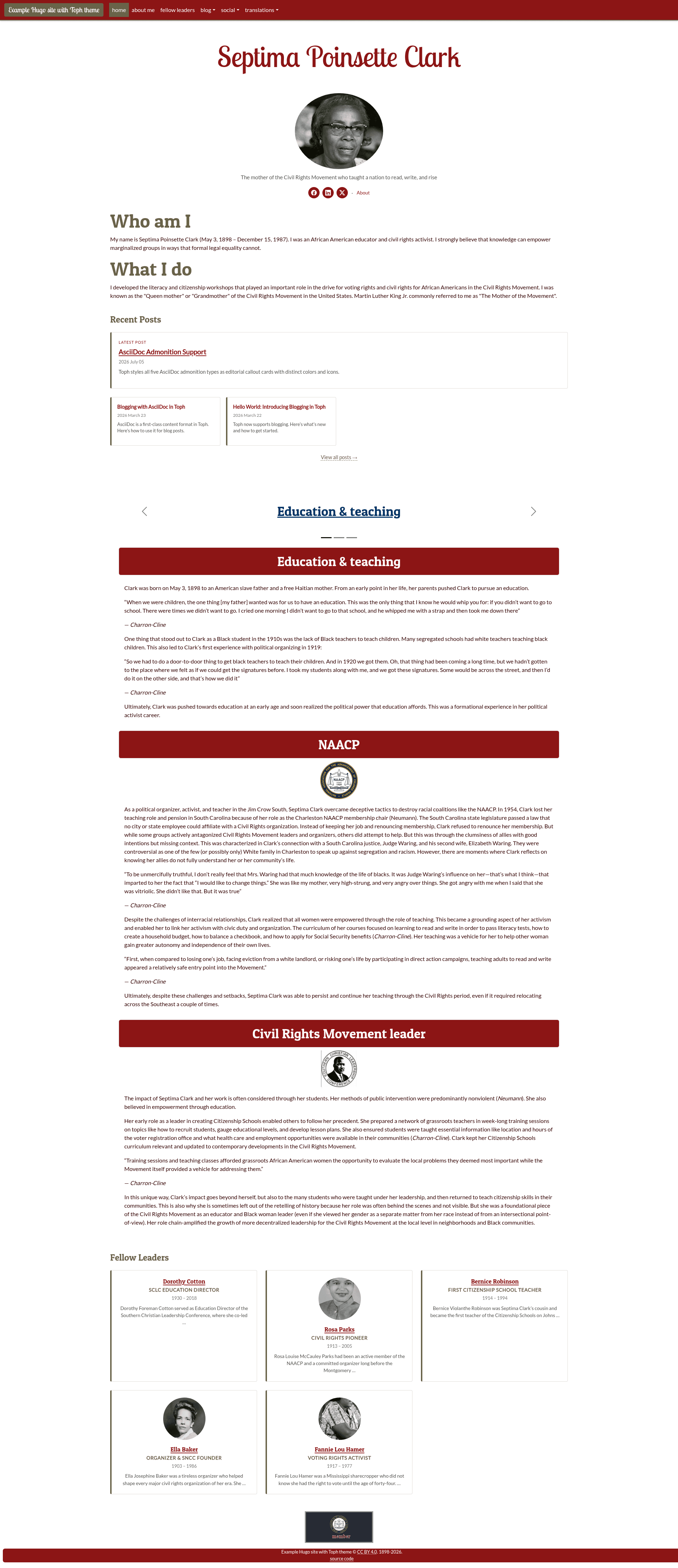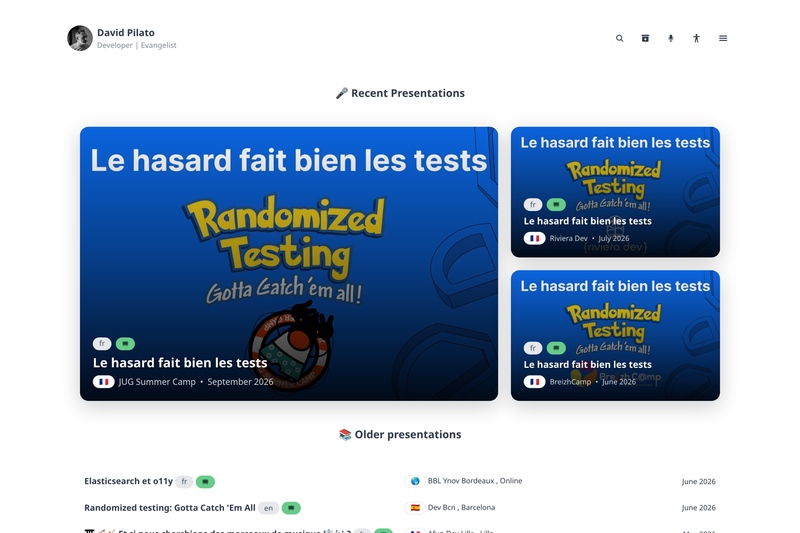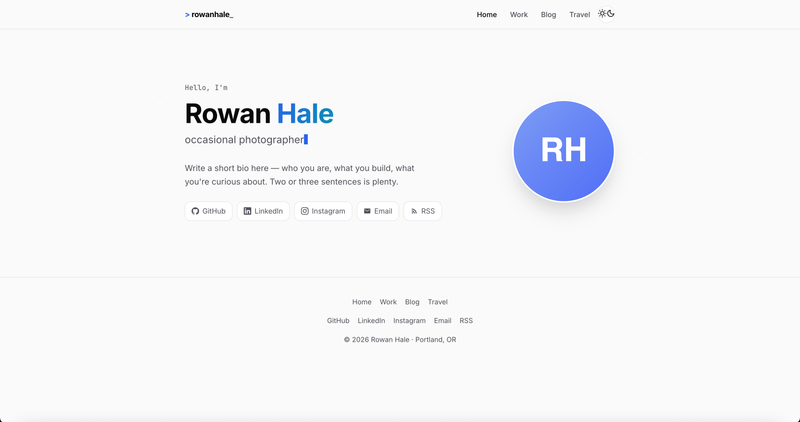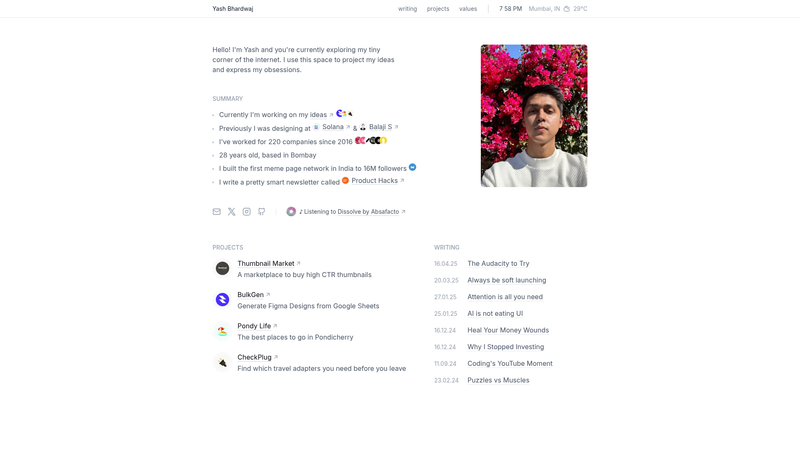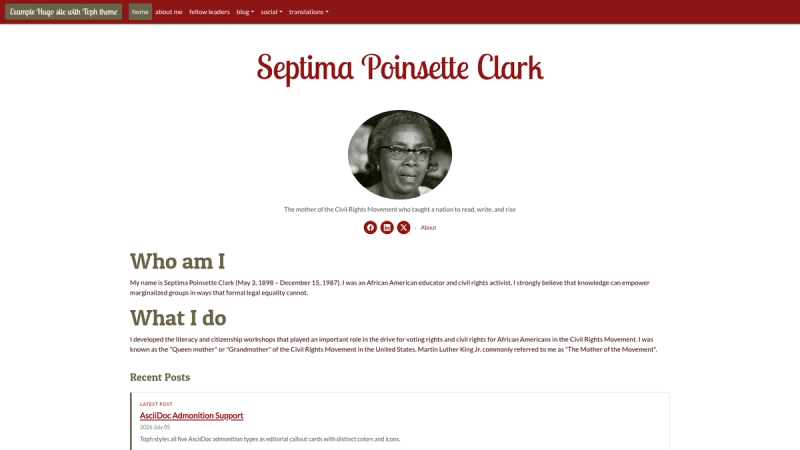
Toph is a Hugo theme built on Bootstrap 5 whose core function is to present a biography site — with project profiles, team cards, and a built-in blog — as a static website, requiring Hugo 0.161.0 or later. The theme is open source under the Mozilla Public License 2.0 and is demonstrated on the official example biography site for Septima Poinsette Clark, deployed to GitHub Pages. Because Toph uses Hugo's css.Build function with vars support to inject CSS variables at build time, sites built with older Hugo versions will fail.
What is Toph?
Toph is a responsive, multilingual theme for the Hugo static site generator, purpose-built for biography sites and the people or organizations behind them. It accepts content written in Markdown or AsciiDoc and organized into Hugo sections — projects, team, footer, blog, and tweets — and outputs a static homepage with profile cards, a team grid, blog archive, RSS feed at /rss/, and JSON-LD structured data. The theme includes print-friendly output, customizable color and font tokens, and first-class support for both Markdown and AsciiDoc in every content type.
What makes Toph stand out?
Toph is distinctive for combining biography profile systems with a full blogging and site-publishing toolkit in a single Hugo theme.
- Built on Bootstrap 5 — The layout is responsive-ready; the navbar displays the site title and is centered on mobile, with a max-width and ellipsis for long titles.
- Project profiles — Homepage cards sorted descending by date, each with a slug-based anchor link, optional icon image, and
hide_sitemapfront matter to prevent search engines indexing content already visible on the index page. - Team profiles — A responsive card grid on the homepage plus a dedicated
/team/page; member photos render as circular grayscale images, and local images are processed by Hugo with square crop and WebP conversion. - Dynamic footer badges — Sponsorship or affiliation badges placed as content items in a
footersection with a fixed size of 194×90 pixels and 25.4 dpi, ideal for supporter links such as Conservancy badges. - Full blogging system — Posts are grouped by year and month in a collapsible accordion at
/blog/, categories render in a magazine-style card grid, and tags appear in a word cloud scaled by post count. - Tweet archive shortcode — Self-hosted archived tweets display as styled cards with author avatar, image grids that adapt to 1–4 photos, a Bootstrap lightbox modal carousel, linked @mentions and #hashtags, and no externally loaded Twitter/X JavaScript.
- Internationalization — Built-in translations for English, Spanish, Arabic (right-to-left layout), and Hindi, all stored in i18n YAML files and applied to navigation and UI strings.
- SEO and structured data — Automatic meta descriptions, canonical URLs, hreflang alternates, OpenGraph/Twitter cards, and JSON-LD for WebSite, Person, Article, and BreadcrumbList schemas.
- Modular CSS with config tokens — Set primary, secondary, and accent colors plus default, title, and header fonts directly in Hugo config; CSS source lives under
assets/css/inbase,components,taxonomy, andblogfolders.
Who should use Toph?
This theme fits anyone who wants a biography-focused static site — a personal brand hub, a profile page, or an organization site with a team roster.
- Academics, advocates, and public figures — Showcase a biography alongside project profiles and a blog for essays or updates, with each project getting an anchor link for direct sharing.
- Research centers or open-source groups — Display team members on the homepage and a dedicated
/team/section, using fields for role, years, photos, and external biography links. - Independent bloggers — Publish long-form content in Markdown or AsciiDoc with categories, tags, pagination, recent posts on the homepage, and RSS out of the box.
- Social media archivists — Use the tweet archive shortcode to self-host preserved Tweets with images, per-tweet URLs, and sitemap indexing.
What can you do with Toph?
- Run a biography hub with a project timeline: Create project profiles with dates and icons; Toph sorts the projects newest-first and includes an image carousel on the homepage.
- Add a visual team directory: Create team member files with photo, role, years, and optional external links; they render as a grayscale card grid on both the homepage and the team page.
- Publish a full-featured blog: Generate posts from the
blog.mdarchetype, add cover images via the standardimagesfront matter, and get reading time, word count, author metadata, and previous/next navigation. - Build a multilingual site quickly: Configure Hugo's
languagessection and the interface labels switch between English, Spanish, Hindi, and Arabic; Arabic pages get an RTL layout automatically.
How does Toph work?
Install the theme by adding it as a git submodule inside the Hugo site's themes/ directory, then create content with front matter that tells the theme which section it belongs to — for example, setting the categories field to projects activates the project profile layout. Each content item is a Markdown or AsciiDoc file; on build, Hugo bundles the modular CSS and Toph renders the homepage, team section, blog archive, and RSS feed. No database, server runtime, or external build service is required beyond standard Hugo.
FAQ
Is Toph free to use?
Yes. Toph is released under the Mozilla Public License 2.0, an open-source weak copyleft license. The license covers the theme's source files and any modifications to those files, and copyright notices must be preserved.
What Hugo version is required?
Hugo 0.161.0 or later is required. Toph uses the css.Build function with vars to inject CSS custom properties at build time, so older Hugo versions will not build the theme successfully.
What languages does Toph support?
English, Spanish, Hindi, and Arabic. Arabic content uses a right-to-left layout, and all translation strings are stored in per-language i18n YAML files covering navigation labels, footer text, 404 messages, and other UI strings.
Can I write content in AsciiDoc instead of Markdown?
Yes. Toph offers first-class support for both Markdown and AsciiDoc across all content types, including blog posts, project profiles, team member pages, and footer badges. The available shortcodes work identically in both formats.
How do I add a team member?
Create a file in the content/team/ section, such as 1-first-person.en.md, and add front matter fields including title, date, role, photo, years, and categories set to team. Rebuild the site, and the member appears on the homepage grid and the dedicated team page, ordered by descending date.