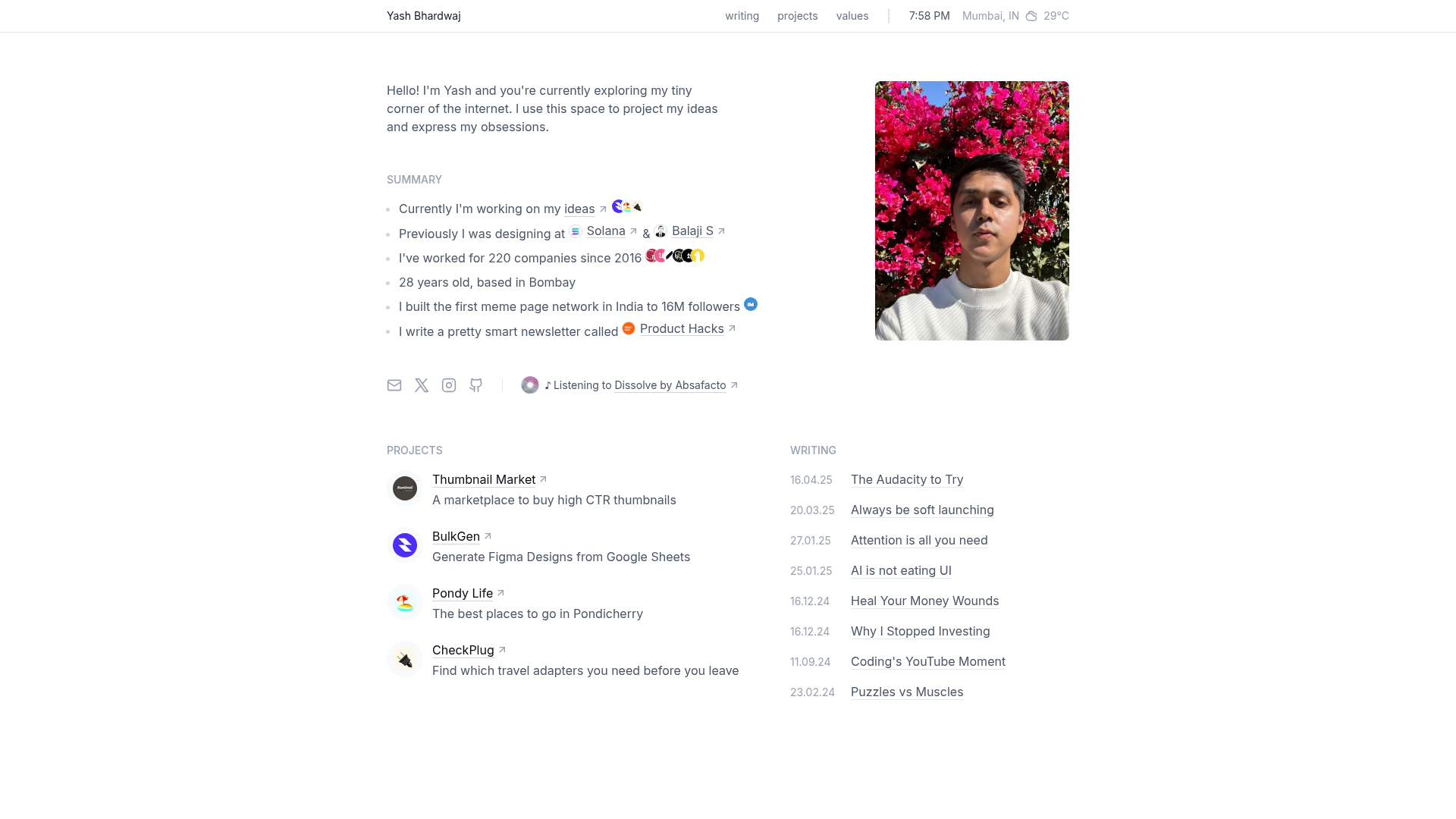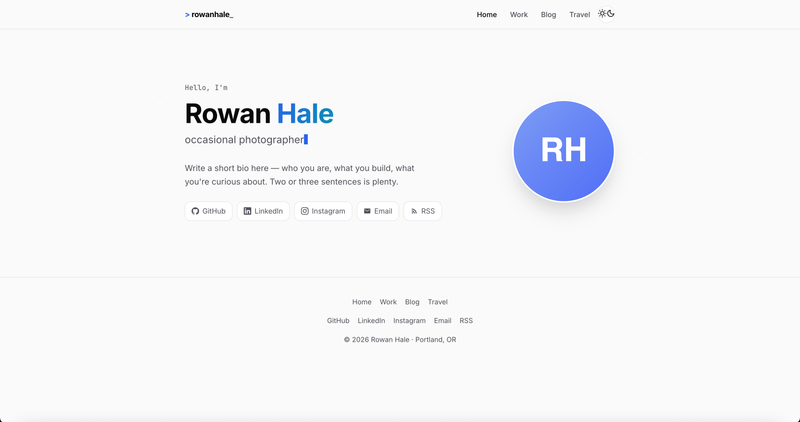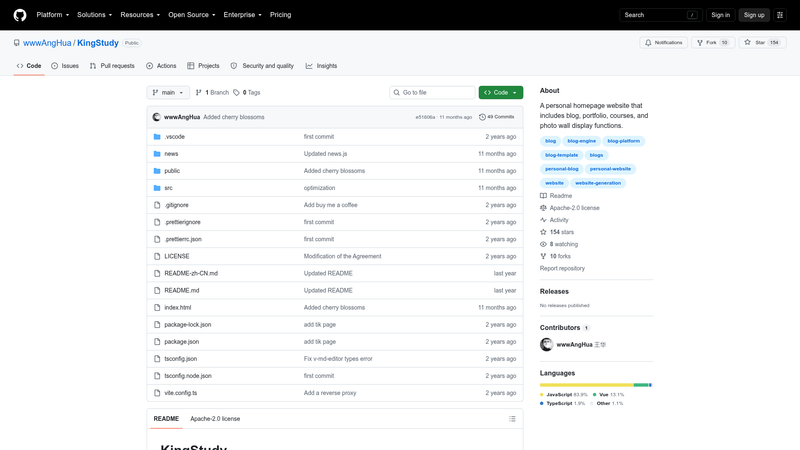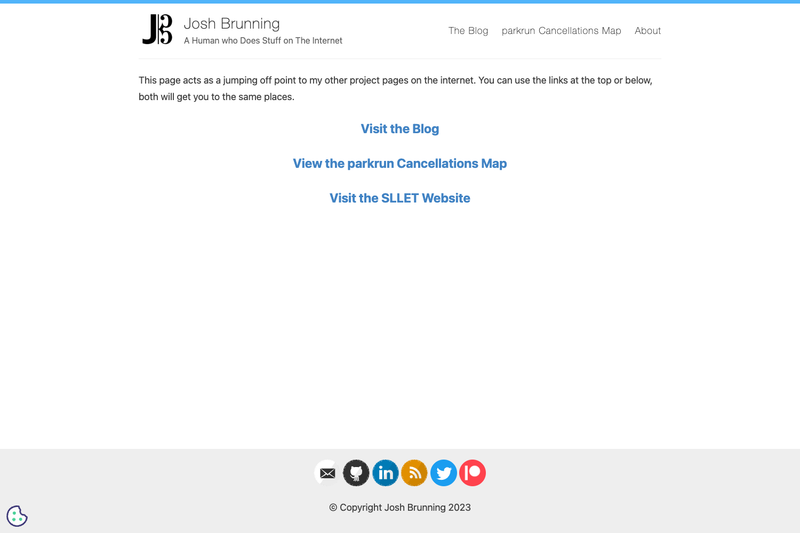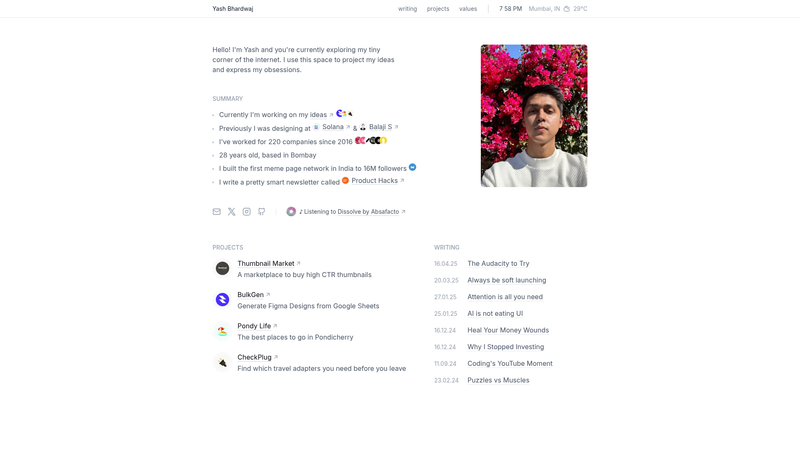
yOS is a minimalist personal website template built on Next.js and Tailwind CSS that manages a blog, projects, and a weather widget entirely through files in the repository, eliminating the need for a backend or CMS.
What is yOS?
yOS is a file-based personal website stack for developers who want a fast, SEO-friendly site without managing a CMS. It is built with Next.js (React), Tailwind CSS, and designed for deployment on Vercel. The template takes content from MDX files and JSON files in the source code and renders static pages, an automatic OpenGraph image API, and a live weather widget powered by OpenWeather. It also includes privacy-focused analytics via PostHog.
Key Features
- Next.js framework — React-based framework for static generation and API routes; blog and project pages are pre-rendered for performance.
- Tailwind CSS — Utility-first CSS framework for styling the entire site with low-level utility classes.
- MDX blog posts — Write posts as .mdx files in src/content/posts/ with frontmatter for title, date, description, and category; embed React components directly in Markdown.
- Automatic OpenGraph images — An API route at /api/og generates social sharing images on the fly, displaying the post title, category, date, profile picture, and social handle.
- Projects manager — Edit src/data/projects.json to list projects with logo, name, URL, and description; no database needed.
- Weather widget — Real-time weather data from OpenWeather, configured via latitude and longitude in src/components/Weather.tsx (defaults to Mumbai coordinates 19.0760, 72.8777).
- PostHog analytics — Privacy-focused analytics that captures page views automatically; enable by adding NEXT_PUBLIC_POSTHOG_KEY to .env.local.
- Zero-config deployment — Connect the GitHub repository to Vercel, add environment variables, and get automatic deploys on every push.
Who is it for?
- Developers building a personal site: Set up a blog, portfolio, and homepage by cloning the repo and editing files, with no backend to maintain.
- Bloggers who want full control: Write MDX posts with frontmatter and customize design and OpenGraph images through code.
- Minimalists: The stack uses just four core tools — Next.js, Tailwind, Vercel, and PostHog — and keeps the codebase small.
What can you do with yOS?
- Personal bloggers: Publish MDX posts with custom metadata and automatically generate social preview images for each article.
- Portfolio owners: Showcase projects by editing a single JSON file, then deploy to Vercel with a custom domain.
- Privacy-conscious site owners: Collect page-view analytics with PostHog instead of Google Analytics, using an open-source and self-hostable tool.
- Travelers or location-independent users: Change the Weather.tsx coordinates to display the current weather for any city on your homepage.
How does yOS work?
- Clone the repository, run
pnpm install, thenpnpm devto start a local server at http://localhost:3000. - Create a
.env.localfile with your OpenWeather API key and PostHog key to activate the weather widget and analytics. - Add blog posts as MDX files and edit JSON data files for projects and other homepage content.
- Push the repository to GitHub, connect it to Vercel, and add the environment variables in the Vercel dashboard to deploy.
FAQ
Does yOS require a backend or database?
No. yOS is a file-based website — blog posts live as MDX files under src/content/posts/, projects are defined in src/data/projects.json, and other content is stored in JSON files. There is no database, API server, or CMS to install.
How do I add a blog post to yOS?
Create a new MDX file in src/content/posts/. Each file needs frontmatter with a title, date, description, and category. The file's content can use Markdown and embedded React components. Once pushed to the repository, the post appears automatically on the site.
How do I change the weather location?
Open src/components/Weather.tsx and update the lat and lon variables to your preferred coordinates. The weather widget pulls real-time data from OpenWeather using the default Mumbai coordinates (latitude 19.0760, longitude 72.8777) until you change them.
How do I set up PostHog analytics?
Create a PostHog account and project, then copy your project API key into a .env.local file as NEXT_PUBLIC_POSTHOG_KEY. The PostHogProvider component is already configured, so page views are captured automatically once the key is present.
How do I deploy yOS to production?
Push the code to a GitHub repository, then import that repository into Vercel. Add your environment variables (OpenWeather API key and PostHog key) in the Vercel dashboard. Vercel builds and deploys the Next.js app, and re-deploys on every push to the main branch.