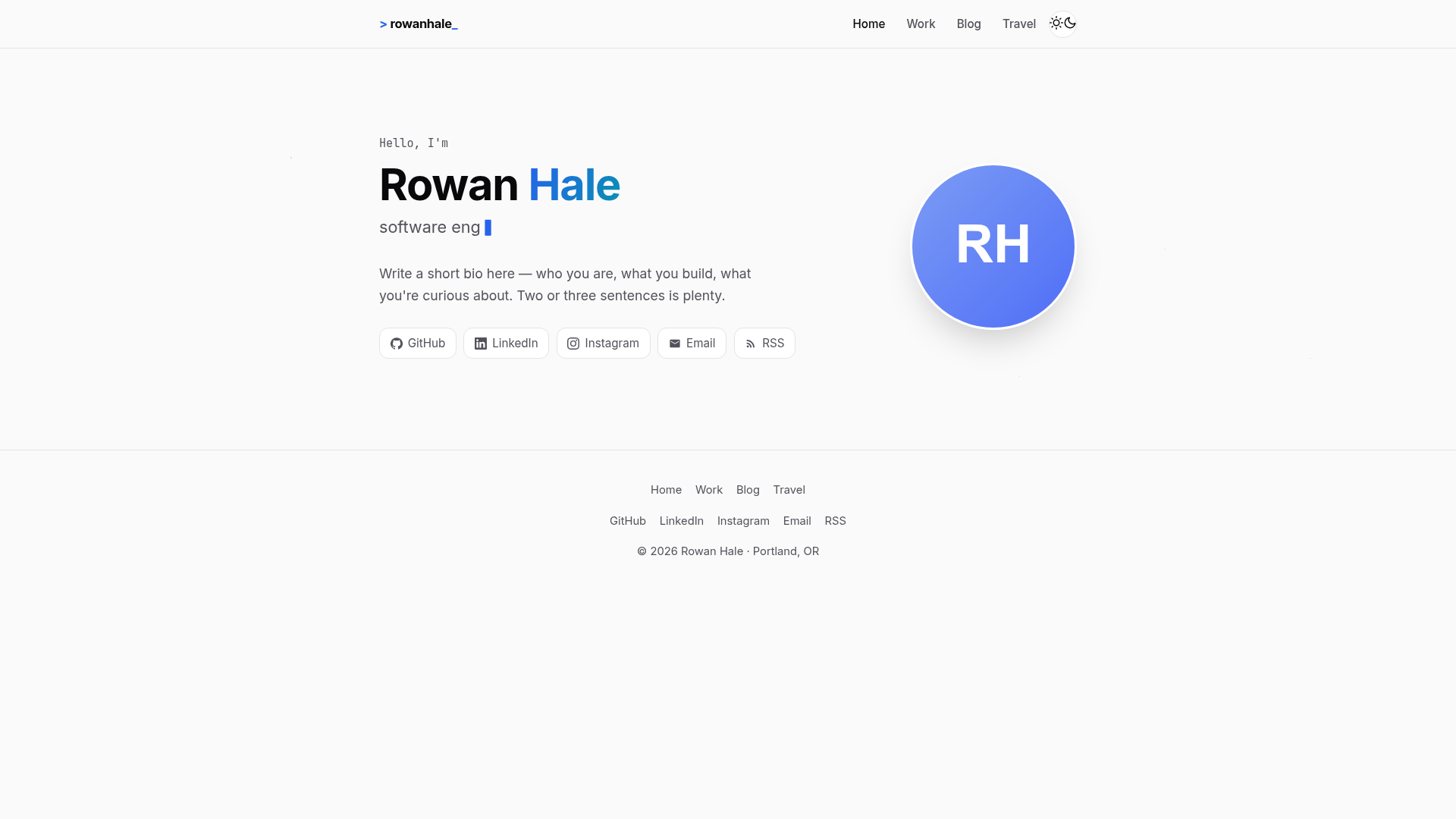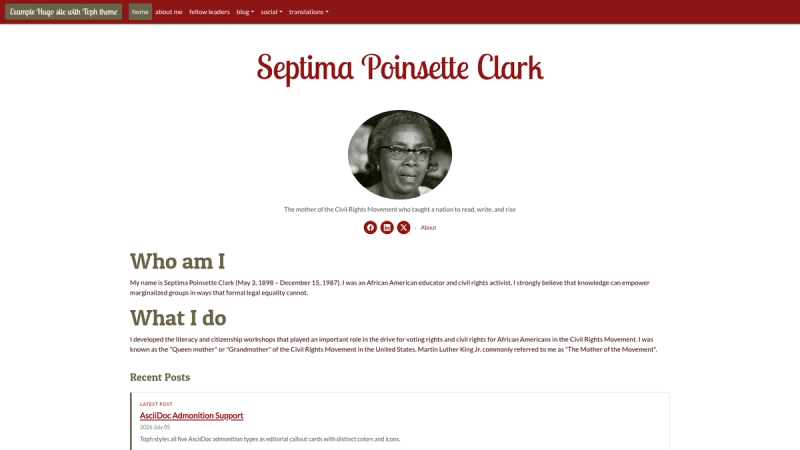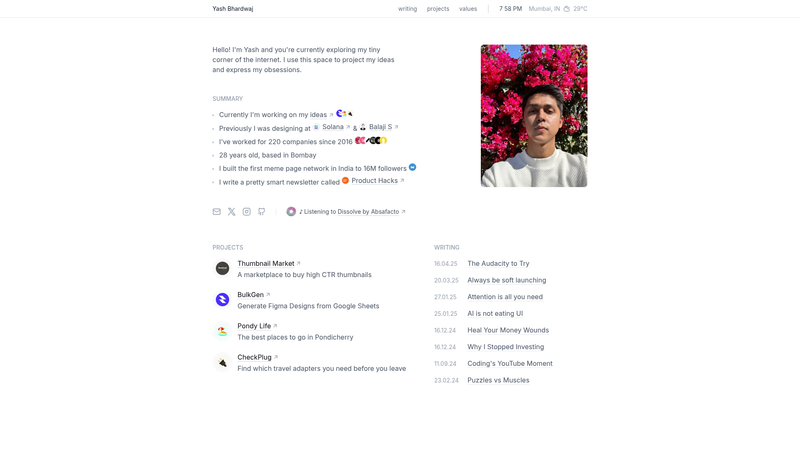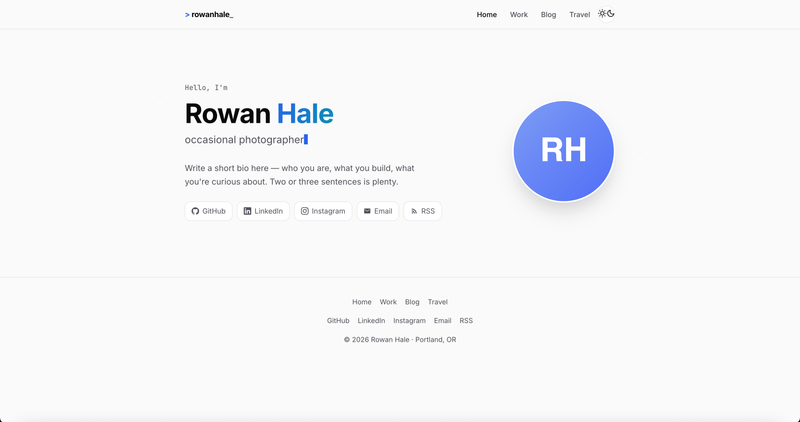
Astro Wanderer is a personal site theme for Astro that combines a portfolio, blog, and travel photo galleries into one static template with zero JavaScript by default. It is built by Gagan Singh with an AI coding agent called opencode, and released under the MIT license.
What is Astro Wanderer?
Astro Wanderer is an Astro theme that takes markdown posts and trip entries plus TypeScript data files and generates a fully static personal website. It runs on the Astro framework and produces plain HTML and CSS, with only three tiny JavaScript snippets for the theme toggle, typing effect, and photo lightbox. The template is authored by Gagan Singh and is available as a free MIT-licensed open source project.
Key Features
- Home hero — A hero section with a typing animation, avatar, and social links, with the typing words defined in
src/data/resume.ts. - Work and résumé — An expandable experience timeline, education, and skill groups all driven by the single data file
src/data/resume.ts. - Blog — Markdown posts with tags, tag pages, prev/next navigation, reading time, and draft support, stored in
src/content/blog/. - Travel section — Trip entries with hero images, highlight badges, a photo carousel, a lightbox with keyboard and fullscreen controls, and optional
.mp4or.webmvideo support. - Zero JS by default — No framework runtime; only three small scripts (theme toggle, typing effect, gallery) are loaded, keeping the site fast.
- Dark/light mode — Respects
prefers-color-scheme, remembers the user's choice, and avoids flash of wrong theme on load. - SEO ready — Canonical URLs, Open Graph and Twitter cards, JSON-LD structured data, a sitemap, and an RSS feed are all included.
- Accessible — Semantic HTML, keyboard navigation in galleries, and
arialabels throughout. - High performance — The template reports a 100/100 score on Lighthouse for a static build.
The styling is done in src/styles/global.css with design tokens and no CSS framework. The project structure includes src/components/, src/content/, src/data/, src/pages/, and a public folder for images and the Open Graph image.
Who should use Astro Wanderer?
Astro Wanderer is aimed at developers and creatives who want a personal site that shows more than just a work history. A developer can use the work timeline and blog to present experience and technical writing. A traveler or photographer can use the travel section with photo carousels and lightboxes to document trips visually. Anyone who wants a fast, low-maintenance personal site with minimal JavaScript can pick this template.
What can you do with Astro Wanderer?
- Developers and designers: Showcase your résumé, experience timeline, and skills from one TypeScript data file, and publish technical blog posts with tags and reading time.
- Travel bloggers: Write trip stories in markdown, attach hero images and highlight badges, and embed photo galleries with carousel and lightbox for each destination.
- Photographers: Use the video support and fullscreen lightbox to present image and video galleries without any third-party services.
- Indie web builders: Deploy to GitHub Pages, Netlify, Vercel, or Cloudflare Pages with a static output in
dist/, and rely on the included GitHub Actions workflow for automatic deployment.
How does Astro Wanderer work?
The setup is straightforward. You create a new project with npm create astro@latest -- --template igagansingh/astro-wanderer or clone the repository, then run npm install and npm run dev. After that, you edit src/data/site.ts for name, tagline, socials, and URL, and src/data/resume.ts for experience and skills. Content lives in src/content/blog/ for posts and src/content/trips/ for trip stories, each with a frontmatter block that defines title, date, tags, images, and other fields. Build with npm run build to generate the static site in ./dist/. The included .github/workflows/deploy.yml sets up GitHub Pages deployment on push to main, with support for serving from a subpath like username.github.io/my-repo via a base setting and a withBase() helper, or from the domain root by removing the base line.
FAQ
Is Astro Wanderer free?
Yes. Astro Wanderer is licensed under the MIT license, so it is free for personal and commercial use. The only requirement is to include the license text.
How do I add a new blog post?
Create a markdown file in src/content/blog/ with frontmatter containing at least a title and date, and optionally tags, a subtitle, a category, a description, and a draft flag. The sample post src/content/blog/getting-started.md explains the fields.
Can I add videos to travel entries?
Yes. The gallery in the travel section supports image files and also .mp4 and .webm video files alongside images.
Does the template support dark mode?
Yes. It respects prefers-color-scheme, remembers the user's selection, and applies the theme without flash on page load.
How do I deploy to GitHub Pages?
Include the provided GitHub Actions workflow by pushing to main. In your repository settings, set Pages Source to GitHub Actions. If you want to serve under a subpath, keep a base value in astro.config.mjs; otherwise remove the base line.