Template details
Zen Theme
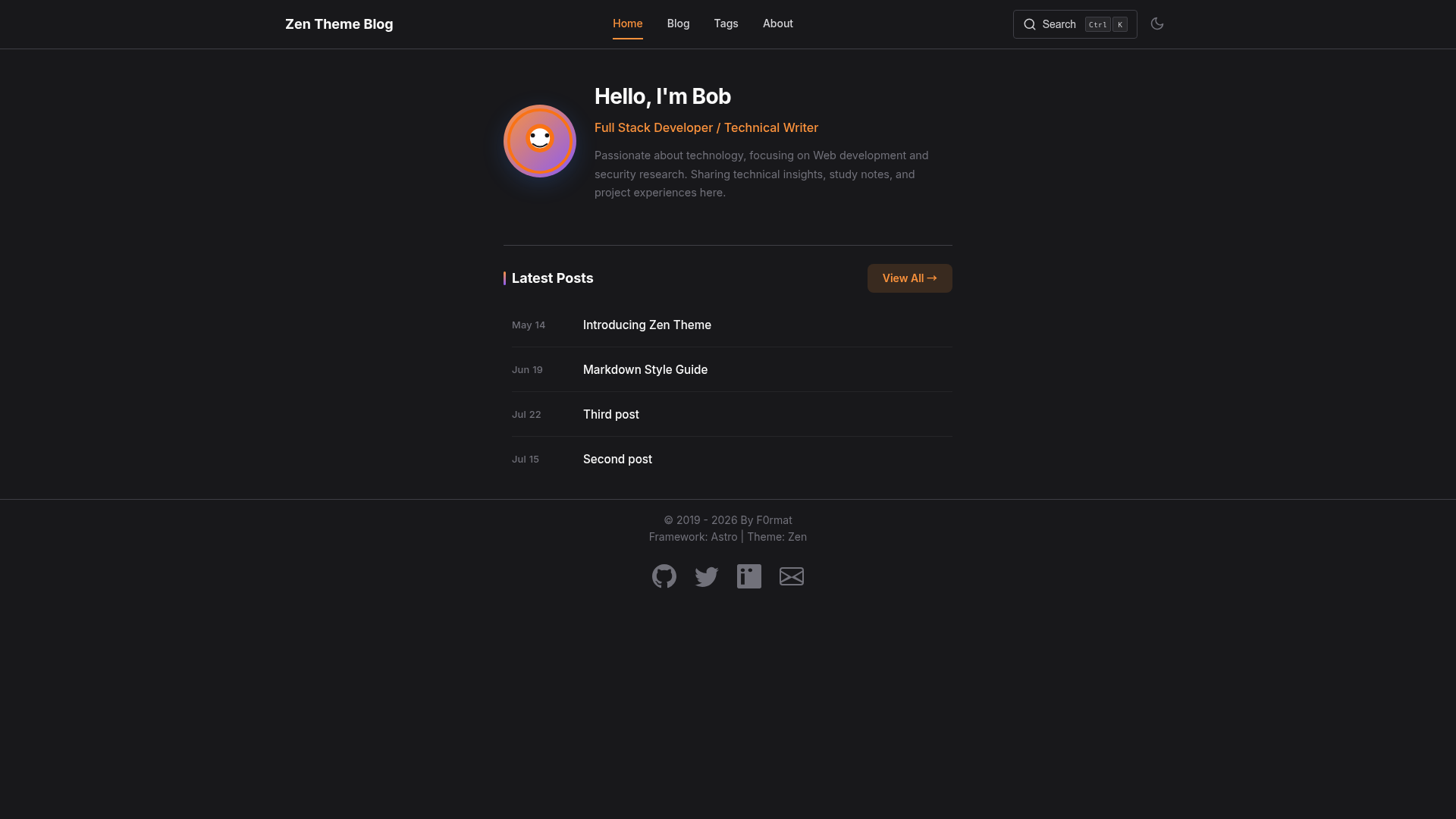
A clean, modern blog theme with excellent readability and beautiful typography. Built with Astro for optimal performance.
About this template
Zen Theme is a clean, modern Astro blog theme designed for readable long-form writing, featuring Pagefind-powered search, automatic dark mode, and a fixed sidebar table of contents.
What is Zen Theme?
Zen Theme is an open-source blog template built with Astro, the static site generator. It takes Markdown blog posts stored in src/content/blog/ and generates a static site with a home page, a blog listing grouped by year, tag pages, and an about page. The theme is maintained in the GitHub repository Secd0g/zen and uses CSS custom properties for theming.
Key Features
- Pagefind search — Built-in client-side search that indexes your content with no external service required.
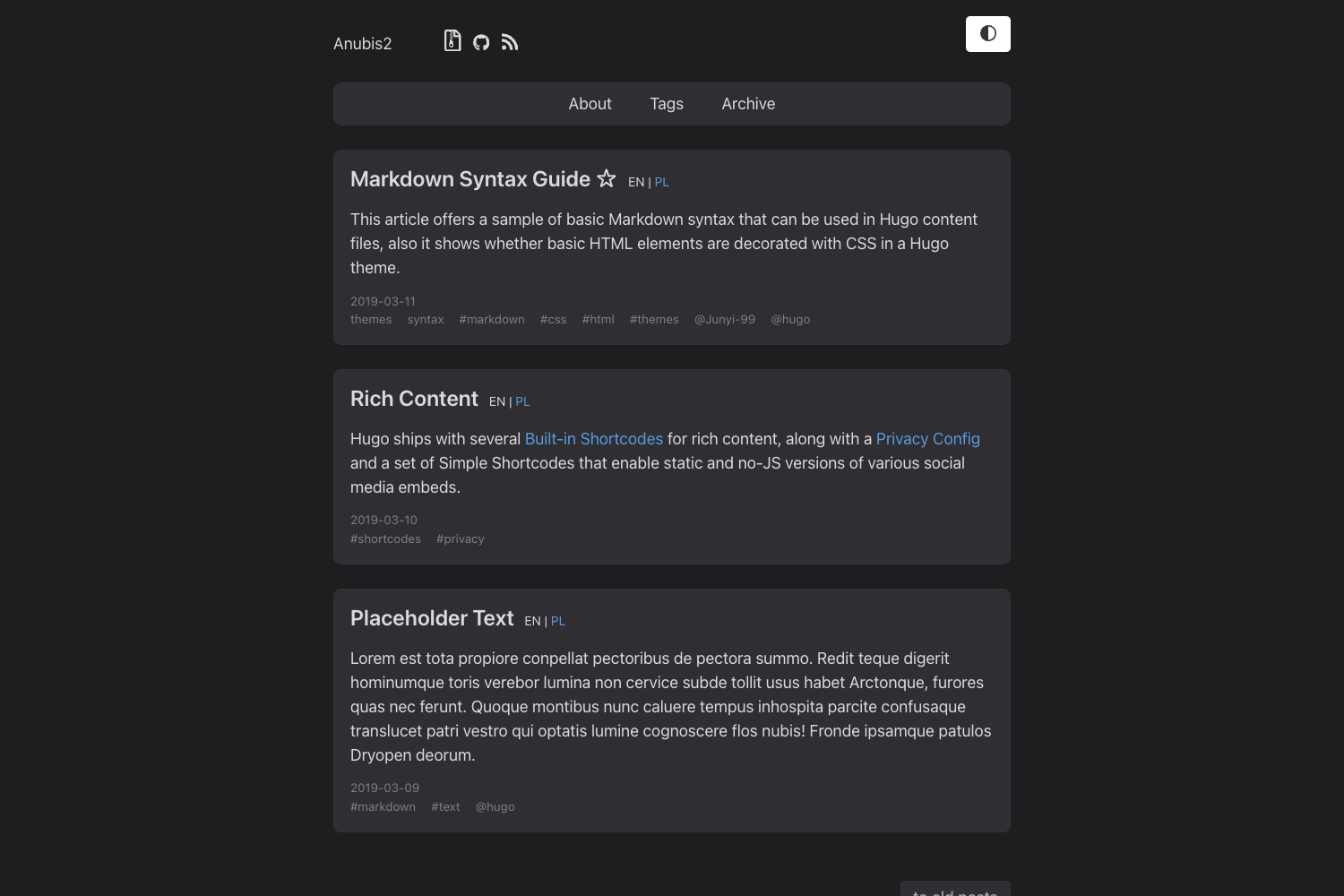
- Automatic dark mode — Switches themes based on the visitor's system time and preference, with distinct light and dark palettes.
- Inter typography — Uses the Inter font at 17px body size with 1.9 line height for comfortable reading.
- Responsive layout — Content width is capped at 700px for optimal line length, with a mobile-friendly design.
- Sidebar table of contents — A fixed TOC appears on long articles for easier navigation.
- Tag pages — Posts are automatically organized into pages per tag via
[tag].astro. - Year grouping — Blog listings group posts by publication year.
- Markdown support — Write posts in Markdown with styled tables, code blocks, and hover effects.
Who is it for?
- Writers and bloggers — Publish a personal blog or long-form essays with focus on readability.
- Developers — Use it as a fast, minimal starting point for a technical blog or documentation site.
- Design-conscious creators — Customize colors and fonts through CSS variables without touching layout logic.
What can you do with Zen Theme?
- Start a personal blog — Clone the repo, run
npm install, and write your first post in Markdown. - Build a tag-based content hub — Organize posts by topics and let readers browse via tag pages.
- Create a fast static site — Output is static HTML generated with Astro, so deployment is straightforward.
How does Zen Theme work?
Clone the repository from GitHub, install dependencies with npm install, and start the dev server with npm run dev. Add new posts as Markdown files in src/content/blog/; the theme automatically generates the blog index, tag pages, and atomic search index on build. Configuration for site title, description, and social links lives in src/consts.ts.
FAQ
Is Zen Theme free?
Yes. The theme is open source and explicitly licensed for personal use; the repo does not list a commercial license.
Does Zen Theme support dark mode?
Yes. The theme automatically switches between light and dark palettes based on the visitor's system preference and time of day, using CSS variables defined in the blog post layout.
How do I change the accent color?
Edit the CSS variables in src/layouts/BlogPost.astro; the default accent is #F97316 (warm orange) with hover and light variants.
How do I add a new blog post?
Create a new Markdown file in src/content/blog/ with frontmatter fields for title, description, publication date, and tags. The theme will pick it up automatically.
What search functionality is included?
Search is powered by Pagefind, which generates a static search index that loads locally in the browser — no external search API or account needed.