Template details
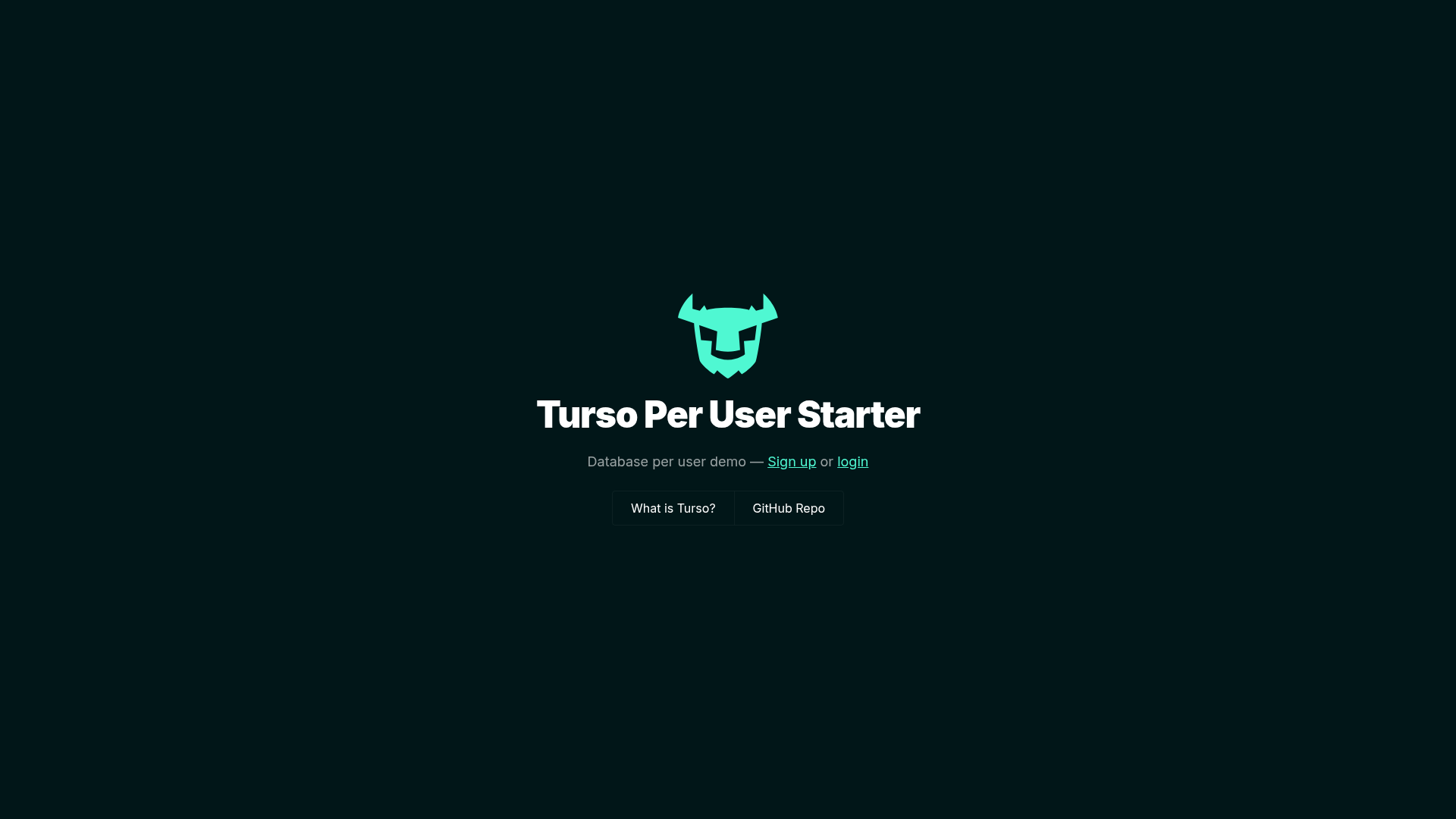
Turso Per User Starter
Next.js starter that provisions a per-user Turso SQLite database, with Clerk auth and Drizzle.
About this template
The Turso Per User Starter is an open-source Next.js boilerplate that demonstrates a SaaS multitenancy pattern where every authenticated user receives their own isolated SQLite database on Turso. It pairs Next.js with Clerk authentication, Drizzle ORM, Tailwind CSS, and the Turso Platforms API to handle per-user database provisioning automatically.
What is the Turso Per User Starter?
The Turso Per User Starter is a Next.js application that uses the Turso Platforms API to create a database per user. It takes a newly authenticated Clerk user as input and produces a dedicated Turso SQLite database, so app data stays logically isolated across tenants. The code is published on GitHub under the repository notrab/turso-per-user-starter and is designed to be deployed to Vercel with one click.
Key Features
- Database per user — Every signed-in user gets their own Turso database, created at runtime via the Turso Platforms API rather than shared tables.
- Clerk authentication — The starter integrates Clerk for sign-up and sign-in flows, requiring only a public key and secret key in environment variables.
- Drizzle ORM and migrations — The project includes a schema in
db/schema.tsand npm scripts (db:generate,db:migrate) to create and apply migrations against each user database. - One-click Vercel deployment — The README includes a Vercel clone button with the six environment variables pre-filled:
NEXT_PUBLIC_CLERK_PUBLISHABLE_KEY,CLERK_SECRET_KEY,TURSO_API_TOKEN,TURSO_ORG,TURSO_DATABASE_NAME, andTURSO_GROUP_AUTH_TOKEN. - Local development workflow — A detailed eight-step guide covers cloning, installing dependencies, creating a Turso database and group token with the Turso CLI, and running
npm run dev. - Optional webhook automation — The wiki documents how to set up Clerk webhooks to create per-user databases in the background in production, rather than on the request path.
- Tailwind CSS styling — The frontend uses Tailwind CSS for utility-first styling, making the default interface easy to rebrand.
Who is it for?
- SaaS founders building a product where each customer needs strong data isolation, because the starter gives every tenant its own database automatically.
- Full-stack developers who want a working reference for combining Next.js, Drizzle, and Turso, including environment configuration and migration scripts.
- Platform engineers exploring database-per-user architectures, because the repo shows both on-demand creation and webhook-driven background provisioning.
What can you do with it?
- Launch a multitenant application: deploy the starter, connect Clerk and Turso, and immediately have sign-up flows that create a personal database for each new account.
- Customize the data model: edit
db/schema.ts, runnpm run db:generate, thennpm run db:migrateto evolve each user's database schema. - Automate provisioning: follow the wiki to set up Clerk webhooks so databases are created asynchronously, better suiting production workloads.
How does it work?
The typical setup begins by cloning the repository, then using the Turso CLI to create a database, a group token, and an API token. After adding the Clerk keys and running migrations, the app launches at localhost:3000. When a user signs in, the app calls the Turso Platforms API and provisions a dedicated database owned by that user.
FAQ
Is the Turso Per User Starter free?
The template itself is open source and hosted on GitHub, so there is no license cost. Using it live requires accounts with Turso, Clerk, and Vercel; each service has its own free tier and paid plans, so the total cost depends on your usage.
How do I deploy this starter to Vercel?
Use the Deploy with Vercel button in the README. Vercel prompts you for the six environment variables (NEXT_PUBLIC_CLERK_PUBLISHABLE_KEY, CLERK_SECRET_KEY, TURSO_API_TOKEN, TURSO_ORG, TURSO_DATABASE_NAME, TURSO_GROUP_AUTH_TOKEN) and then builds the project.
Can I use webhooks with this starter?
Yes. The repository wiki has a section on using Clerk webhooks in both local and production setups to automate database creation so users don't wait on provisioning during sign-up.
What are the prerequisites for local development?
You need Node.js and npm, the Turso CLI, a Turso account, and a Clerk application. The README walks through each step, including creating a group token for the default group.