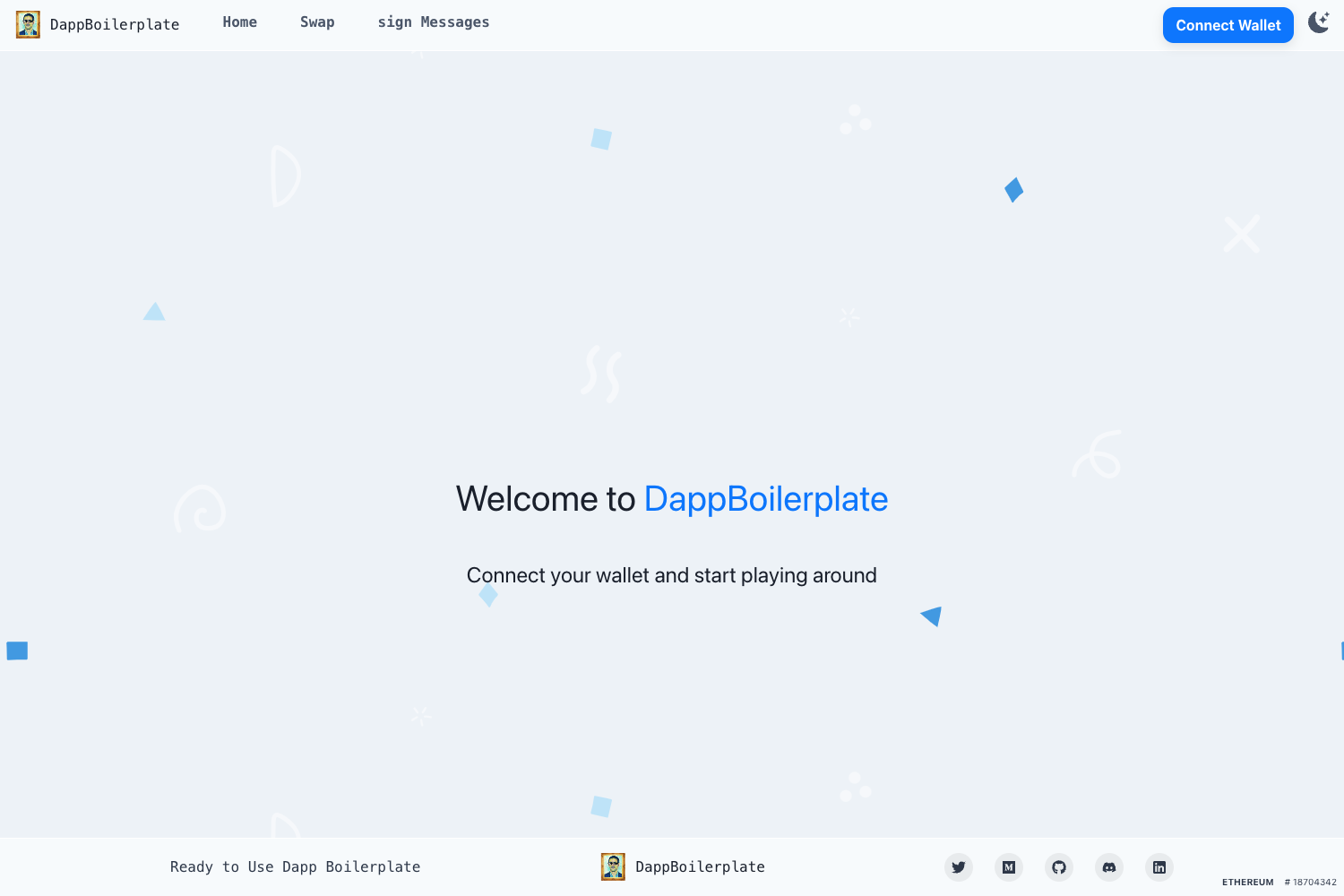
Template details
Simple Electron Ui
A simple Jekyll-based GitHub Pages template for Electron UI projects.
About this template
Simple Electron Ui is a Jekyll-based GitHub Pages template for publishing a simple, cross-platform UI page or documentation site for Electron applications. It takes Markdown files and a Jekyll theme as input and generates a static website hosted on GitHub Pages, rebuilt automatically on every commit.
What is Simple Electron Ui?
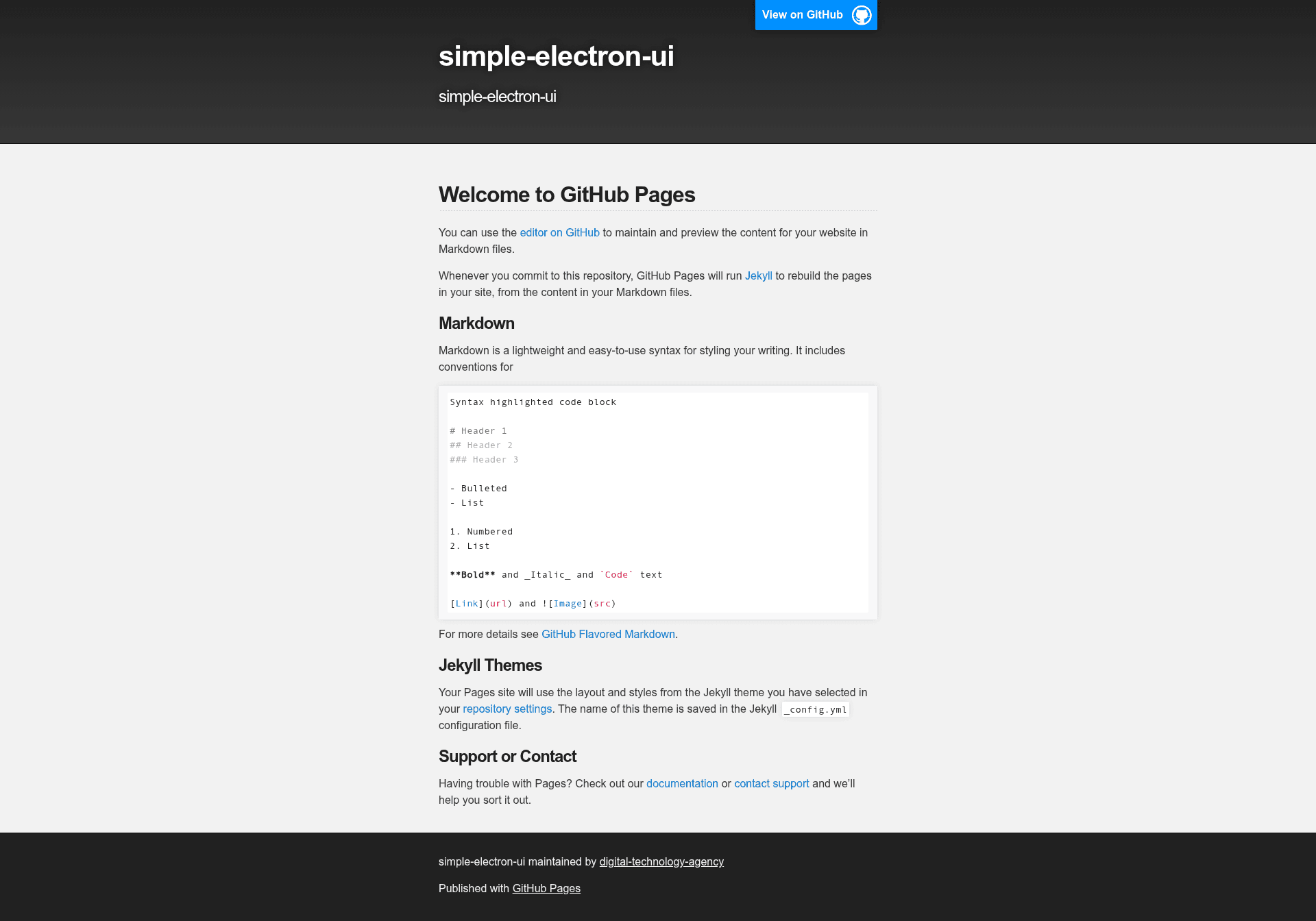
Simple Electron Ui is a starter repository that runs on GitHub Pages and uses Jekyll, a static site generator, to convert Markdown content into a themed website. The repository's topics — cross-platform, electron-ui, simple, and uiview — indicate it targets desktop application UI projects. It is hosted under the digital-technology-agency GitHub organization. The default content is the standard GitHub Pages welcome page, so users replace it with their own Markdown.
Key Features
- GitHub Pages hosting — publish automatically from the repository; each commit to the main branch triggers a Jekyll rebuild.
- Markdown authoring — write pages in GitHub Flavored Markdown, including headers, lists, bold/italic text, code blocks, links, and images.
- Jekyll theme system — the site's layout and styling come from a Jekyll theme selected in the repository settings, with the theme name stored in the _config.yml configuration file.
- GitHub web editor — edit Markdown files directly in the GitHub interface; no local setup required.
- Cross-platform positioning — listed topics (crossplatform, electron) suggest pairing with Electron apps that run on Windows, macOS, and Linux.
Who should use Simple Electron Ui?
- Electron app developers — who need a minimal web page or documentation hub for their desktop application, ready to host on GitHub Pages.
- Developers learning Jekyll — who want a no-configuration starting point to understand how Pages processes Markdown and themes.
- Open-source maintainers — who want a clean project page with minimal effort, using only GitHub and Markdown.
What can you do with Simple Electron Ui?
You can use this template to quickly stand up a project page. For example:
- Electron UI hobbyists: replace the default README with your own Markdown documentation, and have a themed site live at your GitHub Pages URL within minutes.
- Small teams: publish release notes or simple API docs for an Electron application without maintaining a separate CMS.
How does Simple Electron Ui work?
The workflow is straightforward: edit Markdown files in the repository, commit the changes, and GitHub Pages runs Jekyll to rebuild the static site. The content is authored in Markdown, the theme is defined in _config.yml, and the resulting HTML is served from the Pages URL.