Template details
Twimage
Convert tweets to beautiful images
About this template
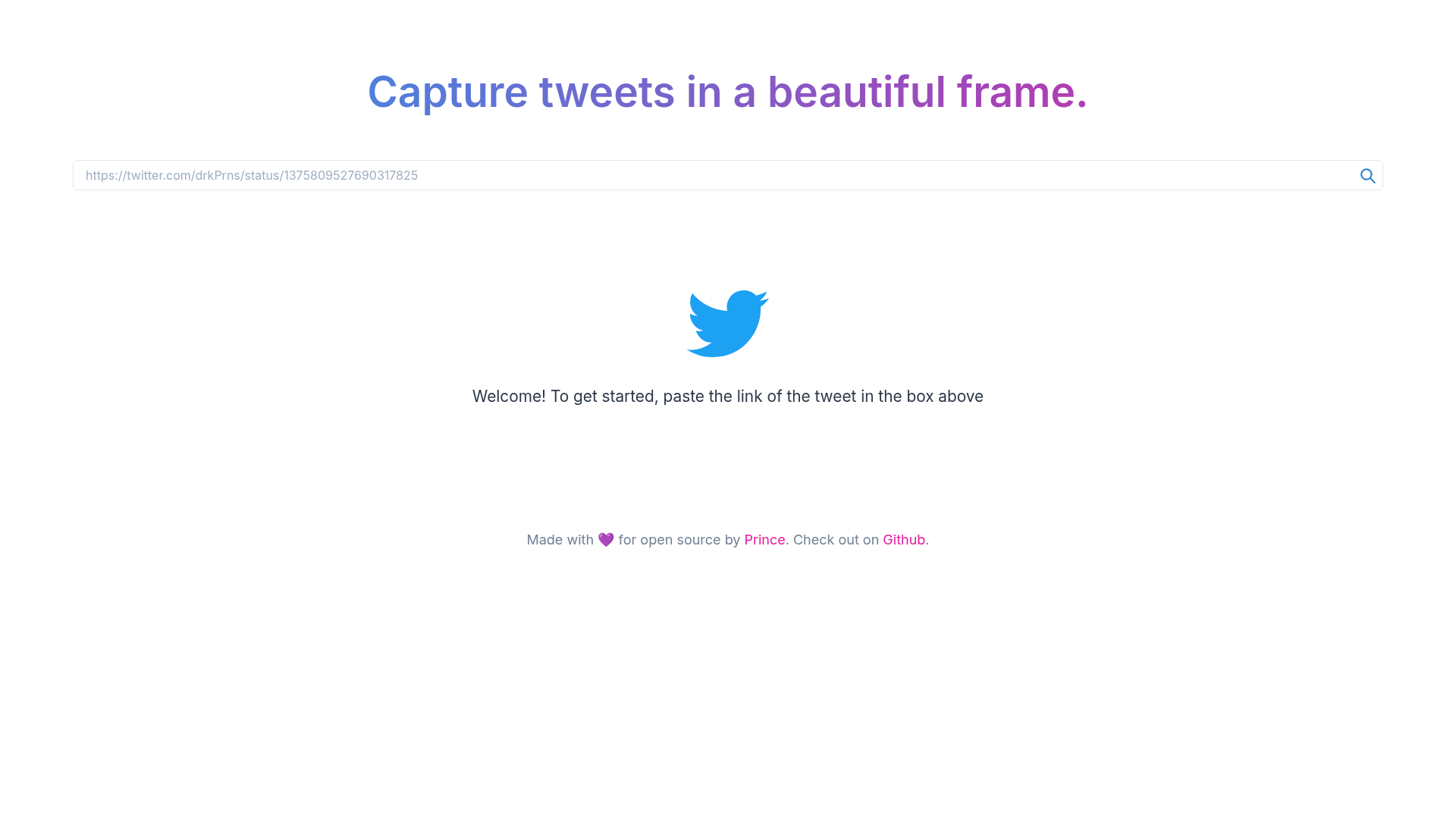
Twimage is an open-source Next.js web app that converts tweets into PNG, JPEG, or SVG images, with a Chakra UI interface and Twitter API integration.
What is Twimage?
Twimage is a web tool built with Next.js 10.1.3 that converts tweets to styled images. It uses the Twitter API to fetch tweet data and the dom-to-image library (version 2.6.0) to render the tweet into an image on the client side. The interface is built with Chakra UI, and you can export the result as PNG, JPEG, or SVG. The project was created by Prince Kumar Singh and is publicly available on GitHub; it is a side project made for learning purposes and is not affiliated with Twitter.
Key Features
- Next.js framework — Built on Next.js 10.1.3, providing a React-based frontend and server-side rendering capabilities.
- Chakra UI styling — The user interface uses Chakra UI (version 1.4.2) for a consistent, accessible component set.
- Twitter API integration — Fetches tweet content via the Twitter API, letting you pull in any public tweet.
- dom-to-image rendering — Converts the tweet DOM element to an image using dom-to-image (^2.6.0) entirely in the browser.
- Multiple export formats — Choose between PNG, JPEG, and SVG output when saving the generated image.
- Customisation settings — The app includes a settings page where you can customize how the tweet appears before exporting.
- Open source — The full source code is on GitHub, so you can run your own instance or contribute.
Who is it for?
- Social media managers — Turn tweets into shareable image cards for platforms that don't embed tweet links well, such as Instagram or LinkedIn.
- Content creators — Create polished quote graphics from tweets to include in videos, blog posts, or newsletters.
- Developers — Use the project as a reference for combining Next.js, Chakra UI, and the Twitter API in a real-world app.
What can you do with Twimage?
- Social media professionals: Export a tweet as a PNG or JPEG to post on visual-first platforms, preserving the tweet's text and author info in a branded graphic.
- Bloggers and journalists: Save tweets as SVG images for crisp scaling in print or high-resolution web use.
- Researchers and archivists: Generate an image snapshot of a tweet to keep a permanent record that isn't affected by link rot or deletion.
Pros and cons
- Pros: Free and open source; supports three output formats; no backend required for image generation (client-side rendering via dom-to-image).
- Cons: No built-in aspect ratio presets yet — the project's TODO list includes adding 1:1 and 9:16 ratios, and only a few customisation options are available so far.
FAQ
Is Twimage free to use?
Yes. The repository is open source and the live app is hosted at twimage.vercel.app. The README presents it as a side project with no mention of paid tiers, so it's free to use.
What image formats can I export from Twimage?
Twimage lets you choose between PNG, JPEG, and SVG when saving the converted tweet image.
Does Twimage require a Twitter account?
The app uses the Twitter API to fetch tweet data. The README's screenshots show a simple home page and settings page, implying you just paste a tweet URL or ID.
Is Twimage affiliated with Twitter?
No. The README explicitly states that the project is not affiliated with Twitter in any way and is only a side project made for learning purposes.
Are there any known limitations?
The TODO section lists two future improvements: support for selecting output aspect ratios (1:1, 9:16) and more customisation options. Currently only the basic customisation shown in the settings screenshot is available.