Template details
Nitro
Next Generation Server Toolkit. Create web servers with everything you need and deploy them wherever you prefer.
About this template
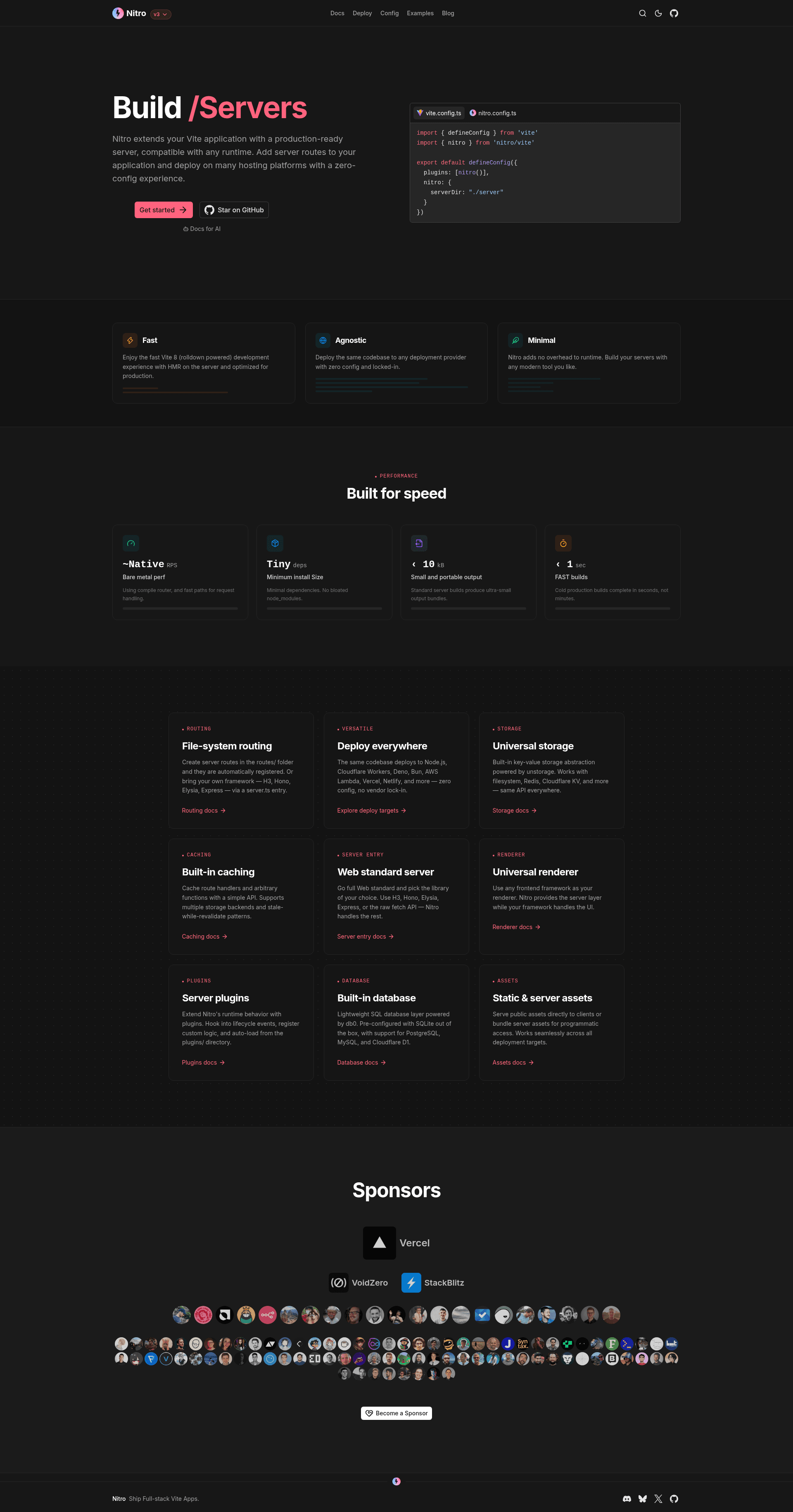
Nitro is an open-source Next Generation Server Toolkit that turns a Vite application into a production-ready web server, so you can add server routes and deploy the same code across multiple platforms without configuration. The project lives in the nitrojs/nitro GitHub repository, is released under the MIT License, and is documented at https://nitro.build.
What is Nitro?
Nitro is a server toolkit whose core function is to extend an existing Vite app with a production-ready server runtime. The repository describes it as a "Next Generation Server Toolkit" for creating web servers "with everything you need," taking a Vite-based application as its input and producing a deployable server as its output. The current page tracks the v3 branch, while the README directs users to the v2 branch for the stable release; the repository shows roughly 11,000 GitHub stars.
What makes Nitro stand out?
Nitro stands out by combining a zero-config experience, multi-platform deployment, and direct Vite integration in a single MIT-licensed toolkit.
- Zero-config experience — Nitro is designed so you can add server routes and deploy without writing server configuration; the README lists zero-config as a headline benefit.
- Runs anywhere — The project is built to deploy across multiple platforms, which means a single server implementation can target different hosting environments rather than being locked to one runtime.
- Vite integration — Nitro extends a Vite app directly, so it fits into projects already using the Vite build tool instead of requiring a separate application framework.
- Integrated server routes — You can add backend routes to your frontend project and Nitro handles production serving for them.
- MIT license — The entire codebase is released under the MIT License, so it is free to use, modify, and redistribute.
- Active development — The repository maintains separate branches for v2 (stable) and v3 (in-development), with the v3 branch adding new capabilities on top of the current stable release.
Who should use Nitro?
Nitro is for developers who build Vite-based applications and want a production server without adopting a separate backend framework.
- Vite users — add server-side routes to their frontend project and get a production server from the same toolchain.
- Developers deploying to multiple platforms — write server code once and run it across different hosting providers and runtimes.
- Teams seeking a free, zero-config server — because Nitro is MIT-licensed, it can be used as the base for commercial and internal web services without license fees.
Use cases
Nitro enables several concrete server-building tasks from a single Vite codebase.
- Add an API to an existing Vite app: write server routes alongside your frontend code and let Nitro spin up the production server that serves both.
- Deploy one codebase to many hosts: build the server once and move it between platforms, since Nitro is designed to run anywhere.
- Stand up a web server quickly: use Nitro's zero-config approach to get a production-ready server running with minimal setup.
Pros and cons
Nitro's trade-offs follow directly from its README: it offers simplicity and permissive licensing, but the version shown on this page is a development branch.
- Pros: zero-config setup; Vite-native integration; MIT-licensed open source; designed for multi-platform deployment.
- Cons: the v3 branch shown on this page is not the stable release; production projects are directed to the v2 branch instead.
Pricing
Nitro is free to use — the entire project is released under the MIT License, and the page lists no paid tiers or commercial licensing.
Alternatives
- Express — the long-standing minimalist web framework for Node.js.
- Fastify — a Node.js framework that emphasizes performance and a plugin-based architecture.
- Hono — an edge-native web framework with a small footprint that also targets multiple runtimes.
FAQ
Is Nitro free?
Yes. Nitro is released under the MIT License, so it is free to use, modify, and redistribute, including in commercial projects. There are no paid tiers or licensing restrictions mentioned on the page.
What does Nitro do?
Nitro is a server toolkit that extends a Vite application with a production-ready server. It lets you add server routes to your app and deploy the result across multiple platforms with zero configuration, which makes it a fit for full-stack JavaScript projects.
Is Nitro v3 stable?
No. The page you are viewing is the v3 branch, which is an in-development version. The README explicitly tells visitors that the current stable release is Nitro v2 and links to that branch for production use.
Where can I find Nitro documentation?
The official documentation is hosted at https://nitro.build. The GitHub repository also carries a Contribution Guide for developers who want to get involved with the project.