Template details
Jekyll Atlantic
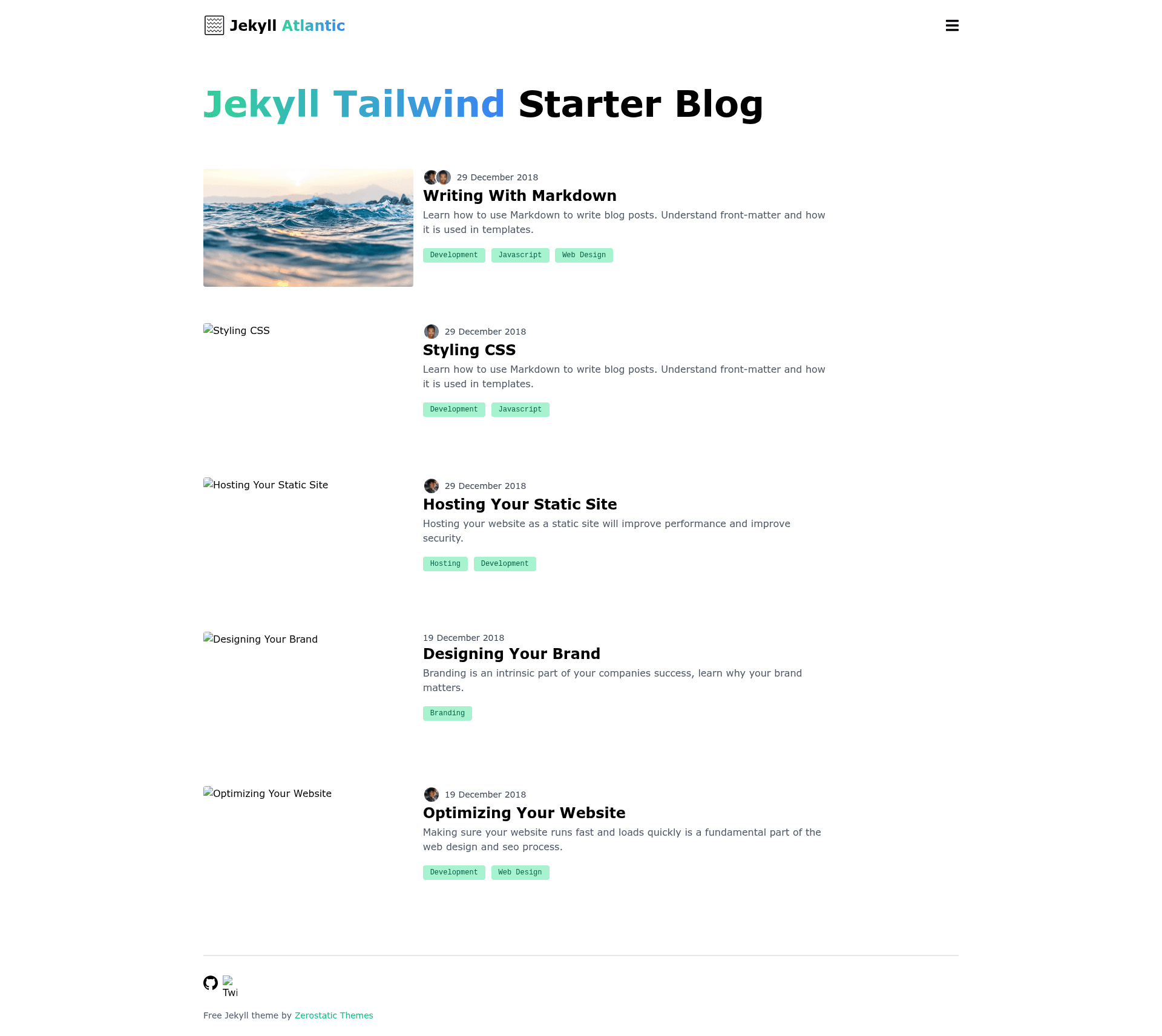
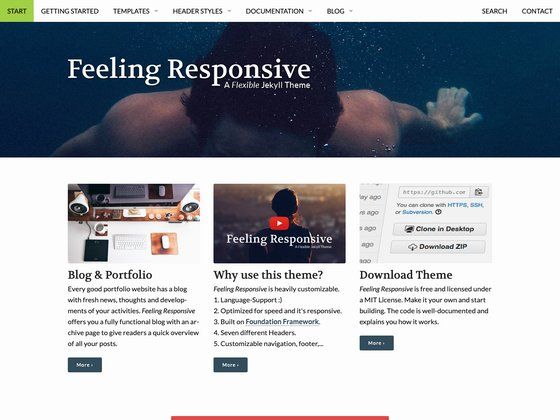
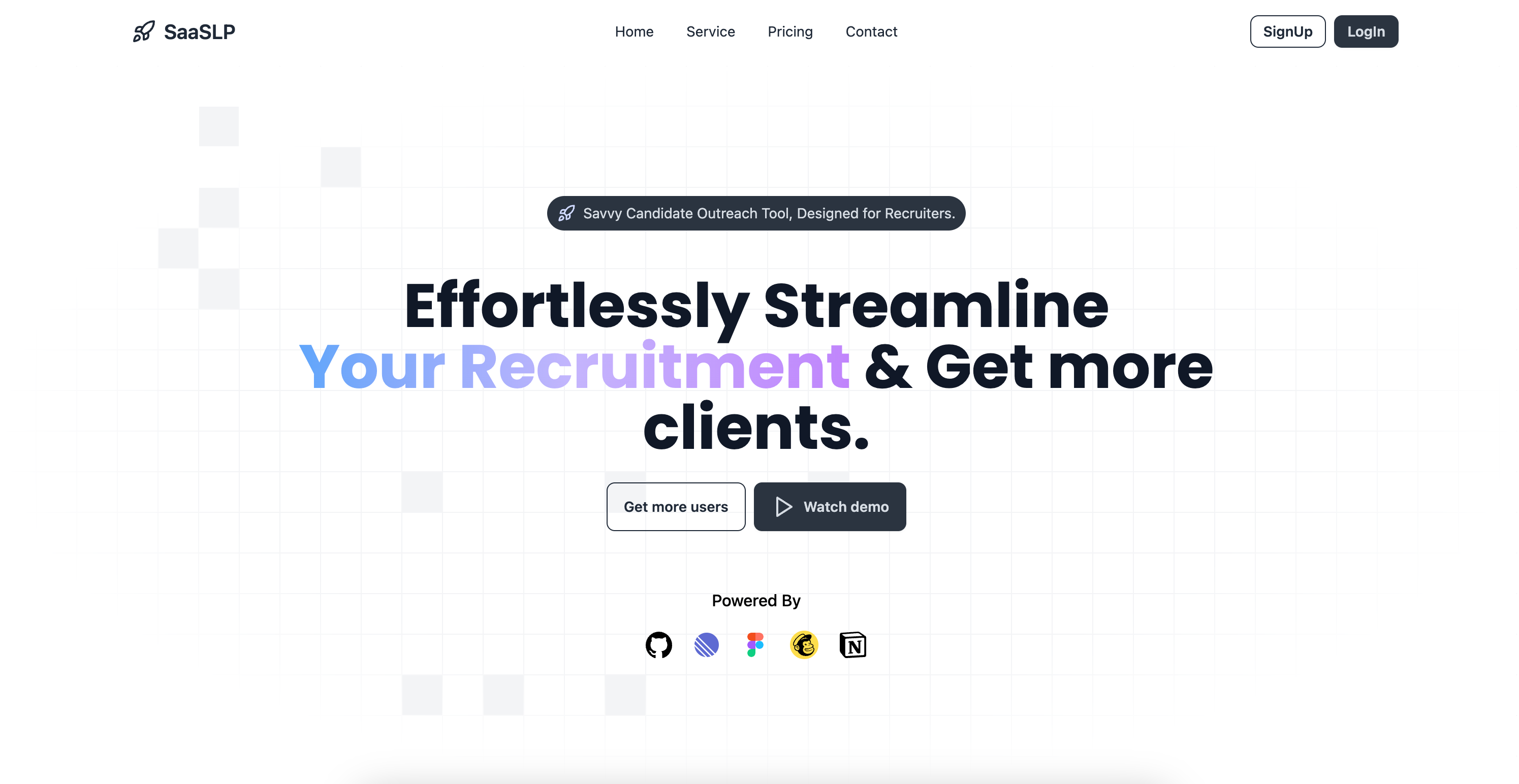
Minimal Jekyll blog theme with Tailwind CSS, PostCSS, categories, authors, and pagination, ready for Netlify or GitHub Pages.
About this template
Jekyll Atlantic is a free open-source blog theme for Jekyll 4.1+ that combines Tailwind CSS 2.2 and PostCSS 8.3 into a minimal, responsive starter site with categories, multiple authors, and pagination. Created by Zerostatic (Robert Austin) in Australia, the theme is designed to be a boilerplate for any Jekyll-based blog or content site. It produces a static HTML site from Markdown content using native Jekyll commands, and it ships with example content and royalty-free illustrations.
What is Jekyll Atlantic?
Jekyll Atlantic is a starter blog theme that runs on Jekyll 4.1+ and uses Tailwind CSS 2.2+ with PostCSS 8.3+ for styling. It takes standard Jekyll content (Markdown posts, data files) and outputs a static site via jekyll serve or jekyll build. The theme is published on GitHub by Zerostatic and is free to use under a license that forbids redistribution or creating derivative ports without permission.
Key Features
- Tailwind CSS + PostCSS pipeline — Uses Tailwind v2.2+ with PostCSS 8.3, including autoprefixer, nested CSS, and cssnano for minification.
- Production CSS purging — Correctly purges unused Tailwind styles in production, keeping the generated CSS small.
- Full blog functionality — Includes blog categories, multiple authors, and pagination out of the box.
- Responsive design — Responsive blog and post layouts with a mobile menu; scores 100/100 on Google Lighthouse speed and SEO, and 94/100 for accessibility.
- Deployment ready — Contains a tested
netlify.tomlfor Netlify and works with GitHub Pages after updatingbaseurlin_config.yml. - Lightweight output — Page size is about 10KB without images.
- Example content — Ships with robust example posts and royalty-free illustrations from Icons8.
- Standard Jekyll commands — Uses
jekyll serveandjekyll buildnatively, requiring onlynpm installandbundle installto set up.
Who is it for?
Jekyll Atlantic is for Jekyll developers who want a Tailwind CSS boilerplate without assembling the toolchain themselves. It also suits bloggers who need categories, author pages, and pagination in a simple layout. Teams deploying to Netlify or GitHub Pages can use it as the foundation for a company blog or documentation site.
What can you do with Jekyll Atlantic?
- Jekyll developers: Scaffold a new blog with Tailwind CSS, PostCSS, and example content, then customize layouts and components.
- Technical writers: Publish a documentation or changelog blog with multiple authors and category pages, deployable to Netlify with one click.
- Designers: Use the included responsive layouts and royalty-free illustrations as a starting point for a portfolio or personal site.
How does Jekyll Atlantic work?
Clone or download the theme from GitHub, then run npm install and bundle install to install dependencies. Use bundle exec jekyll serve for local development or bundle exec jekyll build to generate the static site. For deployment, the included netlify.toml simplifies Netlify setup; for GitHub Pages, update baseurl in _config.yml to match your repository path.
Pricing
Jekyll Atlantic is free to use. The license restricts creating ports or redistributing/re-selling the theme as your own, but it does not require payment. Authors can receive support via Buy Me a Coffee.
FAQ
Is Jekyll Atlantic free?
Yes, the theme is free. The license forbids redistribution and creating derivative ports, but you can use it for personal or commercial projects.
Does Jekyll Atlantic work with GitHub Pages?
Yes, it has been tested with GitHub Pages and GitHub Project Pages. You must update baseurl in _config.yml to match your repository path.
What Jekyll and Tailwind versions are required?
Jekyll 4.1+ and Tailwind CSS 2.2+ are required, along with PostCSS 8.3+.
How do I set up the theme locally?
Clone the repository, install dependencies with npm install and bundle install, then run bundle exec jekyll serve to start the local server.
Can I use the included illustrations commercially?
The illustrations are royalty-free from Icons8, and stock images from Unsplash are included. Check the respective licenses for redistribution terms.