Template details
Ultimate Astro Template
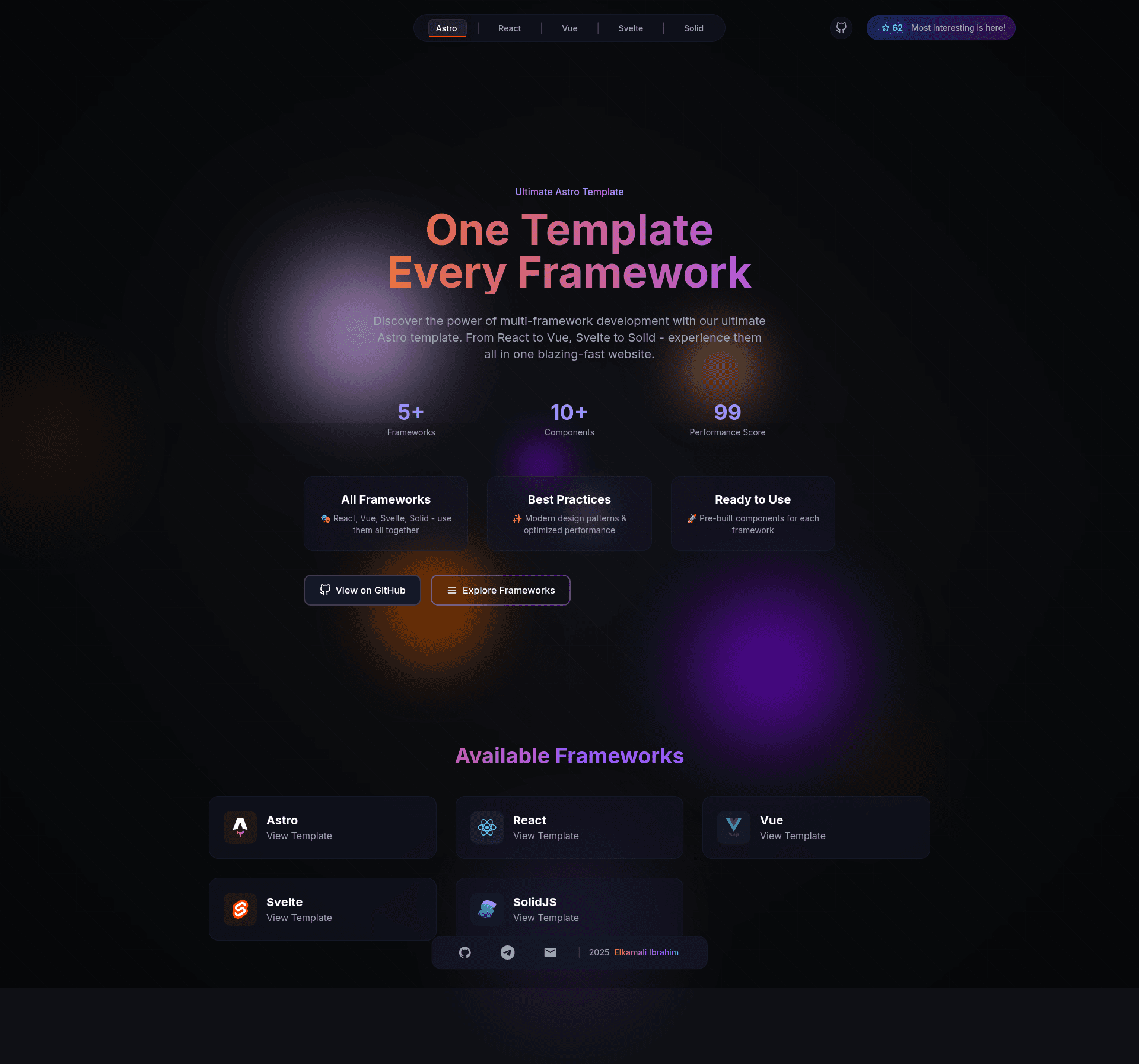
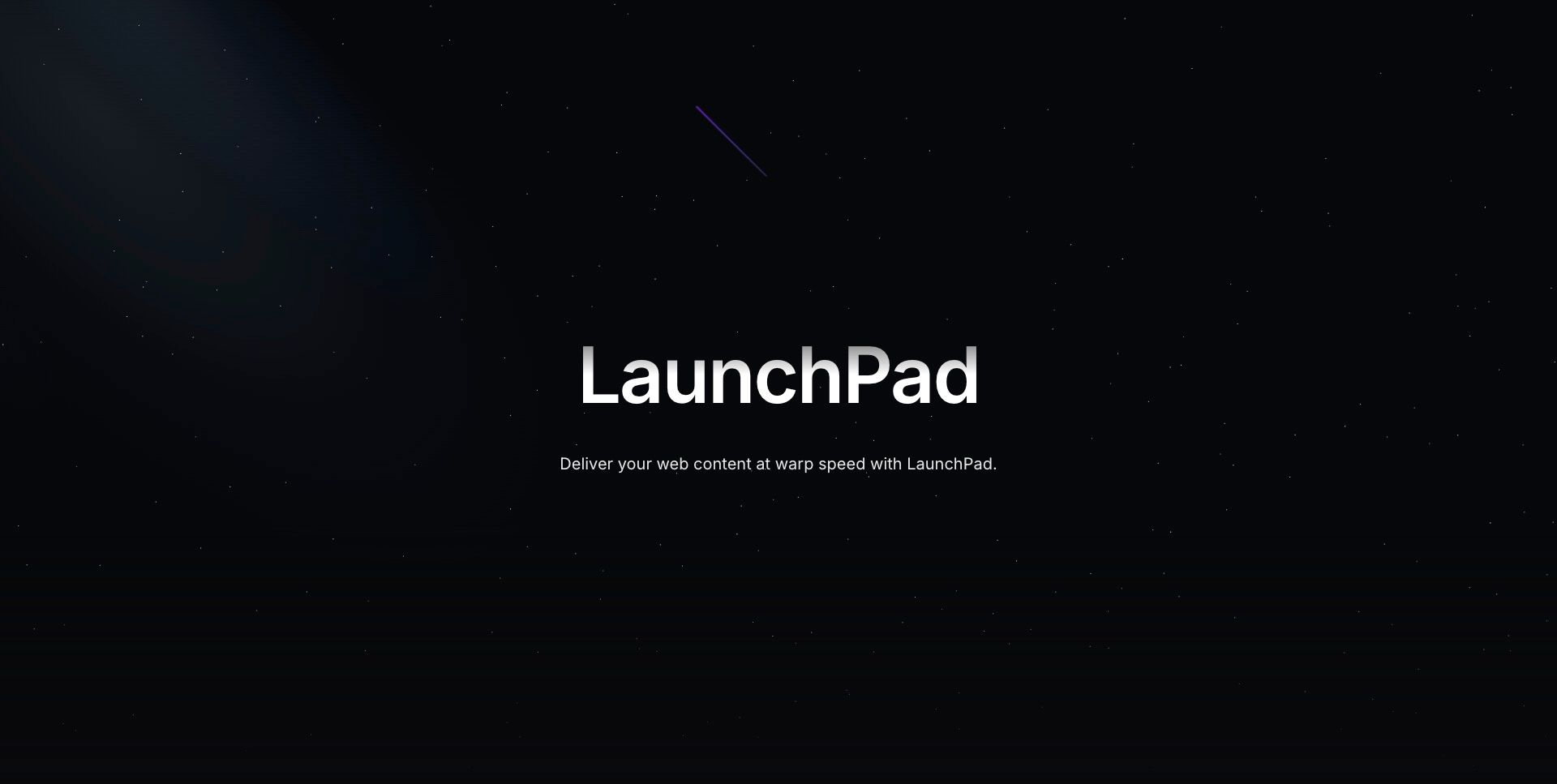
Preconfigured Astro theme integrating Vue, React, Svelte, and SolidJS in one place, ready to use.
About this template
Ultimate Astro is an open-source Astro starter template that showcases hybrid multi-framework development by combining React, Vue, Svelte, and SolidJS components in a single project. Built on the Astro platform with TypeScript and styled with Tailwind CSS, it provides a preconfigured project structure with separate component folders for each framework, a shared UI directory, layouts, data files, icons, and global styles.
What is Ultimate Astro?
Ultimate Astro is a starter template for the Astro static site generator that integrates four frontend frameworks — React, Vue, Svelte, and SolidJS — into one codebase. The template takes a fresh Astro project and adds framework-specific component directories, shared UI components, layouts, pages, data files, icons, and global styles, producing a development-ready site that demonstrates cross-framework coexistence. It is maintained by GitHub user Marve10s, listed on the Astro Themes directory, and deployed as a live demo on Vercel at ultimate-astro-template.vercel.app.
Key Features
- Multi-framework support — React, Vue, Svelte, and SolidJS components each have their own directory under
src/components/, so you can build and compare components in four frameworks within one project. - Astro partial hydration — Use
client:*directives to hydrate only the interactive islands, keeping the rest of the page as static HTML for fast load times. - Tailwind CSS styling — Global styles and custom utilities are configured via
tailwind.config.cjs, giving you control over color schemes, breakpoints, typography, and custom utilities. - Organized project structure — Separate folders for assets, components, data, icons, layouts, pages, and styles, plus a
ui/directory for shared cross-framework components. - High PageSpeed scores — The live demo reports 99/100 performance, 97/100 accessibility, 100/100 best practices, and 100/100 SEO on PageSpeed Insights.
- MIT-licensed open source — Free to use, modify, and redistribute under the MIT License.
- Community showcases — The README features modifications from contributors, including custom orb background colors and a DevContainer setup.
Who is it for?
- Astro developers who want to experiment with mixing multiple frameworks in one project without configuring each integration from scratch.
- Frontend framework explorers who want to compare React, Vue, Svelte, and SolidJS side-by-side in a real, buildable codebase.
- Starter template users looking for a preconfigured, high-performance base with Tailwind CSS and TypeScript for a landing page or personal site.
- Learners of Astro's islands architecture who need working examples of
client:*directives and multi-framework component integration.
What can you do with Ultimate Astro?
- Build a landing page — Use the existing pages and layouts to assemble a marketing or portfolio site, then customize content and styling.
- Test framework interoperability — Create components in any of the four frameworks and embed them in the same Astro page to see how they interact and share data.
- Customize design tokens — Edit
tailwind.config.cjsto change colors, breakpoints, and typography across the entire site. - Contribute a showcase — Fork the repository, make modifications, and share your result via a GitHub issue; the README encourages community showcases.
How does Ultimate Astro work?
Clone or fork the GitHub repository, run npm install to install dependencies, then use npm run dev to start the development server and npm run build to generate a static production build.
FAQ
Is Ultimate Astro free?
Yes, the project is released under the MIT License, so it is free to use, modify, and redistribute.
Which frameworks does Ultimate Astro support?
It includes React, Vue, Svelte, and SolidJS, each with its own component directory under src/components/, plus a shared UI directory.
How do I customize the styling?
Tailwind CSS is preconfigured; edit tailwind.config.cjs to adjust color schemes, breakpoints, typography, and custom utilities.
What is the project structure?
The template has a public/ folder for static assets and src/ with subfolders for assets, components (broken into Astro, React, Solid, Svelte, Vue, and ui), data, icons, layouts, pages, and styles, plus a root package.json.
What are the performance scores?
The live demo scores 99/100 performance, 97/100 accessibility, 100/100 best practices, and 100/100 SEO on PageSpeed Insights.