Template details
Create Ueno App
CLI starter kit for Next.js, Gatsby, Create React App, and React Native projects with Ueno configs.
About this template
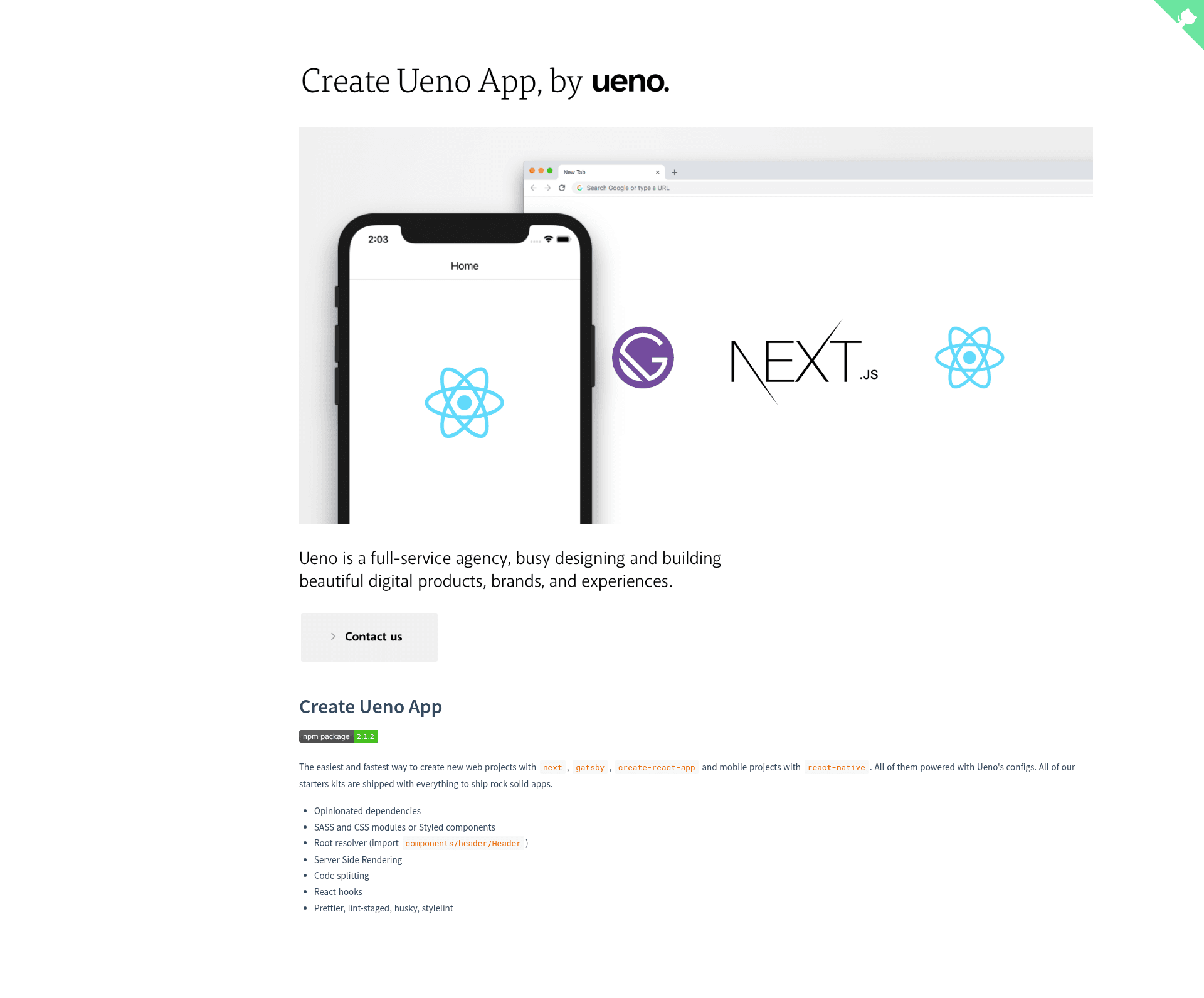
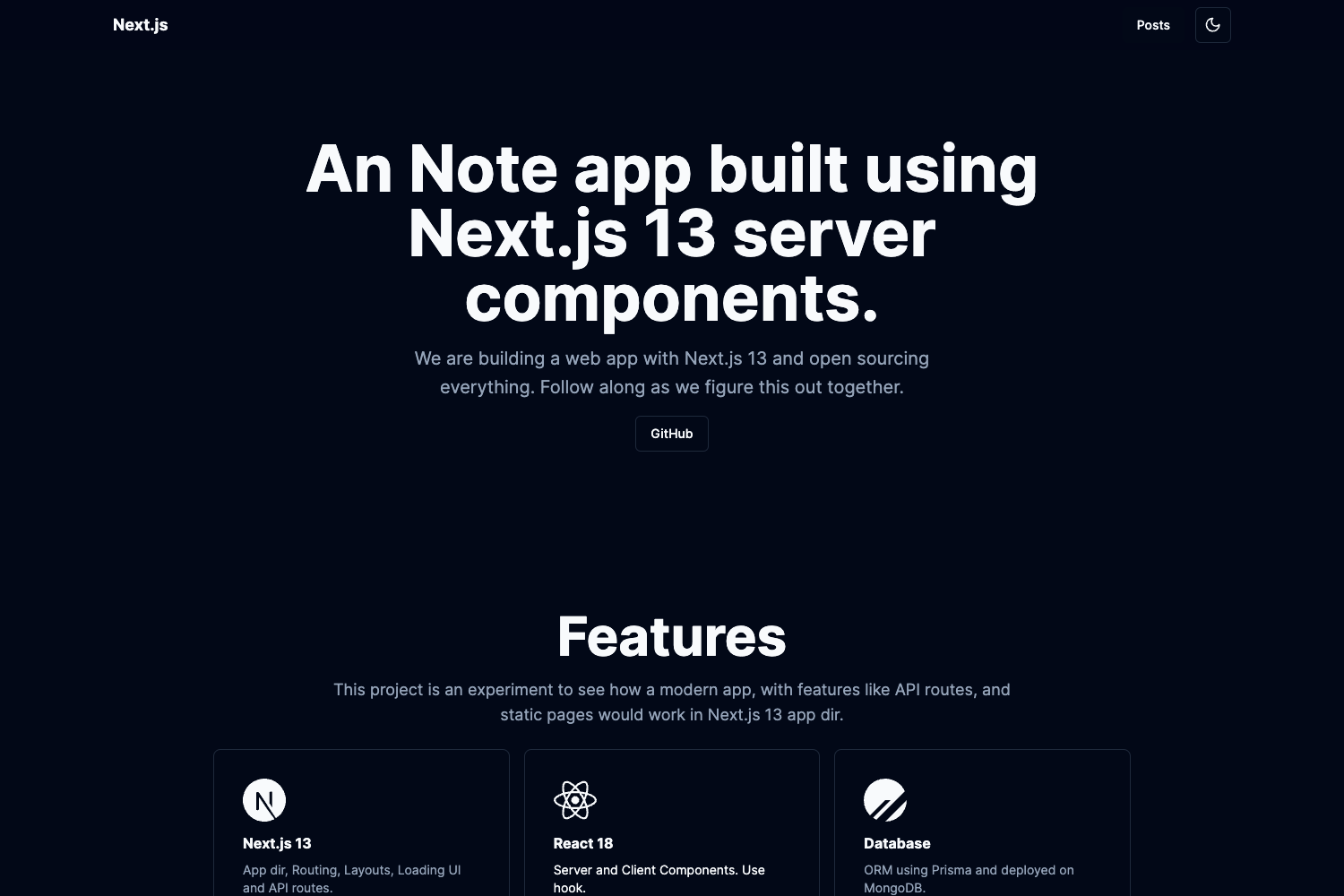
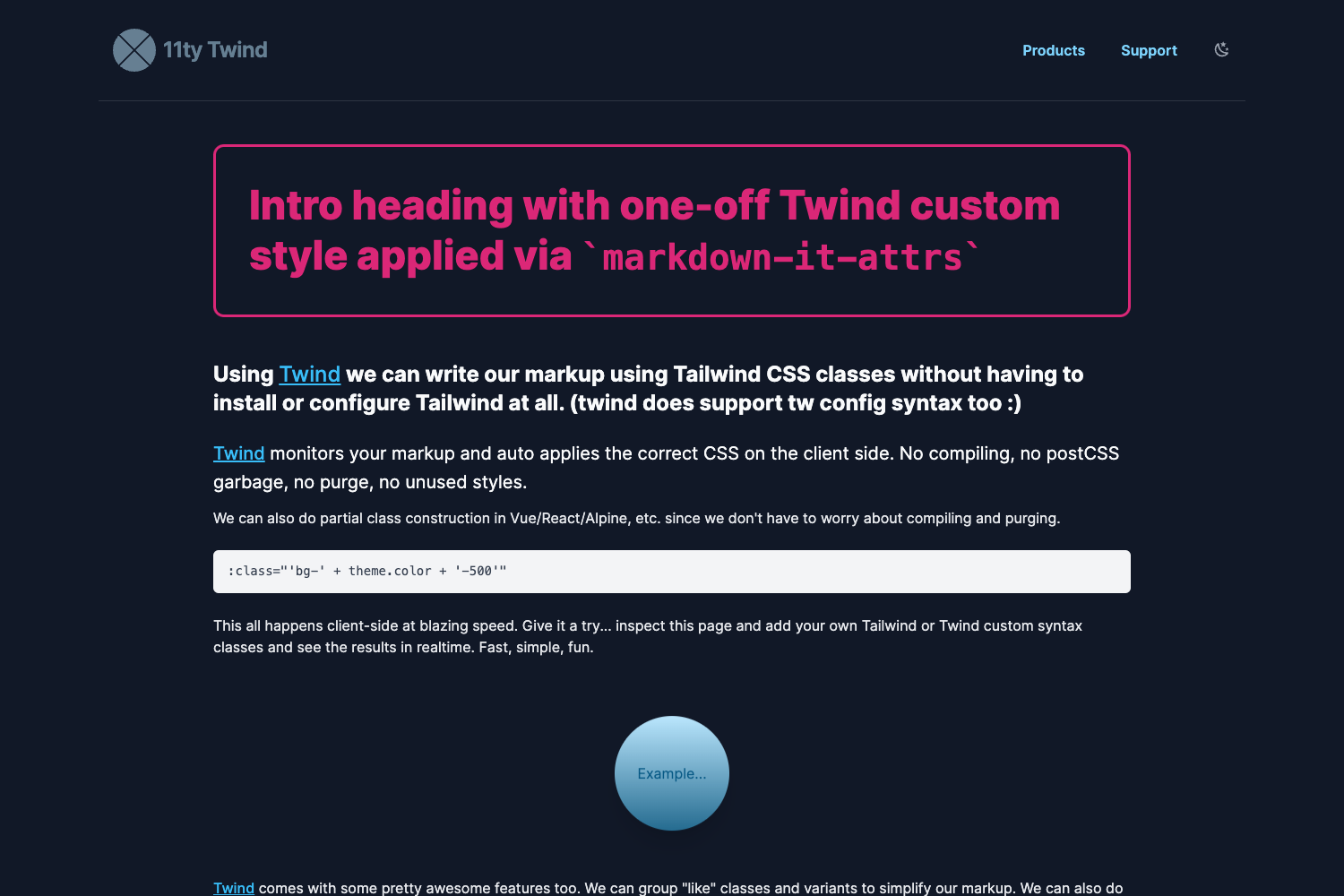
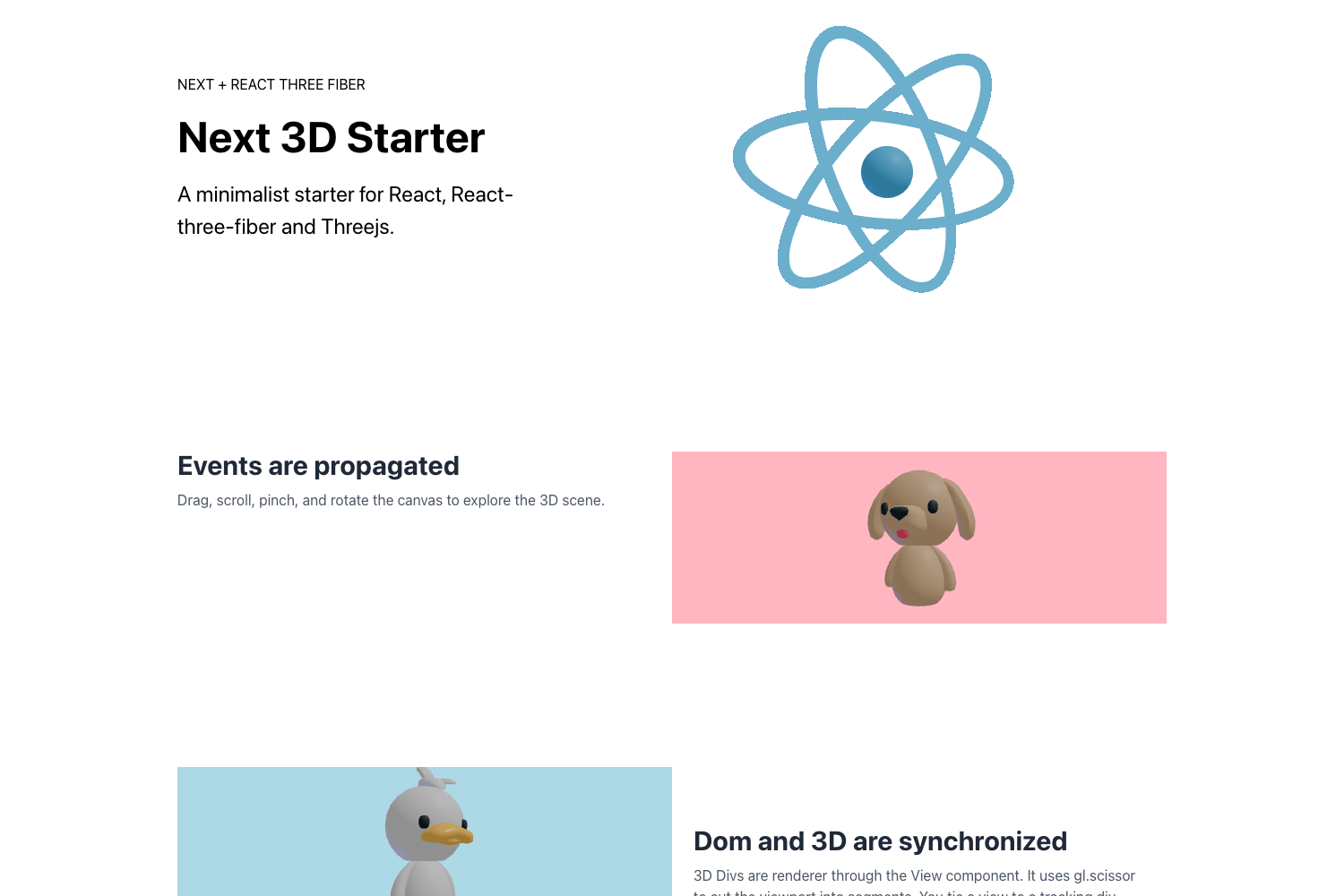
Create Ueno App is a deprecated command-line starter kit from the digital agency Ueno that scaffolds web projects with Next.js, Gatsby, or Create React App and mobile projects with React Native, all preconfigured with Ueno's opinionated tooling. The repository warns that the starter kits are no longer actively maintained, so they are best used as a reference or for legacy projects.
What is Create Ueno App?
Create Ueno App is a CLI tool that takes a stack name (gatsby, next, cra, or native), an app name, and a style library (sass or styled) as arguments and produces a ready-to-run project with Ueno's configuration. It runs via npx or yarn create and does not require a global install. The project is maintained by Ueno LLC and documented on GitHub Pages.
Key Features
- Opinionated dependencies — Includes Ueno's preferred libraries and configuration files, so a new project starts with a consistent setup.
- Style options — Choose between SASS and CSS modules or styled-components depending on the stack; styled-components is the default when no style is provided.
- Root resolver — Enables imports like
components/header/Headerwithout relative paths, making code cleaner. - Server-side rendering — The Next.js and Gatsby starters come with SSR support built in.
- Code splitting — Starters are configured for automatic code splitting to optimize bundle sizes.
- React hooks — The starters are built with React hooks for modern component logic.
- Quality tooling — Prettier, lint-staged, husky, and stylelint are preconfigured for code formatting and linting.
Who is it for?
- Web developers who want a fast, standardized starting point for Next.js or Gatsby with Ueno's conventions.
- React Native developers who need a mobile starter with styled-components included, noting that SASS is not supported for native.
- Agencies and product teams that scaffold multiple client projects and want consistent tooling across different stacks.
What can you do with it?
- Web developers: Generate a Next.js app with
npx create-ueno-app next my-app sassor a Gatsby app withnpx create-ueno-app gatsby my-app styled. - React Native developers: Create a mobile starter with
npx create-ueno-app native my-app styled; SASS is not supported on this stack. - Agencies: Quickly spin up fresh projects with the same opinionated setup, ensuring consistency across client work.
How does it work?
Run npx create-ueno-app <gatsby|next|cra|native> my-app <sass|styled> or the equivalent yarn create ueno-app command. The CLI requires a stack, app name, and style; if style is omitted it defaults to styled-components. The CRA starter does not support styled-components, and the native starter does not support SASS.
FAQ
Is Create Ueno App still maintained?
No — the repository states that the starter kits have been deprecated and are no longer actively maintained. You may encounter unpatched dependencies or bugs if you use them in new projects.
What stacks does Create Ueno App support?
It supports Next.js (next), Gatsby (gatsby), Create React App (cra), and React Native (native). Each stack has its own starter with Ueno's configuration.
Does the CRA starter support styled-components?
No, the CRA starter does not support styled-components. It uses SASS or CSS modules instead, so you would choose sass when creating a CRA project.
What is the default styling library?
If you do not specify a style argument, the CLI defaults to styled-components. This applies to the supported stacks except CRA, where styled-components is not available.
How do I create a project without installing globally?
Use npx create-ueno-app or yarn create ueno-app directly. The repository explicitly recommends against installing create-ueno-app globally.