Template details
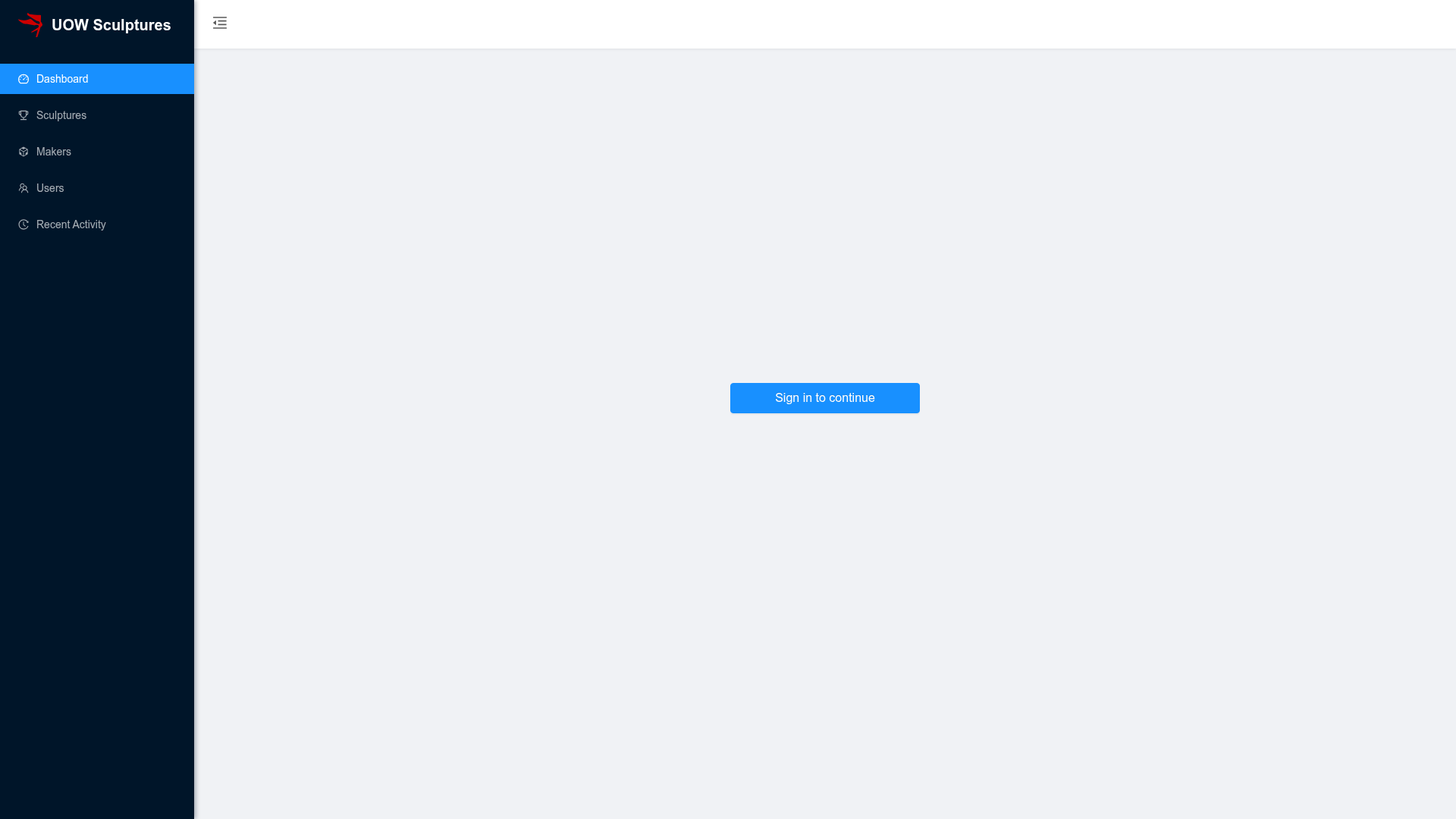
UOW Sculptures Admin Dashboard
A multi-functional and comprehensive admin dashboard using Next.js (SSR React), Ant Design and styled-components.
About this template
UOW Sculptures Admin Dashboard is an open-source admin dashboard template built with Next.js, Ant Design, and styled-components, designed to give UOWAC staff a single web interface for managing the data behind the UOW Sculptures mobile app.
What is the UOW Sculptures Admin Dashboard?
This template is a full-stack admin dashboard for UOWAC staff to manage content, users, and analytics of the UOW Sculptures mobile app. The frontend runs on Next.js (SSR React) with Ant Design and styled-components, while the backend uses TypeScript Node.js, PostgreSQL, Auth0 for authentication, and AWS S3 for image storage. It produces dashboards, list views, and forms that let staff view system trends, manage sculpture records, moderate users, and track recent activity. The project is authored by Hieu Chu, Long Hung Nguyen, and Hoang Nam Bui, and is distributed under the MIT License.
Key Features
- System statistics — View general trends and statistics, with a customized date picker to narrow charts to any time interval.
- User proportion analytics — See the distribution of users directly in the dashboard.
- Sculpture list and search — Browse all sculptures with support for searching and sorting; open any record for detailed information.
- Social engagement metrics — Per-sculpture statistics for likes, comments, and visits.
- Sculpture creation workflow — Populate data for a new sculpture, including map integration via react-map-gl (Mapbox) and image upload to AWS S3.
- User management — List, search, and sort users, and view individual user profiles.
- Recent activity management — Moderate the recent activity feed that appears in the mobile app.
- Auth0 authentication — Sign in with Auth0 SPA SDK; the README provides demo credentials for instant access.
Who is it for?
- UOWAC staff — Use the dashboard to maintain sculpture records, upload images, set map locations, and keep the mobile app data up to date.
- Full-stack developers — Use the template as a reference or starting point for Next.js admin dashboards integrated with PostgreSQL, Auth0, AWS S3, and Mapbox.
- Technical teams managing companion apps — Pair the dashboard with the React Native and Redux mobile app (available on Google Play) to manage its backend content.
What can you do with the UOW Sculptures Admin Dashboard?
- Content managers: add new sculptures with map coordinates and images, then edit their details from the list view.
- Analysts: check system-wide trends, user proportions, and per-sculpture social engagement to understand app usage.
- Community moderators: manage the recent activity feed and user profiles to keep the community healthy.
How does the UOW Sculptures Admin Dashboard work?
After cloning, install dependencies with npm install, run the development server with npm run dev, and open http://localhost:3000. A production build is generated with npm run build and served with npm run start. The README supplies working demo credentials (uowac-admin@gmail.com / uowsculptures) so reviewers can log in immediately.
FAQ
Is the UOW Sculptures Admin Dashboard free?
Yes, the project is distributed under the MIT License, so it is free to use, modify, and redistribute with attribution. The source code also includes demo login credentials for quick evaluation.
What technology stack does it use?
The frontend is built with Next.js (SSR React), Ant Design, and styled-components, with react-map-gl for the map component. The backend uses TypeScript Node.js, PostgreSQL, Auth0 for authentication, and AWS S3 for cloud image storage.
Does the dashboard include the mobile app?
No, the dashboard is separate from the UOW Sculptures mobile app. The mobile app is built with React Native and Redux and is published on Google Play; the dashboard is the admin interface that manages its data.
Can I use this template for my own project?
Yes. Because it is MIT-licensed, you can adapt it. To run a real deployment, you will need to set up your own PostgreSQL database, Auth0 application, and AWS S3 bucket, since the demo credentials and external services in the README are for evaluation.
What are the demo credentials?
The README provides a login with email uowac-admin@gmail.com and password uowsculptures. This allows you to explore the dashboard without configuring your own Auth0 tenant.