Template details
Airframe
Free, open-source Jekyll dashboard template with Bootstrap 5 for building admin panels, CRMs, and analytics.
About this template
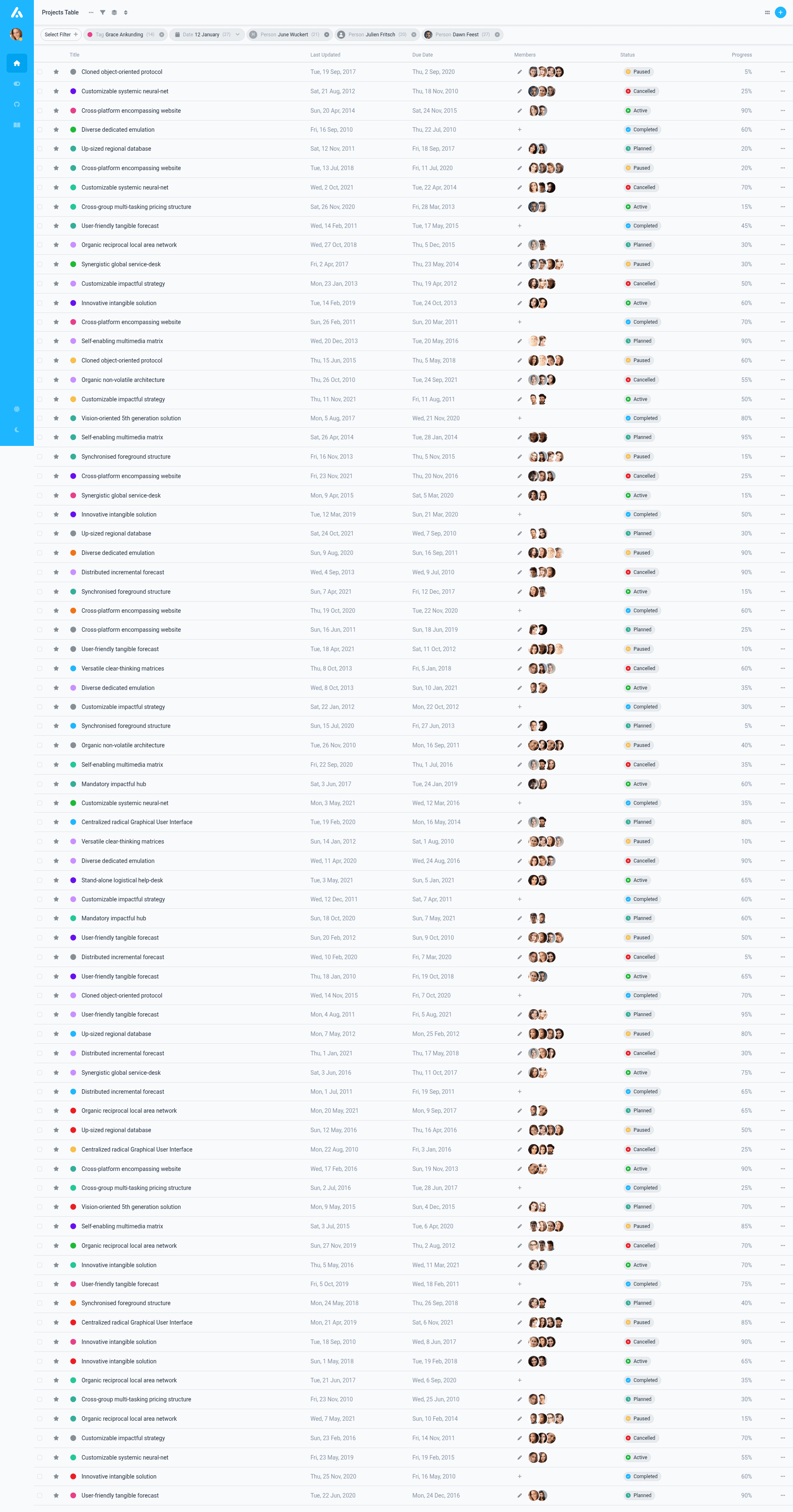
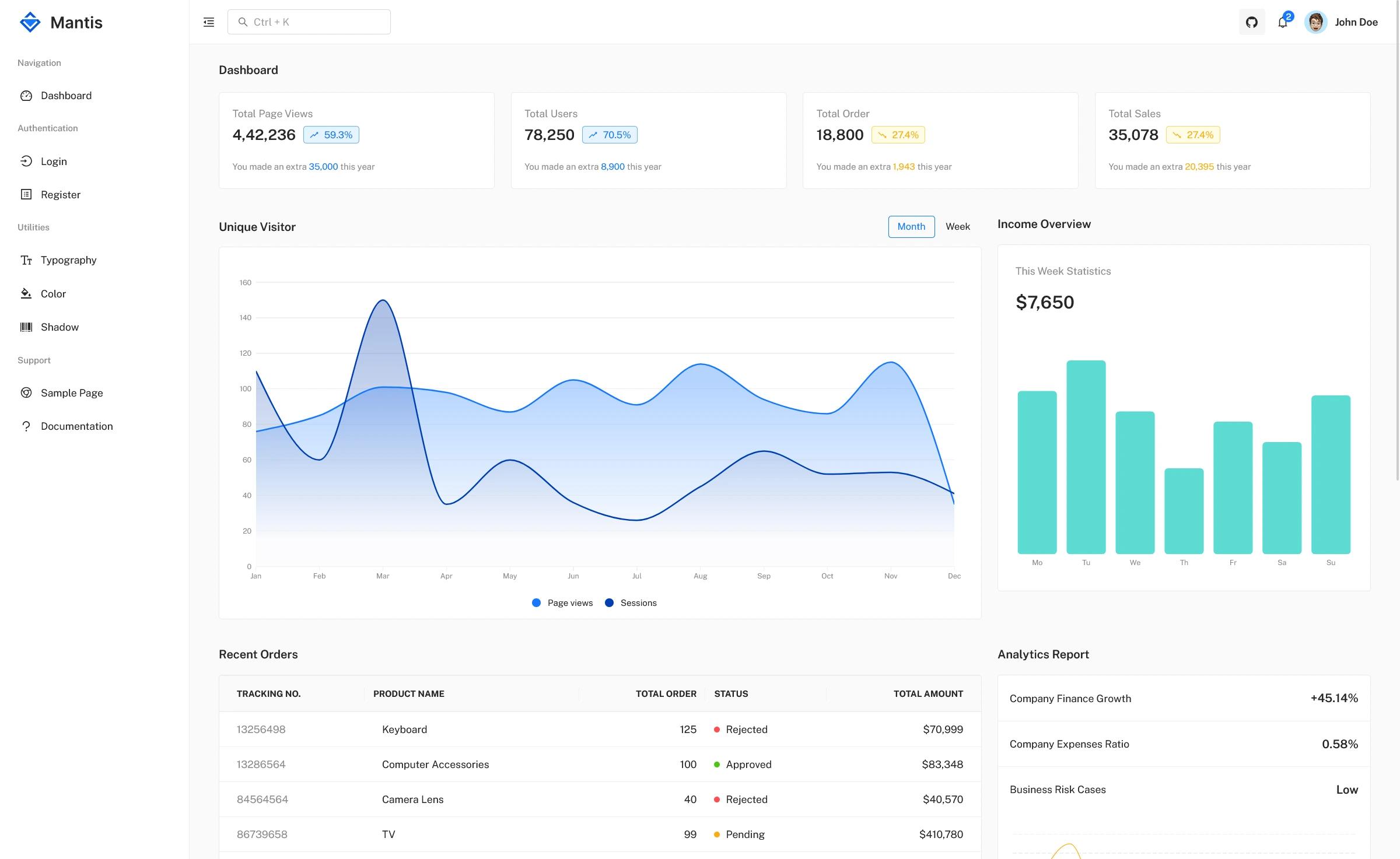
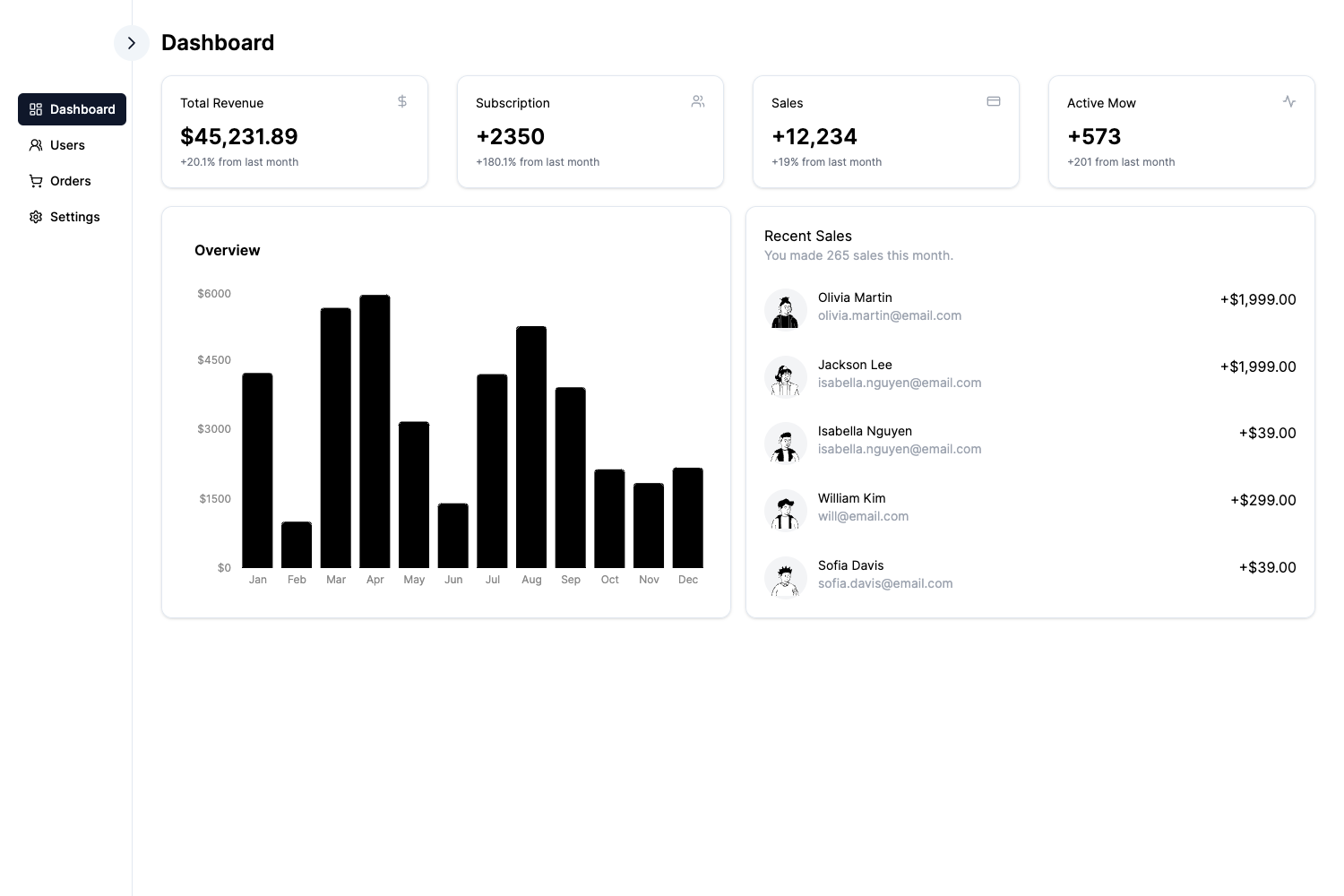
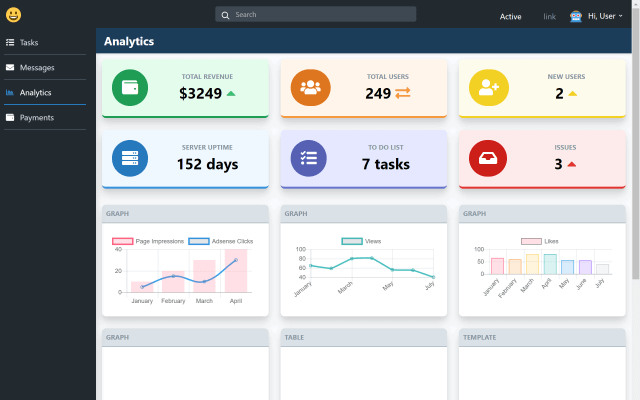
Airframe is a free, open-source dashboard template built on the Jekyll static site generator and Bootstrap 5, designed to provide a responsive UI and a large collection of components for building admin panels, CRMs, CMSs, and analytics dashboards.
What is Airframe?
Airframe is a dashboard template that runs on Jekyll, meaning you install Ruby and Jekyll, download the project, and serve it as a static site. It includes a "huge collection of components" that can be combined in many ways to build custom web applications. The template is authored by Tomasz Owczarczyk (contact email provided in the README) and is released under the Apache License 2.0. A live demo is available at airframe.vercel.app, and documentation, roadmap, and changelog are hosted on Zeroheight.
Key Features
- Jekyll-based architecture — The entire framework is built around Jekyll; after installation you run
jekyll serveand access the site at http://localhost:3000. - Bootstrap 5 UI — The download package is named BS5-Jekyll, indicating it uses Bootstrap 5 for responsive layout and UI components.
- Large component collection — The template provides many components that can be used in a variety of combinations and variations, suitable for CRMs, CMSs, admin panels, dashboards, and analytics.
- Open source license — Released under Apache License 2.0, allowing free use and modification.
- Includes supporting libraries — Credits list Bootstrap, Roboto font, Font Awesome icons, and Holder.js for image placeholders.
- Companion resources — Links to a live demo, Zeroheight documentation, roadmap, and release notes are included in the README.
Who is it for?
- Developers building admin dashboards — They can use Airframe as a Jekyll-based starting point, customizing the Bootstrap components and static pages.
- Startups creating SaaS products — The repository metadata describes it as a free SaaS template for Projects and Tasks, so it suits project management and task tracking interfaces.
- Designers and frontend developers — They can use the component library to prototype admin interfaces; the newsletter offers early access to React and Figma Design System versions.
What can you do with Airframe?
- Build custom web applications — Use the components to assemble CRMs, CMSs, admin panels, admin dashboards, and analytics tools.
- Create a project or task manager — The template is described as a free SaaS template for projects and tasks, so it can be adapted for task management workflows.
- Generate a static site with Jekyll — Because it's a Jekyll theme, you can serve it as a static website with no server-side dependencies.
How does Airframe work?
The README provides installation steps: download the zip package, unpack it, navigate to the folder in your terminal, run jekyll serve, and open http://localhost:3000 in your browser. The site is then served locally as a static Jekyll site.
Pricing
Airframe is free and open source under the Apache License 2.0. The README mentions no paid tiers.
FAQ
Is Airframe free?
Yes, Airframe is free and open source. It is released under the Apache License 2.0, so you can use, modify, and distribute it freely.
What does Airframe run on?
Airframe runs on Jekyll, a Ruby-based static site generator, and uses Bootstrap 5 for the frontend UI. You need to install Jekyll and Ruby before serving the site.
How do I install Airframe?
Download the zip package from the GitHub link, unpack it, open a terminal in the folder, run jekyll serve, and visit http://localhost:3000. Full instructions are in the README.
What can I build with Airframe?
You can build CRMs, CMSs, admin panels, admin dashboards, and analytics applications. The repository metadata also suggests it works well for project and task management SaaS apps.