Template details
vCard Personal Portfolio
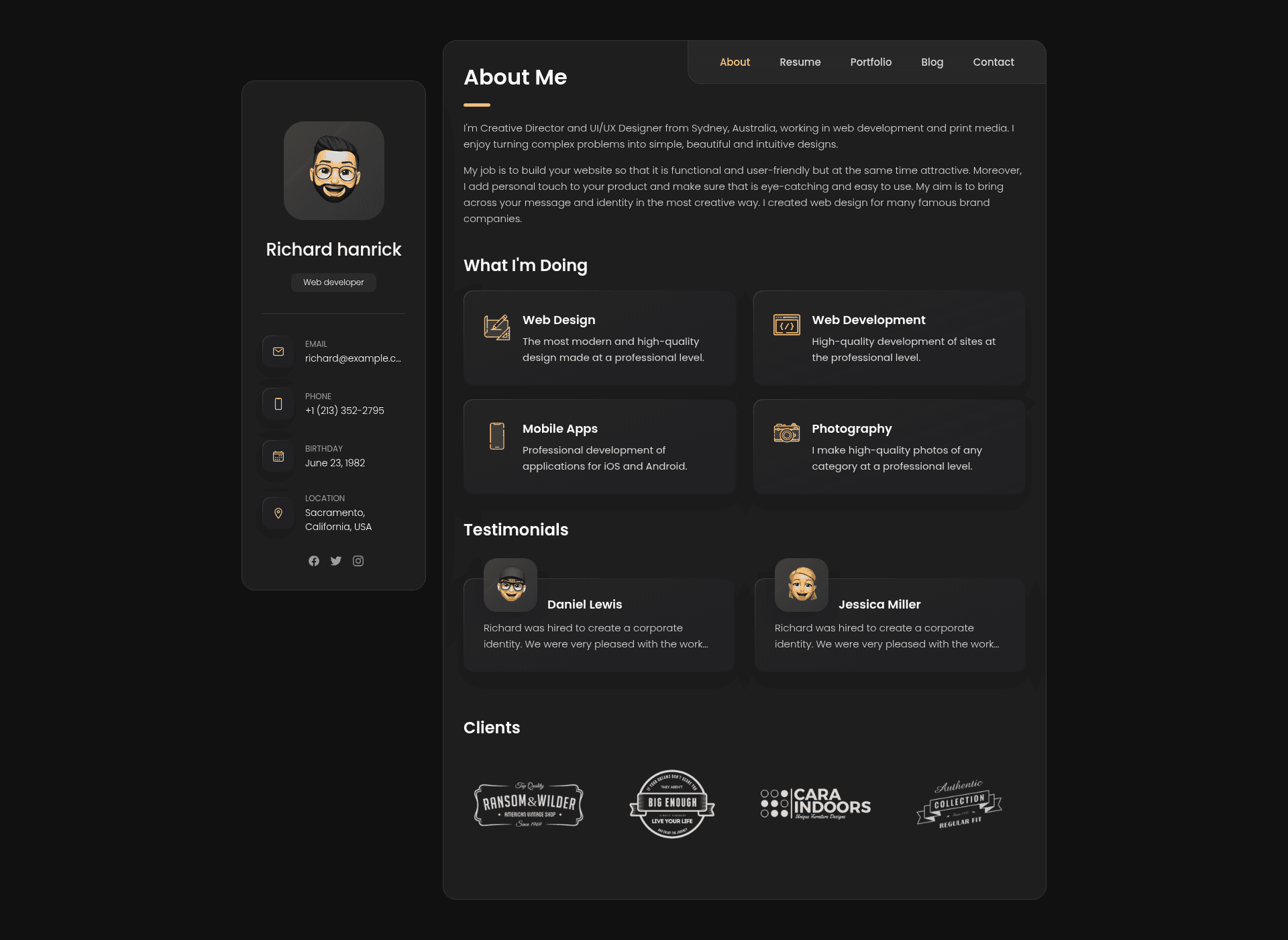
vCard is a fully responsive personal portfolio website built with HTML, CSS, and JavaScript.
About this template
vCard is a free, open-source personal portfolio website template built with HTML, CSS, and JavaScript that lets anyone publish a responsive portfolio by editing static files and cloning the repository.
What is vCard?
vCard is a fully responsive personal portfolio website template created by codewithsadee and published on GitHub under the MIT license. It is built purely with HTML, CSS, and JavaScript — no framework or build step — and produces a static site that can be hosted on any web server. The template takes your personal information (name, bio, skills, projects, contact details) as content you edit directly in the HTML files and outputs a mobile-friendly portfolio page with a modern card-style layout. It is distributed as a GitHub repository that you clone locally, customize, and deploy.
Key Features
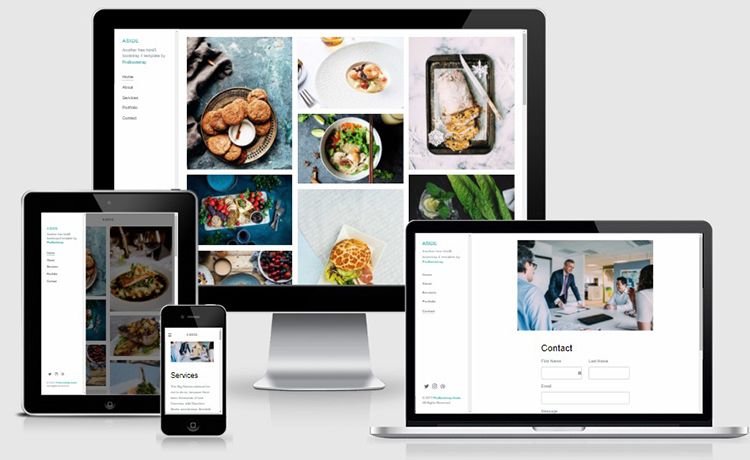
- Fully responsive design — adapts to desktop, tablet, and mobile screens with a card-based layout, as shown in the included desktop and mobile demo screenshots.
- Pure HTML, CSS, and JavaScript — no dependencies, no build tools, so the site runs anywhere static files are served.
- Lightweight and fast — no framework overhead; the entire site is a set of static files that load quickly.
- Easy installation — requires only Git; clone the repository and use the files directly.
- MIT licensed — free to use, modify, and include in commercial projects without restriction.
- Community backed — the repository has over 8,000 GitHub stars, indicating broad adoption.
Who is it for?
- Developers and designers — quick personal portfolio without setting up a framework or build pipeline.
- Freelancers and job seekers — a professional online presence to showcase skills, projects, and experience.
- Students and recent graduates — a simple personal website for resumes and portfolio links.
What can you do with vCard?
- Software developers: Showcase your GitHub projects, technical skills, and work history in a clean, card-based layout.
- Freelancers: Attract clients by presenting your services, portfolio pieces, and contact information in one responsive page.
- Designers: Display your visual work with a gallery-style layout that works on mobile and desktop.
How does vCard work?
vCard is installed by cloning the repository with Git. After cloning, you edit the HTML, CSS, and JavaScript files to replace placeholder content with your own details. Because there is no build step, the files are ready to open locally or deploy to any static hosting service like GitHub Pages or Netlify.
Pricing
vCard is free and open-source software released under the MIT license. There are no paid tiers or premium features.
FAQ
Is vCard free to use?
Yes, vCard is free and open-source. The MIT license allows you to use, modify, and distribute it for personal or commercial purposes without paying.
How do I install vCard?
Install Git, then run git clone https://github.com/codewithsadee/vcard-personal-portfolio.git on your system. On Linux and macOS you can use the sudo command shown in the README; on Windows just run the clone command.
Does vCard require a framework or build tool?
No. vCard is built with plain HTML, CSS, and JavaScript. There is no Node.js, no React, and no build step, so you can edit the source files directly and host the site as a static website.
Can I customize the colors and content?
Yes. All content lives in the HTML files and styles in CSS files. You can change text, images, portfolio items, and the visual design by editing those static files.
How many GitHub stars does vCard have?
At the time this entry was written, the repository had over 8,000 stars on GitHub, reflecting its popularity as a free portfolio template.