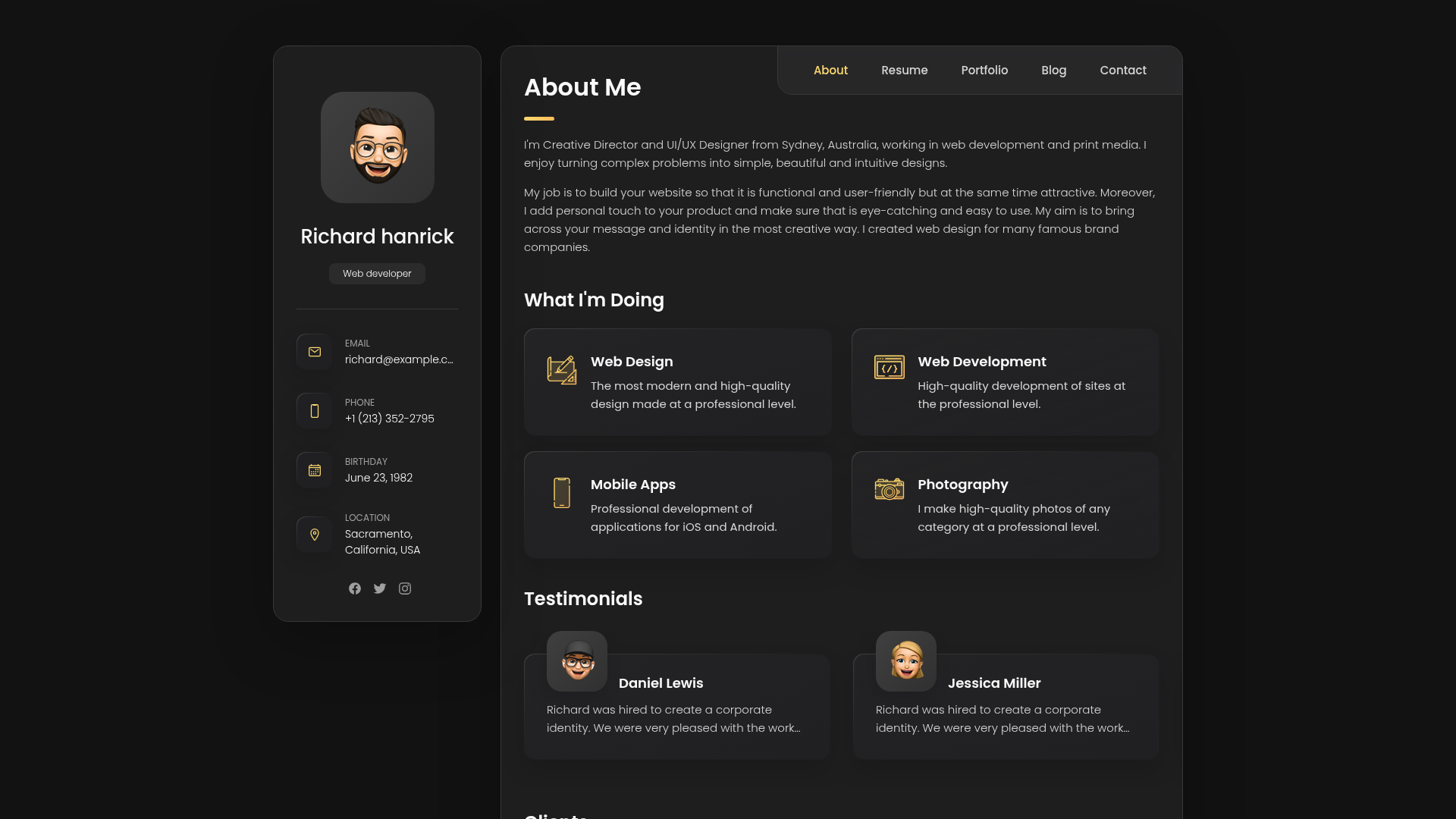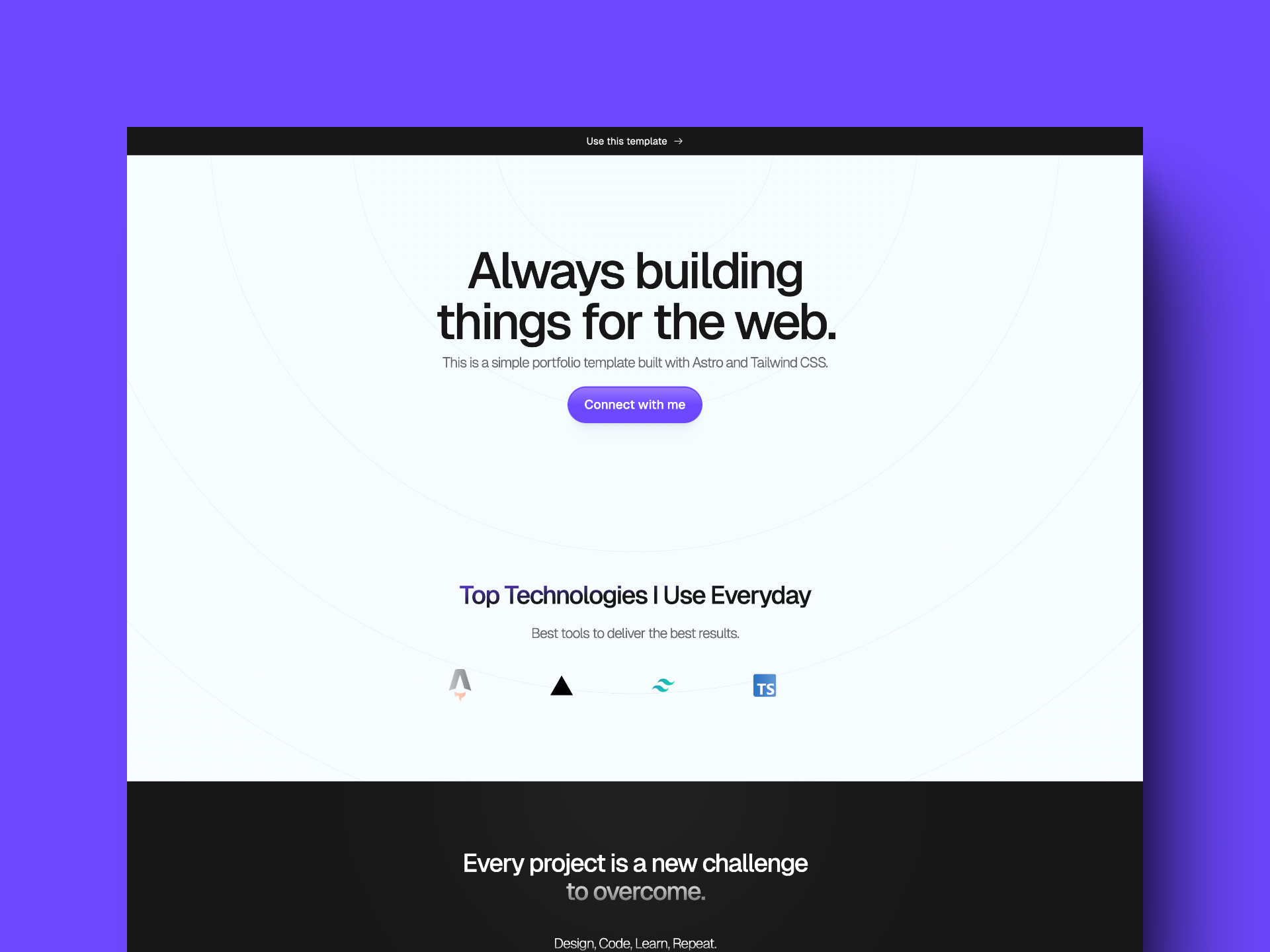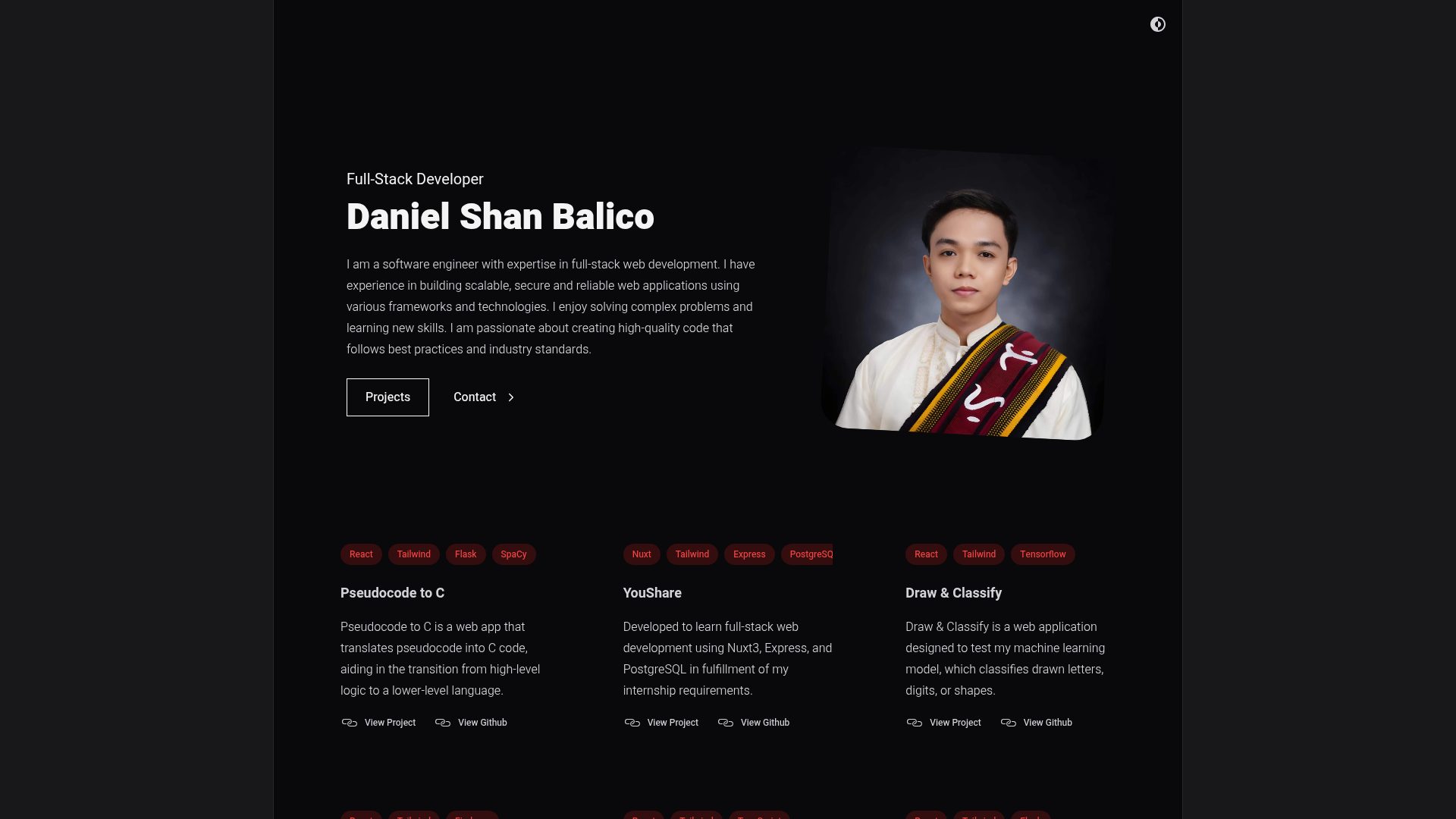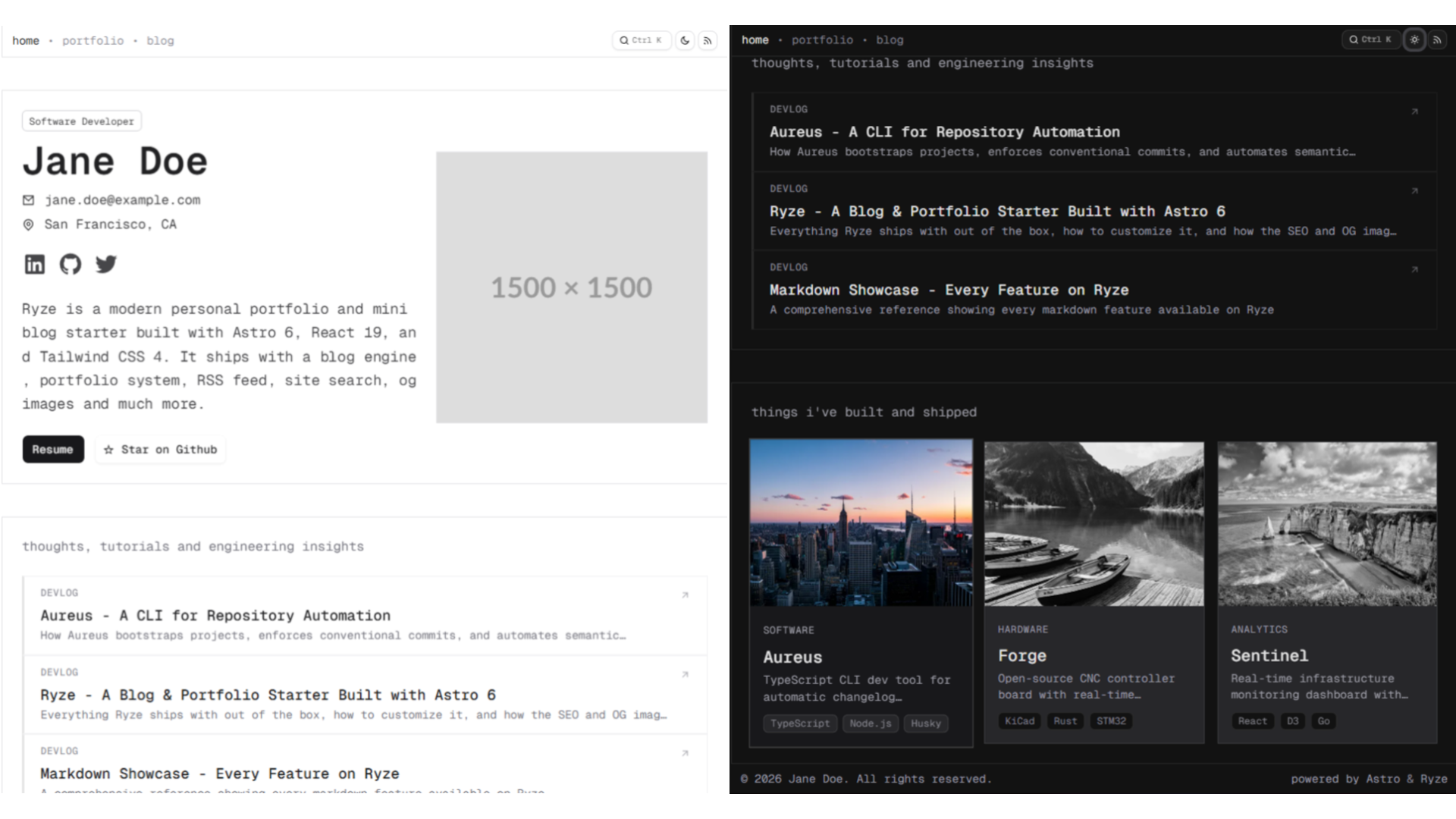
Template details
Jekyll-fractal Theme
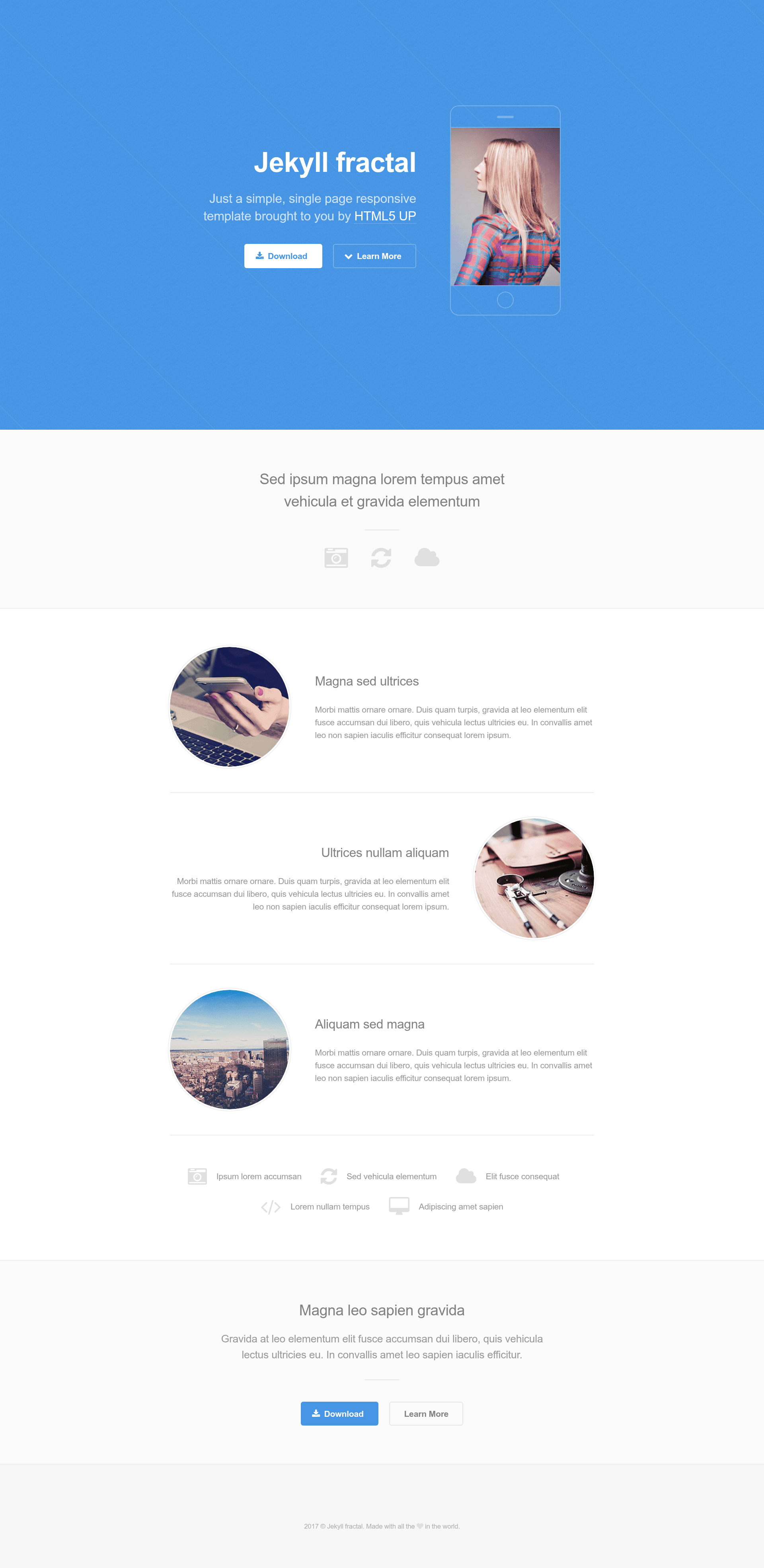
A single-page, responsive Jekyll portfolio theme ported from HTML5 UP's Fractal template.
About this template
Jekyll-fractal is a single-page portfolio theme for Jekyll, ported from the HTML5 UP Fractal design, that builds a responsive personal website from a single _config.yml file.
What is Jekyll-fractal?
Jekyll-fractal is a Jekyll theme that converts a static site configuration into a one-page personal portfolio, based on the HTML5 UP Fractal template. The theme takes a Jekyll project with a filled-in _config.yml and generates an HTML page with a hero section, a download button, and social media links. It runs on any Jekyll installation, uses kramdown for Markdown rendering, and is maintained as an open-source project on GitHub by yveszenne, with the original design by HTML5 UP. A live demo is available at https://yveszenne.github.io/jekyll-html5up-fractal/.
Key Features
- Single-page layout — A single, scrolling page designed to present one person's portfolio without the need for multiple templates or navigation menus.
- Responsive design — The layout adapts to screen sizes from mobile to desktop, as claimed in the project description.
- Configurable social links — Placeholder fields for services including GitHub, GitLab, Facebook, Twitter, Instagram, LinkedIn, Pinterest, and Google Plus are included in _config.yml.
- Download button — A dedicated
download_button_urlsetting lets you point the call-to-action button at any file or external link. - Markdown via kramdown — The build settings specify
markdown: kramdown, so page content can be written with standard Markdown syntax. - MIT license — The theme is released under the MIT license, allowing free use and modification with attribution.
- GitHub-hosted development — The source repository supports forking and starring, and issues can be filed through the GitHub issue tracker.
- Base URL support — The
baseurlsetting allows the site to be hosted under a subpath, such as a project page on GitHub Pages.
Who is it for?
- Developers wanting a minimal Jekyll theme for a personal homepage without learning a larger framework.
- Designers who want a clean, single-page portfolio to display projects and link to social profiles.
- Freelancers and students who need a quick static site that can be deployed free of charge on GitHub Pages.
What can you do with Jekyll-fractal?
- Publish a personal portfolio — Fill in your name, email, and description in _config.yml, then build the site to produce an elegant single-page presence.
- Add social links — Enter your profile URLs into the social settings; the theme renders the relevant icons in the page footer or header.
- Create a call-to-action — Set the download button URL to link to a resume PDF, an app download, or any other destination.
- Host under a subpath — Configure
baseurlto serve the site from a project subdirectory on GitHub Pages.
How does Jekyll-fractal work?
The setup process is documented in the repository README. First, install Jekyll with sudo gem install jekyll. Next, clone or fork the Jekyll-fractal repository. Then edit _config.yml with your own site title, email, description, base URL, and social profile URLs. Finally, build the site with Jekyll and deploy the generated static files to any web host.
FAQ
Is Jekyll-fractal free?
Yes, the theme is available under the MIT license, so it is free to use, modify, and distribute as long as the original copyright notice is preserved.
How do I customize the theme?
Open the _config.yml file in your Jekyll project and change the site settings, including title, email, description, URL, and social media fields. No additional theme files need to be edited for basic personalization.
Does Jekyll-fractal support blogs?
No, it is designed as a single-page portfolio theme. It does not include blog post archives, categories, or pagination features; use it for a static one-page site.