Template details
Vercel Blob Next.js Starter
Next.js starter that uses Vercel Blob for image uploads and storage, styled with Tailwind CSS.
About this template
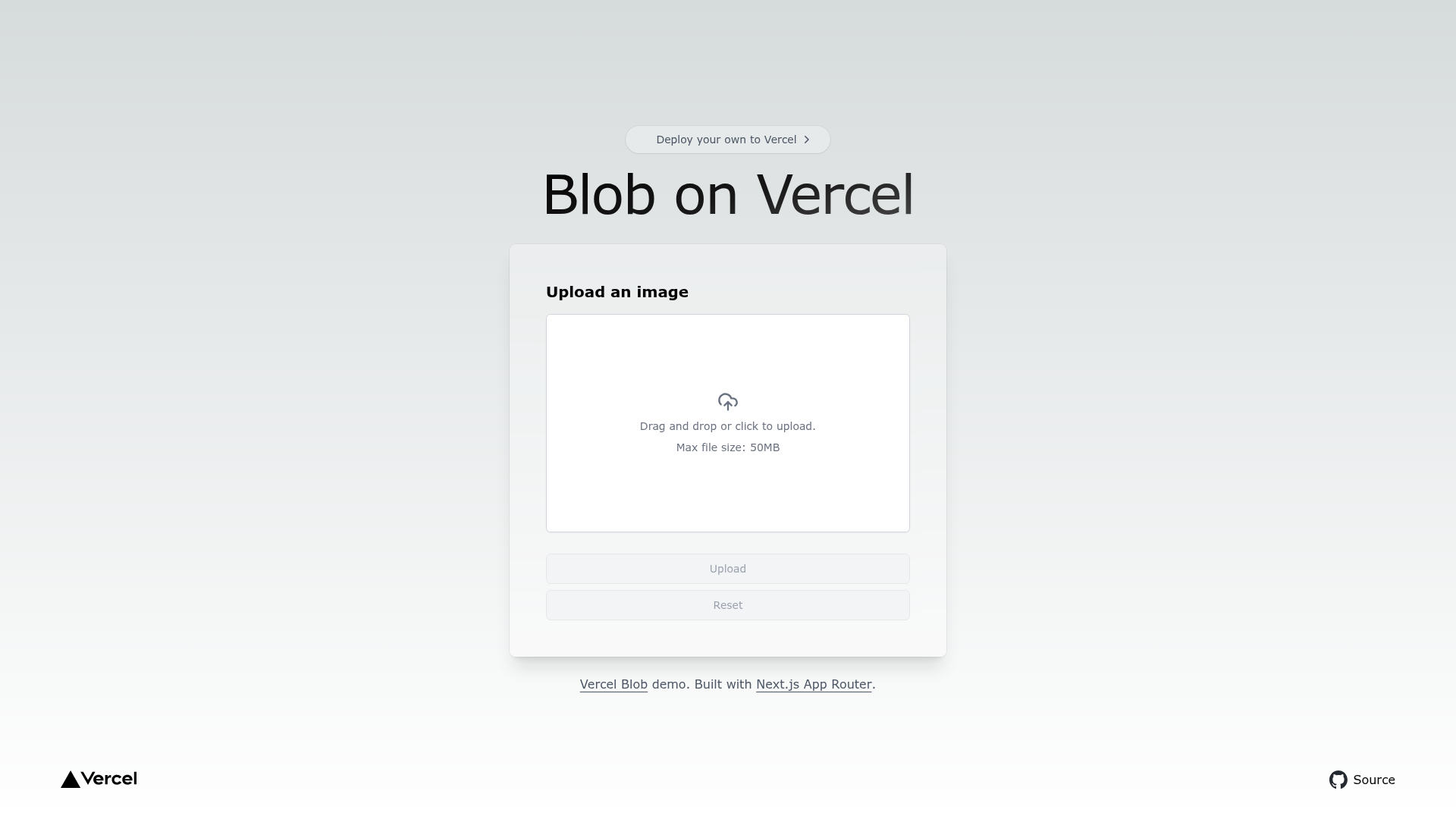
Vercel Blob Next.js Starter is a boilerplate template for Next.js that demonstrates how to add image upload and storage to an app using Vercel Blob, Vercel's object storage service.
What is the Vercel Blob Next.js Starter?
The Vercel Blob Next.js Starter is a minimal Next.js application that uses Vercel Blob for image uploads and storage. It takes a user-selected image as input and stores it in a Vercel Blob store, then produces a public URL that the app can render. The template runs on Next.js with Tailwind CSS for styling and is maintained within the vercel/examples repository on GitHub.
Key Features
- Next.js framework — Built on Next.js, the React framework from Vercel, so you get file-based routing and API routes out of the box.
- Tailwind CSS styling — The default page is styled with Tailwind CSS, giving you utility classes without a separate CSS setup.
- Vercel Blob integration — Uses Vercel Blob as the storage layer; the connection is configured through environment variables that you copy from the Vercel Storage Dashboard.
- One-click deploy — A Deploy with Vercel button clones the template, provisions a Blob store, and deploys the project to a live URL in one step.
- Local development setup — Clone with
pnpm create next-app --example https://github.com/vercel/examples/tree/main/storage/blob-starter, copy.env.exampleto.env.local, and runpnpm devto start the development server. - Part of vercel/examples — The template lives in the public vercel/examples GitHub repository, which curates patterns for building scalable applications on Vercel.
Who is it for?
- Next.js developers looking for a minimal, working example of handling image uploads in a Next.js app with server-side storage.
- Vercel users who want to try Vercel Blob without writing storage logic from scratch, using the template as a starting point.
- Hobbyists and prototype builders who want to deploy a functional upload demo in minutes using the one-click deploy flow.
What can you do with the Vercel Blob Next.js Starter?
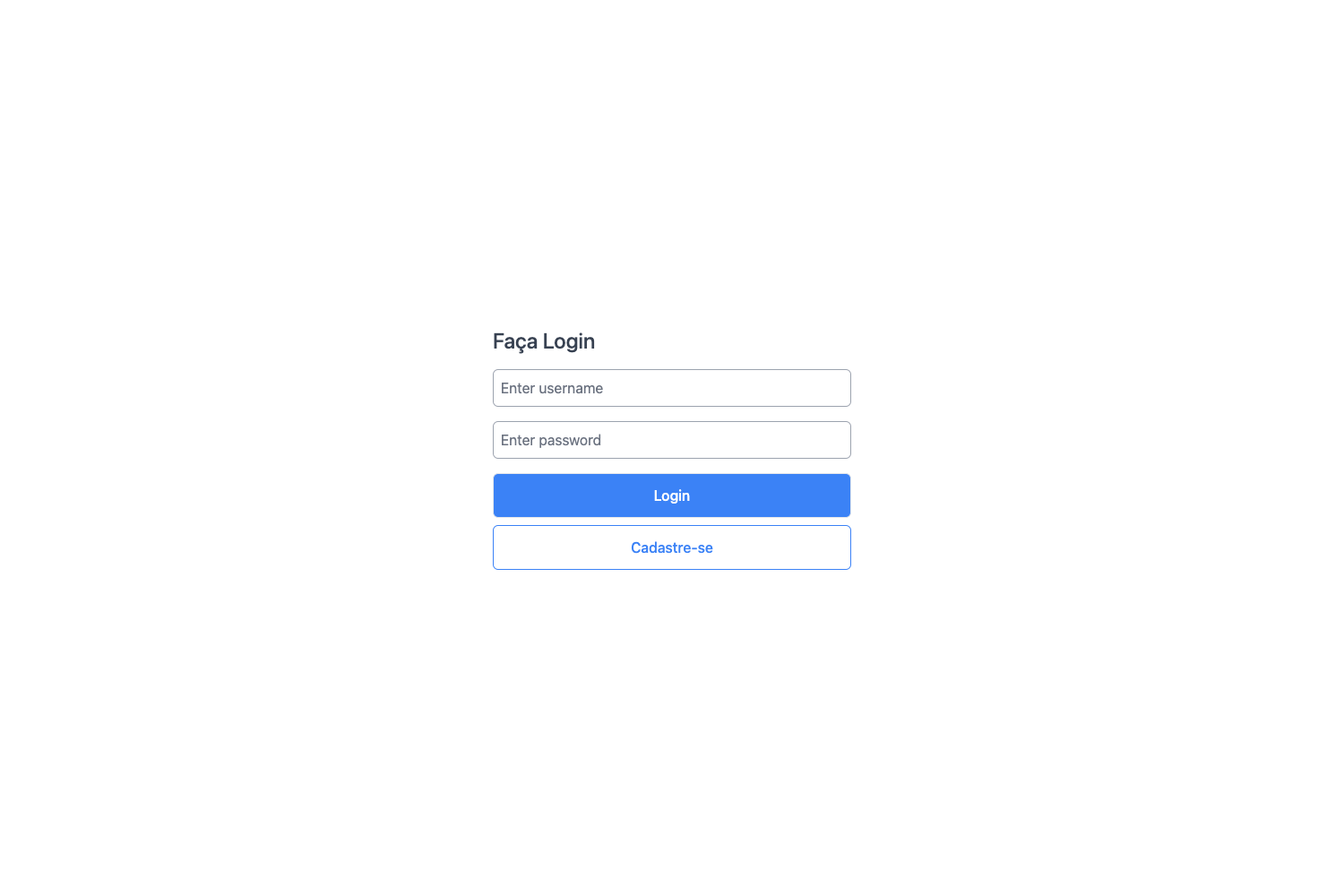
- Upload images to the cloud: Use the provided form to upload an image, which the template stores in Vercel Blob and returns as a public URL.
- Learn the integration pattern: Read the template's code to see how a Next.js API route invokes the Vercel Blob SDK, then apply the same pattern to other file types.
- Deploy a demo quickly: Use the one-click deploy button to get a live, working upload example without manually configuring storage.
How does the Vercel Blob Next.js Starter work?
The template presents an upload form on the page. When you submit an image, a Next.js API route receives the file and uploads it to Vercel Blob using the Blob SDK, then returns a URL that is displayed on the page. To run it locally, copy .env.example to .env.local, add the values from your Vercel Storage Dashboard, and start the development server with pnpm dev.
FAQ
How do I deploy this template?
Use the Deploy with Vercel button on the template page to clone and deploy in one step; Vercel automatically creates a Blob store for the project. Alternatively, clone the repository and deploy it through your own Git provider.
What environment variables are required?
The .env.example file lists the required variables. You copy that file to .env.local and fill in the values from the Vercel Storage Dashboard so the app can authenticate with your Blob store.
Can I run it without deploying to Vercel?
Yes, you can run the template locally with pnpm dev, but you still need a Vercel account and a Blob store to supply the environment variables that make storage work.
What is Vercel Blob?
Vercel Blob is a global object storage service from Vercel designed for storing files such as images, videos, and documents. This starter shows the recommended way to connect it to a Next.js application.