Template details
Hugo Curious
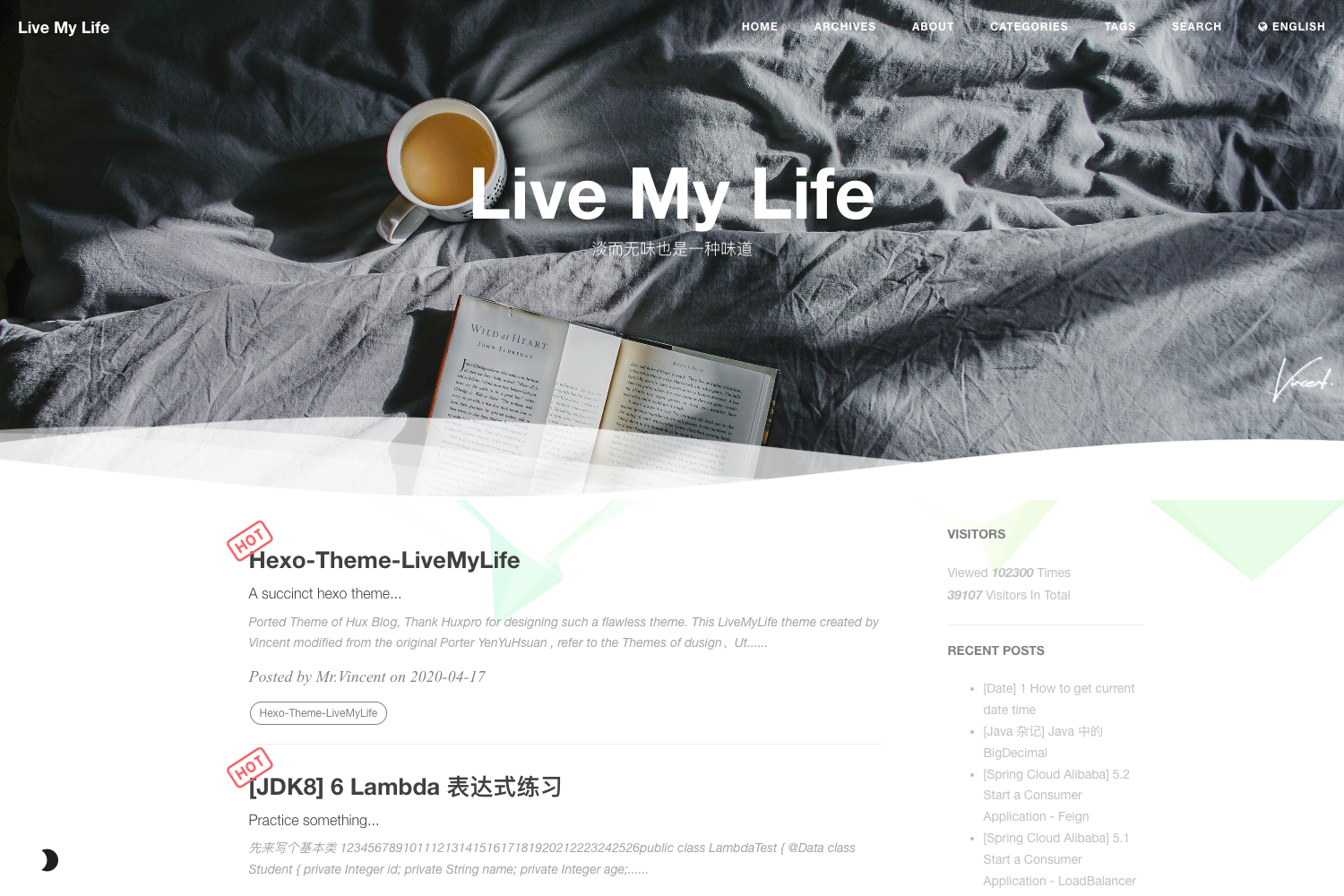
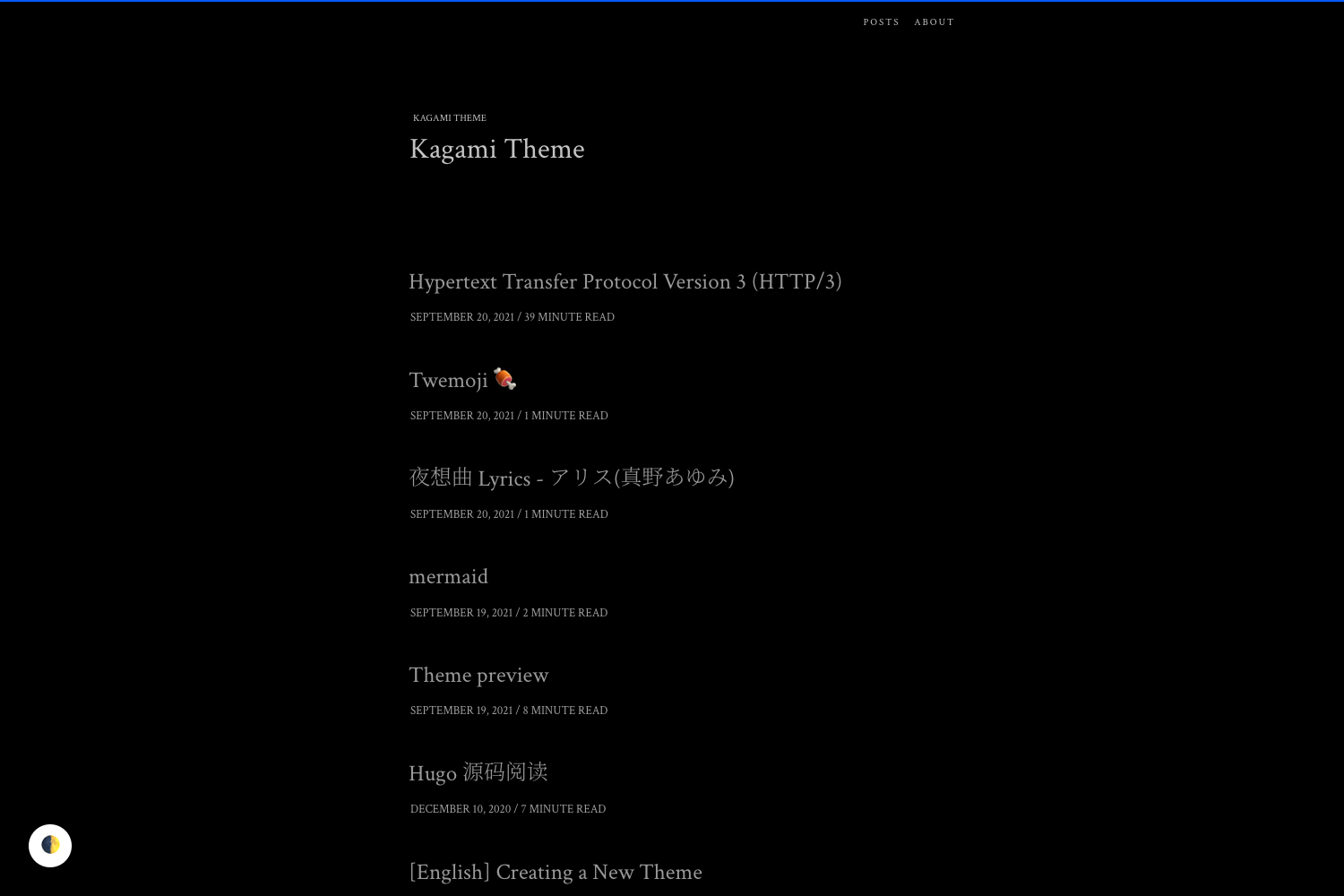
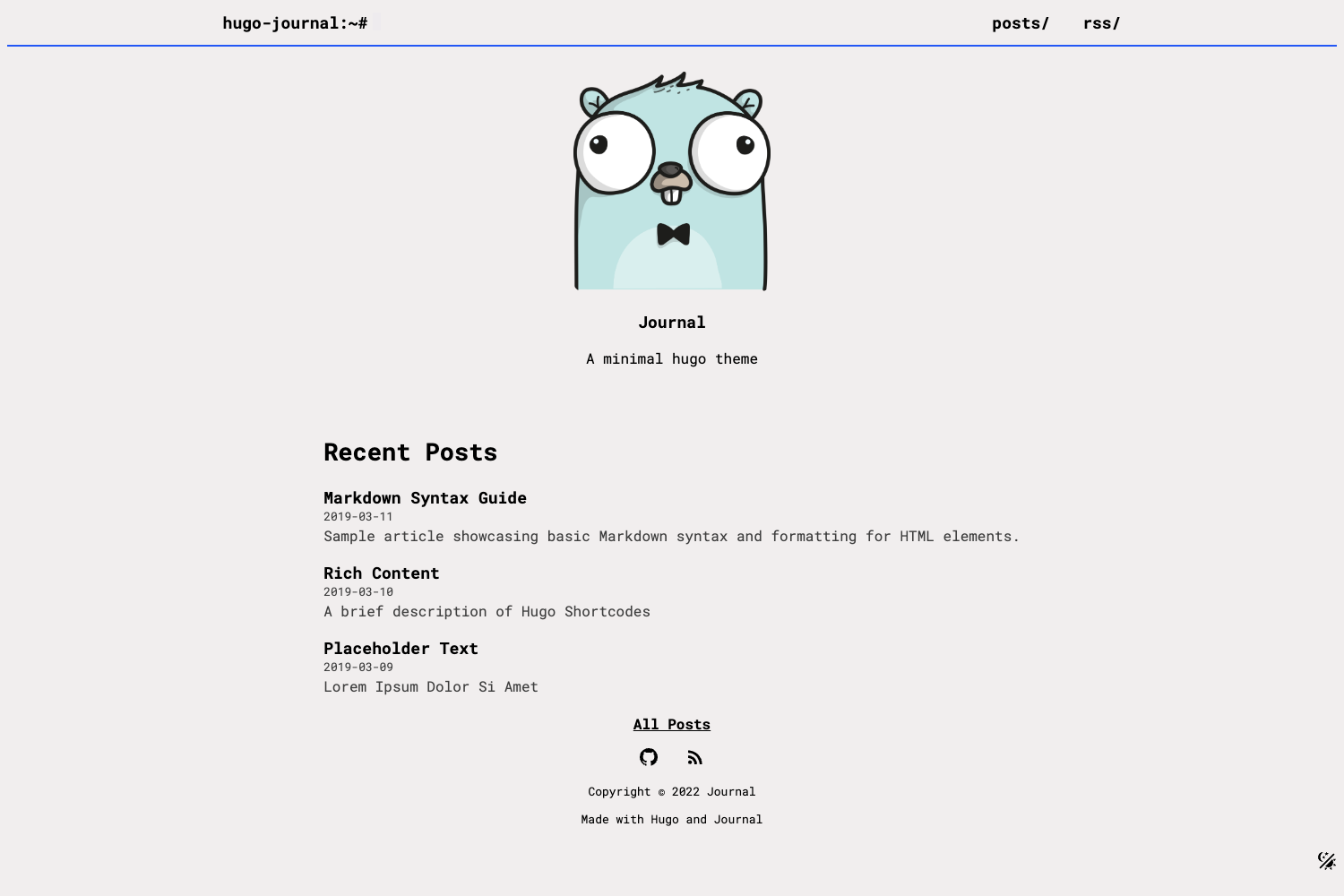
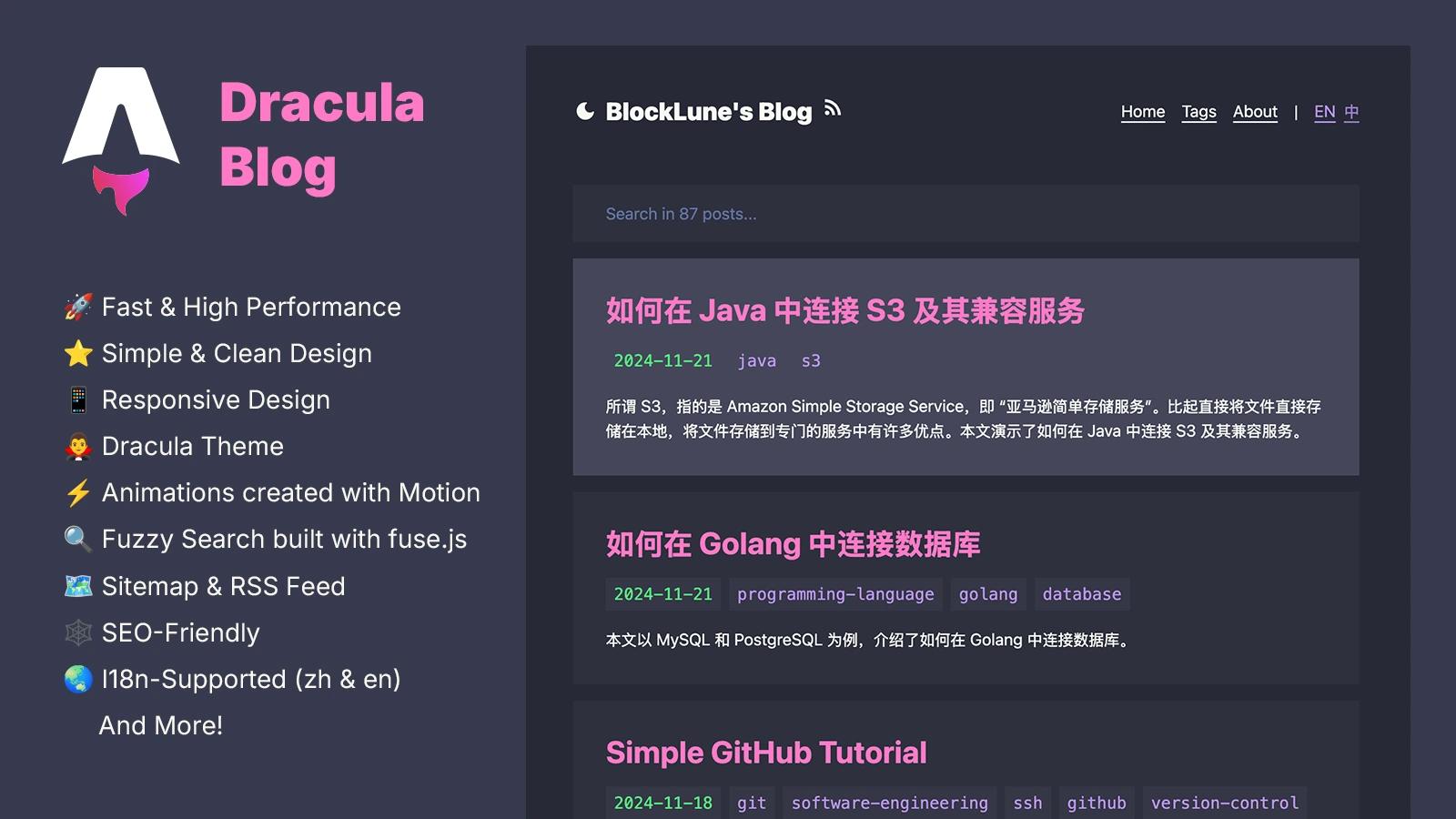
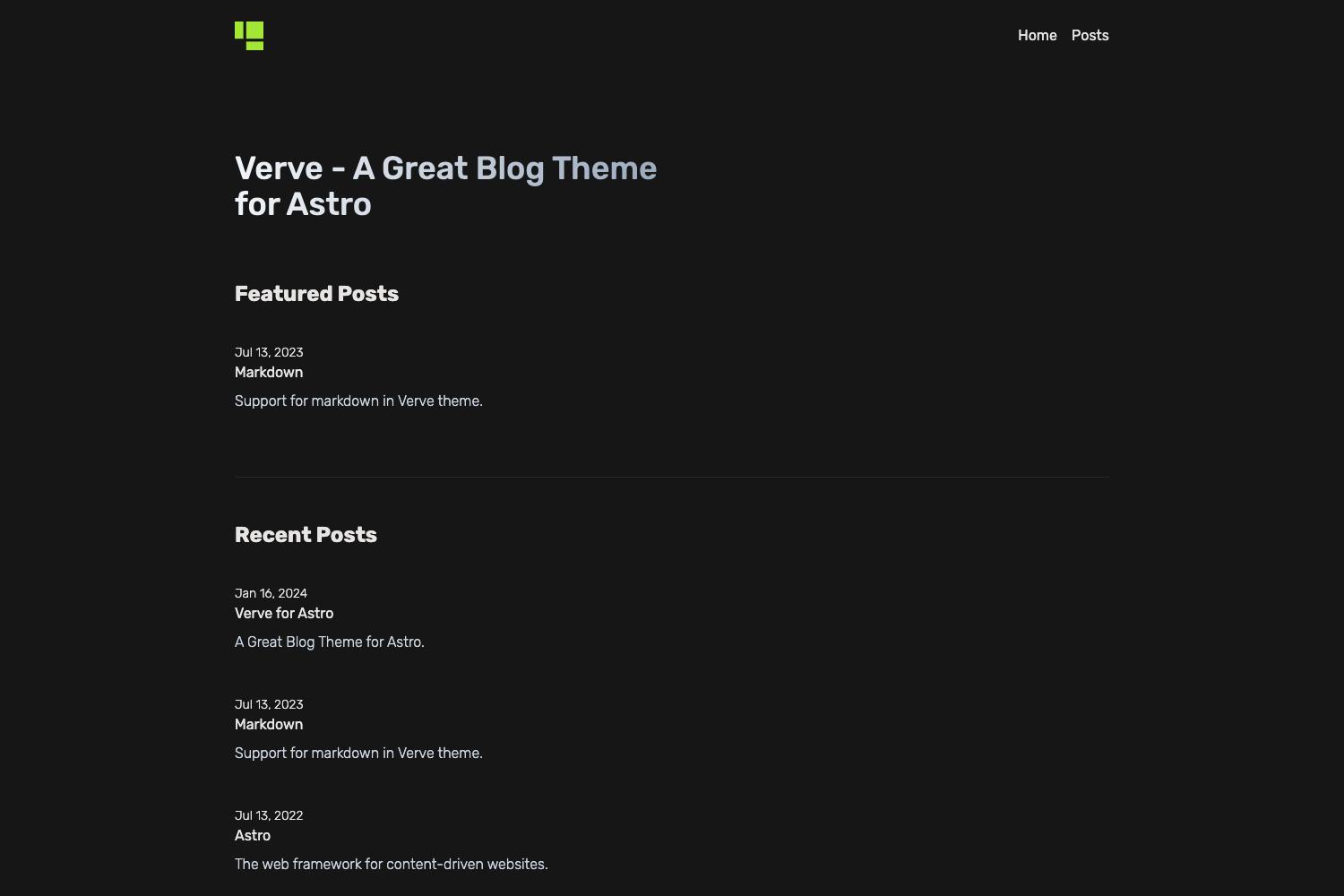
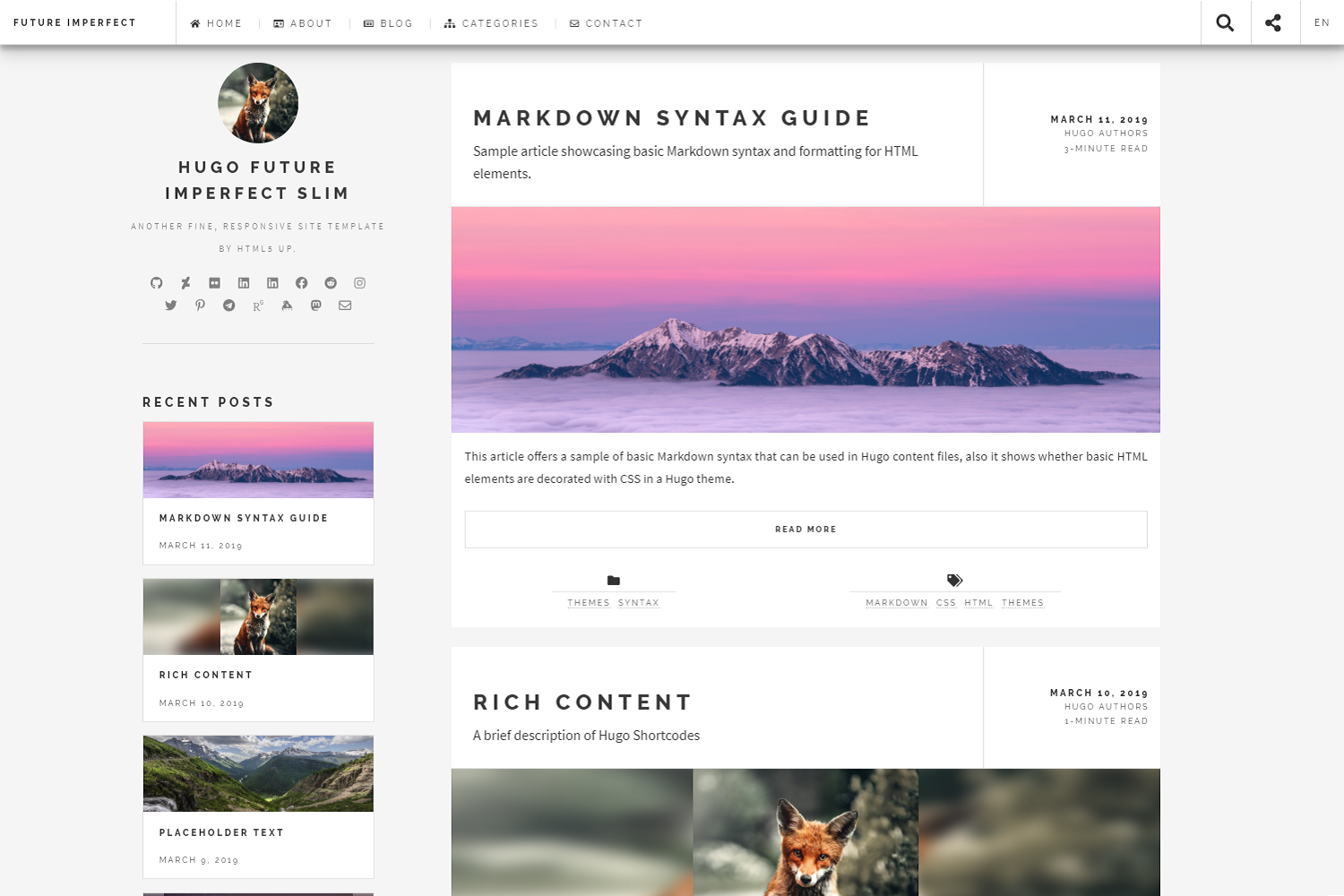
Hugo theme for AICurious blog with dark mode, MathJax, search, contact and subscription forms.
About this template
Hugo Curious is an open-source Hugo blog theme, forked from Hugo Clarity and used as the official theme for the AICurious blog, that adds a search page, contact form, and subscription form on top of its base features.
What is Hugo Curious?
Hugo Curious is a static-site theme for the Hugo generator (extended version required) that transforms Markdown content into a blog with tagging, categories, dark mode, and a table of contents. It is maintained by Viet Anh Dev and powers the AICurious blog at aicurious.io. The theme ships with a complete exampleSite you can copy to start a new Hugo site within minutes.
Key Features
- Dark mode with UI toggle — respects the user's system preference by default and provides a manual switch; you can force light or dark mode globally via
enforceLightModeorenforceDarkMode. - Rich code blocks — syntax highlighting, optional line numbers, and a configurable
codeMaxLineslimit that auto-collapses long code blocks with expand/contract buttons. - MathJax support — enable per-post by setting
math: truein front matter. - Search page — a built-in search page is included, and you can add a contact form via Formspree and a MailChimp subscription form.
- Multilingual (i18n) — supports multiple languages with menu translations, translated taxonomy names, and per-language content.
- Flexible image handling — choose thumbnail, featured, share, and fallback OG images with a defined precedence order.
- Auto TOC — uses tocbot to generate a toggleable table of contents per article.
Who should use Hugo Curious?
Hugo Curious suits bloggers and technical writers who want a maintainable static blog with modern conveniences. Developers who already use Hugo extended will be comfortable configuring it through config.toml and front matter. It also works well for documentation-style sites that need code line controls, search, and a dark mode.
What can you do with Hugo Curious?
- Personal bloggers: publish Markdown posts with tags, categories, featured images, and optional MathJax formulas.
- Tech writers: present code samples with line numbers, collapsible long blocks, and syntax highlighting.
- Multilingual teams: run a blog in multiple languages with translated menus and taxonomy labels.
- Self-hosted site owners: integrate Google Analytics, Baidu Analytics, or Plausible Analytics via global parameters.
How does Hugo Curious work?
You install it by creating a new Hugo site, adding the theme as a Git submodule under themes, then copying the exampleSite content into your project. After configuring config.toml, run hugo server to preview; the theme builds a static site with no server-side dependencies.
Pricing
Hugo Curious is free and open-source, licensed on GitHub. You only pay for hosting if you deploy the generated static files.
Alternatives
Hugo Clarity — the upstream theme that Hugo Curious is forked from, which has many of the same core features without the AICurious-specific additions.
FAQ
Is Hugo Curious free?
Yes, the theme is open-source and available on GitHub under the repository vietanhdev/hugo-curious. You can use it for any project, including commercial blogs, at no cost.
Does Hugo Curious support dark mode?
Yes, it has dark mode with a user-facing toggle. By default it follows the system setting, and you can force one mode site-wide by setting enforceLightMode or enforceDarkMode to true.
How do I enable MathJax?
Add math: true to an article's front matter. The theme will then load MathJax for that page so you can write LaTeX-style equations.
How do I translate my site?
Use the i18n directory and configure languages in config/_default/languages.toml. Menus and taxonomy names are translated separately; run hugo server --i18n-warnings to find missing translations.
What integrations does Hugo Curious include?
It works with Formspree for the contact form, MailChimp for subscriptions, Talkyard for comments, and Google, Baidu, or Plausible for analytics.