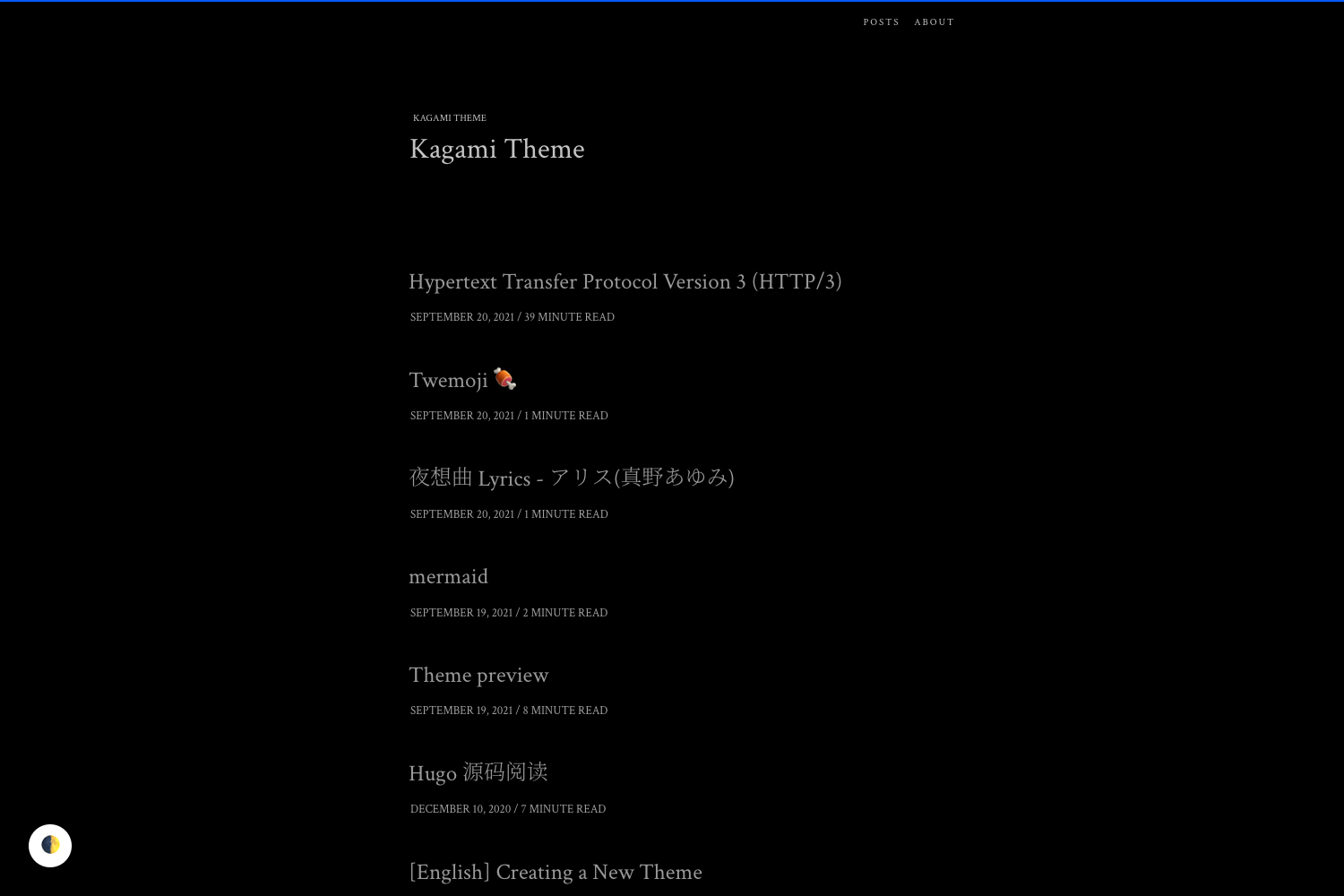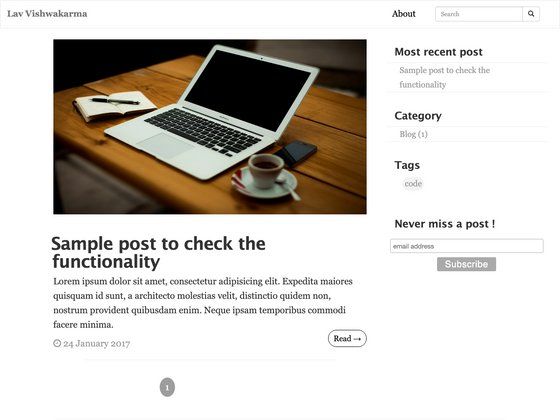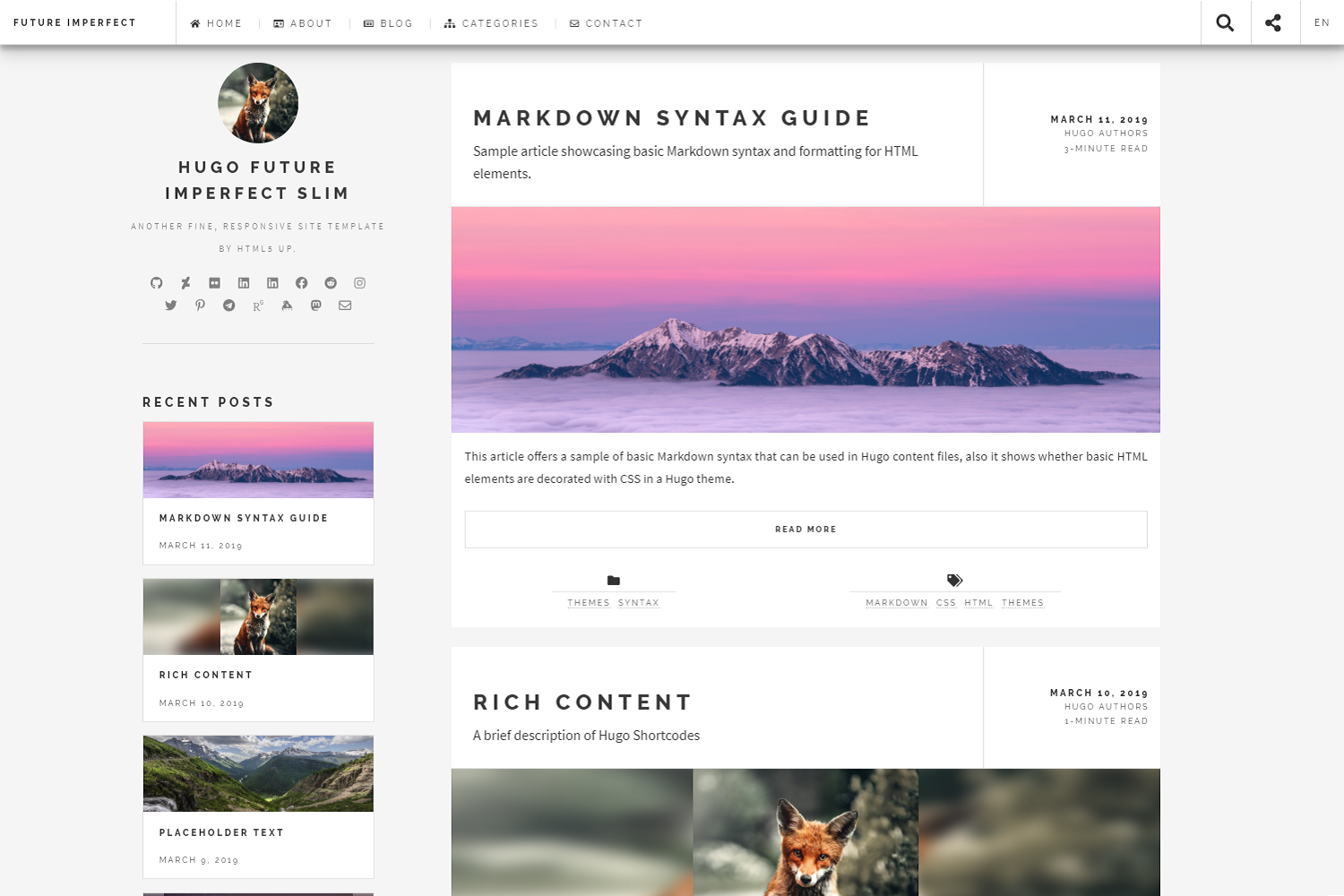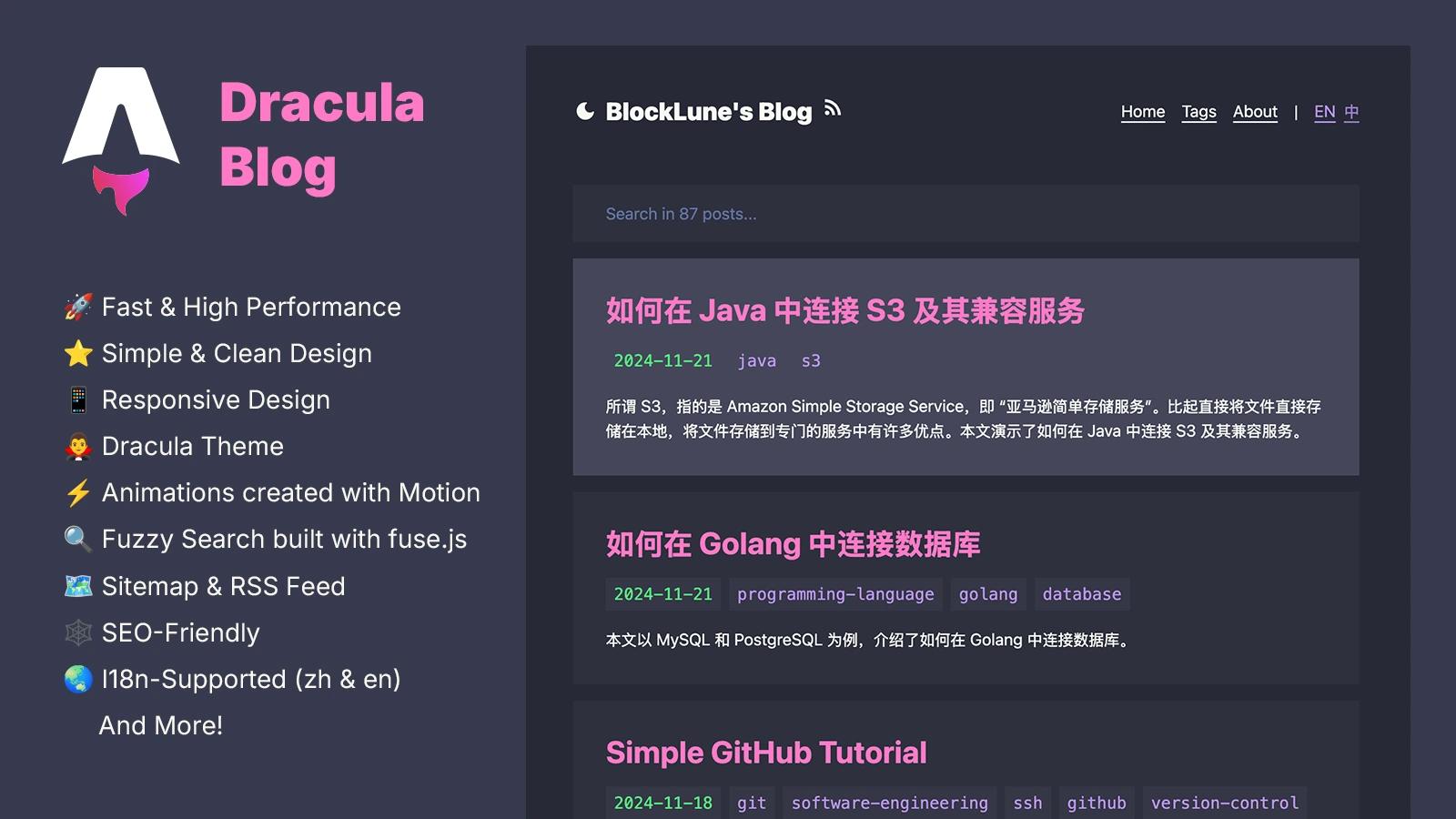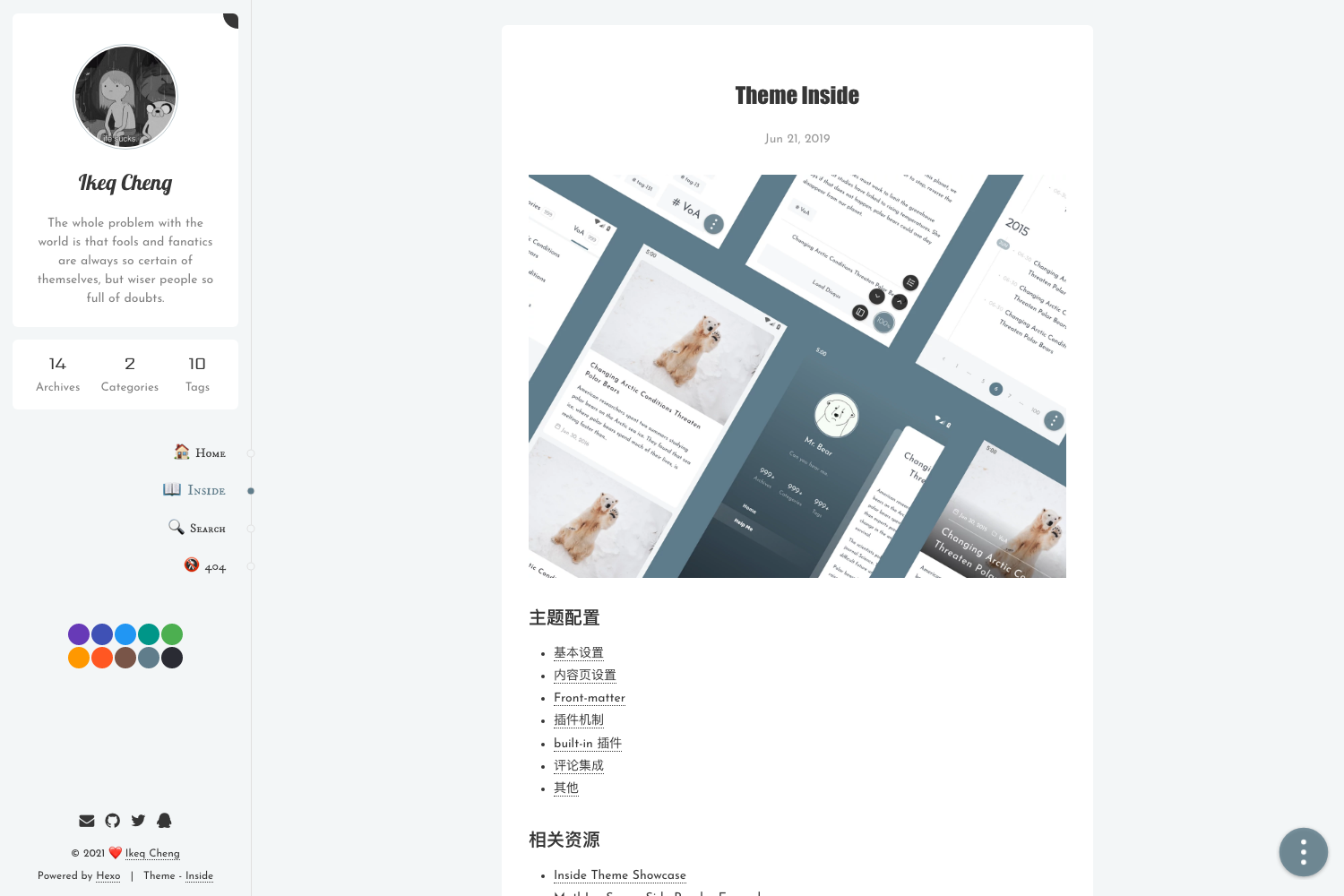
Template details
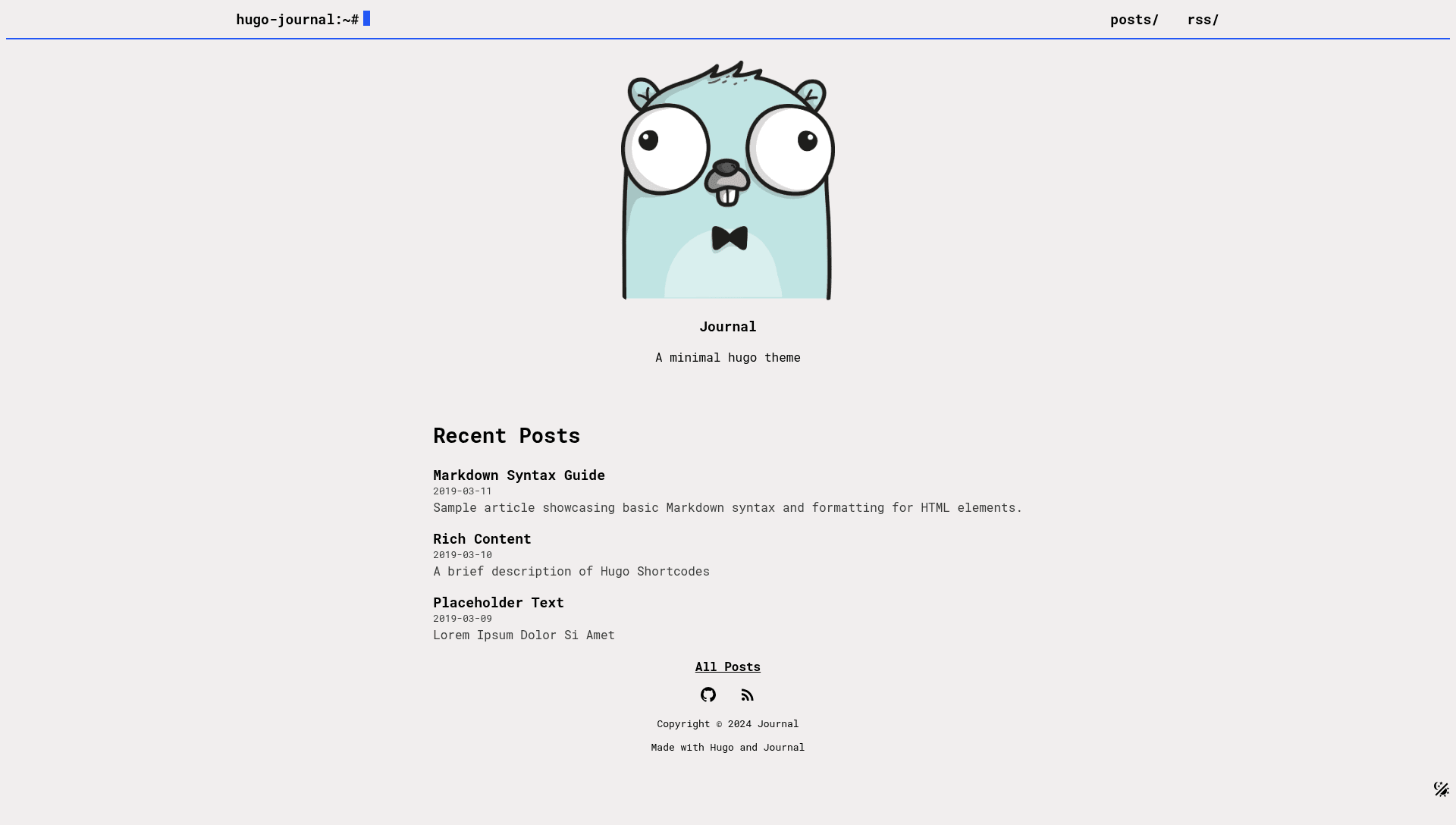
Hugo Journal
A minimal hugo theme for blogs
About this template
Journal is a minimal Hugo theme built specifically for blogs, delivering a fast, responsive static site with minimal JavaScript.
What is Journal?
Journal is an open-source theme for the Hugo static site generator, designed to turn Markdown content into a lightweight blog. It takes your Hugo site's content files and configuration, then outputs a static website that can be hosted on any static host such as Cloudflare Pages, which is used for its own demo. The theme is maintained as a public GitHub repository, and the project includes a live demo at hugo-journal.pages.dev.
Key Features
- Responsive design — the layout adapts to phone and desktop viewports, as shown in the phone mockup in the theme's readme.
- Minimal JavaScript — the theme keeps client-side scripts to a minimum, which helps pages load quickly.
- Dark and light modes — visitors can toggle between dark and light color schemes, configurable through Hugo's settings.
- Fast performance — a Lighthouse screenshot in the readme indicates the theme scores well on speed audits.
- Easy customization — configuration is centralized in a config.yml example file, and the theme.toml is copied into the site root during setup.
- Hugo native — built on the Hugo framework, so it integrates with Hugo's content management and static output pipeline directly.
Who is it for?
Journal suits bloggers who prefer a no-frills writing environment. Developers comfortable with Hugo can quickly spin up a blog for personal or project documentation. Minimalists who want a clean reading experience without widgets or heavy scripts will find the theme aligned with their needs.
What can you do with Journal?
- Bloggers: create a personal blog focused on text, with automatic dark/light mode and fast static pages.
- Developers: set up a documentation site or changelog using Hugo's Markdown workflow, then deploy to Cloudflare Pages or similar hosts.
- Theme learners: study or fork a small Hugo theme with minimal code to understand how Hugo layouts work.
How does Journal work?
Journal is installed by adding the repository as a git submodule inside a Hugo project. The setup commands copy the theme.toml and config.example.yml into the site root, where you edit configuration to match your blog. After writing content in Markdown, running a standard Hugo build generates the static site.
FAQ
Is Journal free?
Journal is publicly available on GitHub as an open repository, and no payment is mentioned in the project documentation.
How do I install Journal?
Use git submodule add https://github.com/cvhariharan/hugo-journal themes/journal, then copy theme.toml and config.example.yml from the theme directory into your site root. After that, configure your blog in config.yml.
Does Journal support dark mode?
Yes, Journal includes both dark and light modes, and the theme's readme lists this as one of its features.
What kind of site is Journal designed for?
Journal is designed for blogs. The readme describes it as a minimal Hugo theme for blogs, and its demo is a blog-like site hosted on Cloudflare Pages.