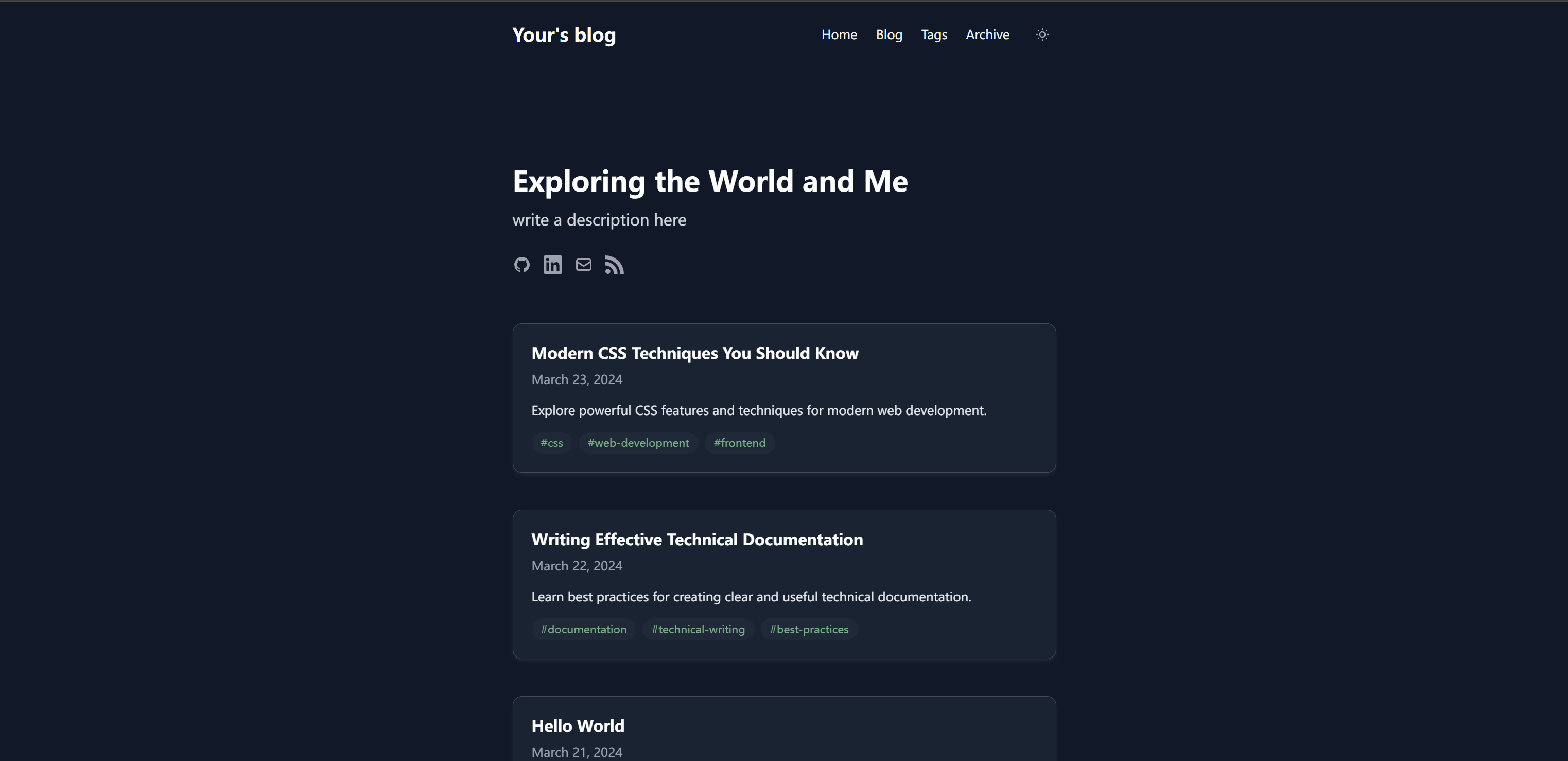
Template details
Clarity
A modern Hugo theme with automatic dark mode, CSS Custom Properties, and 15+ language translations.
About this template
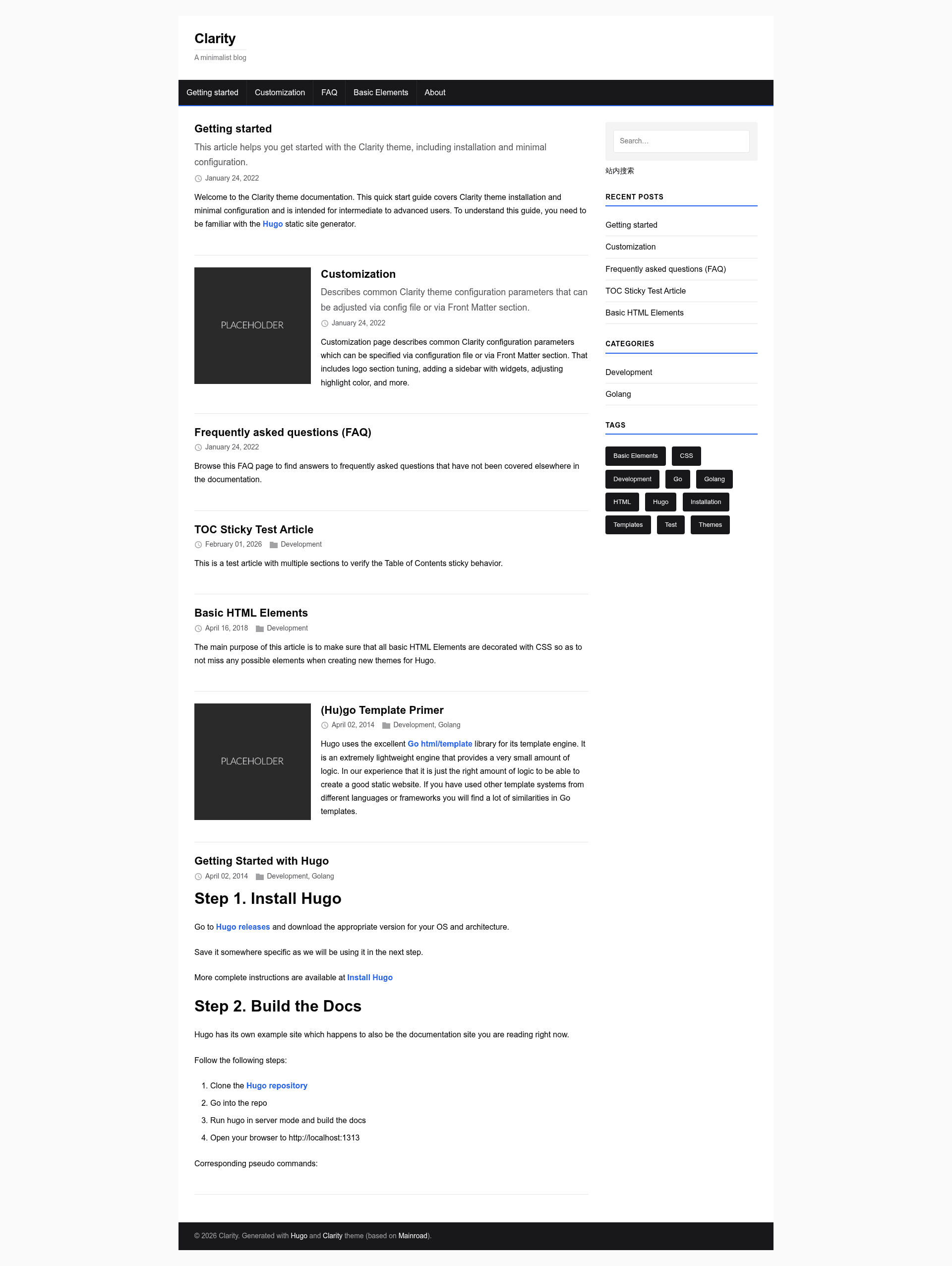
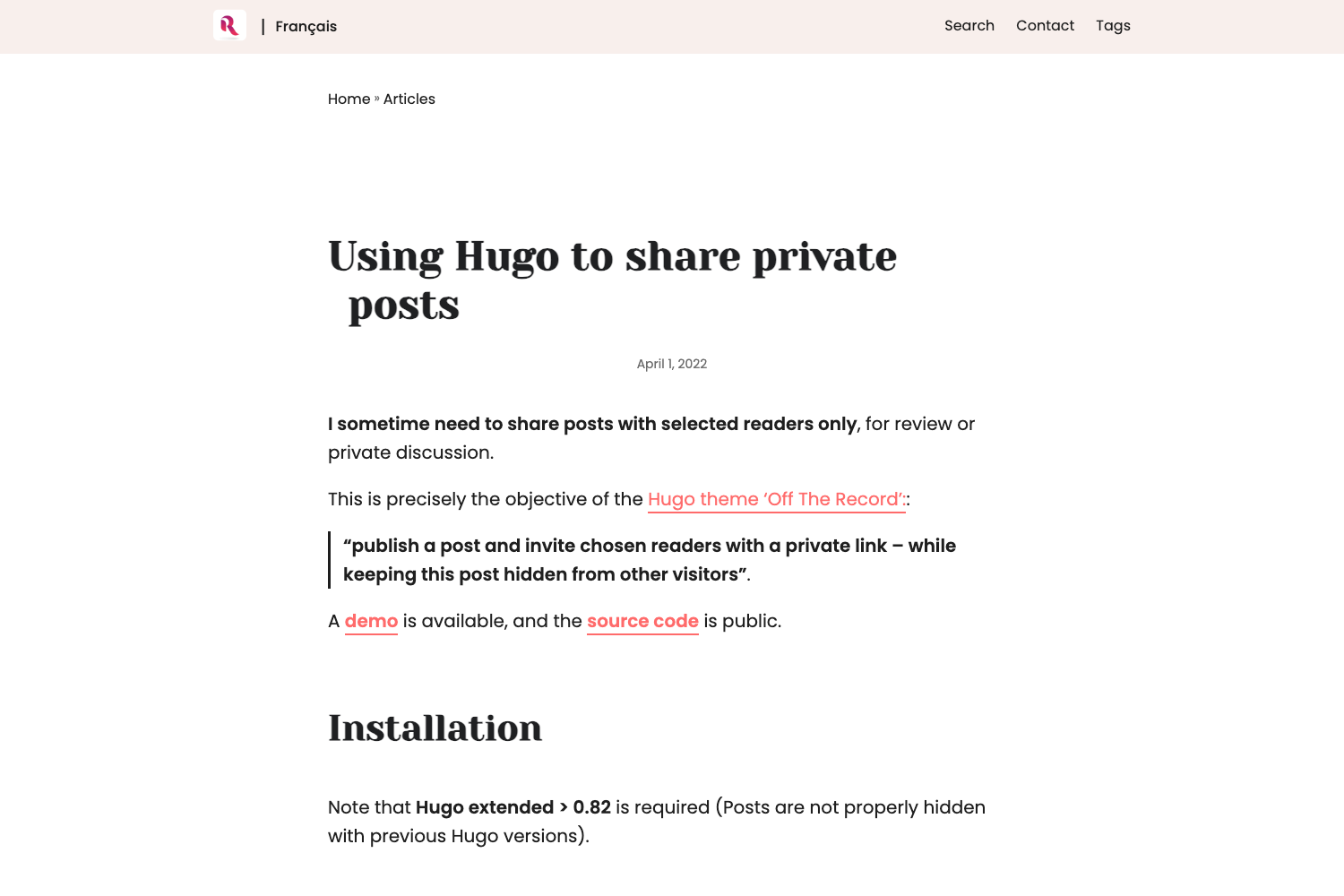
Clarity is a modern, responsive, content-focused Hugo theme that adds automatic dark mode and CSS Custom Properties to the classic Mainroad design, running on the Hugo static site generator and released under GPLv2.
What is Clarity?
Clarity is a responsive Hugo theme for blogs and content-heavy websites. It takes Markdown content, YAML/TOML front matter, and a config.toml file as input and produces a static website with automatic dark mode, a widgetized sidebar, and support for over 15 languages. The theme is maintained by iron6909 as a modernized fork of Vimux's Mainroad theme, dropping legacy browser support to simplify CSS.
Key Features
- Automatic dark mode — Activated through the CSS prefers-color-scheme media query; the dark palette uses WCAG AA+ contrast ratios.
- CSS Custom Properties — All colors are defined as CSS variables, with a default highlight color of #2563EB that you can override in config.toml.
- Widgetized sidebar — Order and choose widgets such as search, recent articles, categories, tag list, social links, and languages, with per-page control via front matter.
- Configurable theme settings — The config.toml file controls sidebar position, author box, post navigation, table of contents, pagination, and custom Google Fonts.
- Hugo internal templates — Built-in support for Open Graph, Schema, Twitter Cards, Disqus comments, and Google Analytics via Hugo's standard template system.
- Translations — Over 15 languages are included, and post meta can display translation links.
- Modern browser support — Targets Chrome 88+, Firefox 78+, Safari 14+, Edge 88+, modern Android browsers, Safari iOS 14+, and Chrome Mobile, with no legacy IE support.
- Content extras — MathJax for math rendering, Table of Contents, thumbnail visibility controls, custom CSS/JS injection, and SVG icons.
Who is it for?
Clarity suits bloggers and content publishers who want a clean, readable layout without visual clutter. Technical writers can use it for documentation sites that need dark mode and multilingual support. Developers comfortable editing config.toml will appreciate the granular control over sidebar widgets, author box, and typography.
What can you do with Clarity?
- Bloggers: Publish articles with categories, tags, author bio, and automatic prev/next pager navigation.
- Multilingual sites: Switch between 15+ languages and show translation links in post meta.
- Personal portfolios: Configure a custom logo, author box with avatar, and social icons in the sidebar.
- Math-heavy sites: Enable MathJax to render LaTeX equations in posts via front matter mathjax: true.
How does Clarity work?
Install it by cloning the repository or adding it as a git submodule, then set theme = "clarity" in config.toml. Configuration uses TOML parameters under [Params] and [Params.sidebar]; front matter options control per-page display such as sidebar position, table of contents, and comments. The theme uses Hugo's built-in templates for SEO and analytics, so minimal setup is required.
Documentation
The repository includes a docs/ directory with a Quick Start Guide, Publishing Guide, Release Checklist, and Design System. A live demo and detailed docs are available at https://iron6909.github.io/clarity/.
Pricing
Clarity is free and open source under the GPLv2 license, with no paid tiers or restrictions.
FAQ
Is Clarity free?
Yes, Clarity is free and open source under the GPLv2 license, which means you can use, modify, and redistribute it for personal or commercial projects without paying a license fee. The original Mainroad theme is also GPLv2 licensed.
Does Clarity support dark mode automatically?
Yes, Clarity automatically switches to a dark color palette when the user's operating system is set to dark mode, using the CSS prefers-color-scheme media query. The palette is designed to maintain WCAG AA+ contrast ratios and the same visual hierarchy as light mode.
What browsers does Clarity support?
Clarity supports Chrome 88 and newer, Firefox 78 and newer, Safari 14 and newer, Edge 88 and newer, plus modern Android browsers and Safari on iOS 14 or later. Legacy browsers such as Internet Explorer 8-11 and Safari 6-8 are intentionally not supported.
How do I enable Disqus comments?
Set the disqusShortname or, preferably, the [services.disqus] shortname option in config.toml to your Disqus shortname. To disable comments on a specific page, add comments: false to that page's front matter. Google Analytics is configured the same way under [services.googleAnalytics].
Can I change the highlight color?
Yes, you can override the default highlight color #2563EB by adding [Params.style.vars] highlightColor = "#2563EB" to config.toml. The theme stores all colors as CSS Custom Properties, so the change applies site-wide without editing template files.