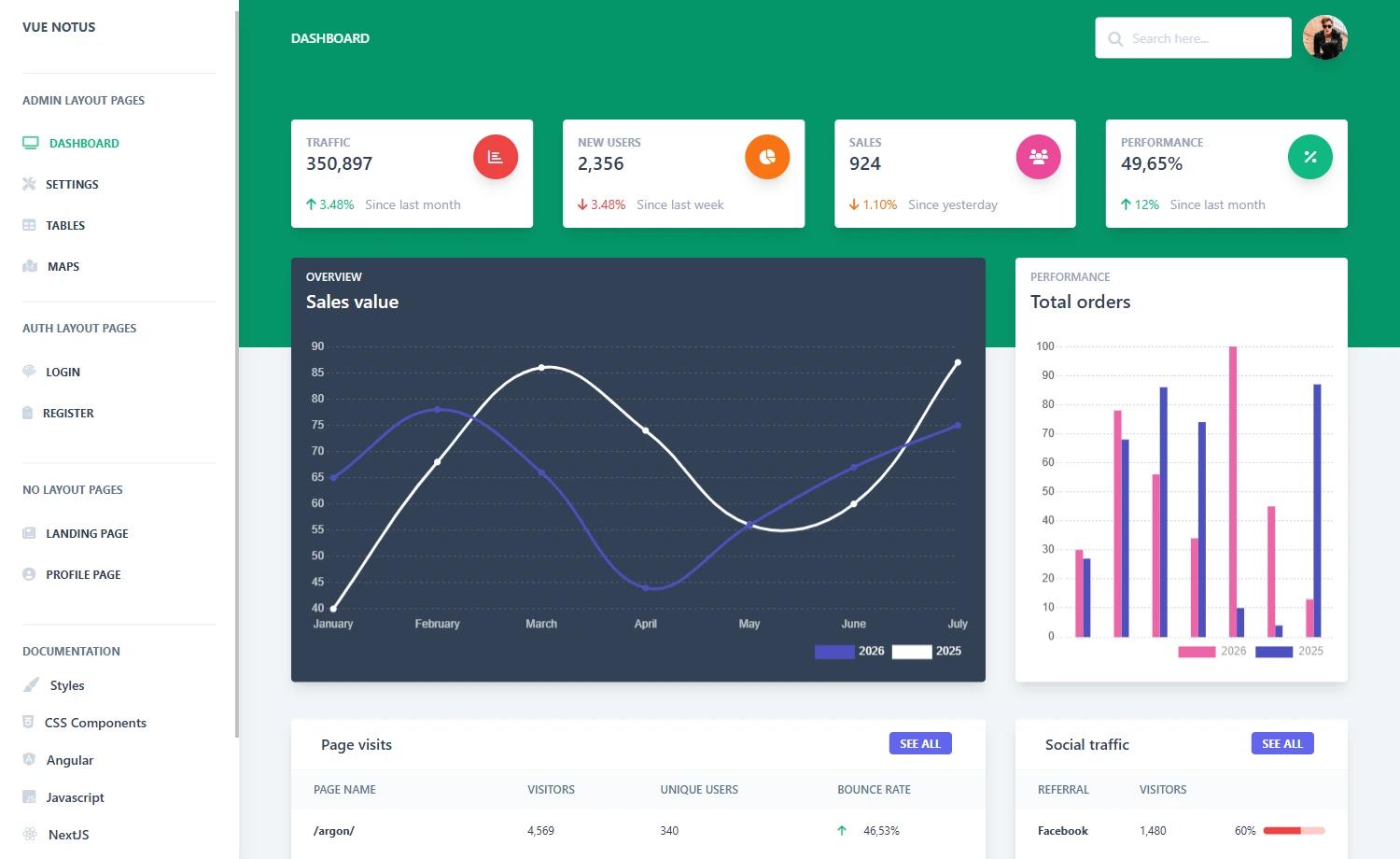
Template details
Vue Argon Dashboard 2 PRO
Premium Bootstrap 5 and Vue.js 3 admin dashboard template with 300+ components and prebuilt pages.
About this template
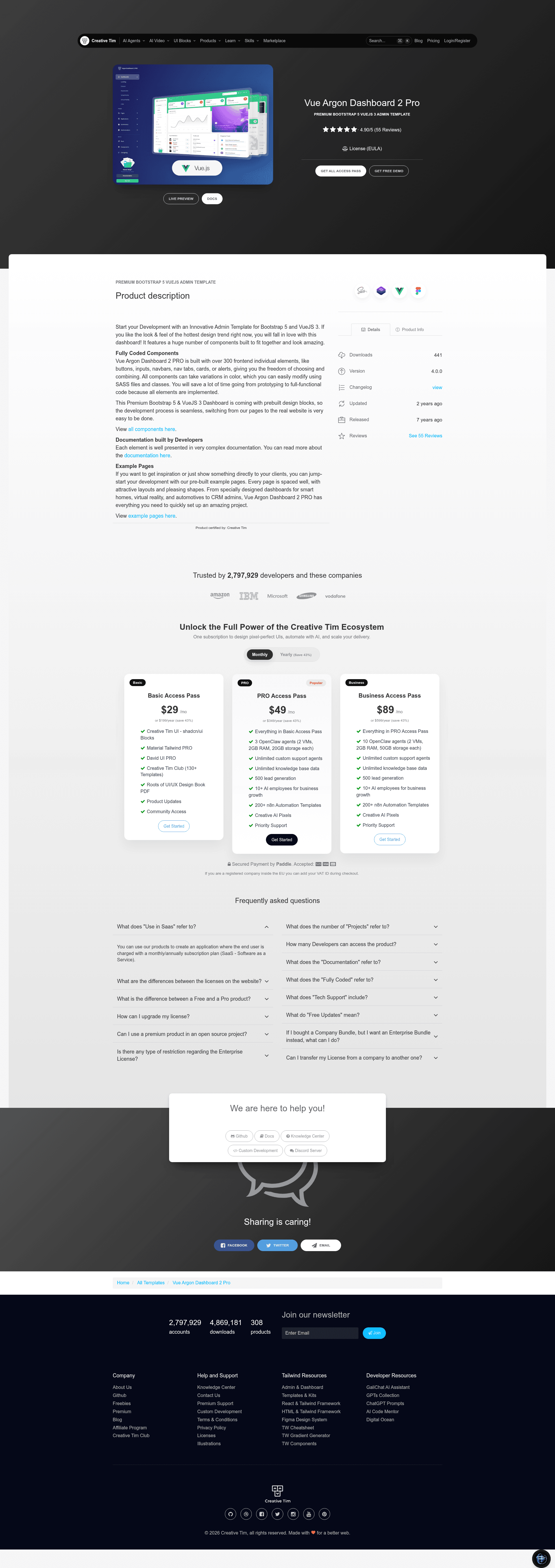
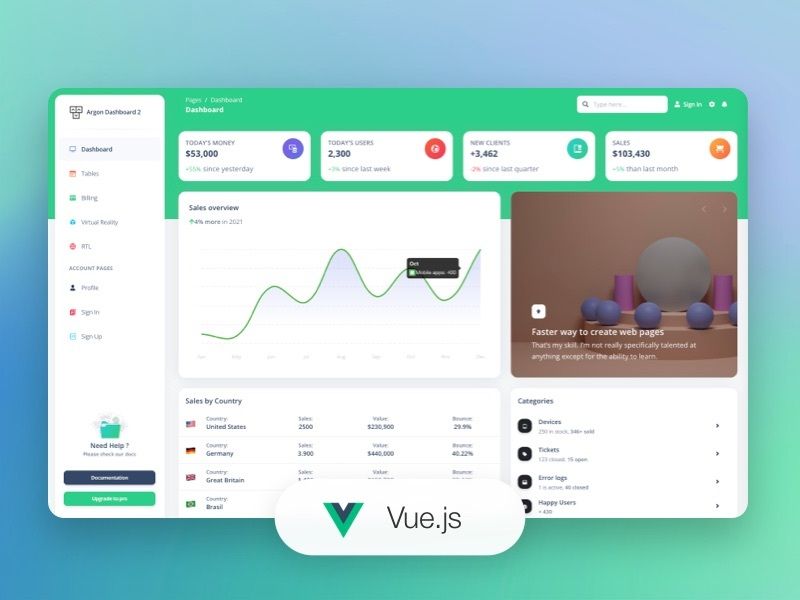
Vue Argon Dashboard 2 PRO is a premium admin dashboard template by Creative Tim, built on Vue.js 3 and Bootstrap 5, that provides 300+ coded UI components and prebuilt application pages for rapid admin panel development.
What is Vue Argon Dashboard 2 PRO?
Vue Argon Dashboard 2 PRO is a fully coded frontend admin template that runs on Vue.js 3 with Bootstrap 5 styling. It takes a project scaffold including Vue single-file components, a router, a store, and SCSS assets as input, and produces a responsive dashboard application with over 300 individual elements such as buttons, inputs, navbars, cards, alerts, and more. The template is developed and sold by Creative Tim, and its documentation is hosted on the Creative Tim learning lab.
Key Features
- 300+ frontend components — ready-to-use elements including buttons, inputs, navbars, nav tabs, cards, and alerts, all styled with the Argon design system.
- Vue.js 3 + Bootstrap 5 stack — the template uses Vue 3 single-file components, the Vue Router, a Vuex store, and Bootstrap 5 classes with SASS files for color and style customization.
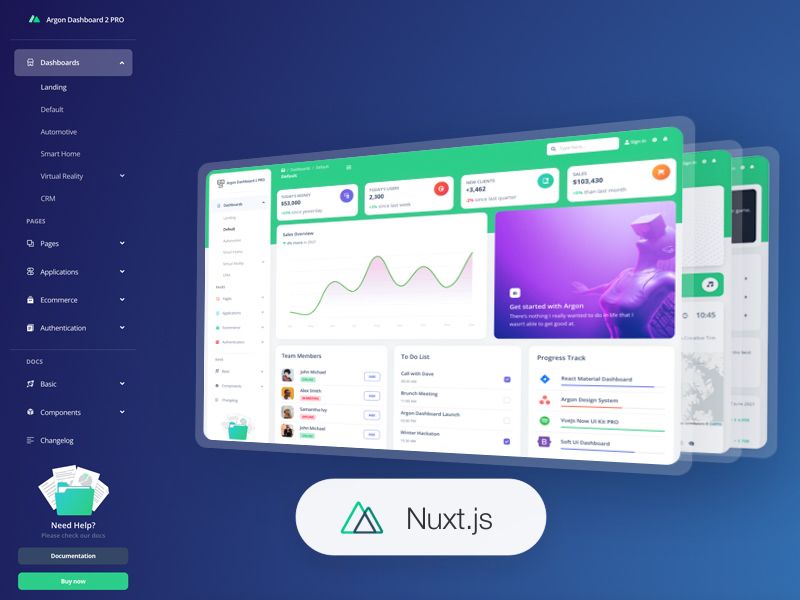
- Prebuilt page examples — includes dashboards for smart homes, virtual reality, automotive, CRM admin, plus pages for profile, account settings, RTL layout, ecommerce, and authentication (sign in, sign up).
- Built-in third-party integrations — integrates Flatpickr for date picking, Choices JS for select and tags, Chart.js for charts, FullCalendar for event calendars, Dropzone for drag-and-drop uploads, jKanban for kanban boards, PhotoSwipe for galleries, Quill as a WYSIWYG editor, Sweet Alerts, and three.js for 3D content.
- Customizable via SASS — all components accept color variations that you can modify through SCSS files and classes.
- Documentation built by developers — a detailed learning lab with component-level guides and examples.
- Open source credits — relies on public libraries such as Popper.js, Flatpickr, Choices JS, Chart.js, FullCalendar, Dropzone, jKanban, PhotoSwipe, Quill, Sweet Alerts, three.js, and a multi-step form wizard.
Who is it for?
- Frontend developers building internal admin panels or CRM systems who need a prebuilt Vue 3 component library with responsive layouts.
- Agencies and freelancers producing client dashboards for contexts like automotive telemetry, smart home control, or virtual reality apps, who can swap in the existing sample pages.
- Startups needing a polished authentication and account management flow (sign in, sign up, profile, settings) without writing the UI from scratch.
- Product teams prototyping ecommerce backends and applications, using the included ecommerce overview and kanban application pages.
What can you do with Vue Argon Dashboard 2 PRO?
- Build a custom admin panel: Replace the default dashboards with your own Vue components, then use the included router structure and SASS variables to restyle the app without touching every component.
- Assemble a client demo quickly: Use the automotive, VR, or smart home dashboard pages as a starting point to showcase a concept to a client with realistic charts and tables.
- Add common admin functionality: Use the integrated libraries to implement date pickers, full calendars, kanban boards, file uploads, rich text editing, and interactive charts in your dashboard.
How does Vue Argon Dashboard 2 PRO work?
After purchasing the template, download the project files and run npm install in the root directory using Node.js LTS. The package.json includes the dependencies for Vue 3, Bootstrap 5, and the listed libraries; you can then start customizing the Vue components in the src directory and compile the SCSS files to adjust the design. The full setup steps and component guides are in the Creative Tim documentation.
FAQ
Is Vue Argon Dashboard 2 PRO free?
No. It is a premium product that you pay for through the Creative Tim website. The GitHub repository hosts the source code and issue tracker, but the full template files are obtained after purchase.
What tech stack does the template use?
The template is built with Vue.js 3 and Bootstrap 5. Styling is done with SCSS files, and the project includes a Vue router and Vuex store by default.
What browsers are supported?
The current version officially supports the last two versions of Chrome, Firefox, Edge, Safari, and Opera.
Does the template include documentation?
Yes. Creative Tim provides a dedicated learning lab with a guide for every component and layout, accessible from their website.
What is the current version?
The product version is 4.0.0, and the repository includes a CHANGELOG.md file to track changes.