Template details
Vue Argon Dashboard 2
Free Bootstrap 5 & Vue 3 admin dashboard template with 70+ components and 9 example pages from Creative Tim.
About this template
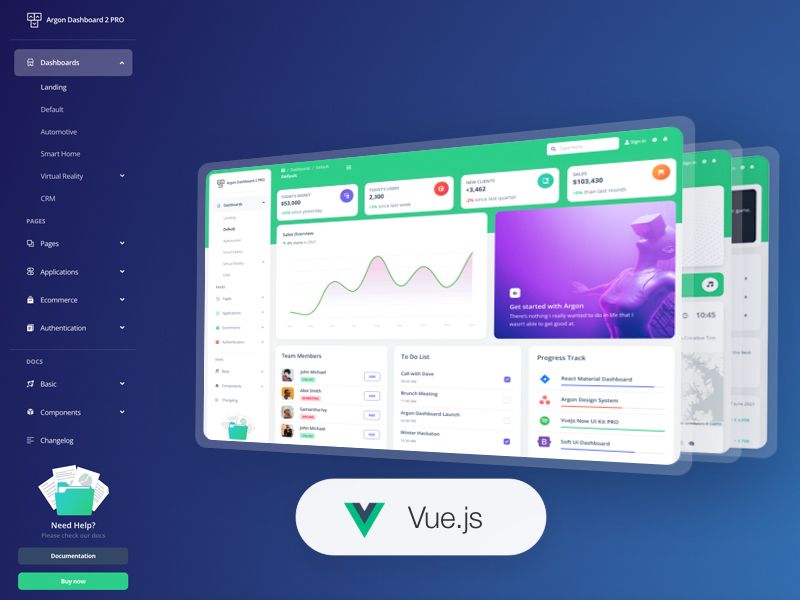
Vue Argon Dashboard 2 is a free admin dashboard template by Creative Tim, built on Bootstrap 5 and Vue.js 3, that delivers over 70 coded components and nine example pages for launching web application interfaces.
What is Vue Argon Dashboard 2?
Vue Argon Dashboard 2 is a free downloadable project scaffold from Creative Tim that combines Vue.js 3 with Bootstrap 5 to produce a complete admin interface. The template takes the source code as input and outputs a working dashboard application with routing, state management, and reusable components. It is distributed through Creative Tim's website and requires Node.js LTS to run locally with npm.
Key Features
- 70+ frontend components — includes buttons, inputs, navbars, nav tabs, cards, and alerts, all adjustable in color through SASS files and modifier classes.
- Vue.js 3 and Bootstrap 5 — the template is natively built on Vue 3 and Bootstrap 5, with Popper.js included for popover and tooltip management.
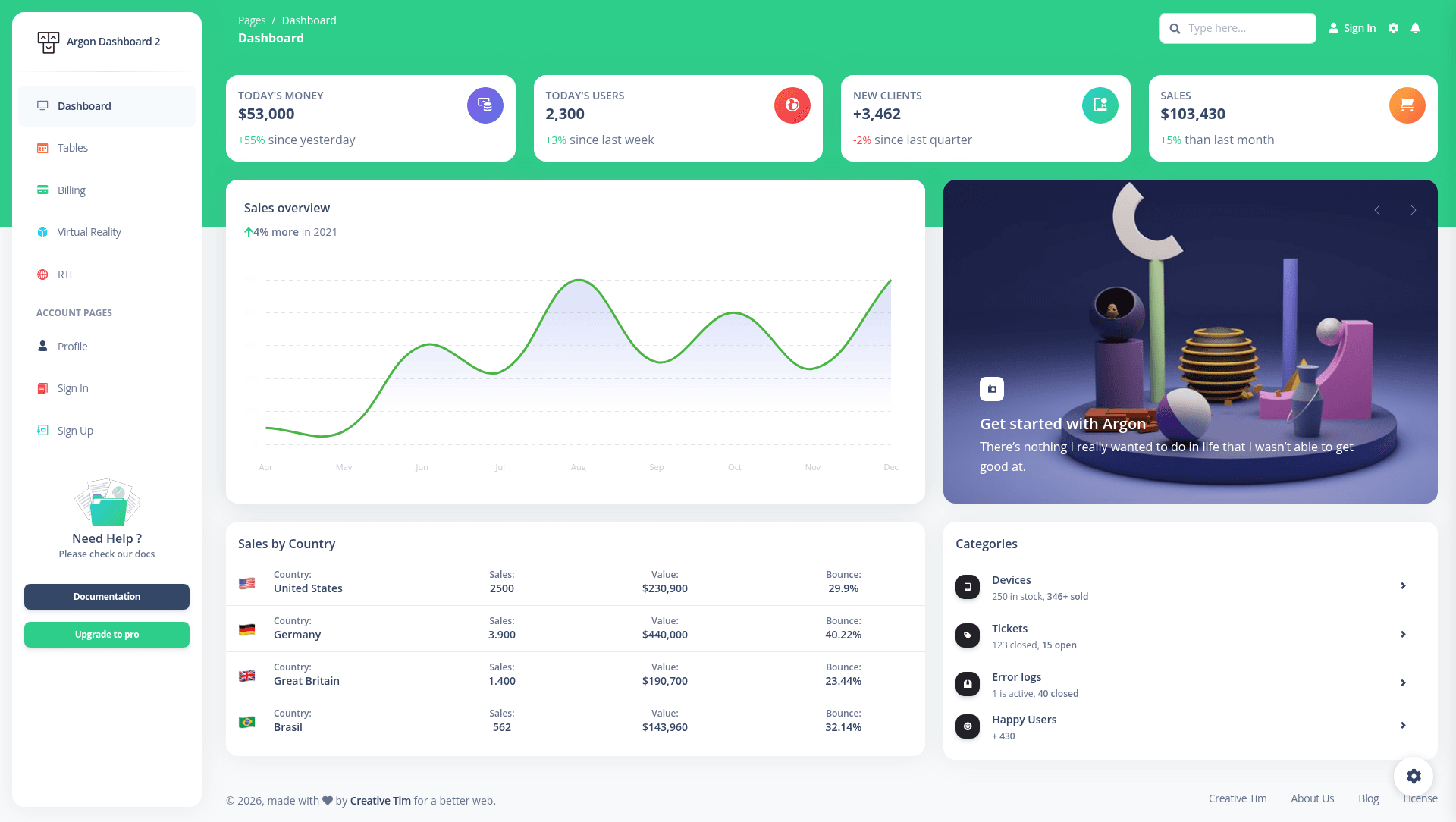
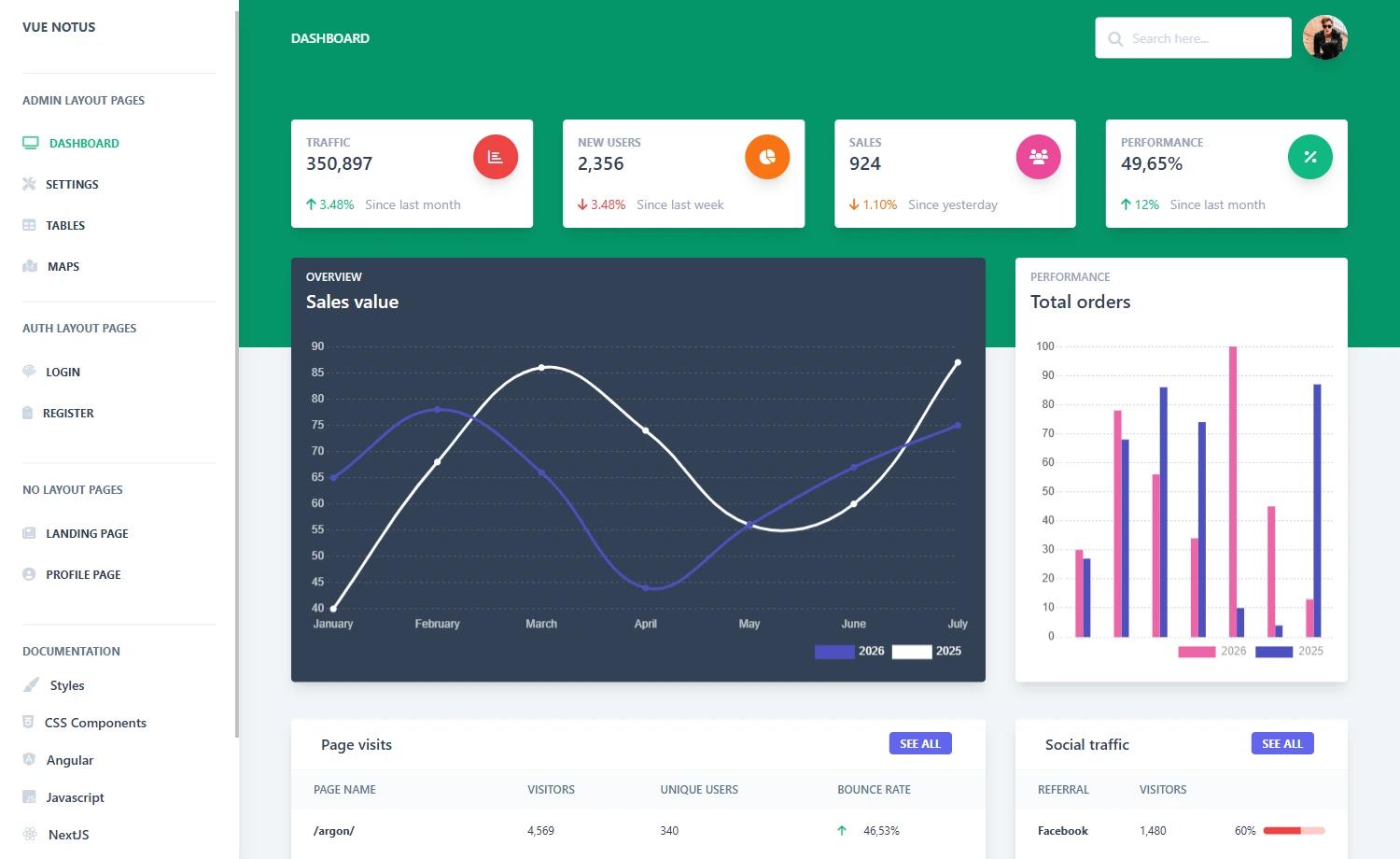
- Prebuilt example pages — ships with Dashboard, Profile, Sign In, Sign Up, Tables, Billing, RTL, Virtual Reality, and Home pages, each with sectioned layouts ready for client demos.
- 14 reusable Argon components — the src/components folder contains ArgonAlert, ArgonAvatar, ArgonBadge, ArgonButton, ArgonCheckbox, ArgonInput, ArgonPagination, ArgonPaginationItem, ArgonProgress, ArgonRadio, ArgonSnackbar, ArgonSocialButton, ArgonSwitch, and ArgonTextarea.
- Documentation by developers — every element is covered in the Creative Tim learning lab with component-specific guides, including an overview, alerts, and more.
- One-click deploy to Genezio — the repository can be deployed to Genezio with a single click from the README, using the provided deploy button.
- Wide browser support — officially targets the last two versions of Chrome, Firefox, Edge, Safari, and Opera.
Who is it for?
- Vue 3 developers — skip initial scaffolding and start with a pre-structured dashboard project that already includes router, store, and component directories.
- Startup teams — launch internal tools like user management, billing dashboards, and analytics views using the included Tables, Billing, and Dashboard pages.
- Agencies and freelancers — present the live demo pages to clients to gather feedback before writing custom code or to jumpstart a themed admin build.
- Designers — use the SASS-based color variables and component variations as a reference for creating consistent Argon-style interfaces.
Use cases
- Internal dashboards: assign the Dashboard, Tables, and Billing pages to build a back-office interface for managing customers, orders, and subscription data.
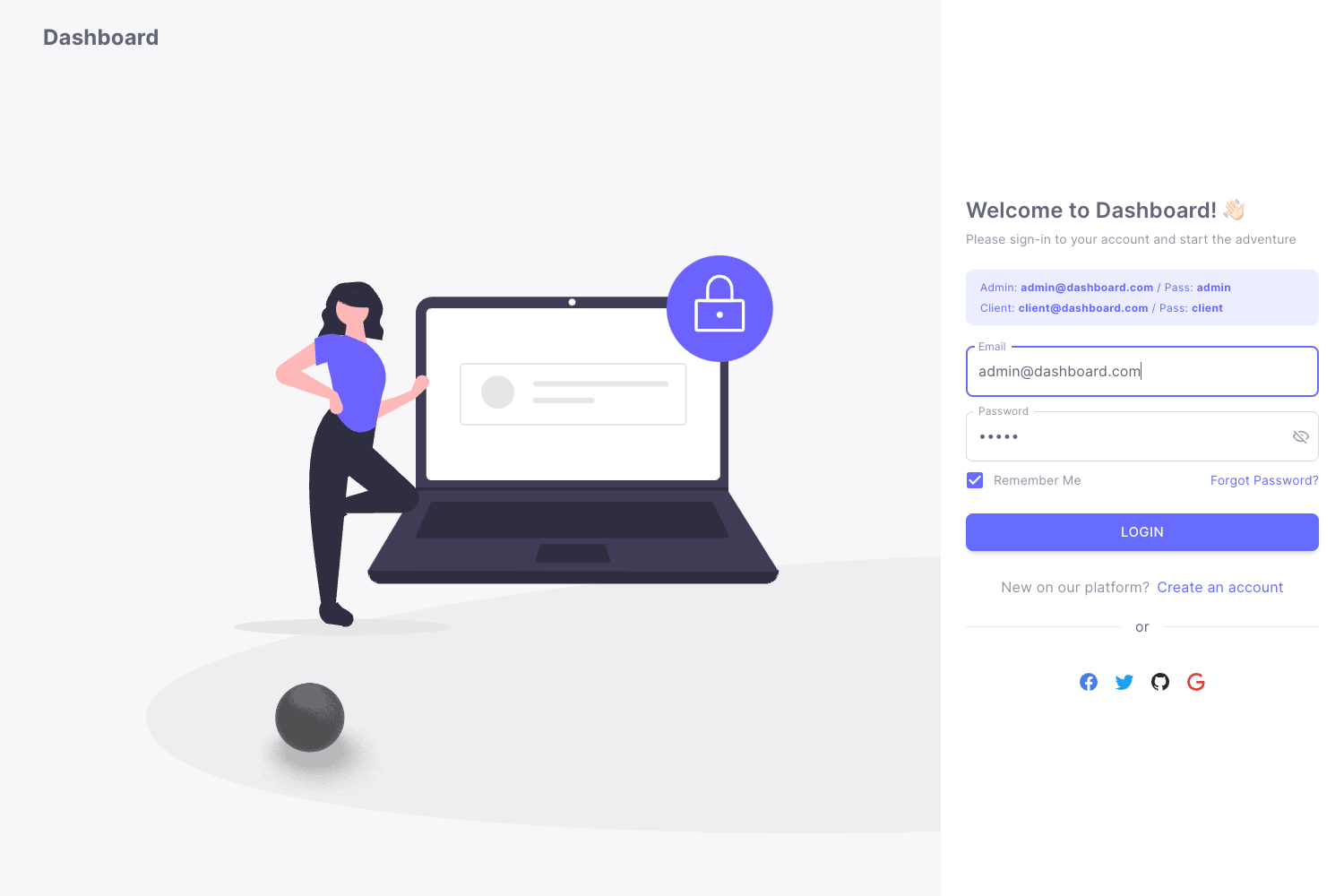
- Authentication screens: adapt the Sign In and Sign Up pages as the entry point for a Vue 3 application that requires user login and registration flows.
- Client pitch demos: open the Profile, Dashboard, and Virtual Reality pages in the browser to show stakeholders the look and feel of Argon design before development begins.
- RTL projects: use the provided RTL page to validate layouts for right-to-left languages such as Arabic or Hebrew.
How does the template work?
The README quick start asks you to download the project, install Node.js LTS from the official page, navigate to the root directory, and run npm install to fetch dependencies. After that, the project runs as a standard Vue application scaffold with a src folder containing components, router, store, and views. The template also includes a one-click Genezio deploy option for hosting.
Pricing
Vue Argon Dashboard 2 is a free template from Creative Tim. It is available for download from the Creative Tim product page under the Creative Tim license agreement.
FAQ
Is Vue Argon Dashboard 2 free?
Yes, Vue Argon Dashboard 2 is a free dashboard template offered by Creative Tim. You can download it directly from the product page and use it for your projects, subject to the Creative Tim license terms.
What frontend stack does it use?
The template uses Vue.js 3 as the JavaScript framework and Bootstrap 5 for styling and layout. It also includes Popper.js as a dependency for positioning popovers and tooltips in components.
What example pages are included?
The template includes nine example pages: Dashboard, Profile, Sign In, Sign Up, Tables, Billing, RTL, Virtual Reality, and Home. Each page is a prebuilt layout you can customize and reuse in your application.
Can I deploy this template easily?
Yes, the README includes a one-click deploy button for Genezio. You can also run the project locally by installing Node.js LTS and running npm install in the root directory.
Does the template support right-to-left layouts?
Yes, an RTL (right-to-left) example page is included in the views folder, making it straightforward to adapt the dashboard for languages that read right-to-left.