Template details
Web Development
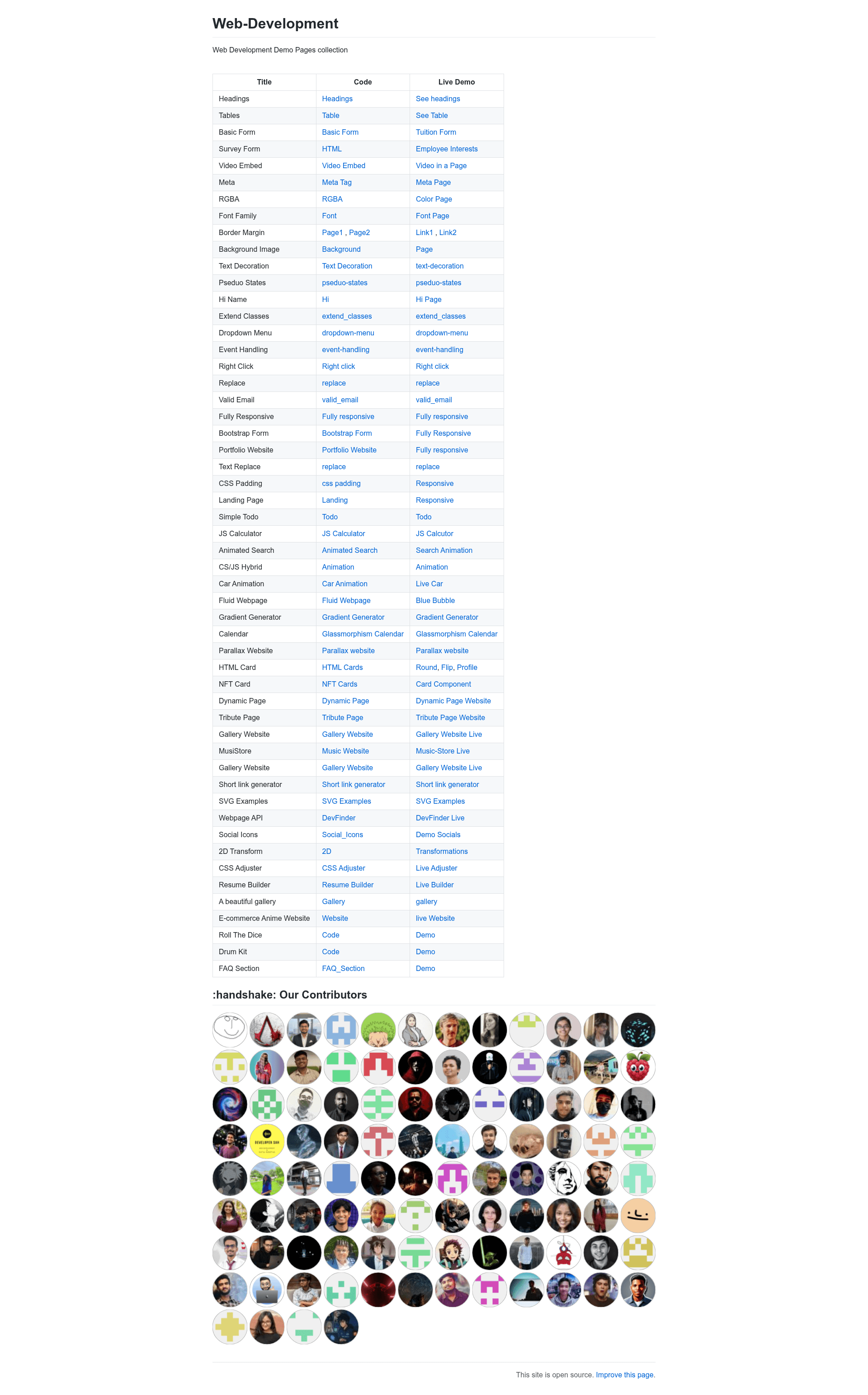
A collection of 70+ web development mini projects built with HTML, CSS, and JavaScript, with code and live demos.
About this template
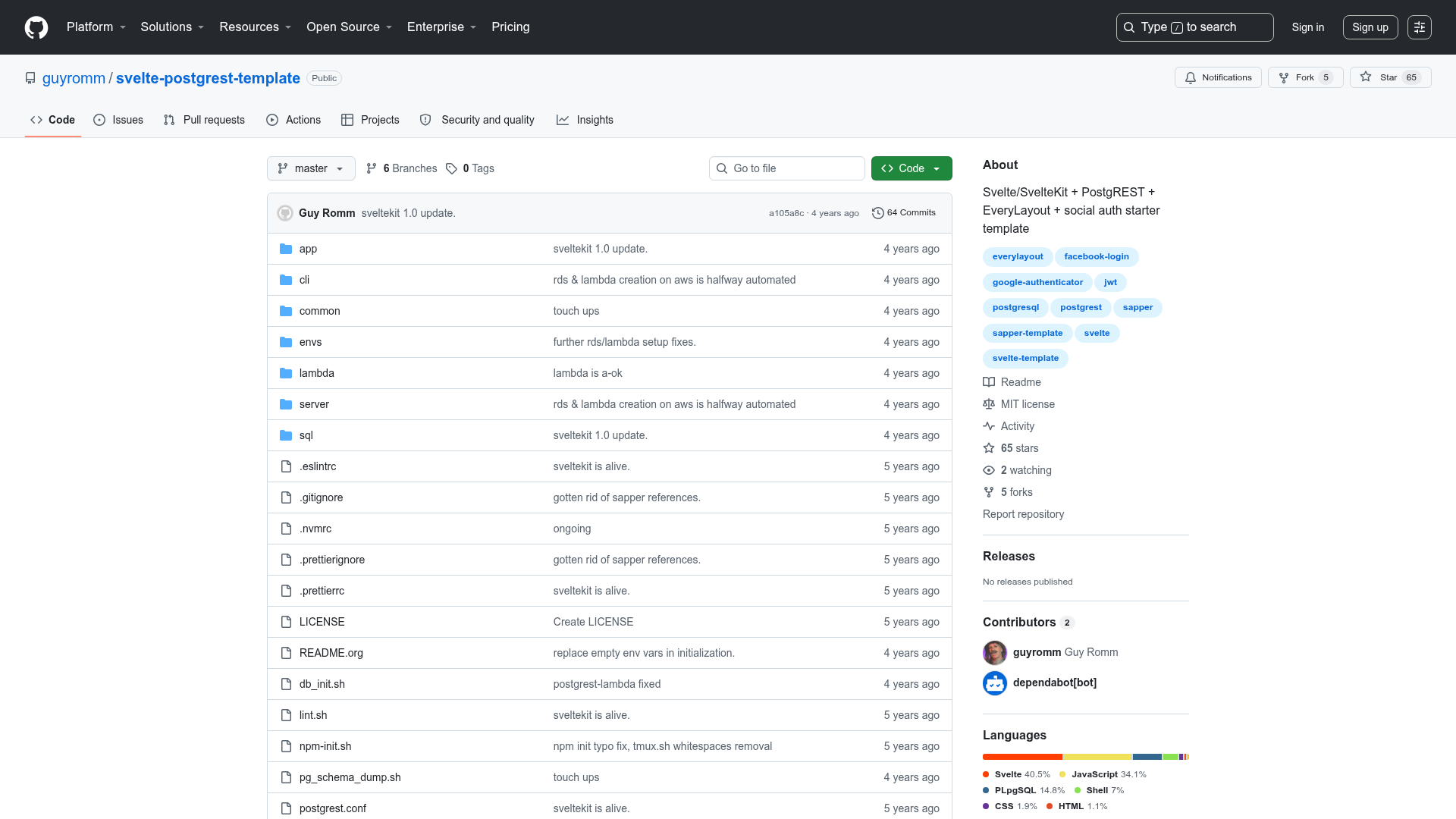
The Web-Development repository is an open-source collection of more than 70 HTML, CSS, and JavaScript mini projects, each listing its source code and a live demo link on GitHub Pages or Vercel.
What is the Web Development collection?
This repository aggregates small, self-contained web development demos — from a Stopwatch and a Survey Form to a Sorting Visualizer and a Wordle Clone — so developers can browse, clone, and learn from working examples. The platform is a GitHub repository, maintained by the community under the leadership of keshavgbpecdelhi, with active contributors listed in MAINTAINERS.md. It takes no input and produces no single output; instead, each entry in the table links to a separate code file and a running demo, covering HTML basics, CSS styling, JavaScript logic, jQuery interactions, and Bootstrap layouts.
The repo currently has over 1,500 stars and is tagged with topics like beginner-friendly, hacktoberfest, and web-development-project, reflecting its role as a learning resource rather than a production template. Many projects also host their demos on GitHub Pages, while a few (like MusiStore and the Stopwatch) use Vercel or Netlify.
Key Features
- Code plus live demo — Every listed project has both a GitHub source link and a clickable demo, so you can run the code and inspect it side by side.
- Covers the core web stack — Examples span plain HTML tables and forms, CSS techniques (RGBA, font-family, borders, margins, pseudo-states, 2D transforms), and JavaScript/jQuery behaviors (event handling, dropdown menus, email validation).
- Framework touches — Several projects use Bootstrap (Fully Responsive page, Bootstrap Form), jQuery (dropdown-menu, event-handling, right-click, replace), and modern CSS like glassmorphism (Calendar) and parallax scrolling (Parallax Website).
- Mini applications — The collection includes full mini apps: a gradient generator, resume builder, text editor, simple todo, JS calculator, age calculator, countdown timer, quote generator, sorting visualizer, and a Wordle clone.
- Clone-friendly — Each project is self-contained in its own folder, making it easy to copy the code, modify it locally, and host it anywhere.
- API integration example — DevFinder shows how to build a webpage that fetches GitHub user data via an API.
Who is it for?
- Web development beginners — Build and modify simple projects to practice HTML structure, CSS styling, and JavaScript basics.
- Teachers and mentors — Use individual demos as classroom examples or exercise starting points.
- Hackathon participants — Grab a ready-made component like a landing page, NFT card, or glassmorphism calendar to speed up prototyping.
- Open-source contributors — Join a Hacktoberfest-friendly repository with over 1,500 stars and a list of maintainers.
What can you do with it?
- Learn by example: Study the code of a specific demo — e.g., open the Meta Tag page to see how meta tags work, or the RGBA color page to see how to use alpha transparency.
- Reuse components: Copy the HTML card variants (round, flip, profile) directly into your own projects.
- Host a polished demo: Deploy any folder, like the Anime Website or Food Ordering Website, to GitHub Pages or Vercel for a quick portfolio piece.
- Practice problem-solving: Try implementing the Sorting Visualizer or the Wordle clone yourself, using the repository as a reference solution.