Template details
Whisper
A minimal open-source documentation theme for Hugo, with Bootstrap 5.3, SCSS pipelines, and a 100/100 Lighthouse score.
About this template
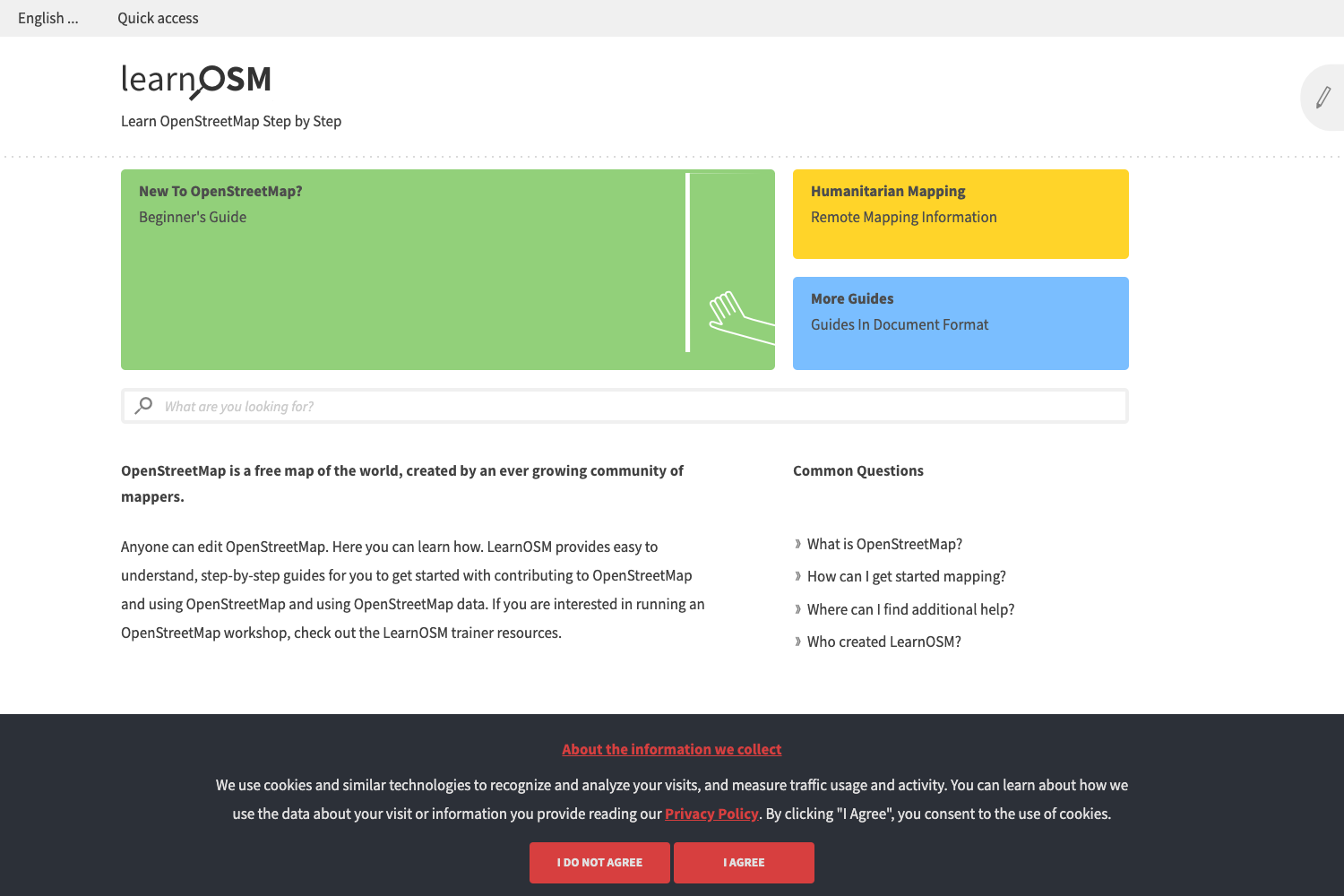
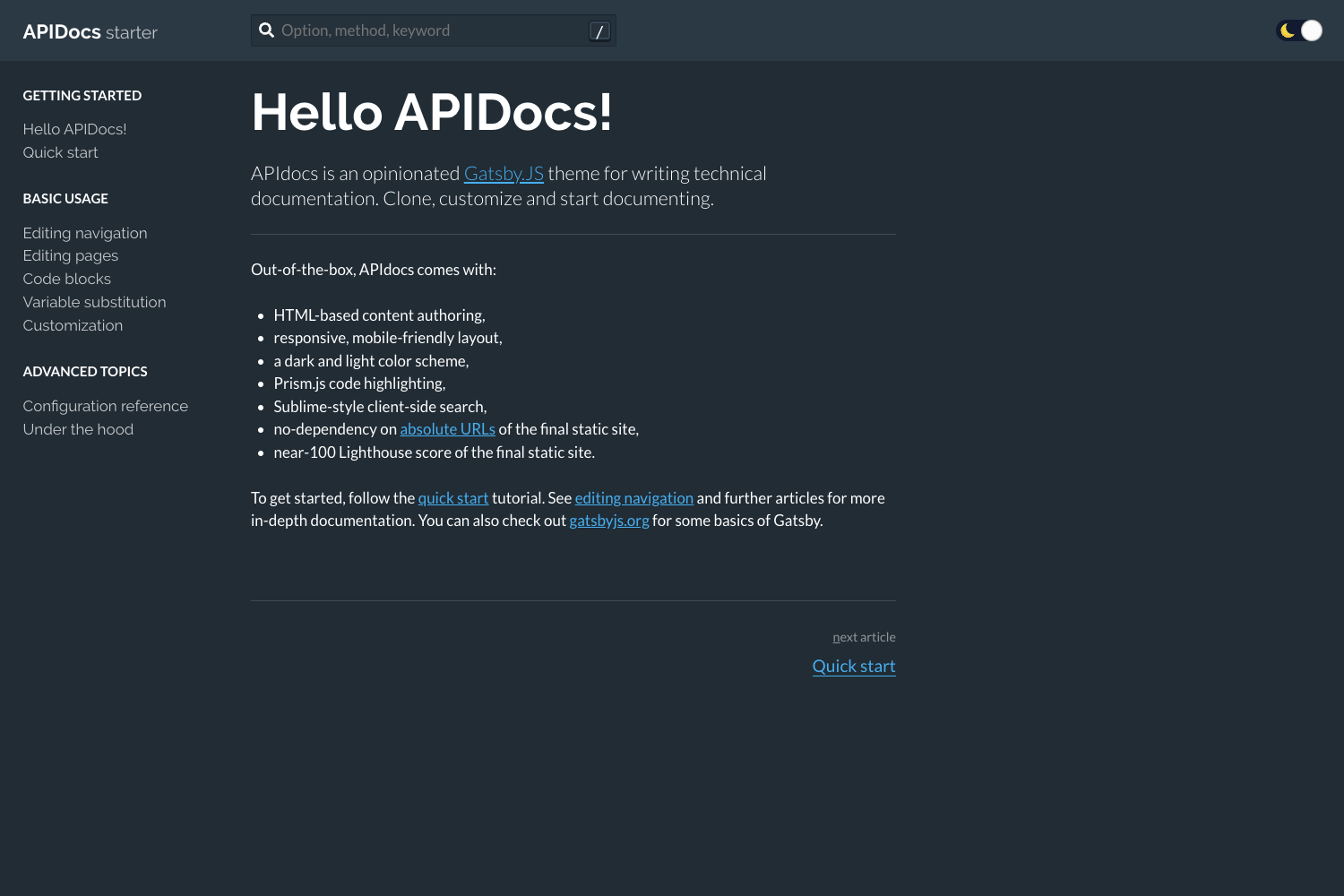
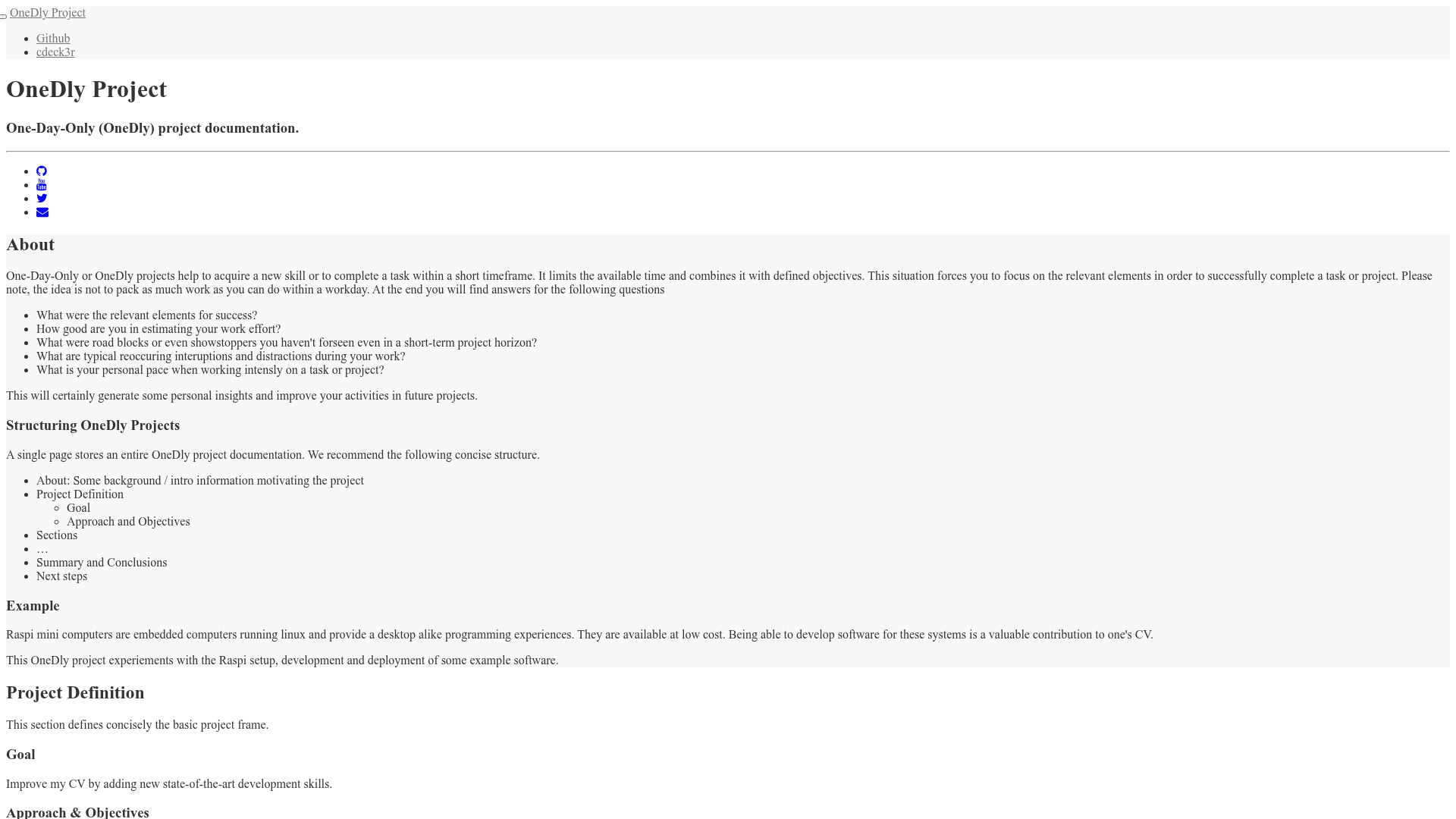
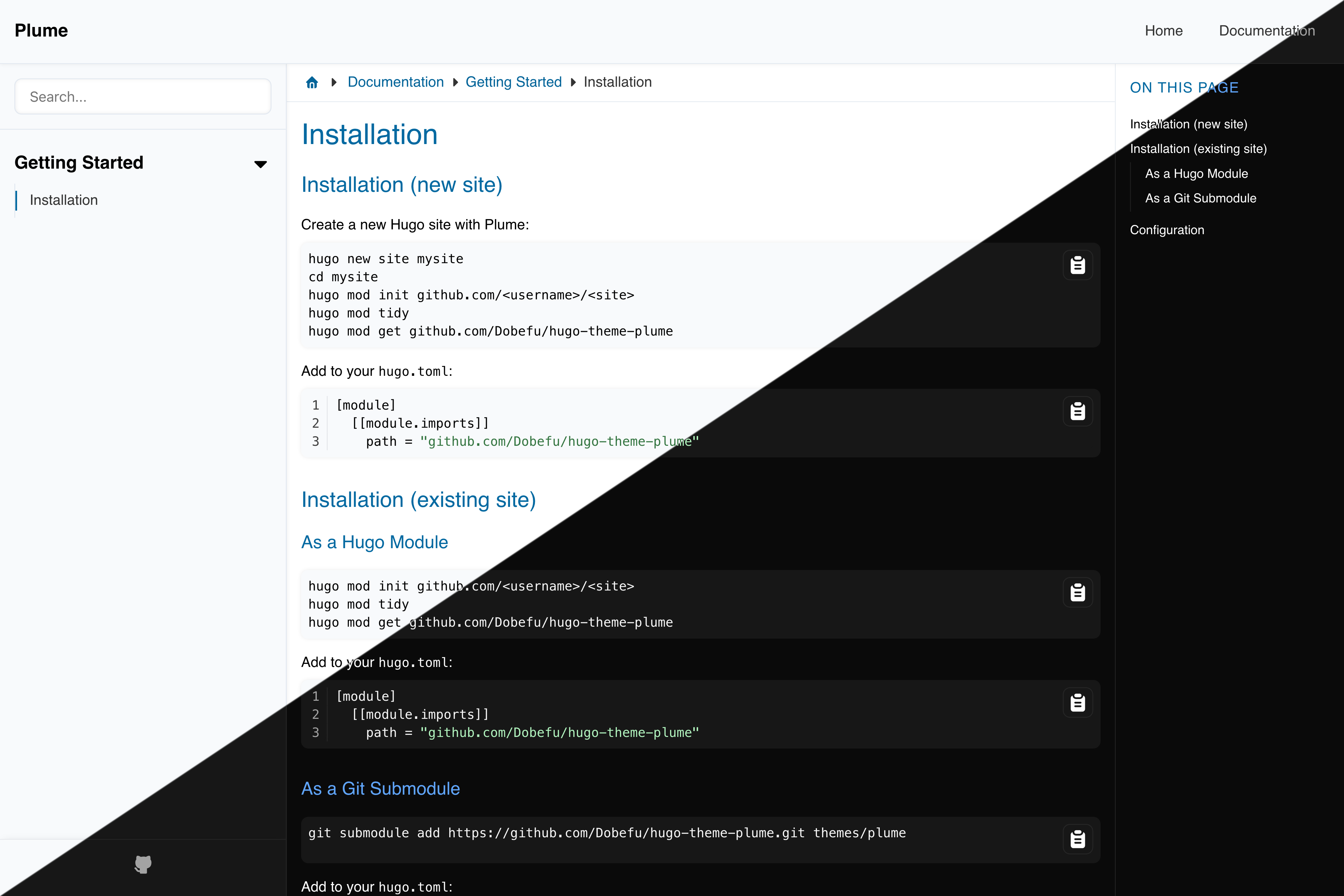
Whisper is a minimal, open-source documentation theme for Hugo that converts Markdown files into a fast, responsive static documentation site.
What is Whisper?
Whisper is a documentation theme built by Zerostatic Themes for the Hugo static site generator. It takes Markdown files placed in the content/docs directory and outputs a browsable documentation site with a dedicated homepage for introducing the project. The theme uses SCSS compiled through Hugo Pipes, so it requires Hugo Extended edition to build.
Key Features
- Docs content type — Generates documentation pages from Markdown files in
content/docs, so you write in plain Markdown and get a structured docs layout. - Homepage — Includes a non-documentation home page you can use to introduce the project, link to docs, or add calls to action.
- Bootstrap 5.3 styling — Responsive layout built on Bootstrap 5.3, giving you a familiar grid and component system out of the box.
- SCSS via Hugo Pipes — Styles are written in SCSS and compiled at build time; requires Hugo Extended to process.
- High performance — Reports a 100/100 Google Lighthouse speed score and ships around 21KB without images, with zero front-end frameworks or libraries (vanilla JS only).
- Responsive mobile menu — Navigation collapses into a hamburger menu on small screens, configured through
config.toml.
Who is it for?
- Open-source project maintainers — Publish project documentation alongside a README without building a custom docs site; just write Markdown and commit.
- Developers who use Hugo — Set up a docs section in an existing Hugo site by copying the example site and pointing the menu at their own content.
- Teams that want a lightweight docs site — Deploy to Netlify quickly: the theme includes a
netlify.tomlconfigured to build from theexampleSitefolder. - Technical writers — Get a minimal, readable docs layout without learning a separate documentation tool; content stays in Markdown in the repo.
What can you do with Whisper?
- Project maintainers: Create a public documentation site for an API, SDK, or library — the homepage introduces the project and the
content/docsfolder holds the docs pages. - Independent developers: Host docs for a side project on Netlify or any static host; Hugo generates the site with one command.
- Hugo users: Add a docs section to an existing Hugo site by cloning the theme into
themes/and copying the example content. - Documentation teams: Maintain versioned docs in the same repository as code, since everything lives in Markdown files under
content/docs.
How does Whisper work?
Set up takes five steps: install Hugo Extended, create a new site with hugo new site mynewsite, clone the theme into themes/hugo-whisper-theme, copy the exampleSite contents to the project root, and run hugo server for local development. The theme's netlify.toml makes Netlify deployment nearly one-click, and each time you run hugo the site is generated as static HTML.
FAQ
Does Whisper require Hugo Extended?
Yes. The theme uses Hugo Pipes to compile SCSS and minify assets, so you need the /extended version of Hugo. Check with hugo version and look for /extended after the version number.
Is Whisper free?
The theme is open-source, and Zerostatic lists it as an open-source documentation theme on its site. There is no paid tier or license fee mentioned.
What content types does Whisper support?
Whisper includes two content types: Docs, which takes Markdown files from content/docs, and Homepage, a standard page used for the site introduction. There is no built-in blog type.
Can I deploy Whisper to Netlify?
Yes. The theme includes a netlify.toml that deploys from the exampleSite folder. If you copy or remove the exampleSite folder after installing, delete that netlify.toml file so the build uses your site root instead.