Template details
HugoBlox Documentation Theme
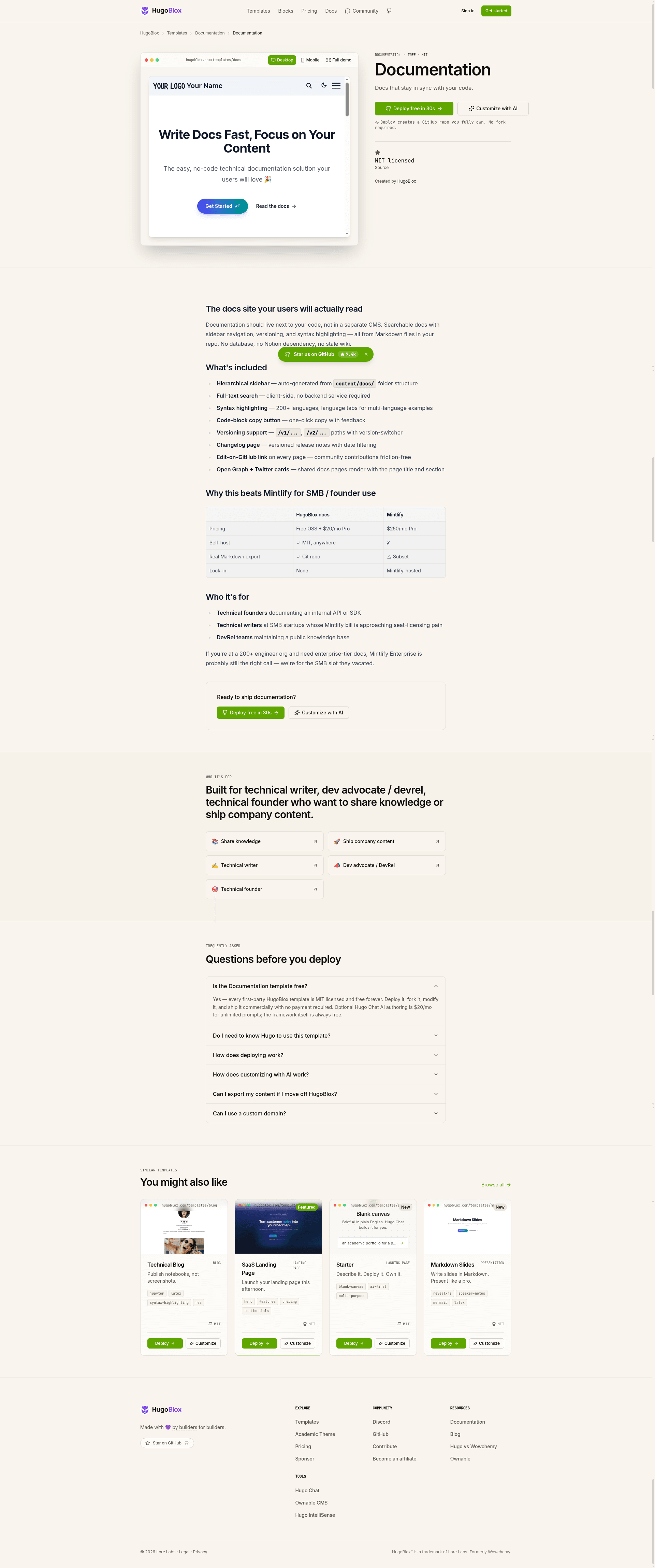
Free Hugo docs theme with sidebar nav, built-in search, syntax highlighting, and AI page generation from Markdown.
About this template
HugoBlox Documentation Theme is a Hugo-based documentation website template from the HugoBlox ecosystem that converts plain Markdown files in your repository into a static docs site with automatic sidebar navigation, built-in search, syntax highlighting, and optional AI page generation.
What is HugoBlox Documentation Theme?
HugoBlox Documentation Theme is a free, MIT-licensed documentation template built on the Hugo static site generator. It takes Markdown files organized in folders as input and produces a static HTML docs site with a nested sidebar, offline search, and code-highlighted content blocks, deployable to GitHub Pages, Netlify, Vercel, or Cloudflare Pages. It is maintained by the HugoBlox team (Lore Labs) and is part of the HugoBlox starter kit ecosystem, which reports over 150,000 sites.
Key Features
- Automatic sidebar navigation — the nested sidebar is generated directly from your folder structure, so no manual menu configuration is needed.
- Built-in search — a site search that works offline and requires no external search service or API key.
- Syntax highlighting — code blocks support over 100 languages and include a copy button for readers.
- Block-based homepage — a drag-and-drop landing page with hero, features, and quickstart sections, all configurable without code.
- Dark and light mode — the site follows the visitor's system color preference with no extra setup.
- AI page generation — Hugo Chat, an AI assistant trained on Hugo and HugoBlox docs, generates structured pages with correct front matter from plain-English requests.
- Visual editing in VS Code — the Ownable CMS extension adds a drag-and-drop block editor inside VS Code, so non-developers can edit pages without touching Markdown.
- Plain Markdown output — every page is a human-readable Markdown file; there is no database, CMS dependency, or vendor lock-in.
Who is it for?
- Open-source maintainers — replace a GitHub wiki with a professional docs site that stays versioned in the repo and hosts free on GitHub Pages.
- Developer tools teams — ship API references, guides, and tutorials in the same repository and PR as the code they describe, so docs update on merge.
- Internal teams — create a knowledge base stored as Markdown, using branches or subdirectories to version documentation alongside releases.
- Solo developers — turn an overgrown README into a searchable multi-page site in about 60 seconds using the browser-based deploy option.
Use cases
- Versioned product docs: maintain separate doc sets for different software versions using Git branches or subdirectories, so users always read the right instructions.
- Public API reference: publish code-heavy documentation with syntax-highlighted examples and a copy button for endpoints and SDKs.
- Team knowledge base: give internal teams a searchable wiki that lives in the code repository, with no separate Notion or Confluence dependency.
- AI-assisted authoring: use Hugo Chat in plain English to generate a "getting started" guide with installation, configuration, and first-steps sections, then fine-tune in Markdown.
How does it work?
To deploy, either launch the template in the browser for a live site in about 60 seconds without installing anything, or run npx hugoblox create site --template documentation with Hugo Extended and Node.js. After deployment, customize pages by describing what you need to Hugo Chat or by opening the project in VS Code with Ownable CMS and dragging blocks into place; content is written as Markdown and deployed on merge.
Pricing
The template is free and open source under the MIT license, and it does not require a hosted platform subscription. The recommended hosts — GitHub Pages, Netlify, Vercel, and Cloudflare Pages — all offer free tiers for static sites, and the page states the site deploys free in 60 seconds.
Alternatives
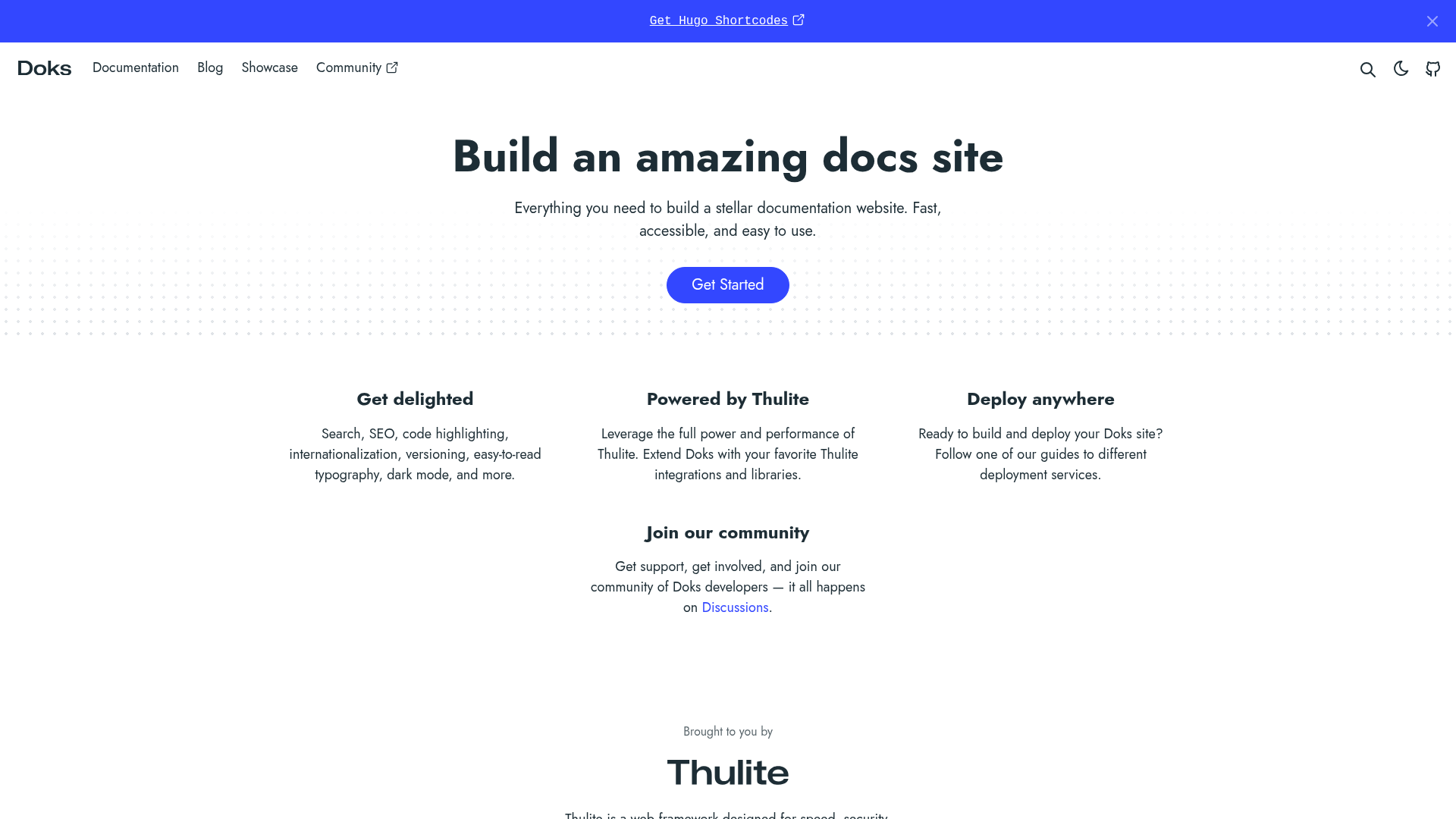
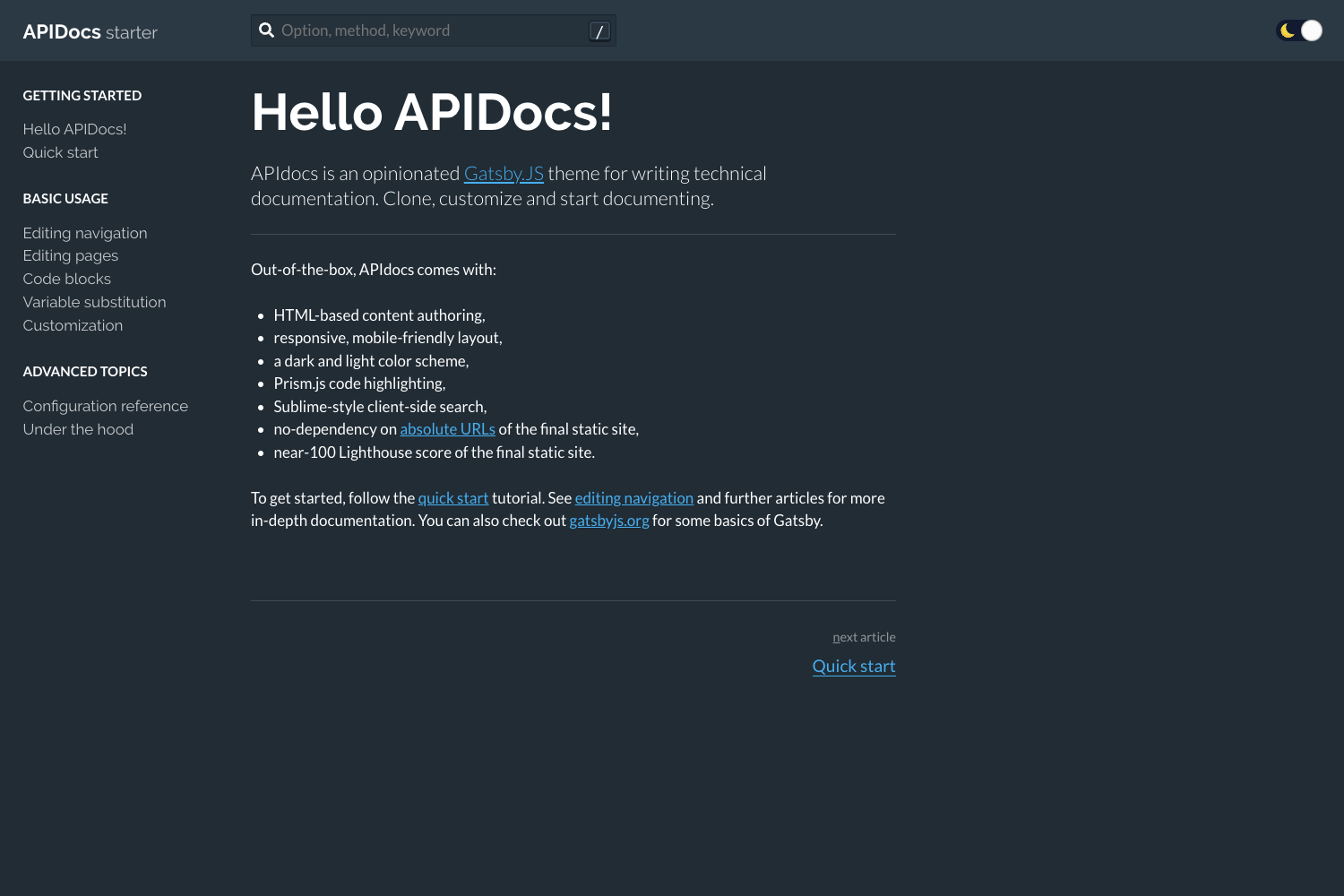
- Docusaurus — a React-based documentation tool that typically requires more npm packages and does not offer AI page generation or a visual editor.
- MkDocs — a Python-based documentation generator that is also free and Markdown-driven, but with a different dependency ecosystem and slower build times on large sites (around 10 seconds for 1,000 pages versus the roughly 1 second claimed here).
FAQ
Do I need to know Hugo?
No. You can edit visually with Ownable CMS in VS Code or write plain Markdown. Hugo runs as the build engine underneath, so you never need to touch Hugo code unless you want to.
Can I keep docs in the same repo as my code?
Yes, and that is the recommended workflow. Documentation files live in the same repository, so a single pull request can update both the code and its documentation at the same time.
Does it support versioned docs?
Yes. The FAQ recommends using branches or subdirectories for version-specific documentation, letting you publish separate docs for each release.
Can I host for free?
Yes. GitHub Pages, Netlify, Vercel, and Cloudflare Pages all have free tiers for static sites, and the template's deploy flow is designed to get a live site running in about 60 seconds.
What's Hugo Chat?
Hugo Chat is an AI assistant trained on Hugo and HugoBlox documentation. You describe what you want in plain English and it generates structured pages with the correct front matter, shortcodes, and blocks for this template. It is free to try.