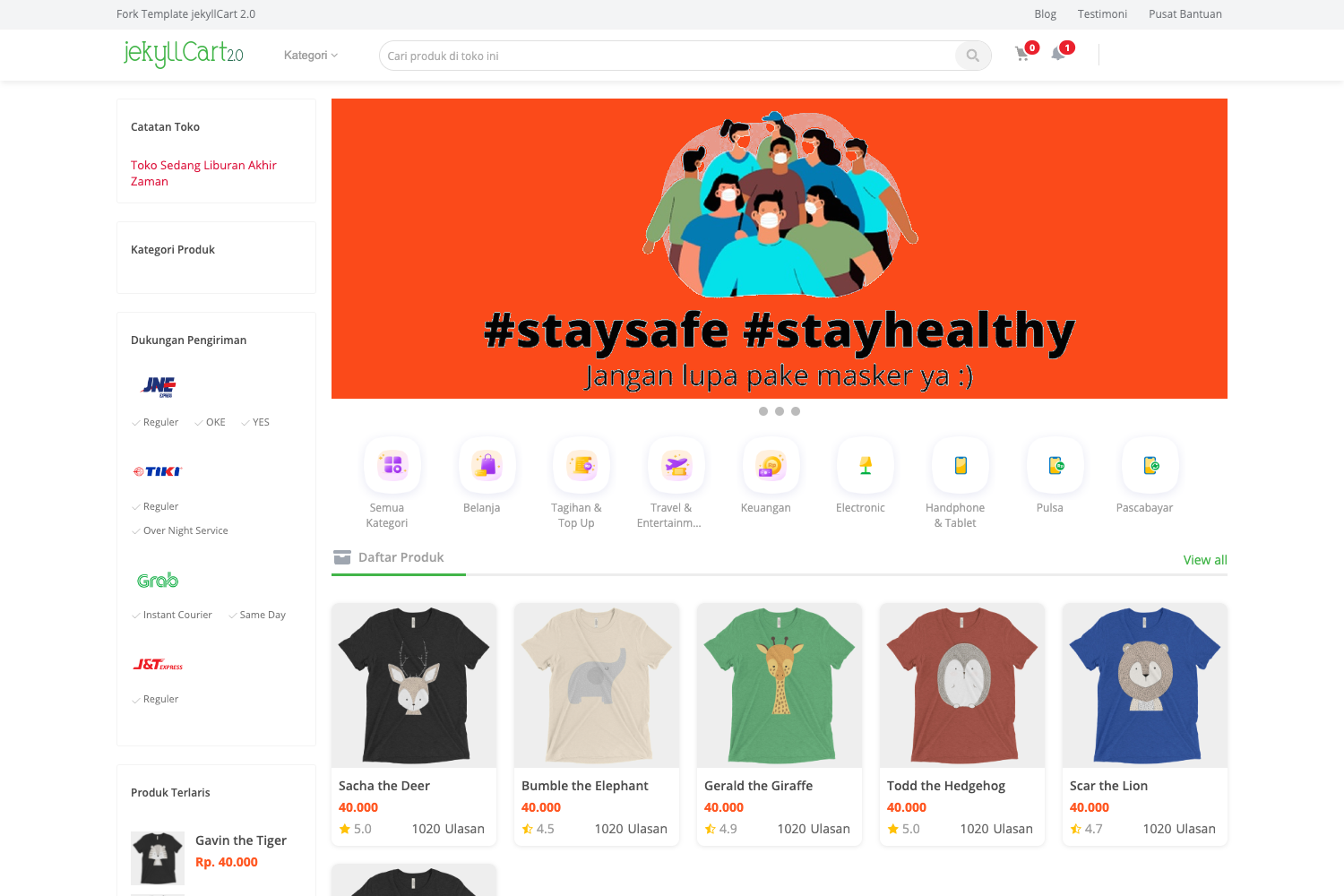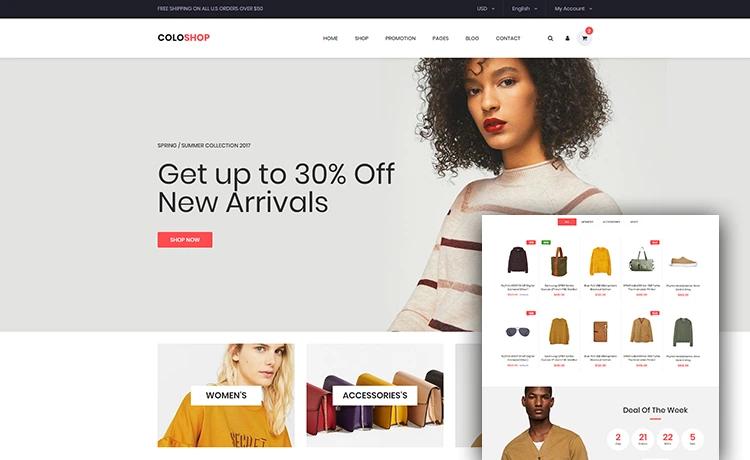
Template details
Shop Nextjs
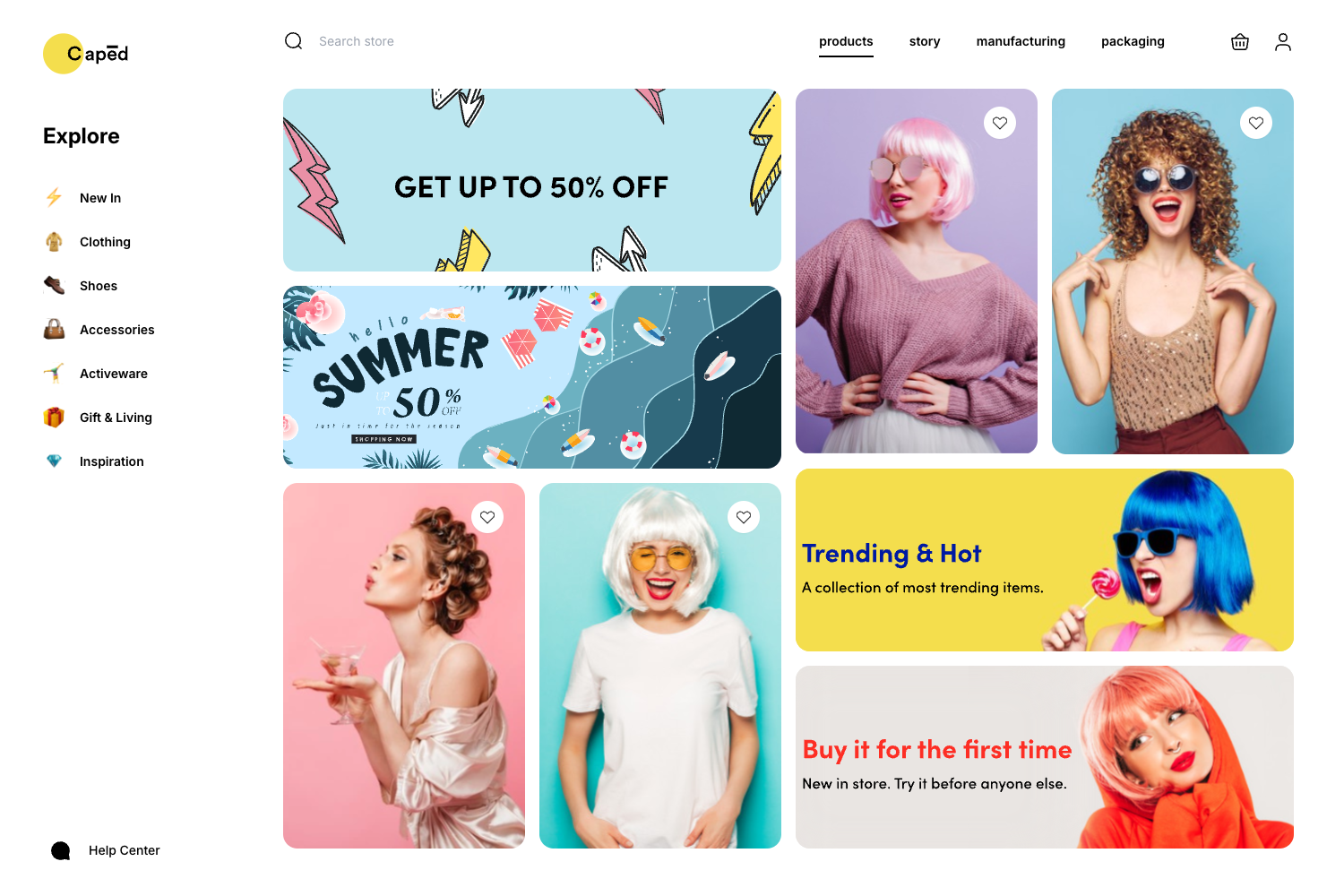
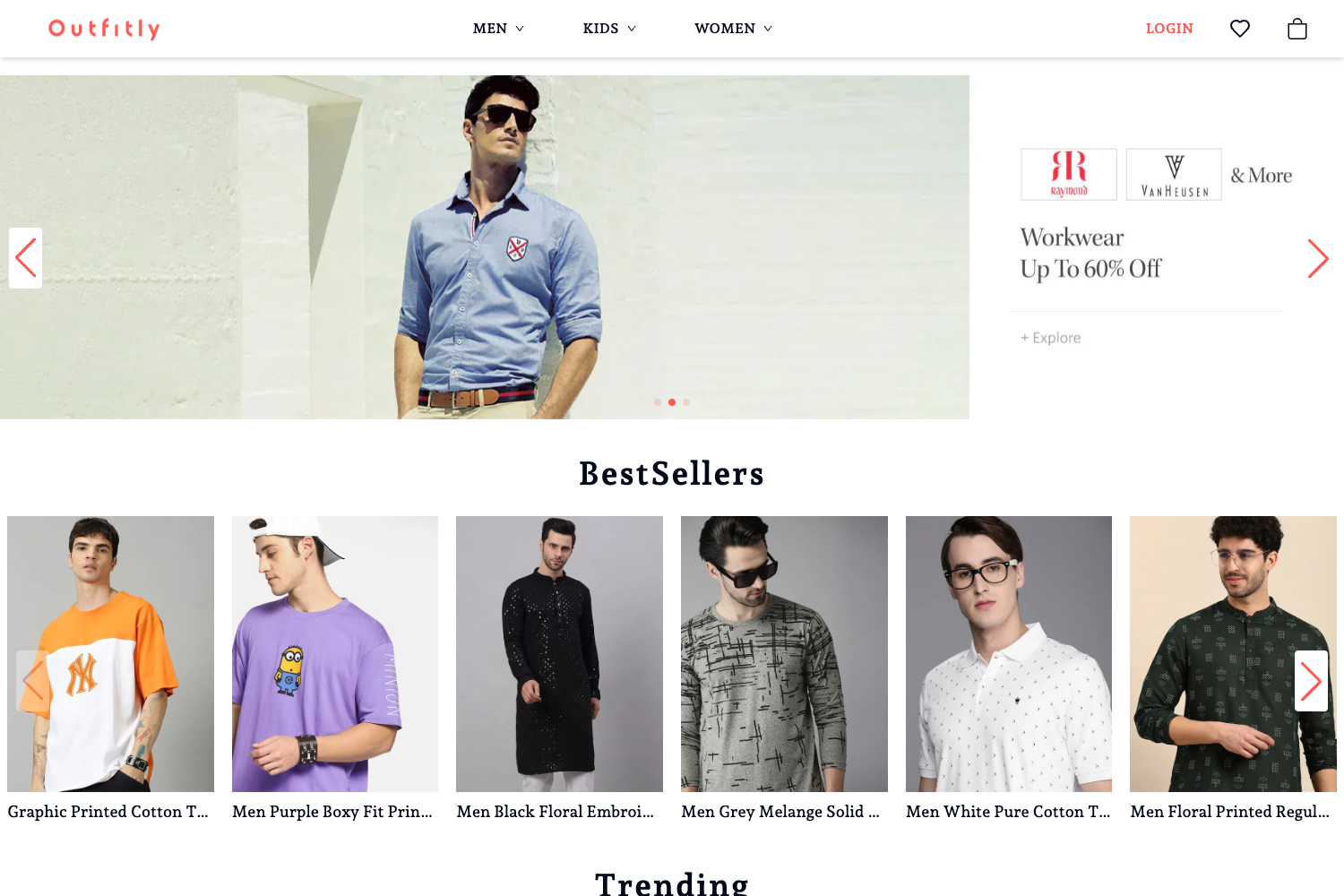
A Next.js starter for an online shop, bootstrapped with create-next-app and using SCSS and Swiper.
About this template
Shop Nextjs is a Next.js starter template for building an online store, bootstrapped with create-next-app and extended with SCSS styling and Swiper for carousels.
What is Shop Nextjs?
Shop Nextjs is a TypeScript-based Next.js repository for an e-commerce storefront. It uses the Pages Router with pages/index.tsx as the entry point and pages/api/hello.ts as a sample API route, and it runs on the Next.js framework. The project was initially created with create-next-app, and its repository metadata lists Swiper and SCSS as additional technologies, making it a customized starting point rather than a bare default template.
Key Features
- Next.js with Pages Router — The template uses the classic pages directory structure, where pages/index.tsx is the homepage and pages/api contains API routes that are mapped to /api/*.
- TypeScript — The repository topics include TypeScript, so the starter is set up with typed components and API handlers for safer development.
- SCSS styling — Source tags indicate SCSS is used, providing a more powerful CSS syntax with variables, nesting, and mixins for the shop interface.
- Swiper integration — The Swiper library is mentioned as a repository topic, which means touch-enabled carousels and sliders are available for product galleries and promotional banners.
- next/font with Inter — The default create-next-app setup uses next/font to automatically optimize and load the Inter Google Font, reducing layout shift and eliminating external font requests.
- Vercel deployment option — The README highlights the Vercel Platform as the easiest way to deploy the app, with a create-new-project flow that imports the repository directly.
Who is it for?
- Developers starting an e-commerce project — They can clone Shop Nextjs to get a working Next.js project with SCSS and Swiper preinstalled, then build product pages, cart, and checkout on top.
- Front-end developers who need sliders — The included Swiper dependency lets them add responsive product carousels without installing it themselves.
- Small business owners with coding skills — They can use the starter as a base for a custom online shop, customizing the pages and styles to match their brand without configuring build tooling.
Use cases
- Building a product catalog: Use the Pages Router to create listing and detail pages, fetching data from a CMS or database via API routes.
- Implementing a shopping cart: Add state management and API endpoints to handle cart operations and persist data between sessions.
- Creating homepage promotions: Take advantage of Swiper to build auto-playing banners or featured product sliders that work on mobile and desktop.
How does Shop Nextjs work?
Clone the repository, install dependencies with npm install (or yarn, pnpm), and run npm run dev to start the development server at localhost:3000. Edit pages/index.tsx to modify the homepage, and the page reloads automatically; API routes live in pages/api and can be accessed at /api/hello.
FAQ
Is Shop Nextjs free to use?
The repository is public with no listed price or commercial license, so it serves as free boilerplate. Next.js itself is MIT-licensed, but if you clone this template, check its own license file to confirm usage rights.
Does Shop Nextjs use the App Router or Pages Router?
The README references pages/index.tsx and pages/api/hello.ts, so it uses the Pages Router. This means routing is file-based under the pages directory, not the newer app directory introduced in Next.js 13.
How do I deploy Shop Nextjs?
The recommended path is Vercel, from the creators of Next.js. You can import the GitHub repository into Vercel and it will build automatically; the Next.js deployment documentation also covers other hosting services.
What dependencies does Shop Nextjs include?
Based on the repository metadata, the template includes Swiper for sliders and uses SCSS for styling, in addition to the standard Next.js and TypeScript setup from create-next-app.