Template details
Simple Hugo Theme
A simple, clean, flexible Hugo theme for content-focused websites with search, multilingual, and series support.
About this template
Simple Hugo Theme is a lightweight Hugo theme for building content-focused static websites with near-zero configuration and built-in search.
What is Simple Hugo Theme?
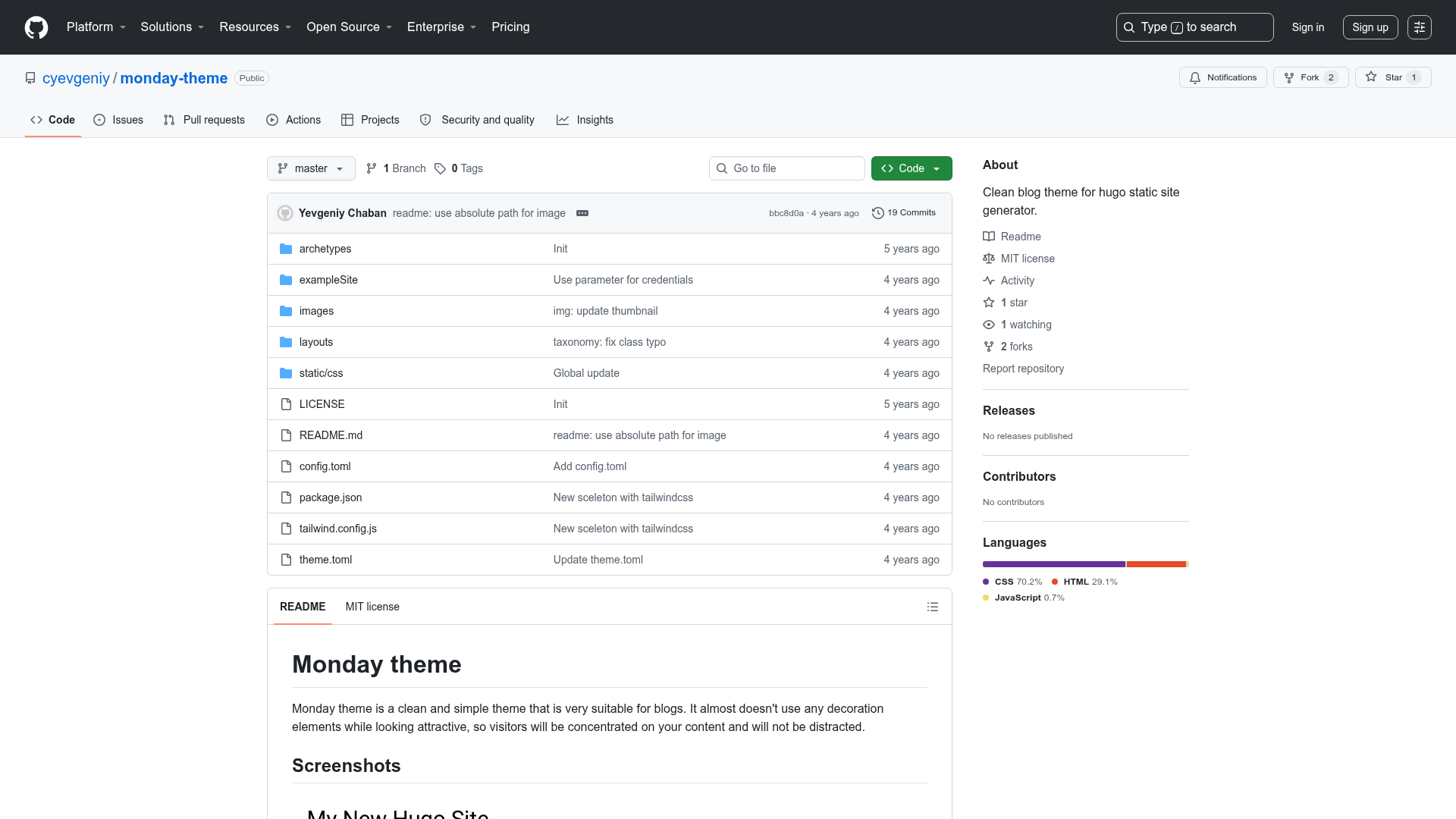
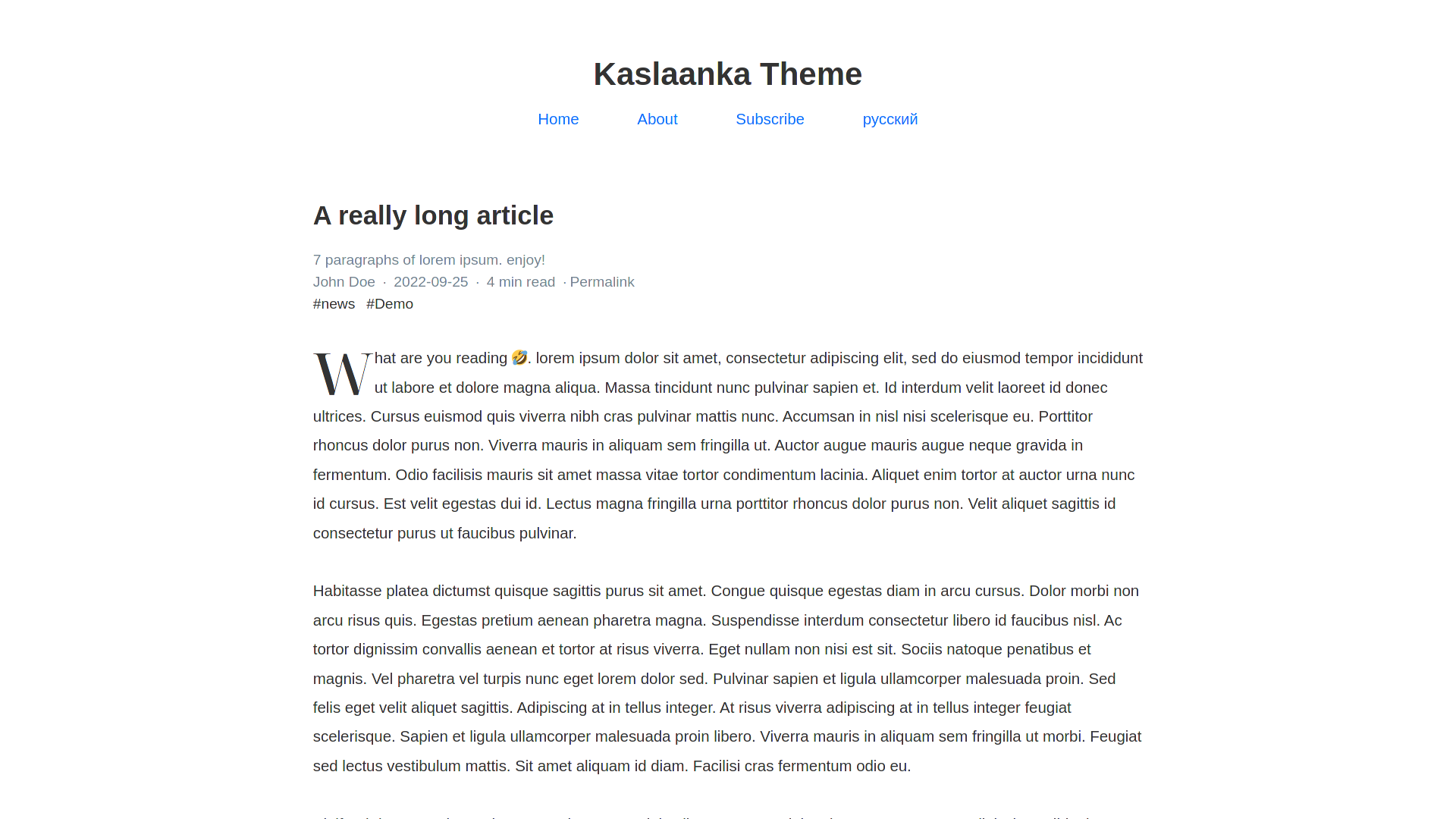
Simple Hugo Theme is a Hugo-based theme that transforms Markdown content into a clean, content-focused static website. It takes standard Hugo content files and renders them into a fast, static site with a minimal design. The theme runs on Hugo, an open-source static site generator known for its build speed. It is distributed as a repository that you can download and place in your Hugo project's themes directory.
The theme's development workflow uses Tailwind CSS, which you compile into a single app.css file using the command npx tailwindcss -i ./assets/css/index.css -o ./static/css/app.css --minify. It also integrates Lunr.js for client-side search, Disqus for comments, and Google Analytics for traffic tracking.
Key Features
Simple Hugo Theme ships with a focused set of features that cover search, multilingualism, comments, analytics, and flexible layout control, all wrapped in a Tailwind CSS design.
- Near-zero configuration — The theme works with a small set of basic params:
title,siteLogo,description,keywords, andauthor, plus menu settings likemaxLevel,maxPages, andexpandAll. - Lunr.js search — Search is built in, and to keep downloads small the index contains only each page's title and summary, not the full content.
- Multilingual support — Add languages in the Hugo config by specifying
contentDir,languageCode,languageDirection, andlanguageName; each language gets its own content directory. - Series taxonomy — Organize tutorial pages into ordered series by setting
seriesandsnin front matter, which lets you present multi-part guides with numbering. - Block shortcode — Customize page layouts by inserting a
blockshortcode in your Markdown, giving you flexible content placement. - Disqus comments — Enable comments by setting a Disqus shortname under
services.disqus.shortname. - Google Analytics — Add your GA4 measurement ID (e.g.,
G-Xxx) underservices.googleAnalytics.IDto track visitors. - Tailwind CSS styling — The theme's design is built with Tailwind CSS; you can regenerate the compiled stylesheet with a single npm/npx command.
Who is it for?
Simple Hugo Theme is best suited to people who want a minimal, fast website for written content—bloggers, tutorial authors, and developers alike.
- Content-focused bloggers — Use it to publish long-form articles with a clean, distraction-free reading experience and a simple navigation menu.
- Technical writers and educators — Build step-by-step online tutorials using the series taxonomy to number and sequence lessons.
- Developers — Quickly scaffold a personal website or project documentation site in Hugo without wrestling with complex theme configuration.
What can you do with Simple Hugo Theme?
With Simple Hugo Theme, you can build everything from a personal blog to a structured multilingual course site using only Markdown and a few YAML configurations.
- Publish a personal blog — Write Markdown posts, set the site title and logo, and get a static site that loads fast and is easy to deploy anywhere Hugo static sites are hosted.
- Create an online course or guide — Use the
seriesfield andsnnumber to order chapters, so learners can follow a logical progression through your tutorial. - Launch a multilingual website — Configure multiple languages with separate content directories and language-specific front matter, and the theme will produce localized pages.
How does Simple Hugo Theme work?
To get started, you install Hugo (either via the official installation guide, or on Windows by downloading the extended edition and adding it to Path, or on Ubuntu with sudo snap install hugo). Then download the theme's code into a folder such as website/, and run hugo server -D --disableFastRender to preview the site at http://localhost:1313/.
From there, add your basic configuration in Hugo's config file: set title, params.siteLogo, params.description, and so on. You can also enable Disqus, Google Analytics, multilingual content, and table-of-contents settings (e.g., starting at level 2 and ending at level 3) using the documented YAML snippets.
FAQ
Does Simple Hugo Theme support search?
Yes. The theme includes Lunr.js-based search, and to keep the downloadable index small it only includes the title and summary of each page, not the full body text.
How do I add comments to my pages?
You enable Disqus by adding a shortname under the services.disqus section of your Hugo configuration. Once set, comment threads appear on your pages.
Can I build a multilingual website with this theme?
Yes. The theme supports multiple languages. You define extra languages in your config with contentDir, languageCode, languageDirection, and languageName, and Hugo will generate pages for each language based on separate content directories.