Template details
Yummy Admin
Free Vue 3 admin dashboard template with Naive UI, Tailwind CSS, full RTL and multilingual support.
About this template
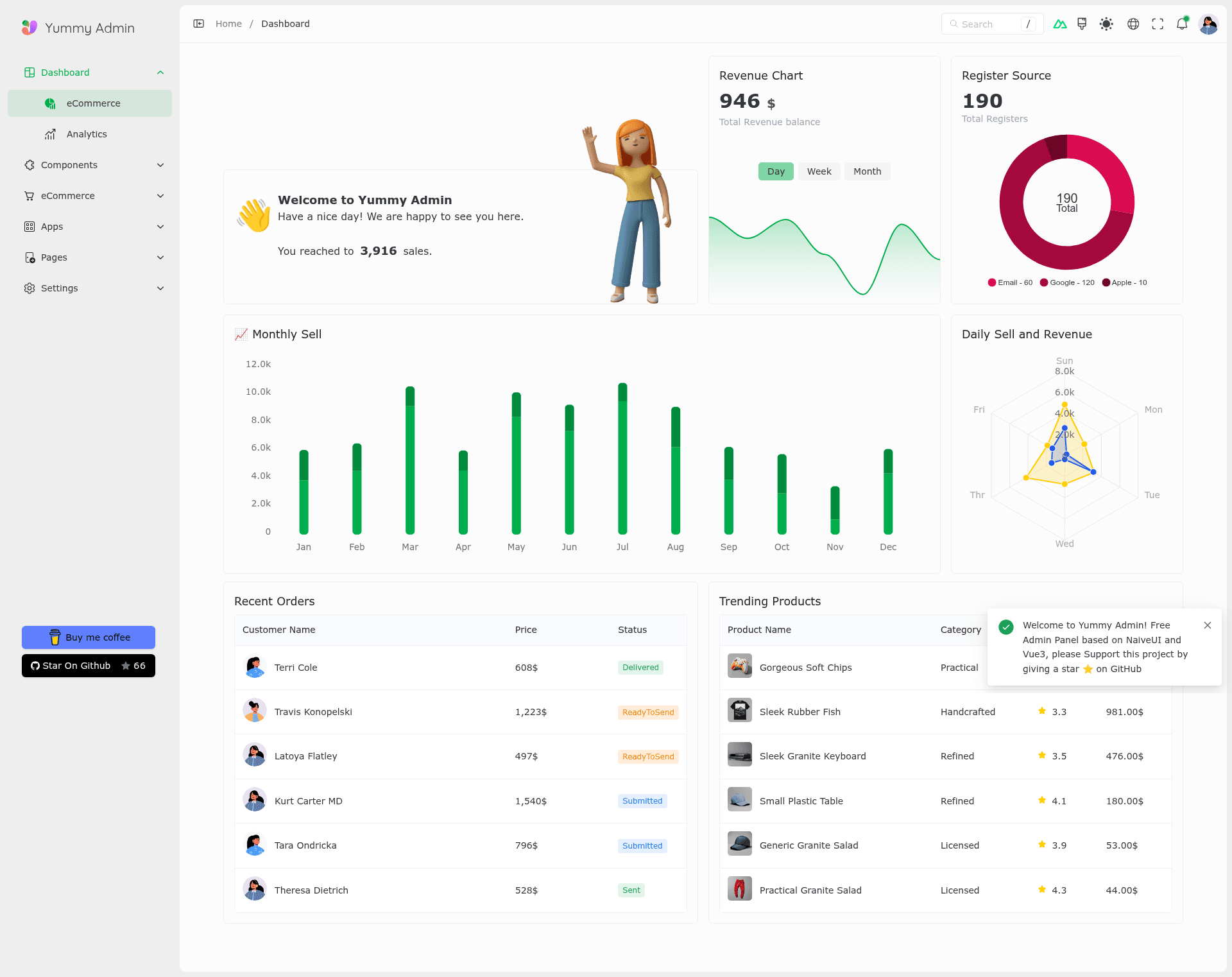
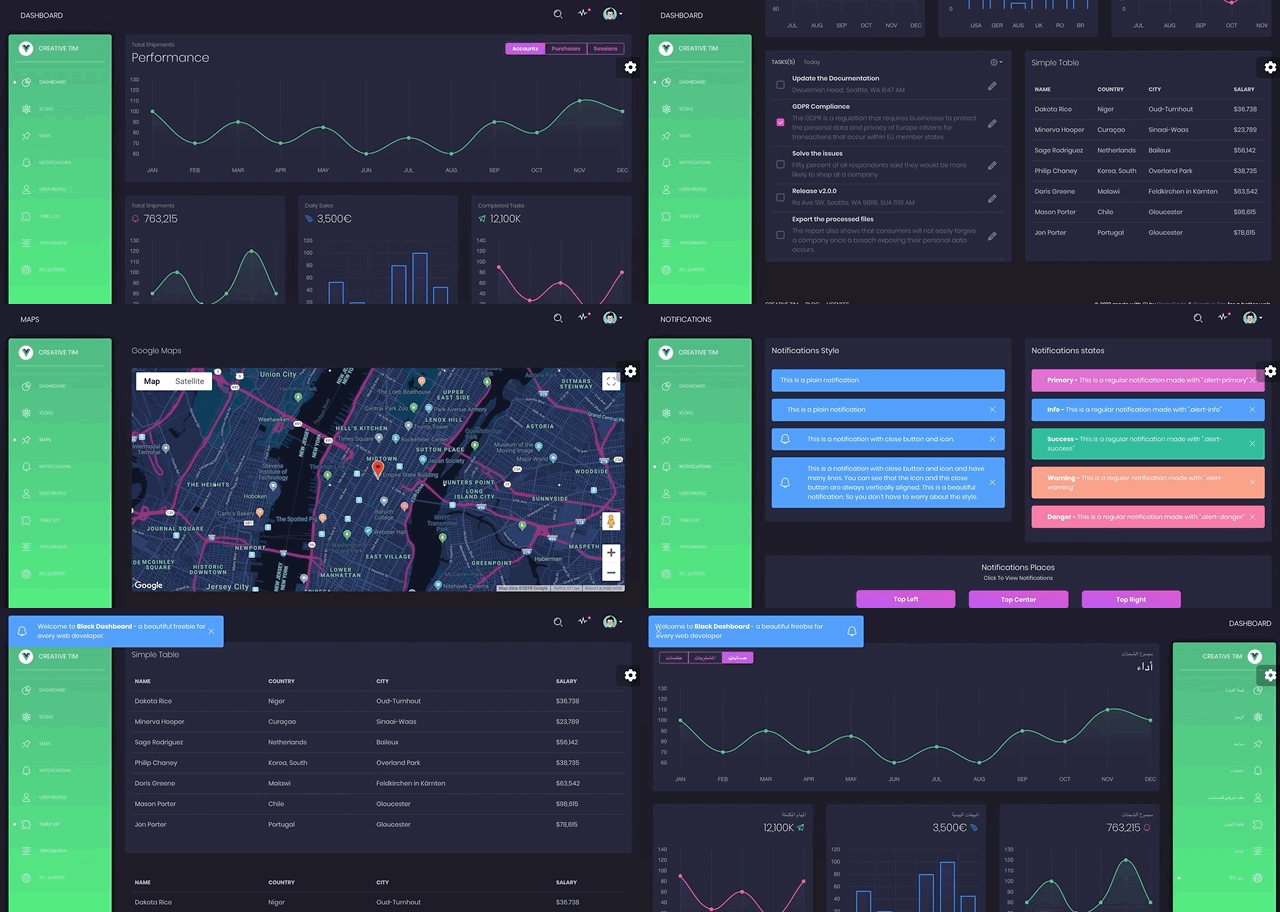
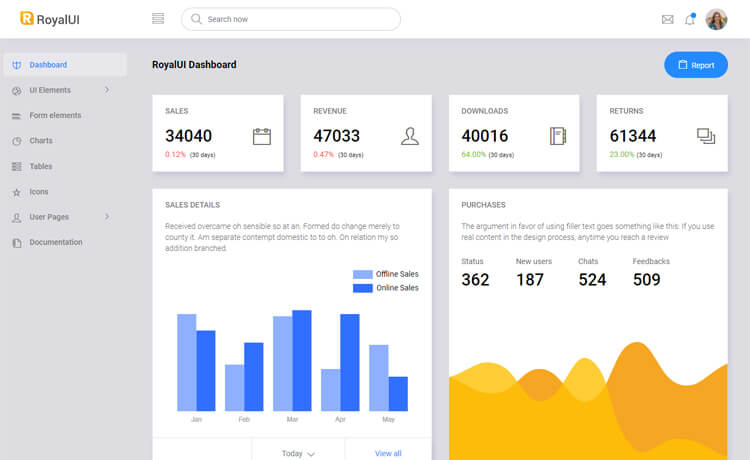
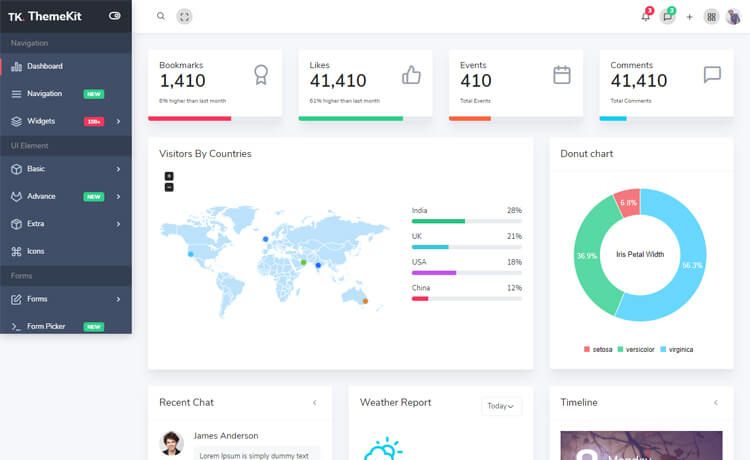
Yummy Admin is a free, open-source admin dashboard template for Vue 3 built on Naive UI and Tailwind CSS, created by doroudi and designed for building eCommerce-style back-office panels with full RTL and multilingual support. It provides a complete set of UI components, pages, and mock data so developers can scaffold a production-like admin panel in minutes.
What is Yummy Admin?
Yummy Admin is a free Vue 3 admin panel template that combines the Naive UI component library with Tailwind CSS utility styling. It takes a fresh Vue project and produces a ready-to-run dashboard featuring products, categories, orders, and customers sections, plus a layout system, file-based routing, and Pinia state management. The template runs on Vite with pnpm as the package manager, and it can be deployed to Netlify with zero extra configuration.
Key Features
- Vue 3 + Vite toolchain — Built on Vue 3 with Vite, esbuild, and pnpm, so the dev server and build pipeline are fast.
- eCommerce-ready sections — Includes pre-built pages for products, categories, orders, and customers, covering typical store management tasks.
- Mock data via MSW and FakerJs — Uses MockServiceWorker to intercept requests and FakerJs to generate realistic data, letting you develop without a backend.
- Full RTL and multilingual support — Ships with I18n and right-to-left layout support, with Persian and Chinese demo translations available.
- File-based routing — Routes are automatically created based on the file structure, reducing manual route configuration.
- Auto-importing components — Components are imported automatically, so you don't need to manually register them in every file.
- Pinia state management — Uses Pinia as the store, giving you a typed and modular state solution for Vue 3.
- One-click Netlify deploy — Connecting the repository to Netlify deploys the app without extra setup.
Who is it for?
- Vue developers who need a starting point for an admin dashboard and want a component-rich UI with built-in mock data to prototype fast.
- Freelance agencies building eCommerce back-office panels for clients, using the pre-built product, order, and customer pages as a base.
- Developers working on multilingual or RTL products who need a template that already handles Persian, Chinese, or other right-to-left languages.
What can you do with Yummy Admin?
- eCommerce store managers: manage products, categories, orders, and customers through pre-built listing and editing pages.
- Frontend developers: use the included MockServiceWorker and FakerJs setup to simulate API responses and develop features without a real backend.
- Product builders: quickly switch between light and dark themes, and change the language via URL parameters like ?lang=fa to test localization.
How does Yummy Admin work?
Clone the template with npx degit https://github.com/doroudi/yummyadmin yummy-admin, install dependencies with pnpm i, then run pnpm dev to start the development server at http://localhost:7000. To build for production, run pnpm build and the output is placed in the dist folder. The project includes a checklist in the README to update the author name, title, hostname, favicon, and clean up demo routes.
Pricing
Yummy Admin is free to use. There are no paid tiers or license fees mentioned in the source. You can clone, modify, and deploy it without cost.
FAQ
Is Yummy Admin free?
Yes, Yummy Admin is a free Vue admin panel template. The source is available on GitHub, and you can clone it with degit or fork it directly.
What version of Node does Yummy Admin require?
Yummy Admin requires Node version 20.0 or higher to run the development server and build commands.
Does Yummy Admin support right-to-left languages?
Yes, it has full RTL support. You can see a Persian demo at https://yummy-admin.netlify.app?lang=fa.
How do I deploy Yummy Admin?
You can deploy it to Netlify with zero configuration by connecting your cloned repository to Netlify. The project includes a netlify badge and the README explains the one-click process.