Template details
Zen Theme
A clean and minimalist Hugo theme for personal blogs with multilingual support.
About this template
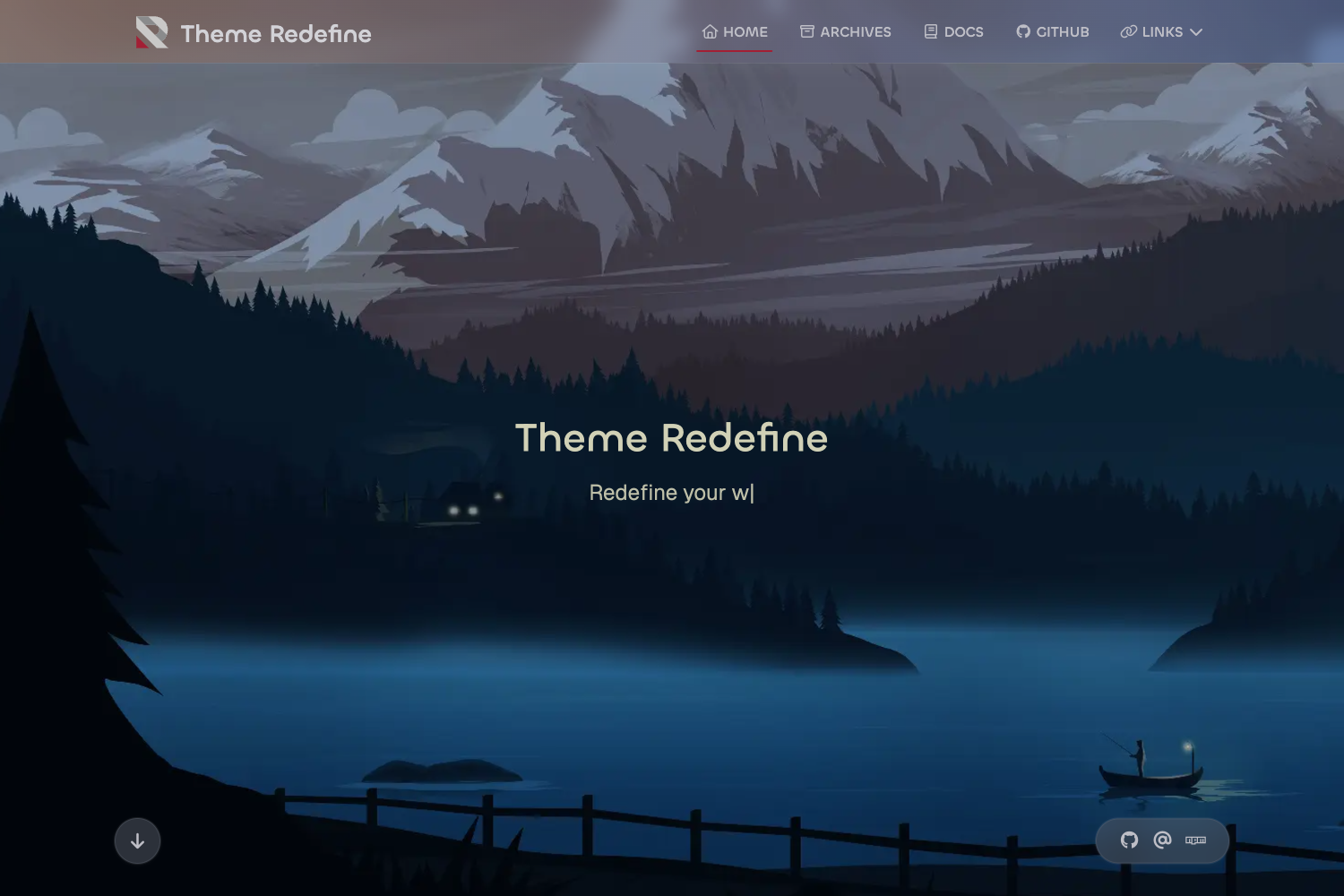
Zen Theme is a clean, minimalist Hugo theme built for personal blogs, with bilingual English/Chinese support, dark mode, and built-in search.
What is Zen Theme?
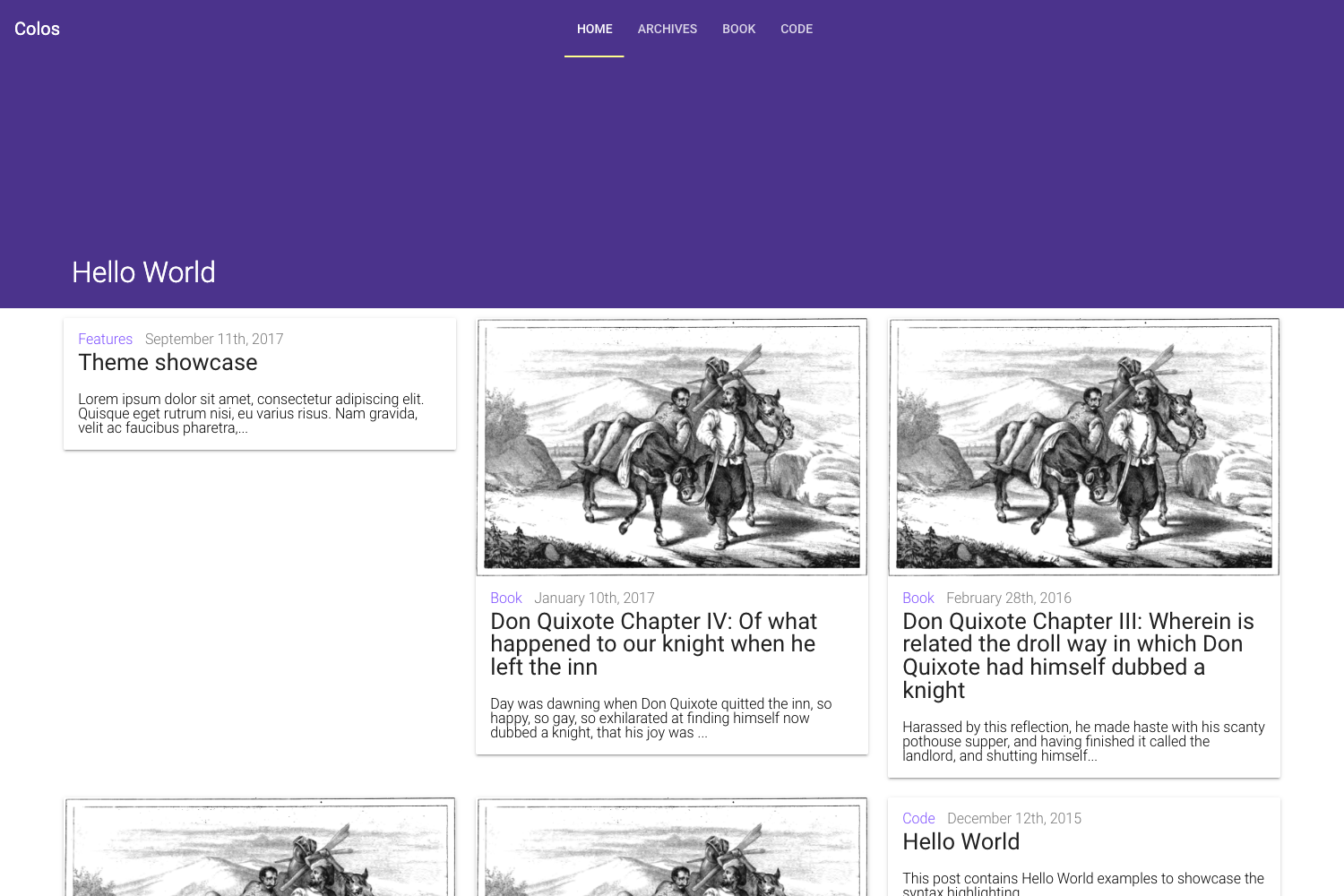
Zen Theme is a Hugo theme that transforms site content into a responsive personal blog. It is developed and maintained in the zenpe/zen GitHub repository, where the repository metadata describes it as a "hugo theme test" and currently has 2 stars. The theme takes Hugo markdown content and outputs a static blog with an archive page, search, and social media integration, and is released under the MIT license.
Key Features
Zen Theme includes a core set of features for a fast, minimal blog experience. The feature list below is taken directly from the project README.
- Responsive design — The layout adapts to desktop and mobile viewports.
- Multilingual support — English and Chinese are included; content can be written in both languages with language toggle.
- Dark mode support — Users can switch between light and dark color schemes.
- Archive with monthly navigation — The archive page groups posts by month for chronological browsing.
- Built-in search functionality — A search feature lets readers find posts without needing an external search engine.
- Comment system integration (Waline) — The theme supports the Waline commenting service for discussion on posts.
- SEO optimized — Includes SEO-friendly markup and metadata for better search engine visibility.
- Fast loading times — As a static Hugo site, pages are pre-rendered and load quickly.
Who is it for?
Zen Theme targets personal bloggers and Hugo users who want a simple, bilingual static site. Specific audiences include:
- Personal bloggers — A minimal, content-first layout is suited for writers publishing in English, Chinese, or both.
- Hugo developers — Installation uses
git submodule, and a complete example configuration is provided inexampleSite/config.toml. - Open-source contributors — The MIT license permits reuse, and the repository welcomes pull requests; major changes start with a discussion in an issue.
What can you do with Zen Theme?
Zen Theme supports several practical content workflows for a personal blog. In particular, you can:
- Run a bilingual blog — Publish posts in English and Chinese and let readers switch language versions.
- Add comments without a third-party widget — Connect a Waline instance to the theme for lightweight comment integration.
- Let readers search your archive — Use built-in search and the monthly navigation to explore historical posts.
- Customize the theme — Modify source under the MIT license and submit changes upstream.
How does Zen Theme work?
The theme is installed by running git submodule add https://github.com/zenpe/zen.git themes/zen inside your Hugo site directory, then setting theme = "zen" in config.toml. The exampleSite/config.toml file contains a complete configuration example, so new sites can copy it and adapt variables like language settings and social links.
FAQ
Is Zen Theme free?
Yes, Zen Theme is released under the MIT license, so it is free to use, modify, and redistribute for personal or commercial projects.
What languages does Zen Theme support?
The theme has built-in support for English and Chinese, which is the main multilingual pairing. The README is provided in both languages on GitHub.
How do I install Zen Theme?
Add the theme as a Git submodule with the command git submodule add https://github.com/zenpe/zen.git themes/zen, then set theme = "zen" in your Hugo config file.
Does Zen Theme have a comment system?
Yes, it integrates with Waline, an open-source commenting service. That integration allows readers to post comments on blog entries through the theme.
Who develops Zen Theme?
The theme is maintained by the GitHub account zenpe. The repository is named zenpe/zen, and the project currently has 2 stars.