Template details
11ty-twind
A starter kit combining 11ty, Twind, Alpine.js, and esbuild for static sites.
About this template
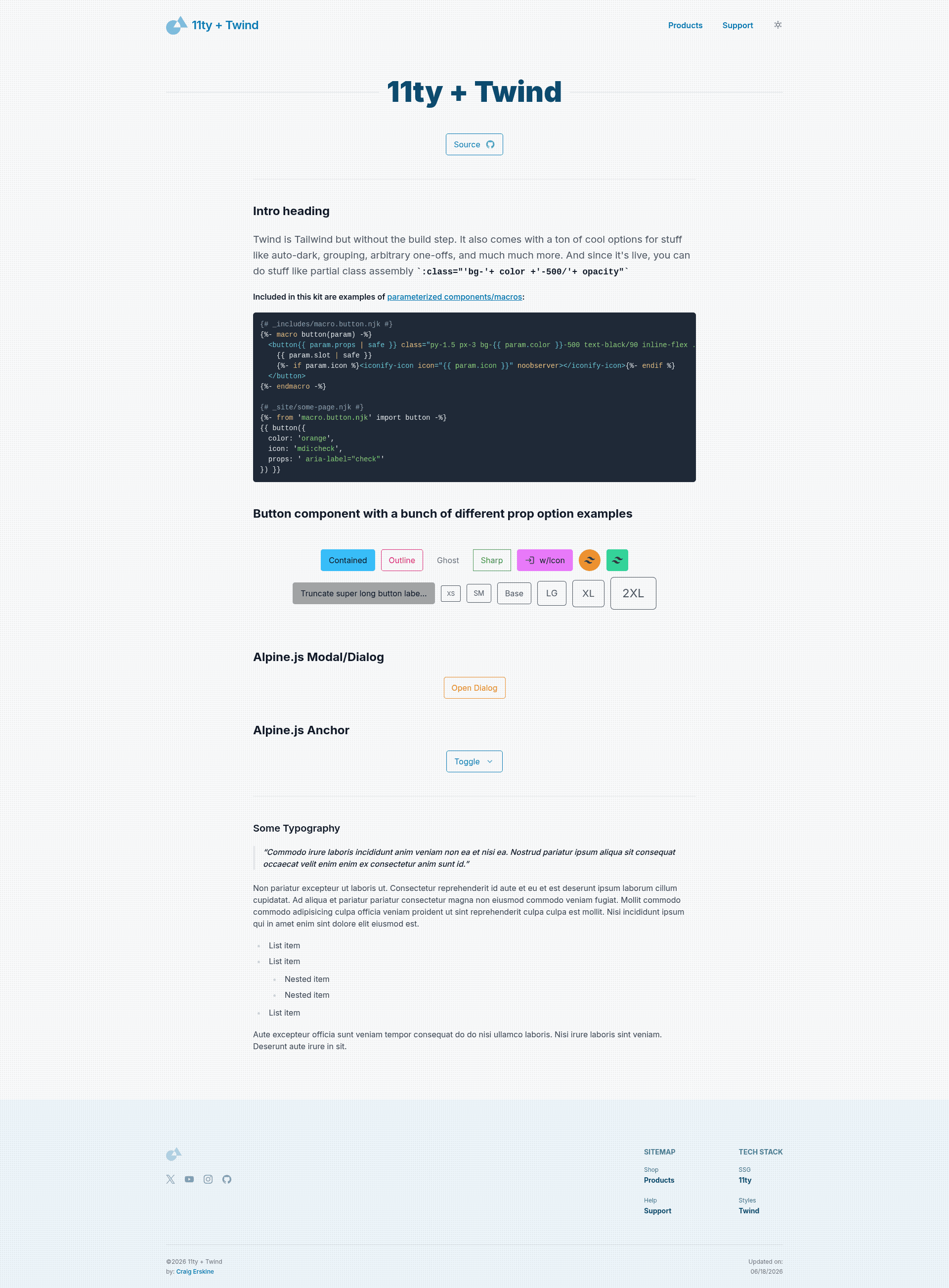
11ty-twind is a starter kit that combines the Eleventy static site generator, Twind for utility-first CSS, Alpine.js for interactivity, and esbuild for bundling into a single static-site workflow.
What is 11ty-twind?
11ty-twind is a boilerplate project for building static websites with the 11ty site generator. It takes Markdown content and template files as input and produces static HTML, CSS, and JavaScript as output. The kit runs on Node.js and is designed to be cloned and customized, with the live demo hosted on GitHub Pages at craigerskine.github.io/11ty-twind/.
Key Features
- Eleventy (11ty) — compiles Markdown and templates into static HTML without a client-side framework.
- Twind with auto dark mode — a Tailwind-compatible atomic CSS engine that applies utility classes at runtime and automatically switches dark mode based on the visitor's system preference.
- Alpine.js integration — adds lightweight interactivity, including the official Focus plugin and a custom tooltip directive (
x-tooltip). - Iconify web component — lets you embed icons from icon sets directly in your templates.
- instant.page — preloads destination pages on hover so navigation feels instant.
- esbuild bundler — bundles JavaScript and CSS with fast build times.
- Ready-to-use checklist — the readme lists every included feature, so setup expectations are explicit.
Who is it for?
11ty-twind suits front-end developers who want a minimal 11ty setup with Tailwind-style utilities but no PostCSS configuration. It also fits designers who need Alpine.js components like tooltips and focus management without installing a heavier framework. Anyone building a personal site, blog, or marketing page on 11ty can use this starter to skip initial wiring.
What can you do with it?
- Static site developers: get a pre-wired project with 11ty, Twind, Alpine.js, and esbuild, so you can start writing Markdown content immediately.
- Designers who know Tailwind classes: style components using Twind's Tailwind-compatible utility classes without setting up a CSS build pipeline.
- Prototypers: use the included Iconify and Alpine.js tooltip to assemble interactive components quickly and preview the result on GitHub Pages.
FAQ
Does 11ty-twind use Tailwind CSS?
No. It uses Twind, a runtime engine that accepts Tailwind-class utility names. There is no PostCSS build step for CSS; classes are generated on the fly in the browser.
How does auto dark mode work?
Twind's auto dark mode uses the visitor's operating system color scheme via the prefers-color-scheme CSS media query, so no manual toggle is required.
Is there support for Alpine.js tooltips?
Yes. The starter includes a custom tooltip directive: x-tooltip accepts a string and displays it as a tooltip, powered by Alpine.js and the Focus plugin.
How do I add icons?
Use the Iconify web component inside any template and set the icon attribute to an icon name. The component fetches the SVG icon on demand from the Iconify API.